Gaming PC Cases
Some links are Amazon affiliate links: we earn a commission if you buy, at no extra cost to you, and it never changes what we recommend. How we make money
PC cases with good airflow for every size of build.
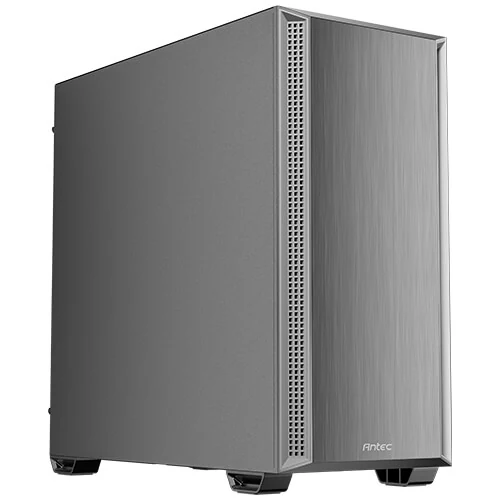
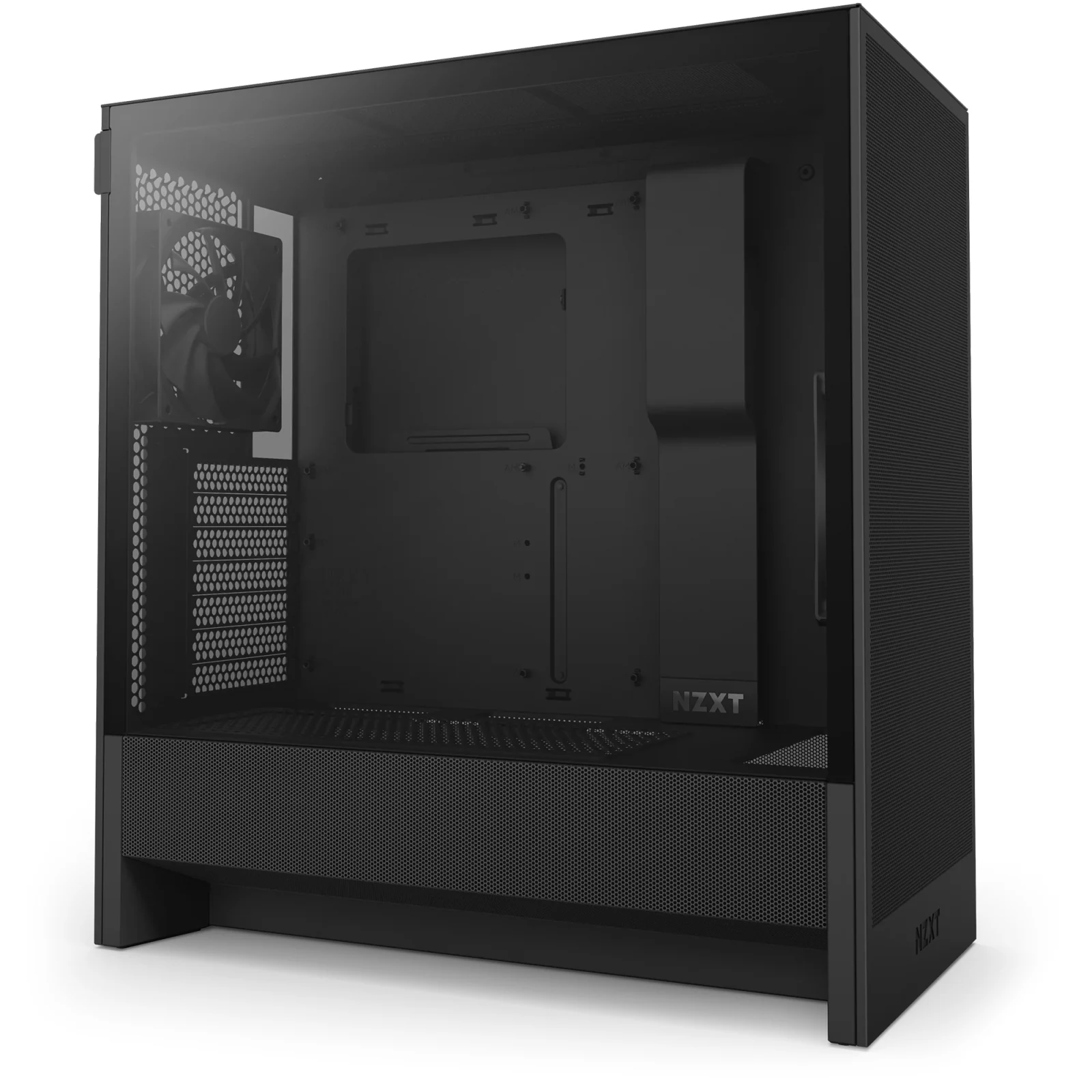
What to look at before you buy
Measure what goes inside before you look at the outside. Every case lists the longest graphics card, the tallest air cooler and the largest radiator it takes; on the cases we list that is 375 to 440 mm for the card, 175 to 180 mm for the cooler and up to 360 mm for a radiator. Check those three figures against your parts, along with the motherboard sizes the case supports (E-ATX, ATX, Micro-ATX or Mini-ITX).
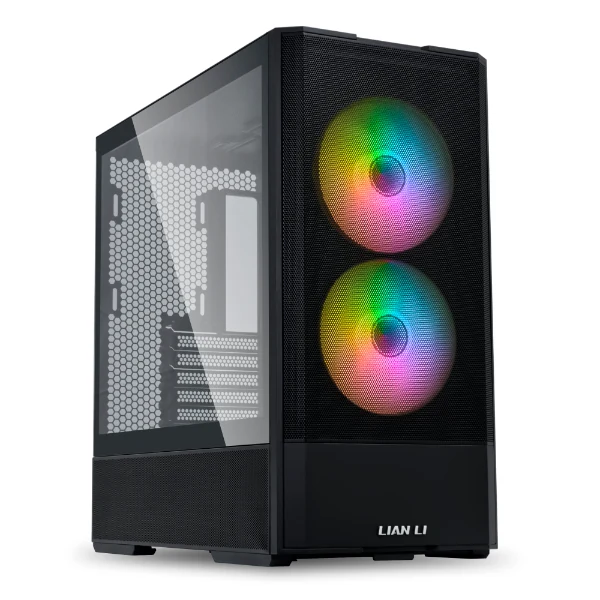
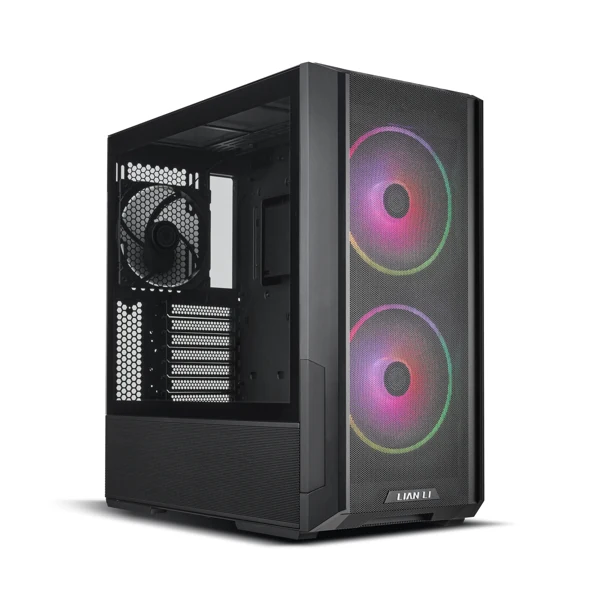
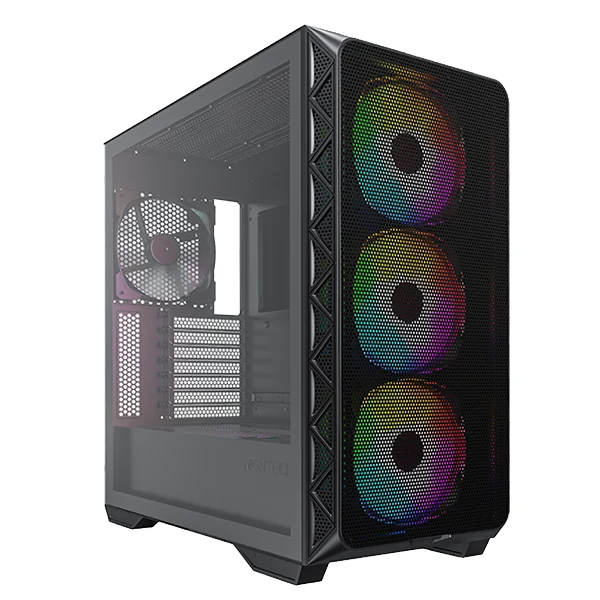
Airflow comes next. A mesh or perforated front lets the fans pull in air freely, while a solid glass front looks clean but depends on side or bottom intakes. Count the fans included, three or four on these models, and the mounting points left for more.
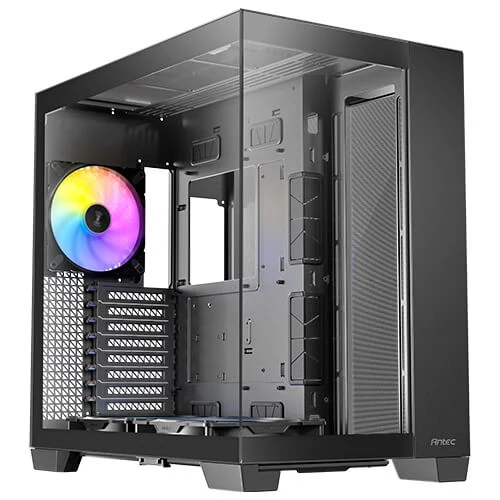
Then the practical details. A dual-chamber layout hides the power supply and cables behind the motherboard tray, drive bays only matter if you still use hard drives, and glass panels show off the build but add weight. The Will it fit? tool on this page checks the measurements against your own parts.
Tools that help you choose
Guides for this category
Frequently asked questions
Will my graphics card fit in my case?
Compare the card's length with the case's maximum GPU length, both in millimeters on the makers' spec sheets, and leave some room for the power cable that plugs into the card. Check the card's thickness as well if you plan a vertical mount. Our Will it fit? tool runs the check with official measurements.
Is a mesh front case better for gaming?
For cooling, usually yes: a mesh or perforated front lets the intake fans pull air with less restriction, which helps keep the graphics card and processor cooler at the same fan speed. A glass-front case can still work well if it has side or bottom intakes, so check where the air comes in before you decide.
How many fans should a gaming PC case have?
A common starting point is two front intakes and one rear exhaust, and many cases ship with three or four fans already installed. More fans help with a hot graphics card, but past a point they add more noise than cooling. Our case fans guide goes through how many you need and where they go.