Gaming Laptops
Some links are Amazon affiliate links: we earn a commission if you buy, at no extra cost to you, and it never changes what we recommend. How we make money
Gaming laptops with dedicated GeForce RTX graphics, high-refresh displays and cooling built for long sessions, from budget picks to premium ultraportables.
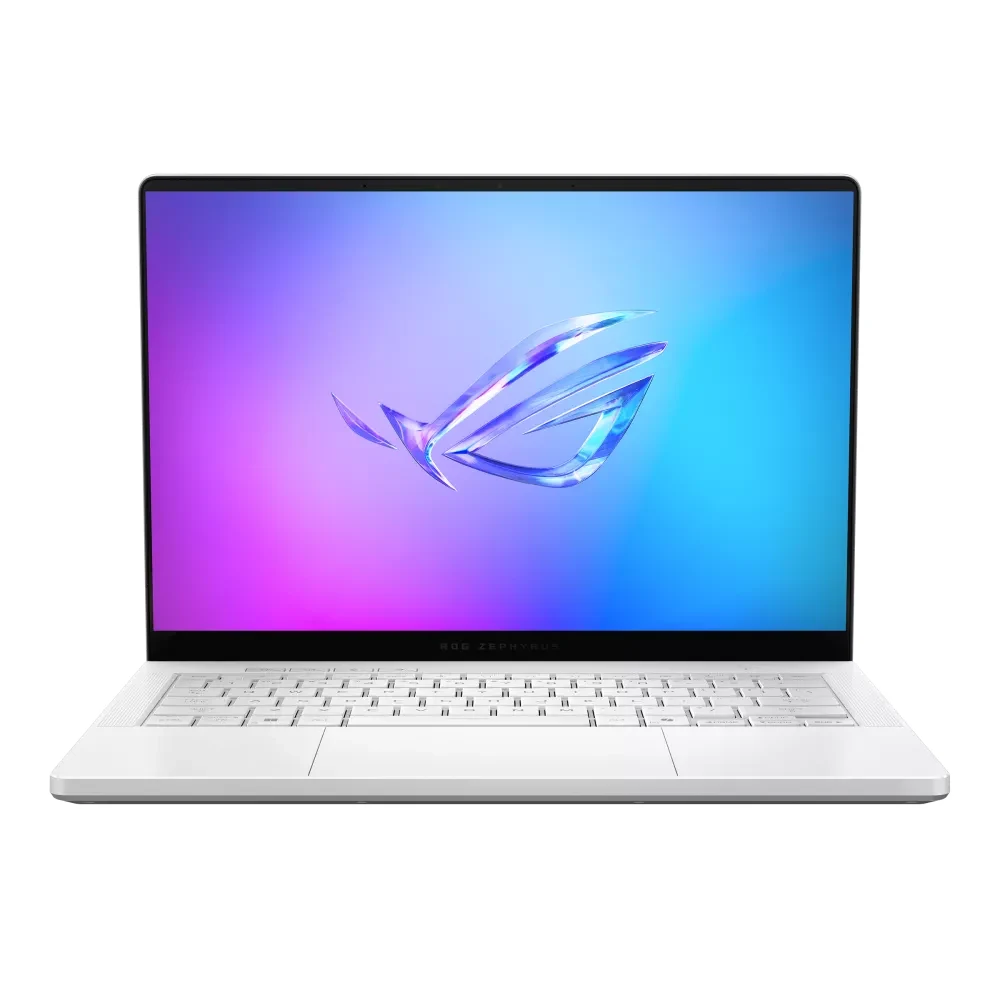
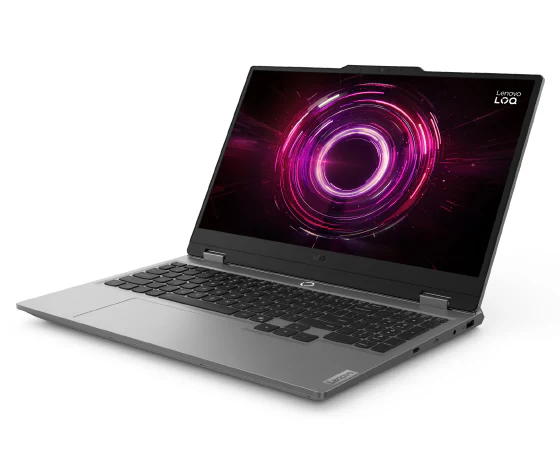
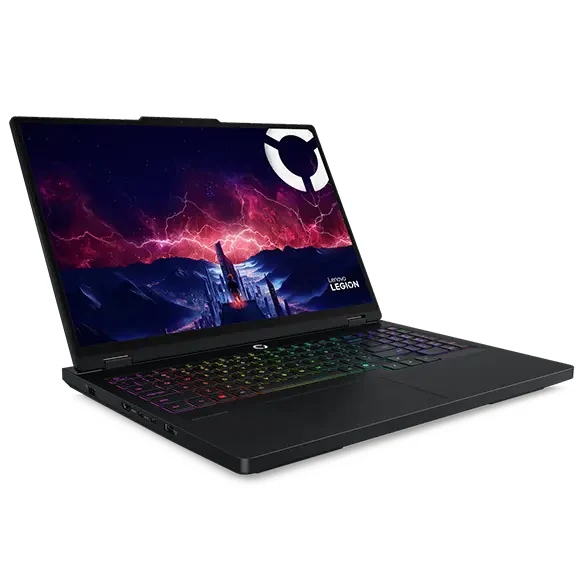
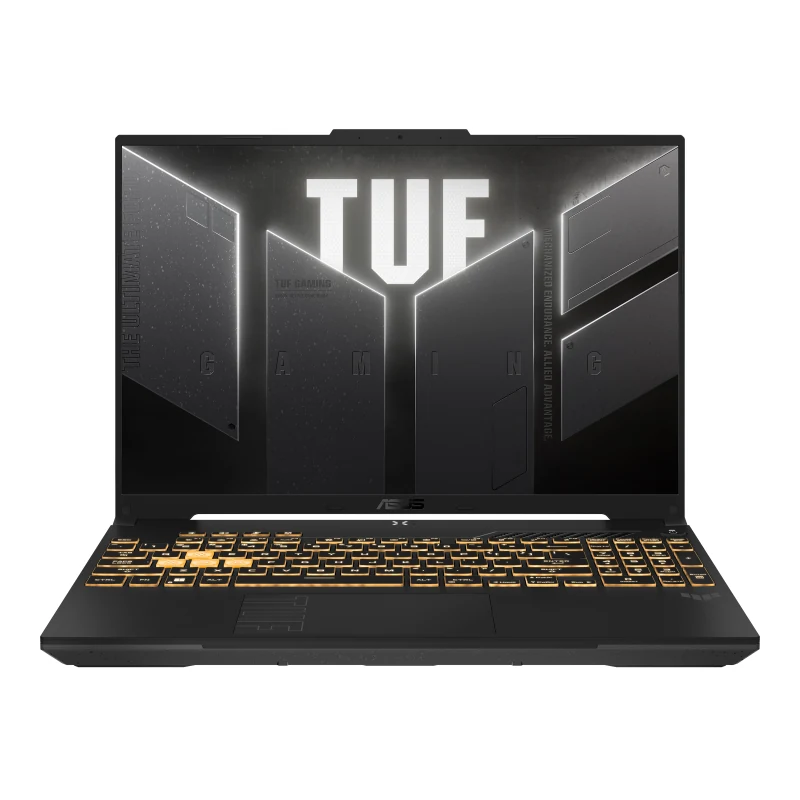
What to look at before you buy
Pick the graphics chip first, because it decides most of what the laptop can play and you cannot upgrade it later. The laptops we list go from an RTX 3050 to an RTX 5080 laptop GPU. The same laptop chip can run at different power limits depending on the model, so read the maker's spec sheet for its wattage, not only its name.
Then check the screen. Most models here use 1920 × 1080 or 1920 × 1200 at 144 Hz, while higher-end ones move to 2560 × 1600 or 2880 × 1800, OLED panels included, and a sharper screen asks more of the graphics chip. The size, from 14 to 16 inches, decides the weight and how easy the laptop is to carry.
Last, look at what you may have to add. 8 GB of RAM is tight for current games, so a model with 16 GB, or with a free slot to upgrade, saves money later, and a 512 GB SSD fills up quickly. Battery figures matter little for gaming, since games are best played plugged in.
Guides for this category
- Gaming Laptop or Desktop PC in 2026: Which One Wins?
- The 5 Best Gaming Laptops of 2026 (From Entry Level to High End)
Frequently asked questions
Should I get a gaming laptop or a desktop PC?
A desktop if it will stay on one desk, because it costs less for similar graphics performance and every part can be upgraded later. A laptop if you need to carry it, for school, travel or a shared home. Our laptop or desktop guide compares both by budget and by how you will use it.
How much RAM does a gaming laptop need?
16 GB for current games, and 32 GB if you also stream or edit video. Some budget laptops ship with 8 GB, which falls short in recent titles; check whether the model has a free slot or soldered memory before you buy, because that decides whether you can add more later.
Does the GPU power limit matter on a gaming laptop?
Yes. The same laptop graphics chip can run at different power limits depending on the model, and a higher limit lets it hold higher clocks under load. Makers list it in watts on the spec sheet, sometimes as TGP. Compare that figure whenever two laptops show the same GPU name.