PC Case Fans
Some links are Amazon affiliate links: we earn a commission if you buy, at no extra cost to you, and it never changes what we recommend. How we make money
120mm and 140mm case fans for intake and exhaust airflow.
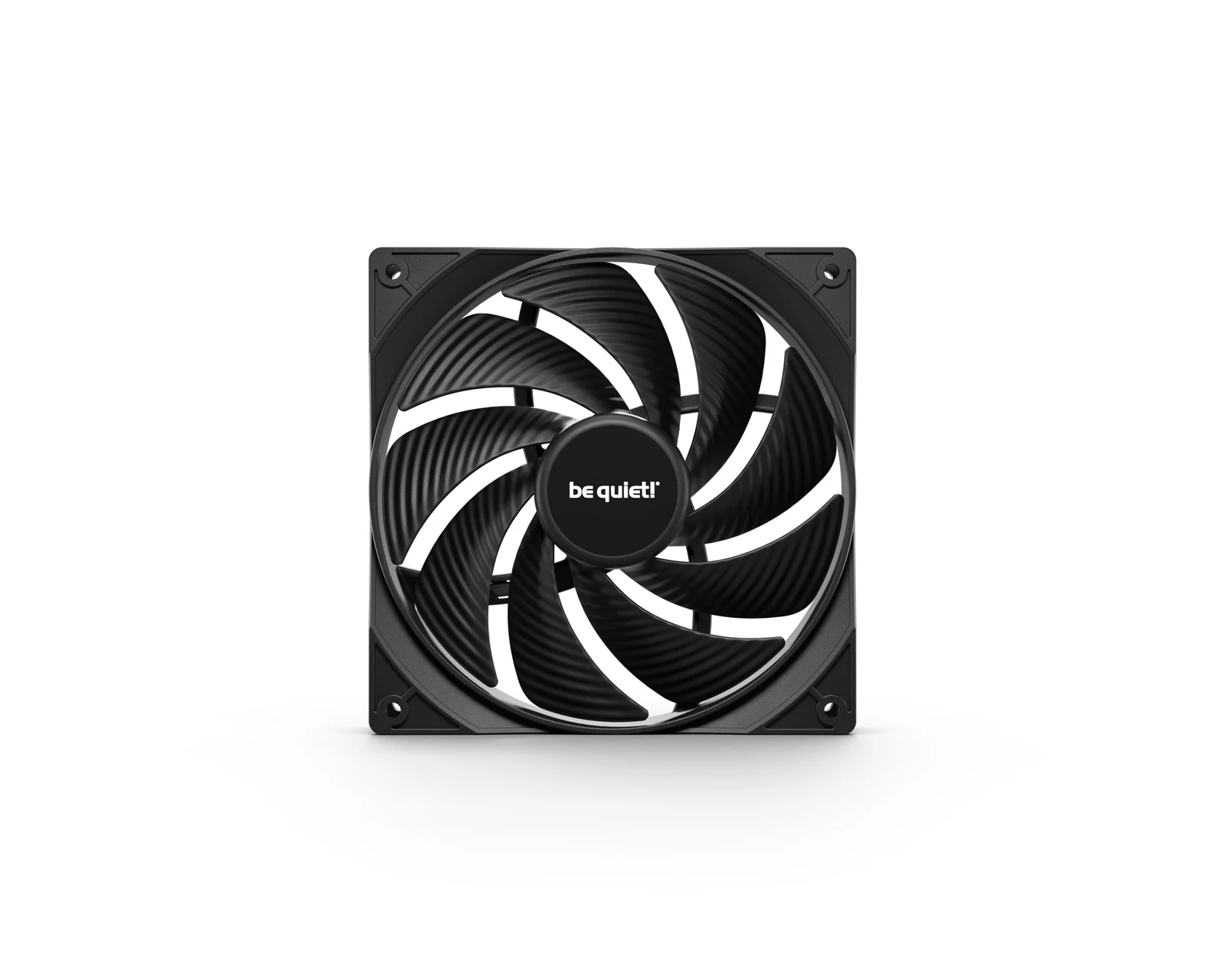
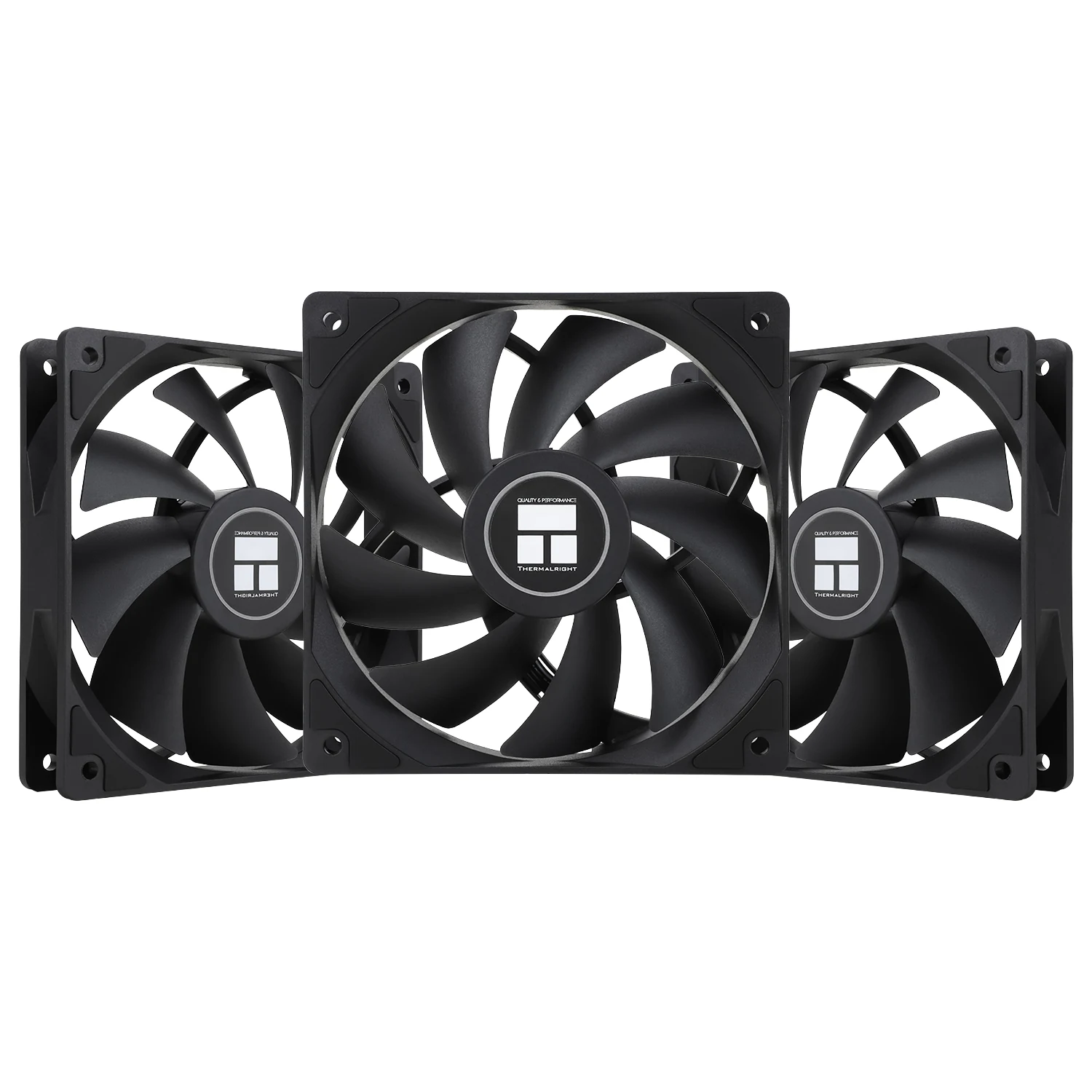
What to look at before you buy
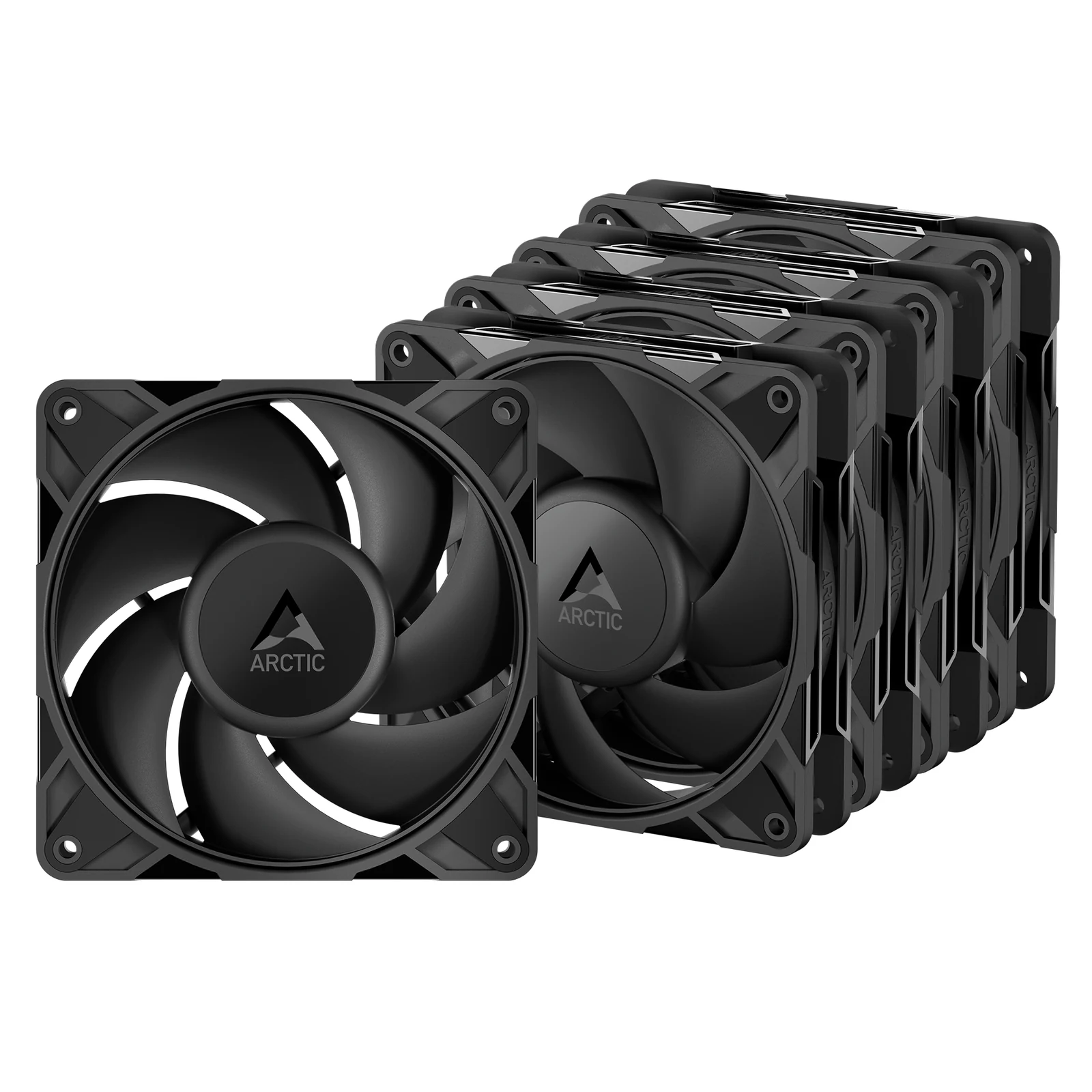
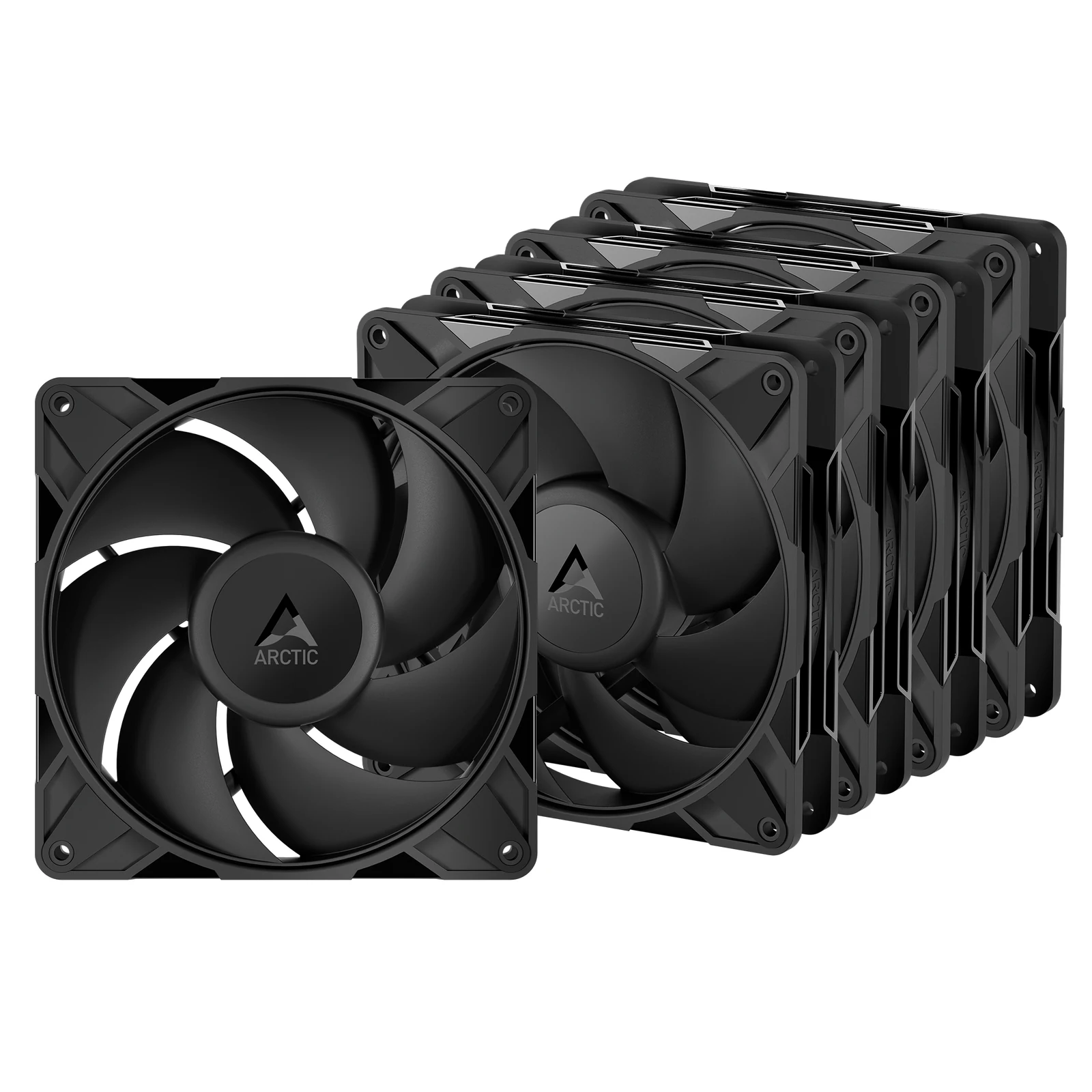
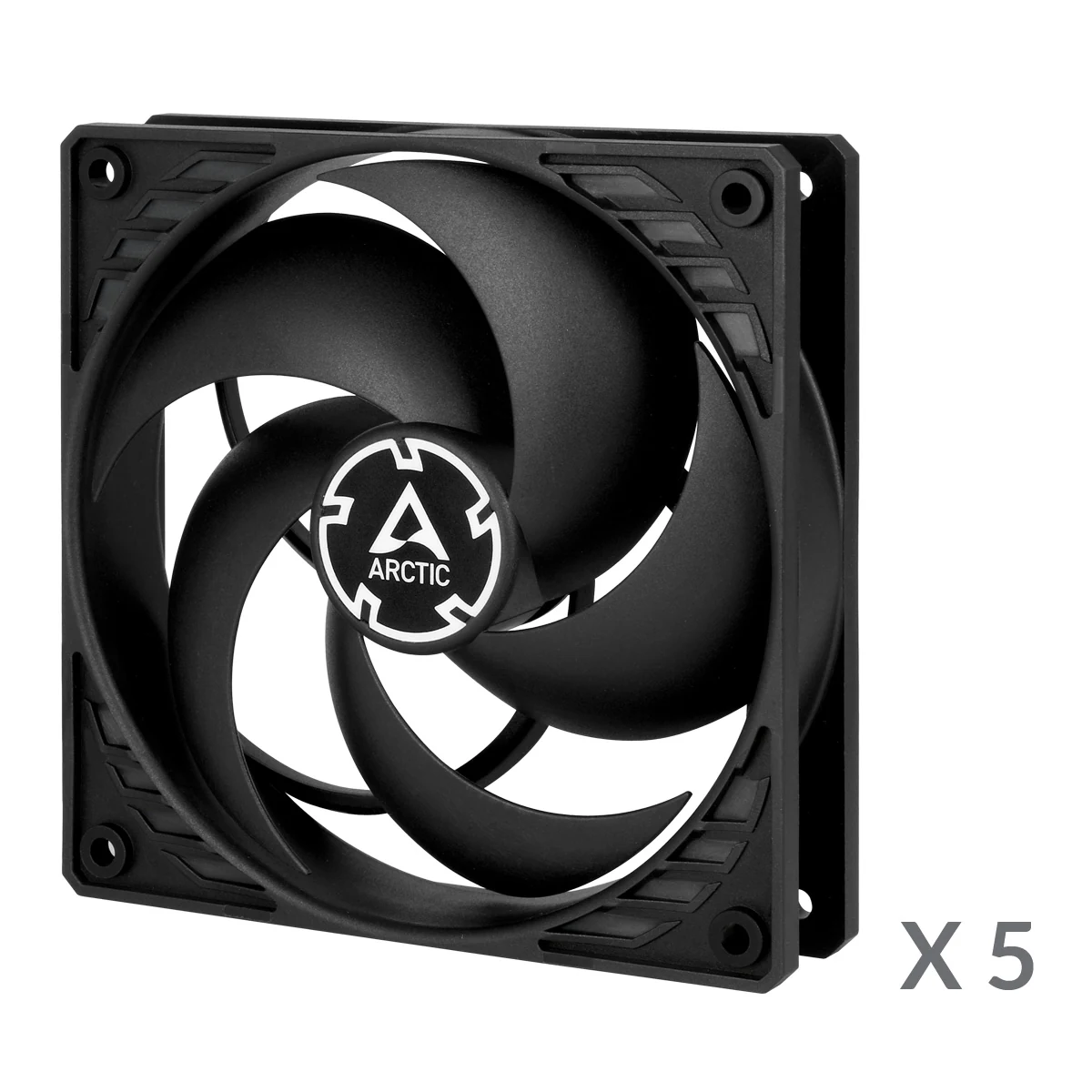
Start with the size your case takes. Most mounts are 120 or 140 mm, and a 140 mm fan moves the same air at a lower speed, which keeps it quieter, but only if the case has holes for it. Check the front, top and rear separately, since many cases mix sizes.
Then read the numbers on the spec sheet with their purpose in mind. Airflow, in CFM, matters for open intakes and exhausts; static pressure, in mmH2O, matters when the fan pushes through a radiator, a dust filter or a dense mesh front. On the fans we list, airflow goes from about 50 to 110 CFM and static pressure from 1.45 to 5.2 mmH2O. The noise figure in dB is usually measured at full speed, so a sensible fan curve keeps you well below it.
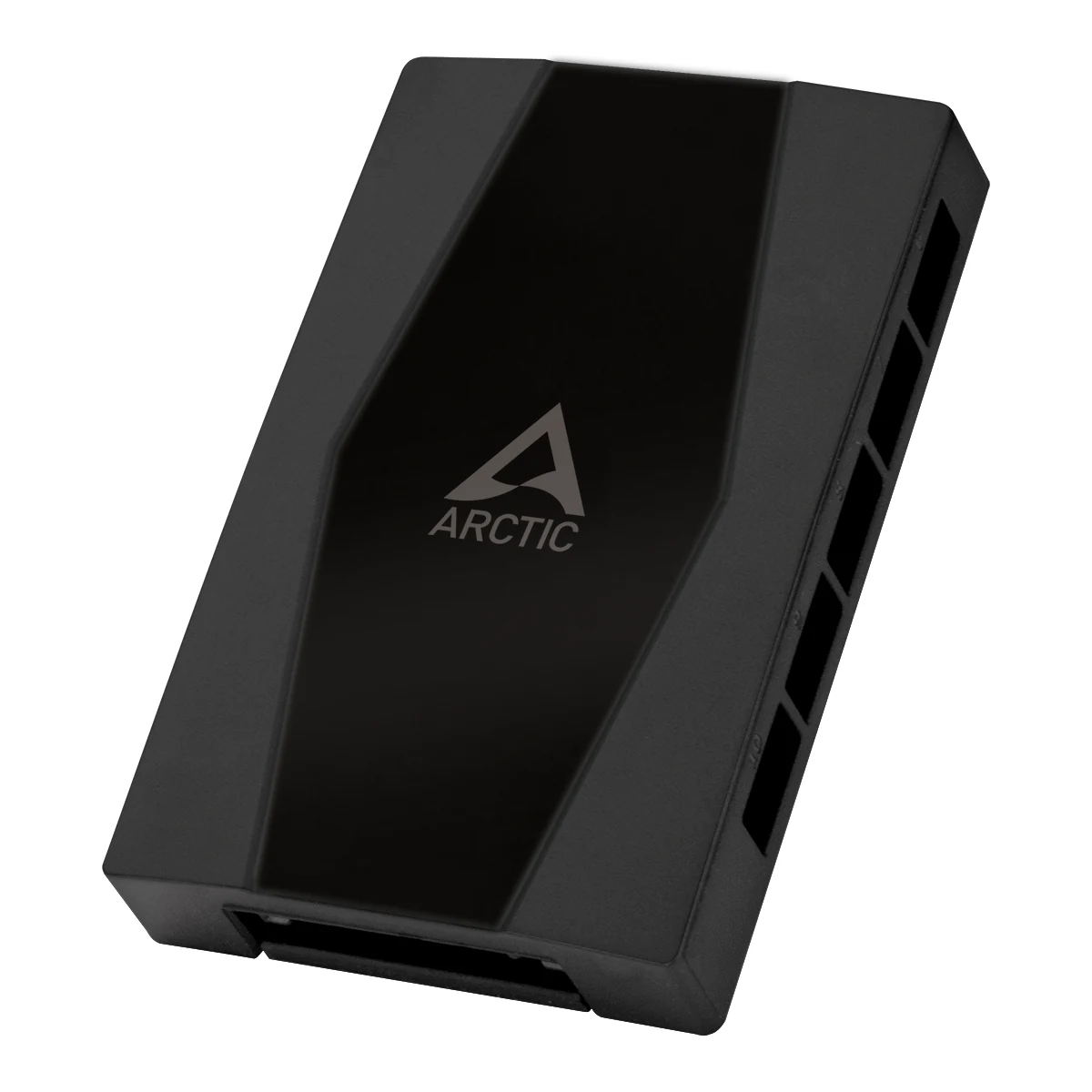
Last, think about control. PWM fans let the motherboard adjust their speed, and daisy-chain designs such as PST share one header across several fans; past three or four fans, a hub powered from the power supply avoids overloading a single motherboard header.
Tools that help you choose
Guides for this category
Frequently asked questions
Should case fans be 120 mm or 140 mm?
140 mm if your case has the mounts for them, because a larger fan moves the same air at a lower speed and stays quieter. 120 mm fits almost every case and every radiator size, so it is the safe choice when in doubt. Check the case's spec sheet for which positions take which size.
What is the difference between airflow and static pressure fans?
Airflow fans, rated in CFM, move a lot of air through open spaces, which suits exhausts and unrestricted intakes. Static pressure fans, rated in mmH2O, keep pushing air through resistance, which suits radiators, dense filters and tight mesh fronts. Many current fans balance both, so match the figure to where the fan goes.
How many fans can I connect to one motherboard header?
Check the header's current limit in the motherboard manual, often around 1 A, and add up the fans' rated current. Daisy-chain fans share one header, which is convenient but adds load. Beyond three or four fans, a PWM hub powered by a SATA cable from the power supply carries the current instead.