Gaming and Streaming Microphones
Some links are Amazon affiliate links: we earn a commission if you buy, at no extra cost to you, and it never changes what we recommend. How we make money
Microphones for streaming and content creation
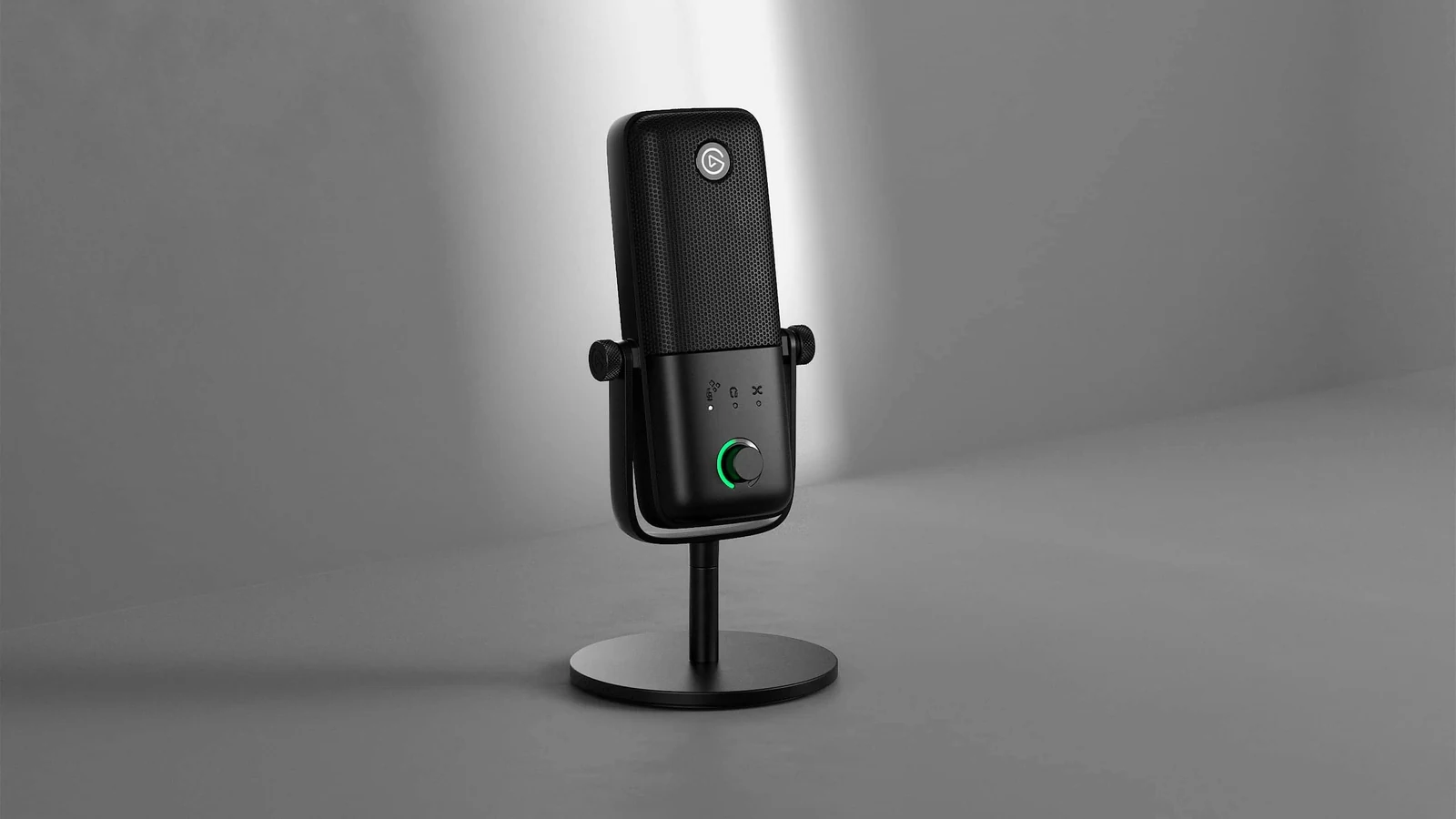
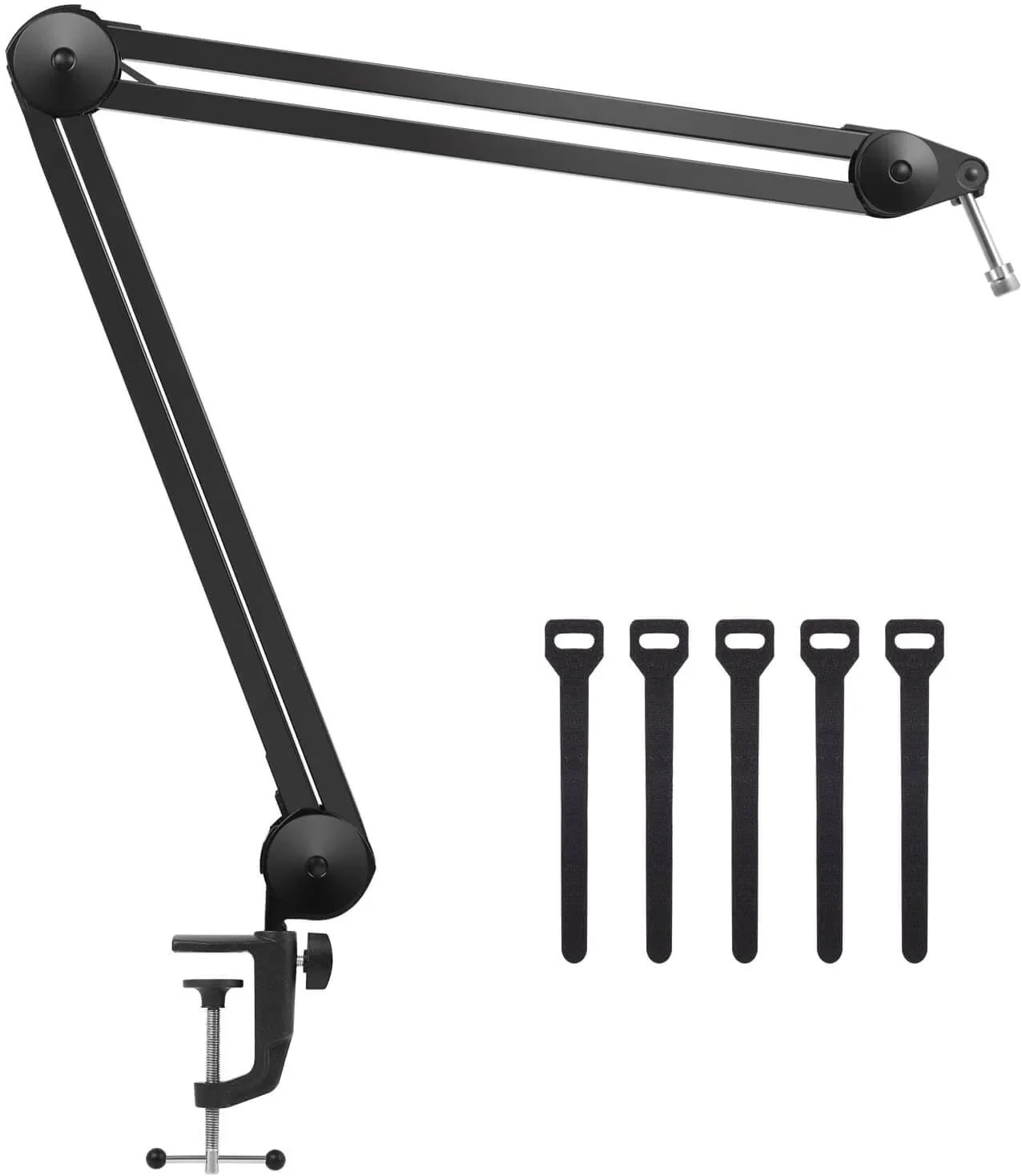
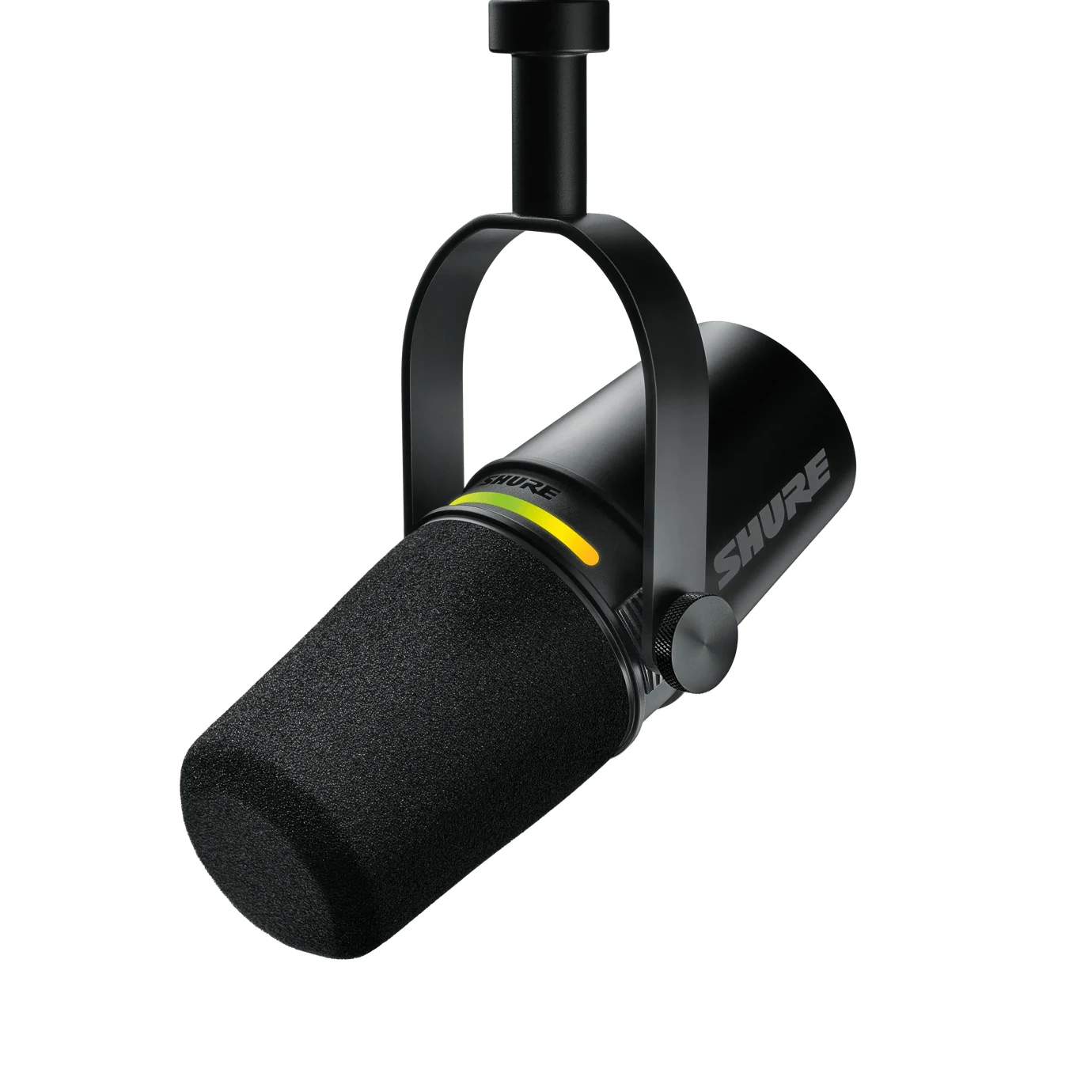
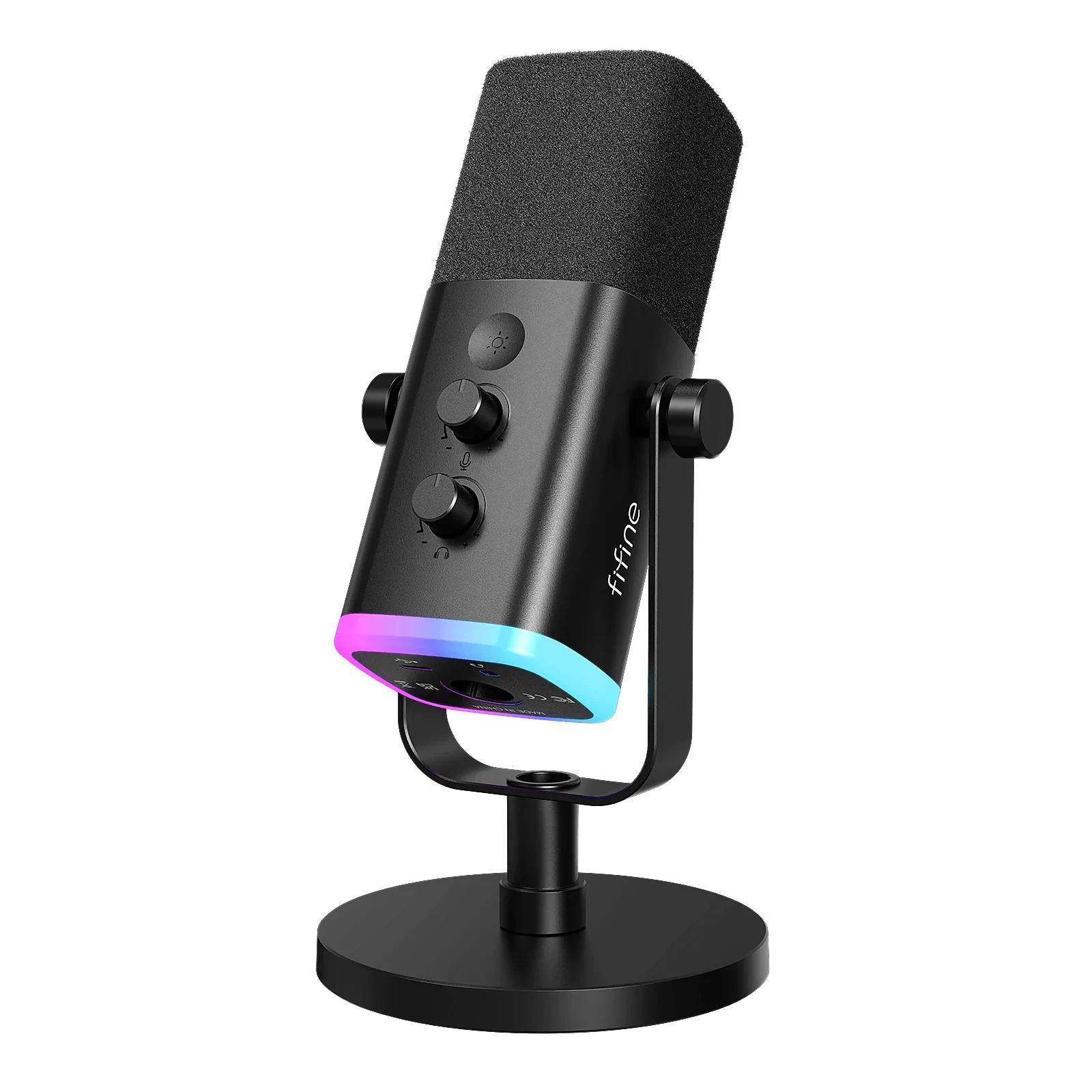
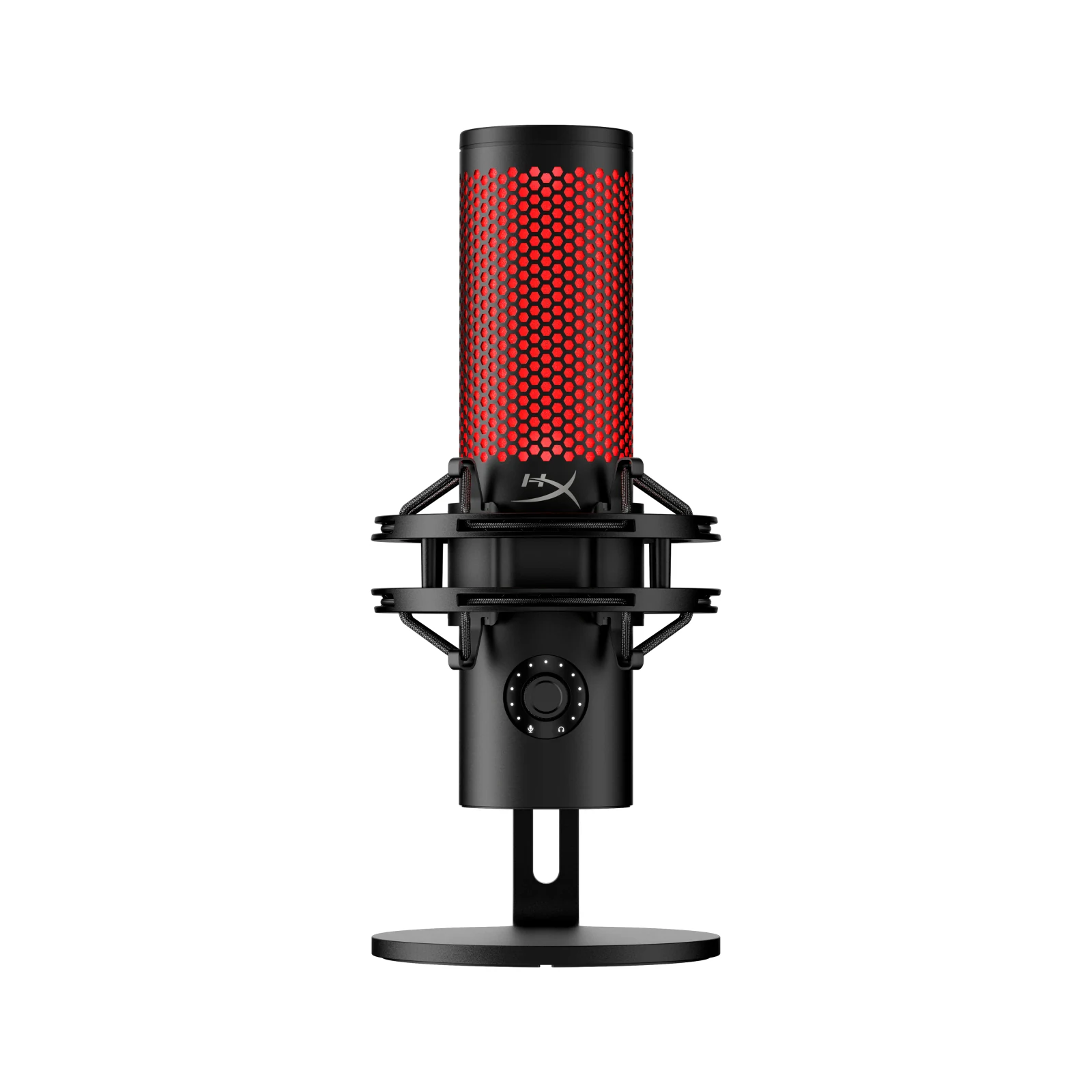
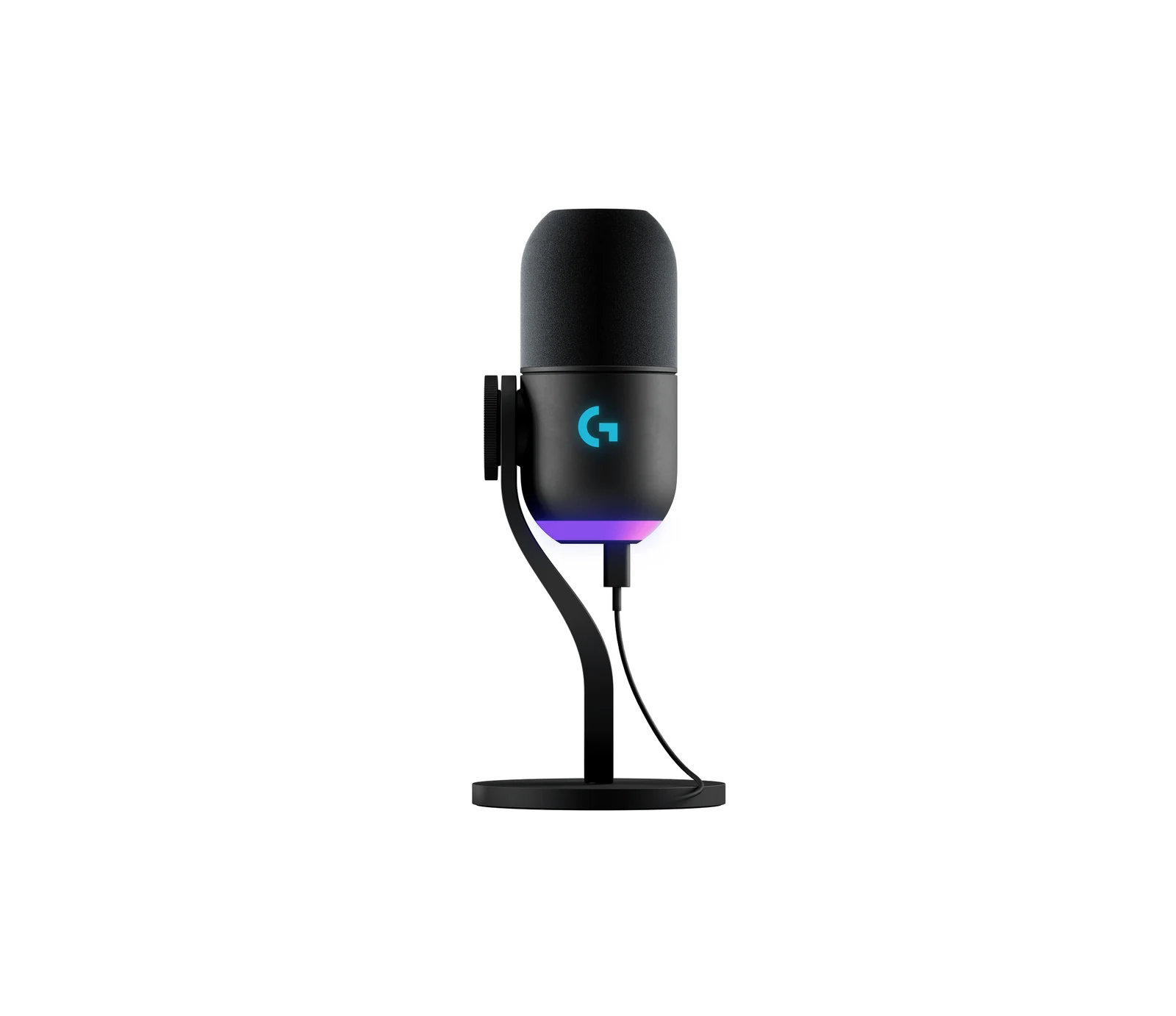
What to look at before you buy
Pick the capsule for your room before anything else. Dynamic microphones pick up mostly what is right in front of them, which helps in a room with echo, a loud keyboard or a fan nearby. Condenser microphones capture more detail and more of the room, so they sound best in a quiet space.
Then choose the connection. A USB microphone plugs straight into a PC or console and needs nothing else; an XLR microphone needs an audio interface or a mixer, and some models carry both outputs so you can start on USB and move to XLR later. To hear yourself without delay, look for a headphone jack with zero-latency monitoring on the mic.
The polar pattern tells you where the mic listens: cardioid and supercardioid reject sound from behind, while omni and bidirectional modes suit a table shared by several people. Last, plan the mount. A boom arm keeps the capsule close to your mouth and off the desk, where it would pick up your typing; check the thread size and the weight the arm can hold.
Guides for this category
- The 5 Best Streaming Microphones of 2026
- Headset Mic or USB Mic? How to Know Which You Need
- USB or XLR Mic for Streaming? The 2026 Answer
- 2026 Guide: Build a Pro Streaming Setup, Part by Part
Frequently asked questions
Should I get a dynamic or a condenser microphone for streaming?
Dynamic for most gaming setups, because it picks up less of the room, the keyboard and the PC fans. Condenser if your room is quiet and you want more detail in your voice. Either way, keeping the microphone close to your mouth, about a hand's width away, changes the sound more than the capsule type does.
Do I need an audio interface for a microphone?
Only for an XLR microphone. A USB microphone has the converter built in and plugs straight into the computer. Some models offer both USB and XLR outputs, so you can use them over USB today and add an interface later if you want more control over gain and processing.
Do I need a boom arm for my microphone?
It is worth it if your mic sits on the desk, because a desk stand picks up typing and bumps and keeps the mic far from your mouth. An arm holds it close and lets you swing it out of the way when you are not talking. Check that the arm's weight rating covers your microphone and that its thread matches the mic's mount.