Webcams for Streaming
Some links are Amazon affiliate links: we earn a commission if you buy, at no extra cost to you, and it never changes what we recommend. How we make money
Webcams and cameras for streaming
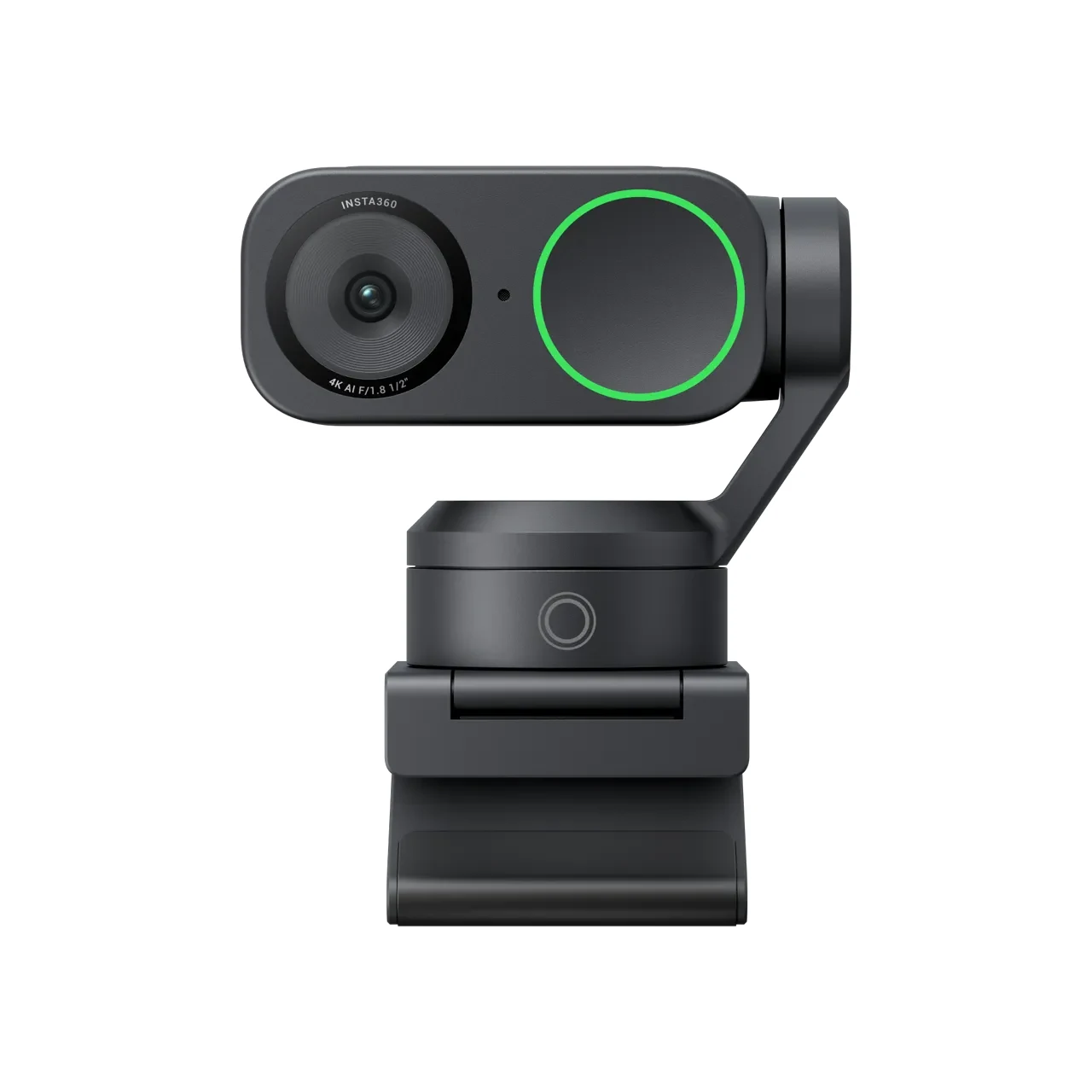
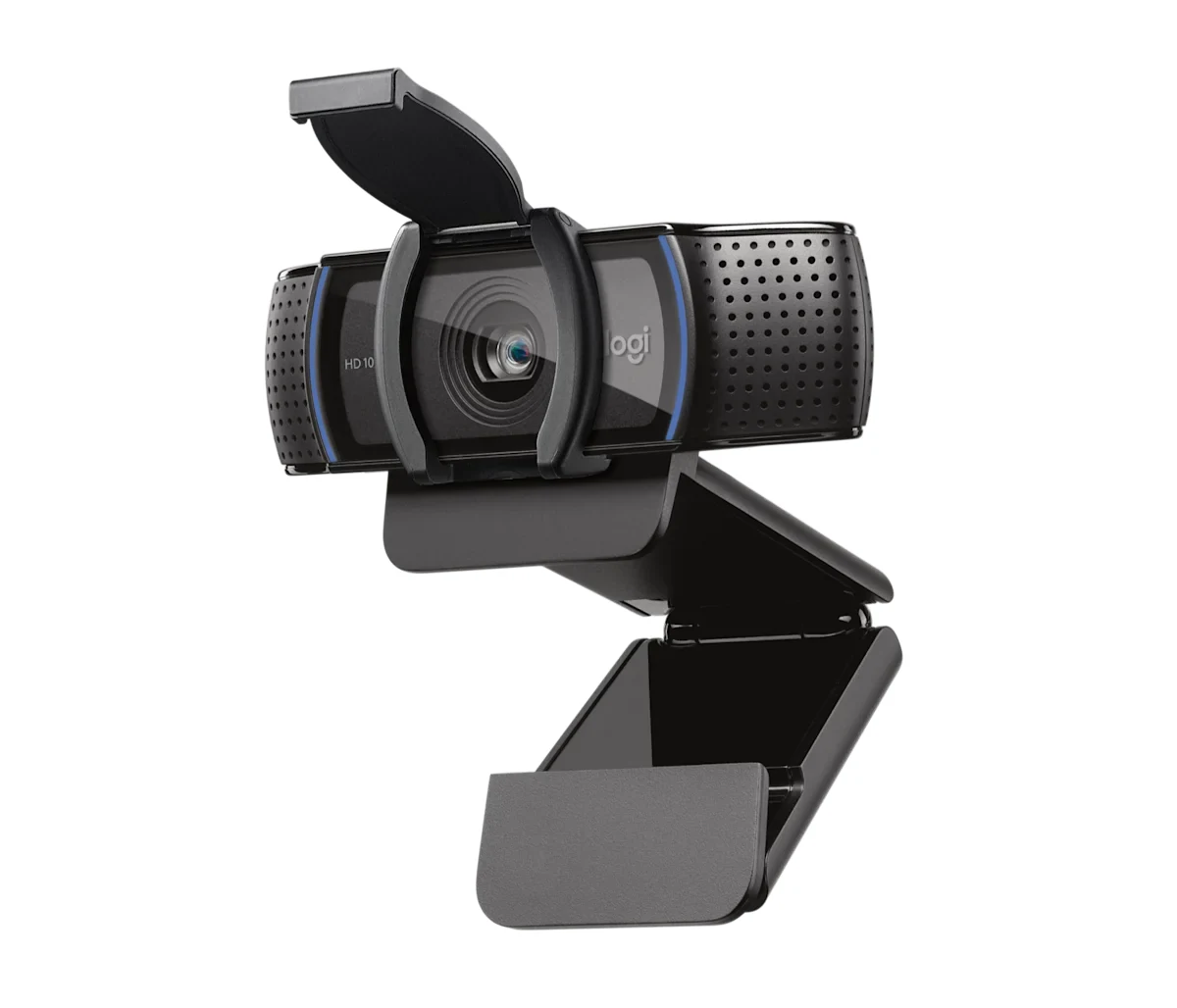
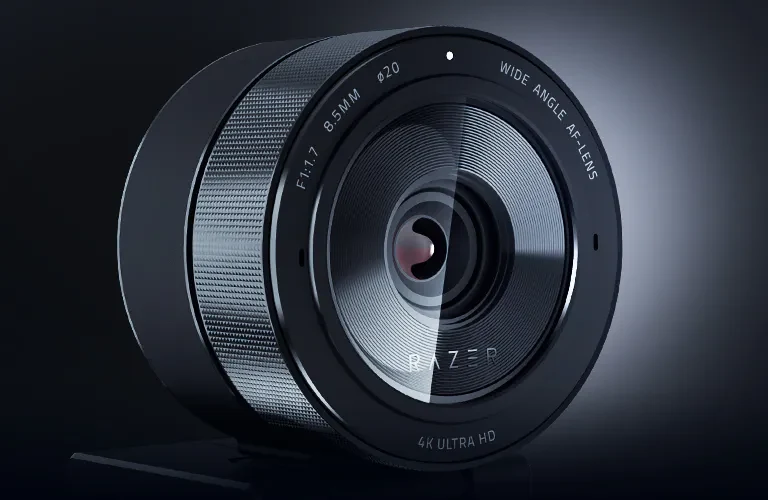
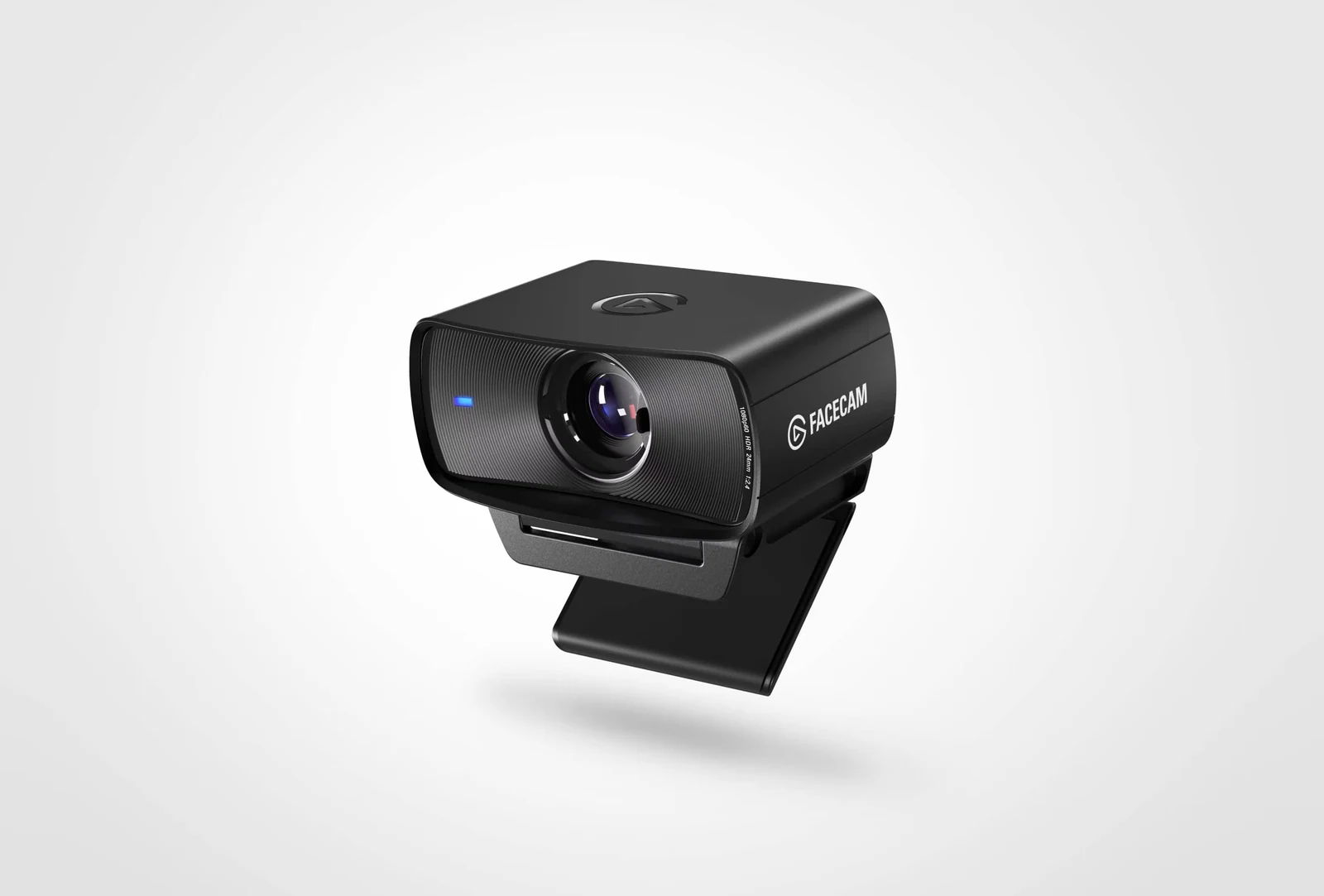
What to look at before you buy
Decide first how you will use the camera. For video calls and a first stream, 1080p at 30 fps is enough; if you stream and move a lot, 60 fps looks smoother. 4K models mostly give you room to crop or zoom, and many stream at a lower setting than they record: one camera we list sends 4K at 24 fps, 1440p at 30 or 1080p at 60.
Then look at focus and sensor. Autofocus keeps you sharp when you lean toward the lens; a fixed-focus camera stays sharp only inside a set distance, such as 30 to 120 cm. A larger sensor and HDR help most in a room with uneven light, although good light in front of your face improves any camera more than a spec sheet does.
Last come the practical details: field of view (78 to 82 degrees on the cameras we list; wider shows more of your room), a privacy shutter, a built-in microphone if you have no other, and the mount. A monitor clip is standard, while a tripod thread or a motorized gimbal that follows you gives more placement options.
Guides for this category
- The 5 Best Elgato Products for Creators in 2026
- The 4 Best Streaming Webcams of 2026 (From Entry Level to High End)
Frequently asked questions
Is 1080p good enough for a streaming webcam?
Yes for most streams. Most streaming platforms and video calls deliver 1080p or less to viewers, so a 1080p camera at 30 or 60 fps covers it. A 4K webcam is useful if you want to crop, zoom or record locally at higher quality, but check the modes it actually streams in: some send 4K only at 24 fps.
Do I need a webcam with autofocus?
Not if you always sit at the same distance. A fixed-focus webcam is sharp within a set range, such as 30 to 120 cm on one model we list, which covers a normal desk. Autofocus helps when you lean in to show something or move around, although in dim light it can hunt back and forth.
Is a 60 fps webcam worth it?
It is if you stream and move a lot, because motion looks smoother at 60 frames per second. For calls, classes and streams where you stay mostly still, 30 fps looks fine. Some cameras drop to 30 fps when HDR is on, so check which mode you will actually use before paying for the faster one.