Game Capture Cards for Streaming
Some links are Amazon affiliate links: we earn a commission if you buy, at no extra cost to you, and it never changes what we recommend. How we make money
Capture cards for streaming and recording
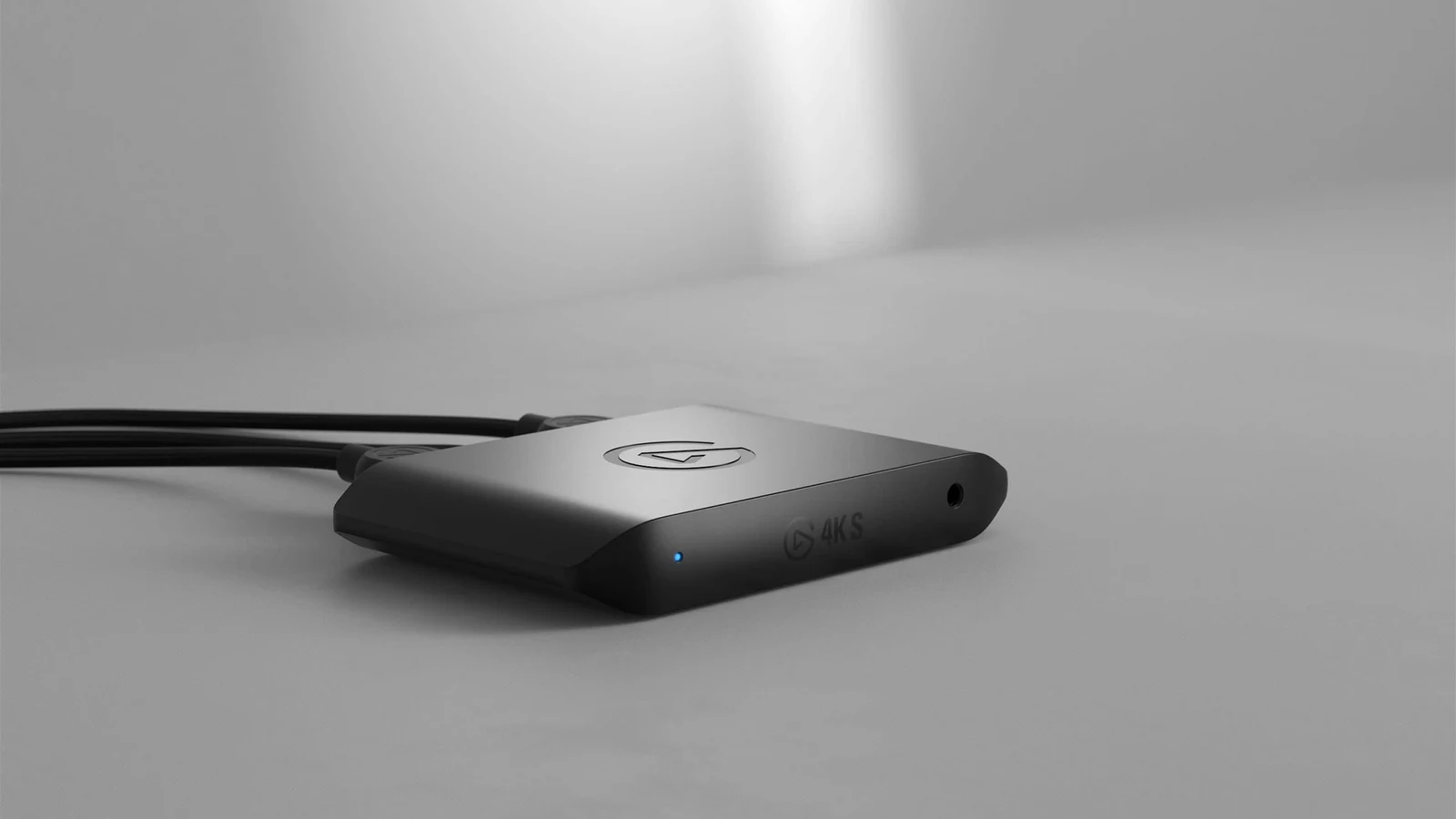
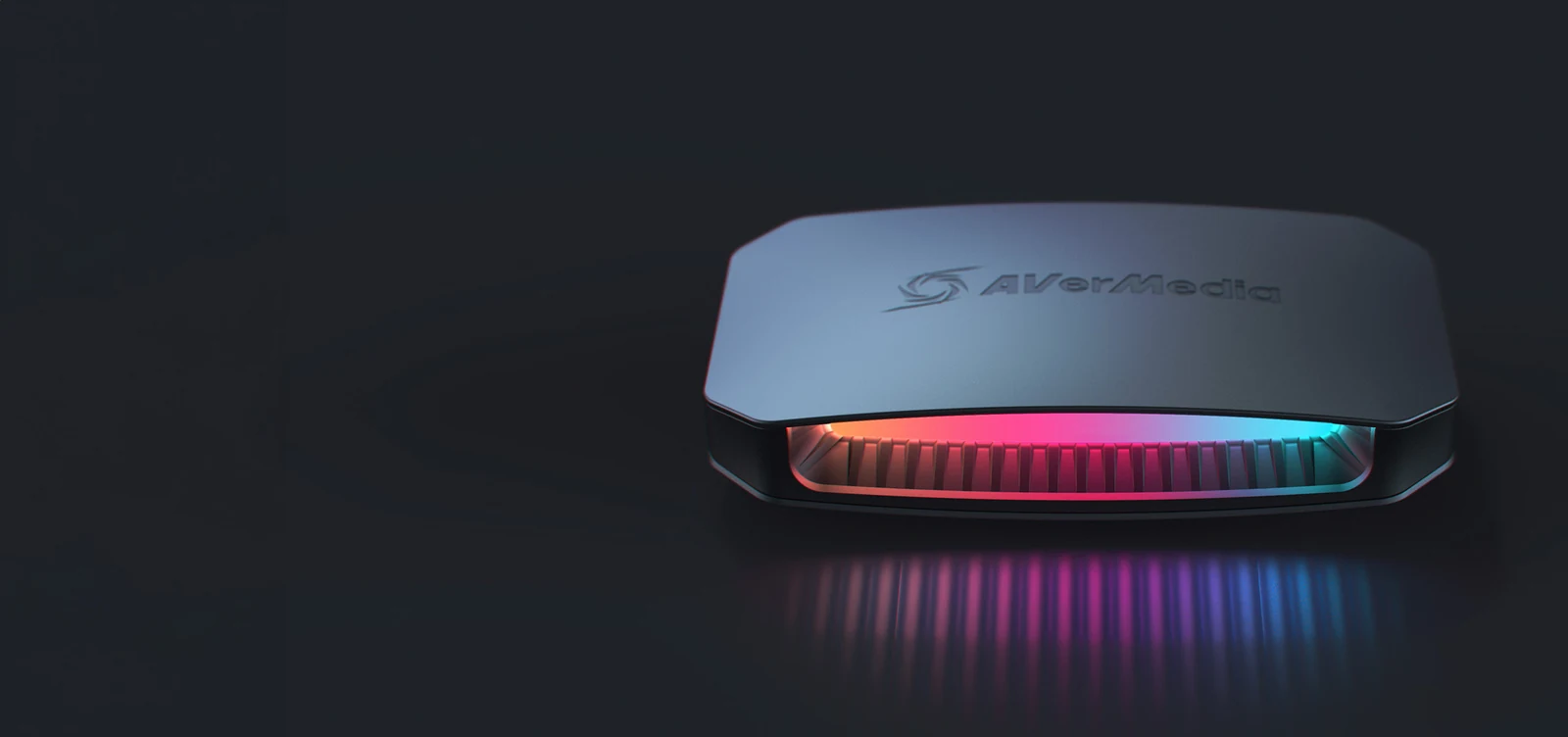
What to look at before you buy
Start from the console or PC you want to capture and the screen you play on. A capture card sits between the two: the signal passes through to your monitor while a copy goes to the computer that records or streams. That passthrough sets how you play. The cards we list pass 4K at 60 Hz, and only one passes up to 4K at 144 Hz with VRR, which matters if your console or monitor runs above 60 Hz.
Capture resolution is a separate figure. Some cards record 4K at 60 fps; others record 1080p at 60 while still passing 4K to your screen, which is enough for most live streams. HDR follows its own rules: on several models it works in passthrough only, or in capture only on Windows.
Last, check the link to the computer. External cards on USB 3.0 or USB-C 3.2 need a fast port and a PC that can encode the stream, and a PS5 needs HDCP switched off in its settings before any card can capture it.
Guides for this category
- Ocarina of Time on Switch 2: What to Buy or Skip
- The 4 Best Capture Cards for Streaming in 2026 (PS5, Xbox and Switch 2)
Frequently asked questions
What is passthrough on a capture card?
It is the signal the card sends on to your monitor or TV while it captures. You play on that screen with almost no delay, and the recording goes to the computer. Check the passthrough figure and not only the capture one: a card can record 1080p and still pass 4K at 60 Hz to your screen.
Do I need a capture card to stream from a PS5 or Xbox?
Not just to go live: PS5 and Xbox can stream to Twitch from the console. You need a card for OBS scenes, overlays, higher recording quality or a Switch 2, which has no built-in streaming. On a PS5, switch off HDCP in the settings before you connect the card.
Is a 4K capture card worth it?
Only if you record 4K for YouTube or edit your footage. Most live streams go out at 1080p or less, so a card that captures 1080p at 60 fps covers them, as long as it passes 4K to your screen. Pay more for 4K capture or for 4K at 120 Hz passthrough only if you will actually use it.