Gaming Motherboards
Some links are Amazon affiliate links: we earn a commission if you buy, at no extra cost to you, and it never changes what we recommend. How we make money
Motherboards for gaming PCs: AM5, LGA and every form factor.
What to look at before you buy
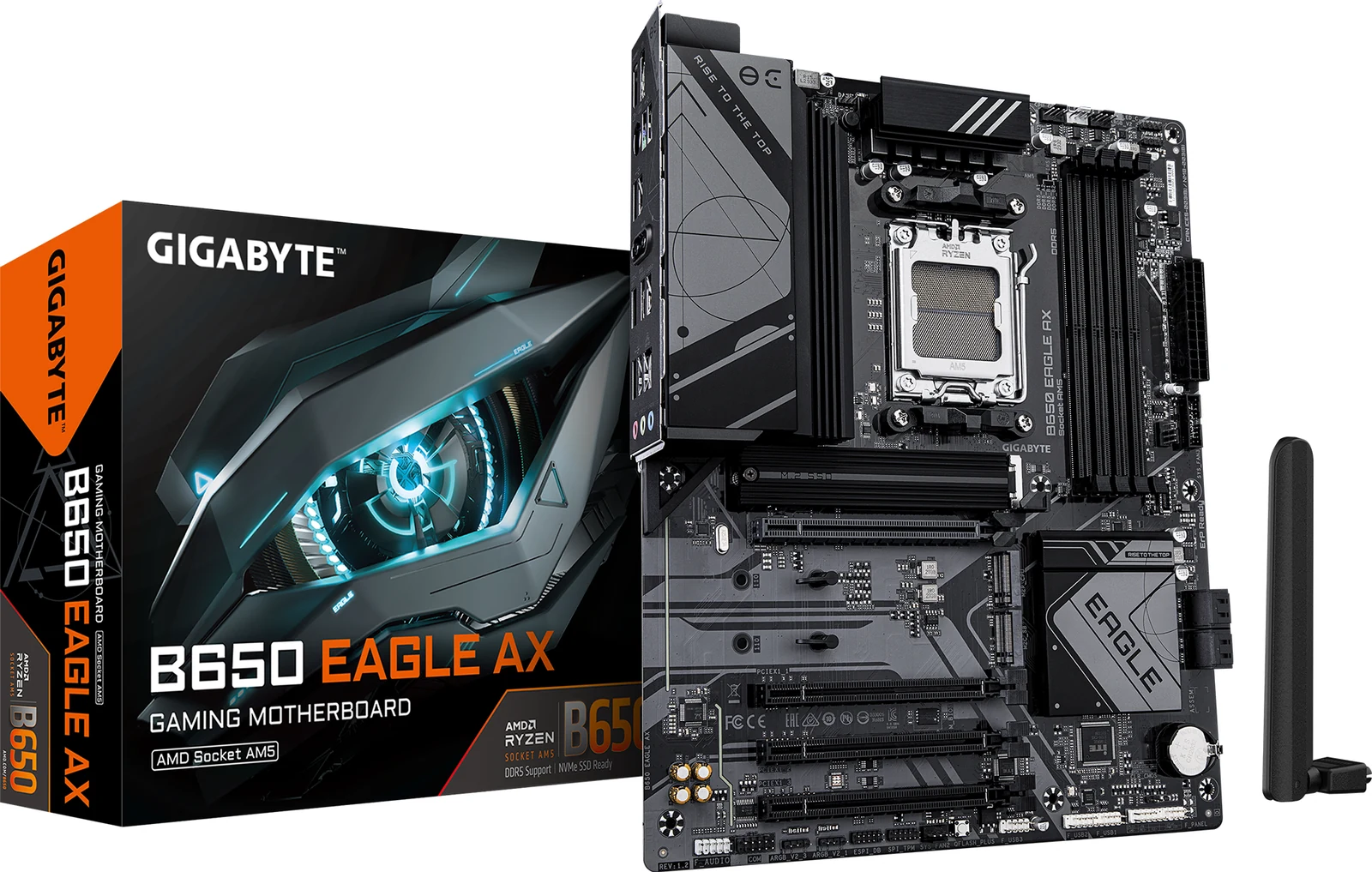
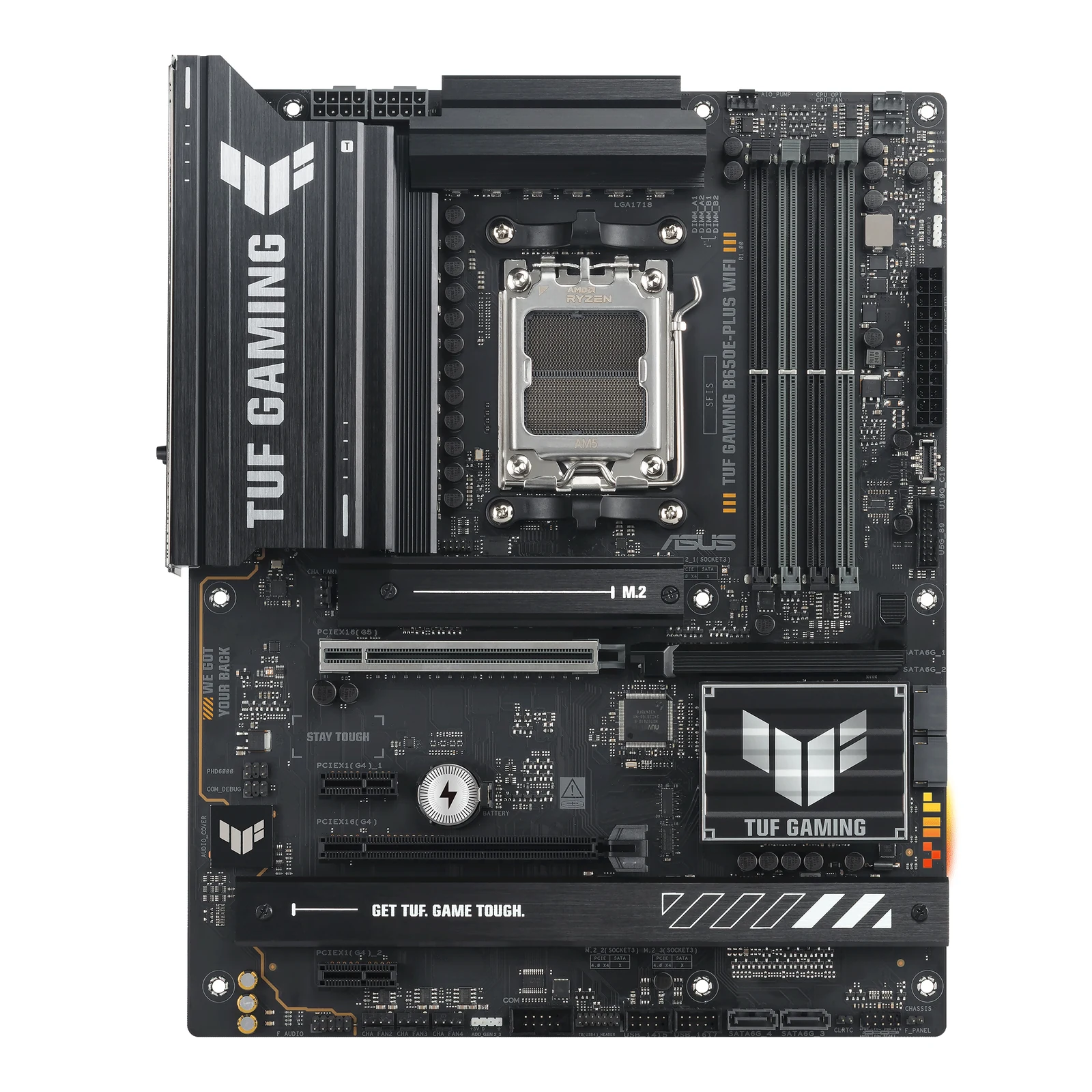
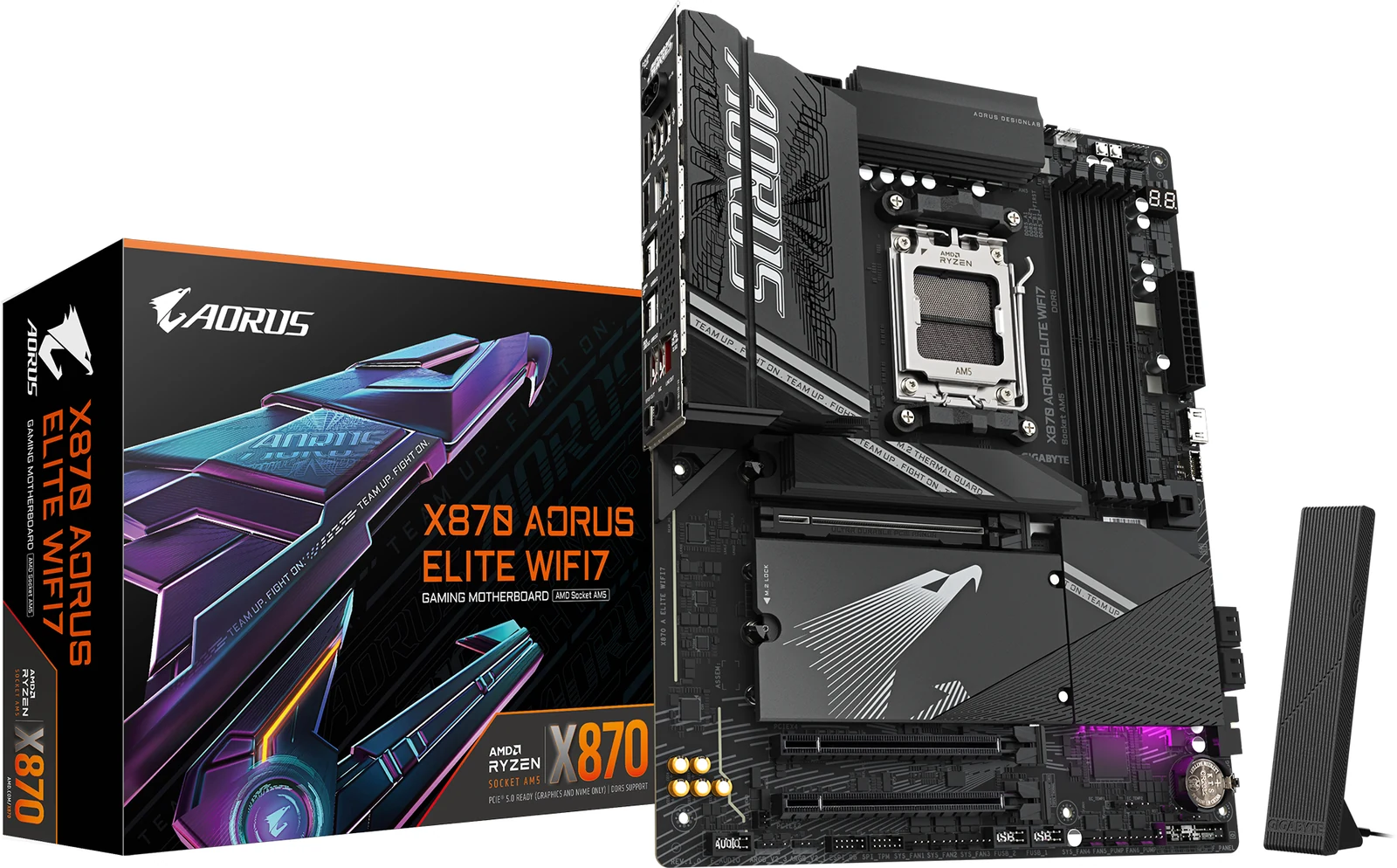
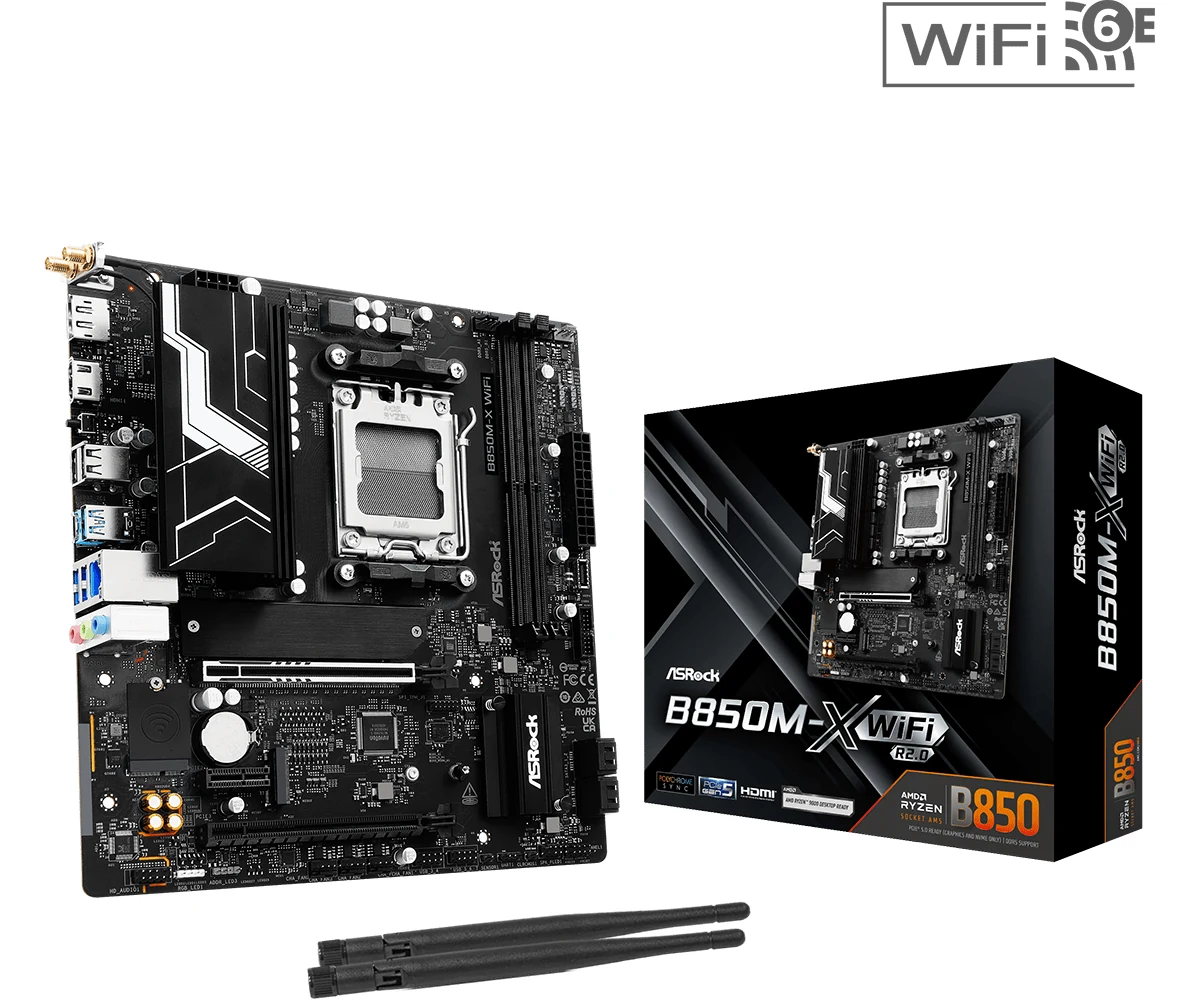
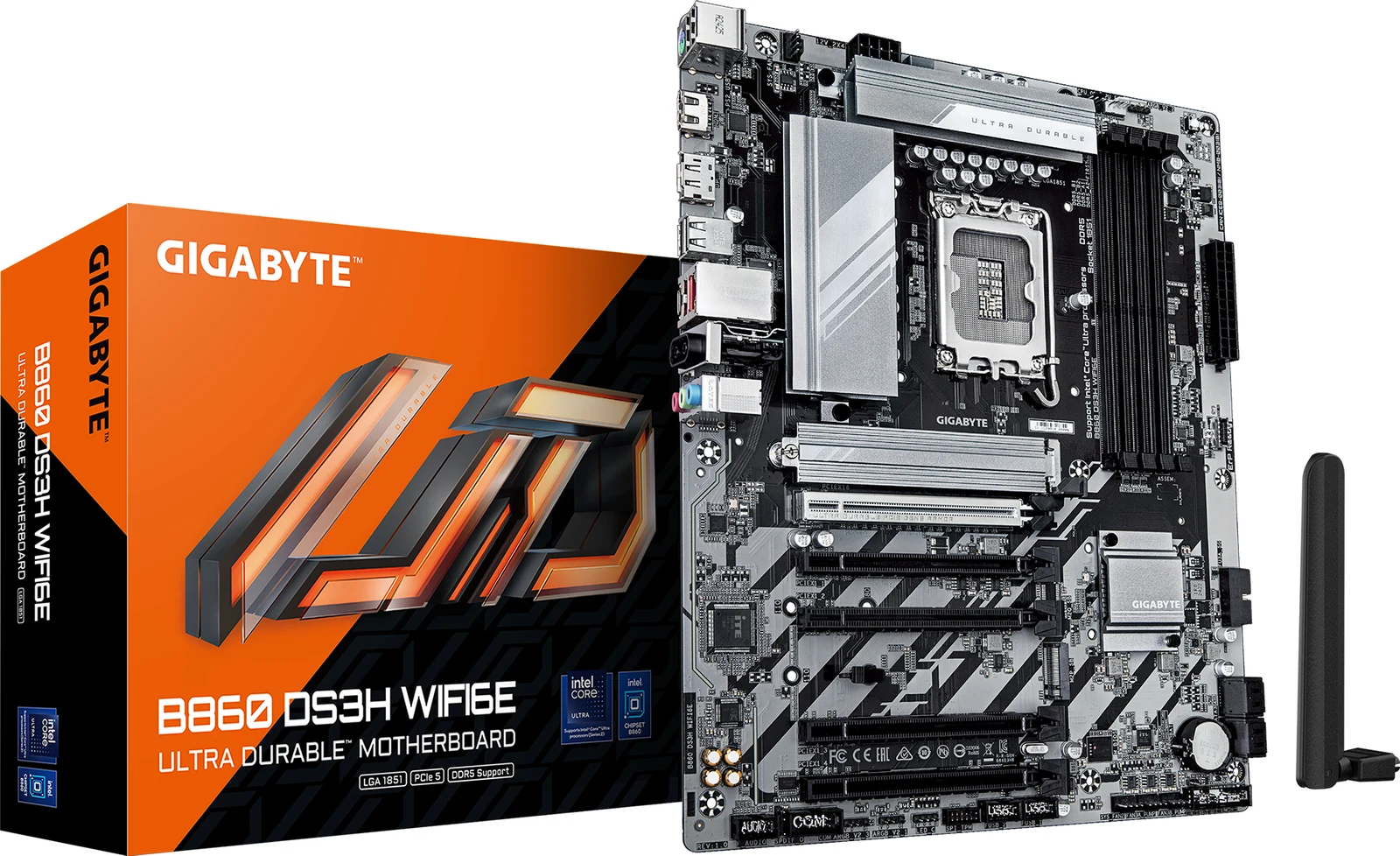
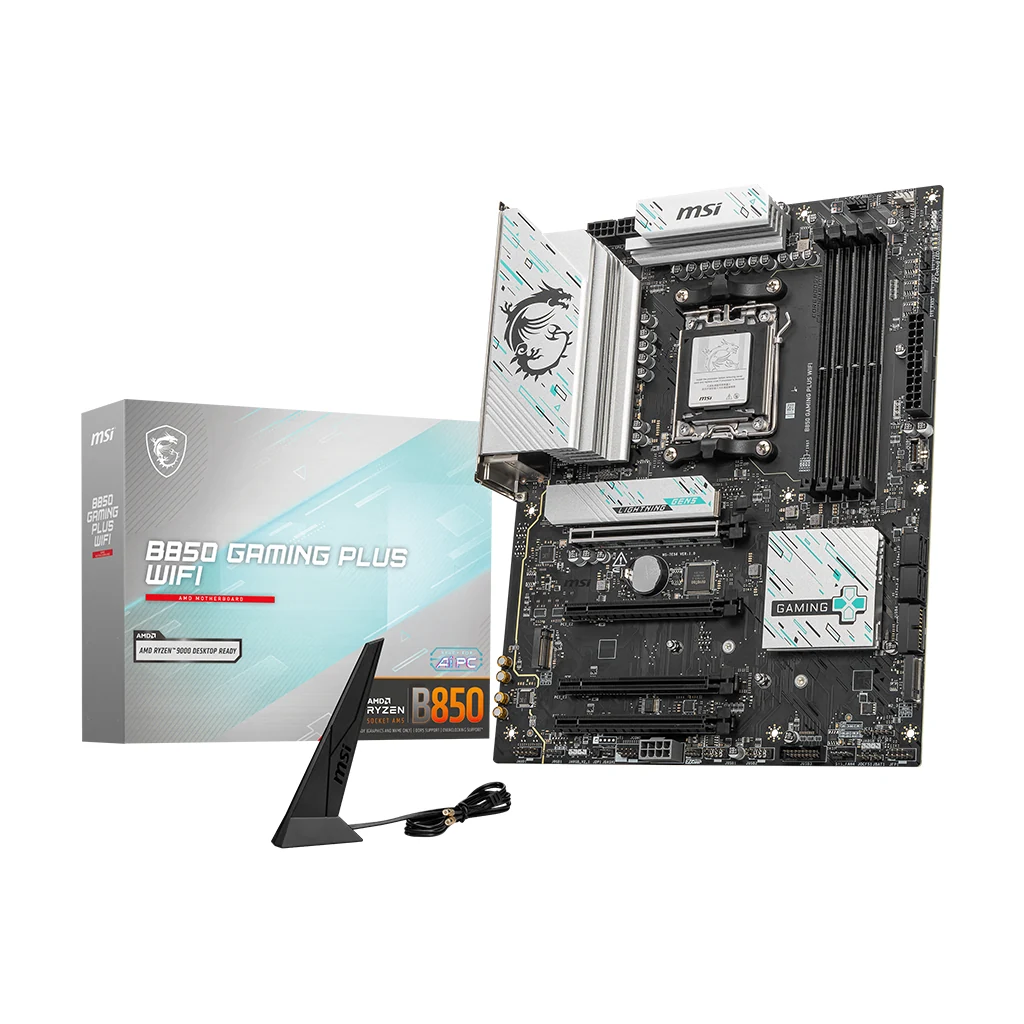
The board has to match the processor, so start with the socket: AM5 for current Ryzen chips and LGA1851 for Intel's newest Core Ultra processors. Within a socket, the chipset sets the extras. On AM5, B650 and B850 boards cover most gaming builds, B650E adds a PCIe 5.0 graphics slot, and X870 adds more connectivity, USB4 included.
Next, the size and the slots. The ATX boards on our list have four memory slots and support up to 256 GB, while a Micro-ATX board can drop to two slots and 128 GB. Count the M.2 slots too, from two to four here, because each fast SSD needs its own.
Then check the connections you will use every day: built-in Wi-Fi (6E or 7), the wired Ethernet speed (1, 2.5 or 5 Gb on the boards we list), rear USB-C and its speed, and BIOS FlashBack, which updates the firmware without a processor installed. That last one helps when a new chip needs a newer BIOS than the board shipped with.
Tools that help you choose
Guides for this category
Frequently asked questions
Which motherboard chipset do I need for a Ryzen 9000 processor?
Any AM5 board works, from B650 to X870, although an older board may need a BIOS update first. For gaming, a B650 or B850 covers most builds; choose B650E or X870 if you want PCIe 5.0 for the graphics card or USB4. A board with BIOS FlashBack makes that first update easy.
Should I get an ATX or a Micro-ATX motherboard?
ATX if you want four memory slots, more M.2 slots and room for expansion cards. Micro-ATX fits smaller cases and usually costs less, but some models drop to two memory slots, which limits how much RAM you can add later. Check that your case supports the board size you pick.
Do I need Wi-Fi on my motherboard?
Only if you cannot run an Ethernet cable to the PC. Built-in Wi-Fi saves a slot and an adapter, and boards with Wi-Fi 6E or 7 work well with recent routers. For online games a cable is still the steadier connection, and every board we list has an Ethernet port.