DDR5 and DDR4 Gaming RAM
Some links are Amazon affiliate links: we earn a commission if you buy, at no extra cost to you, and it never changes what we recommend. How we make money
DDR5 and DDR4 memory kits for gaming and content creation.
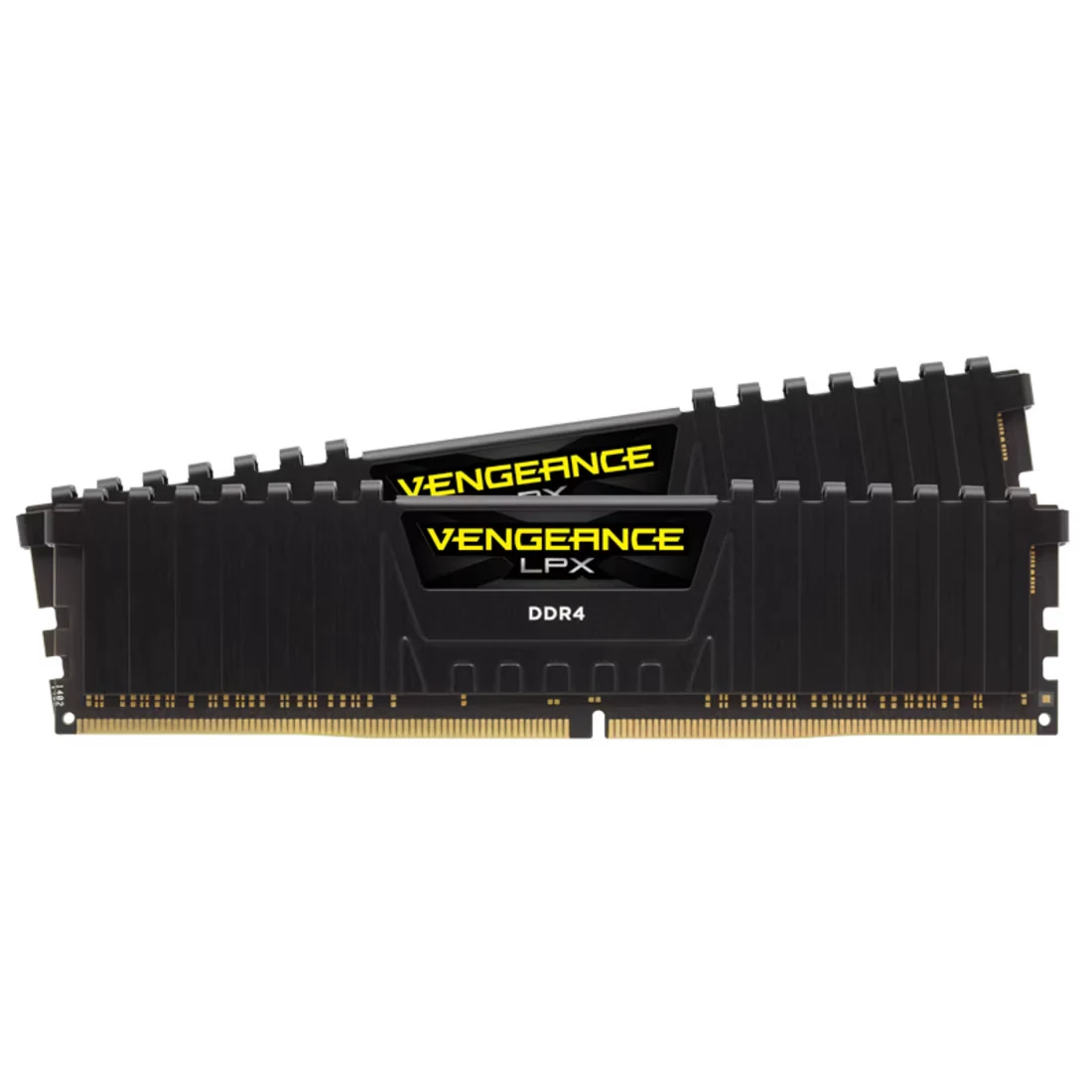
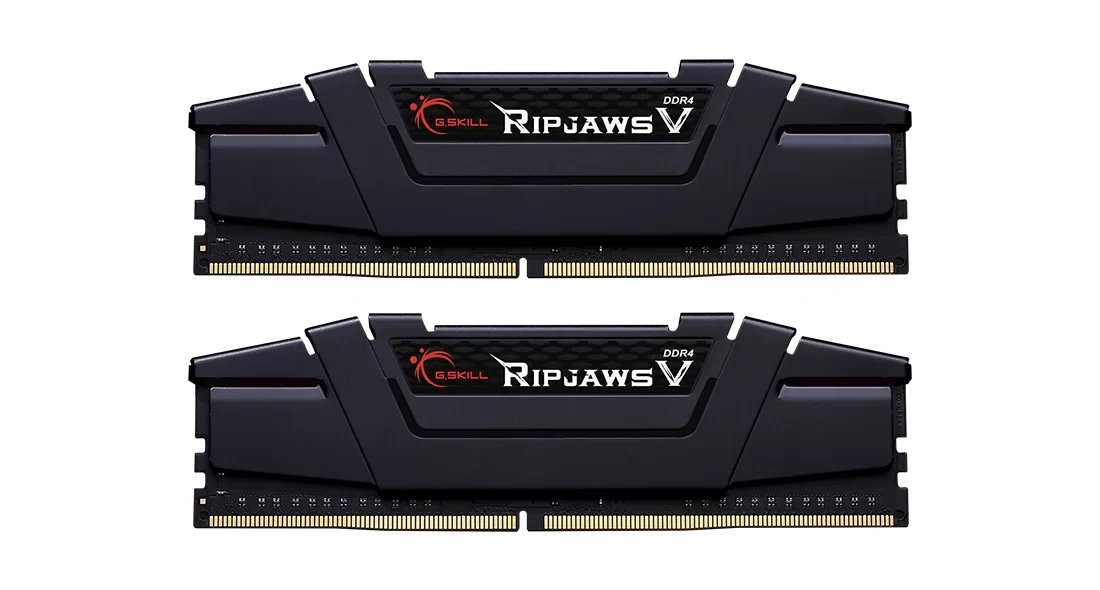
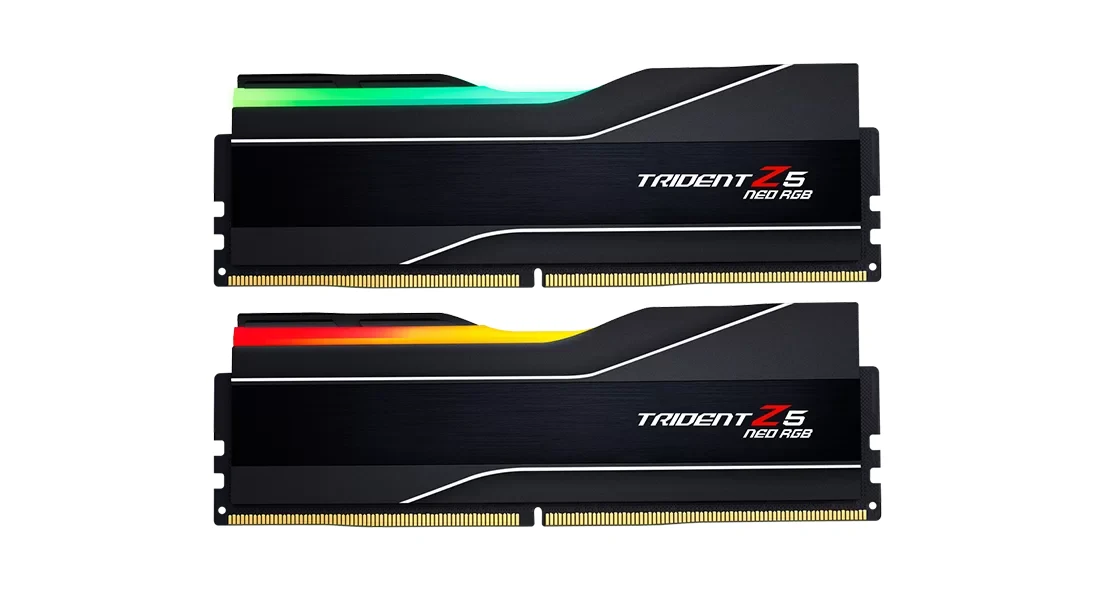
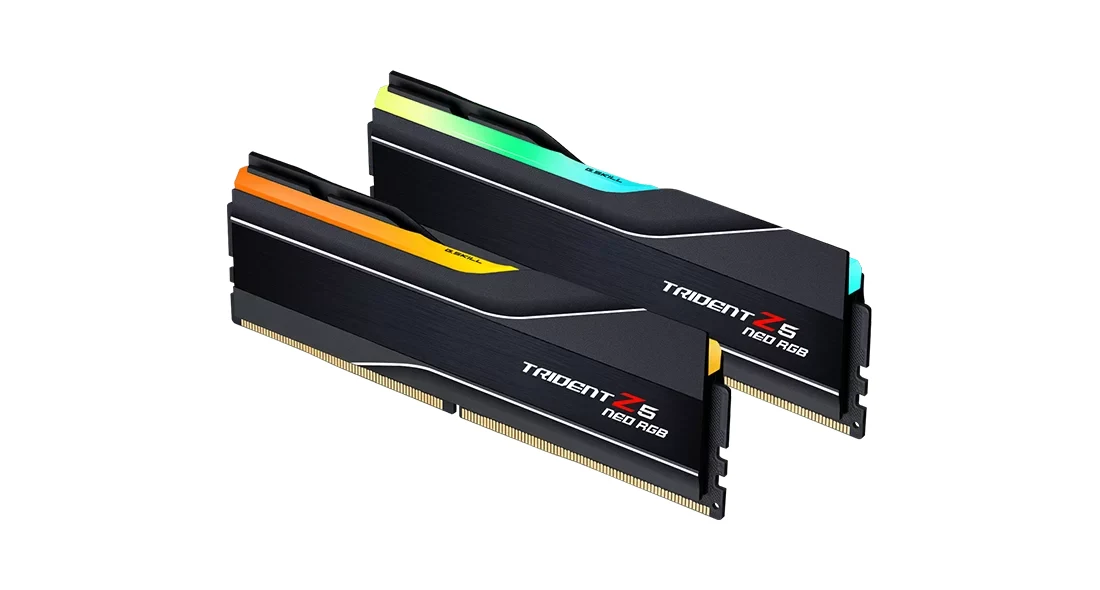
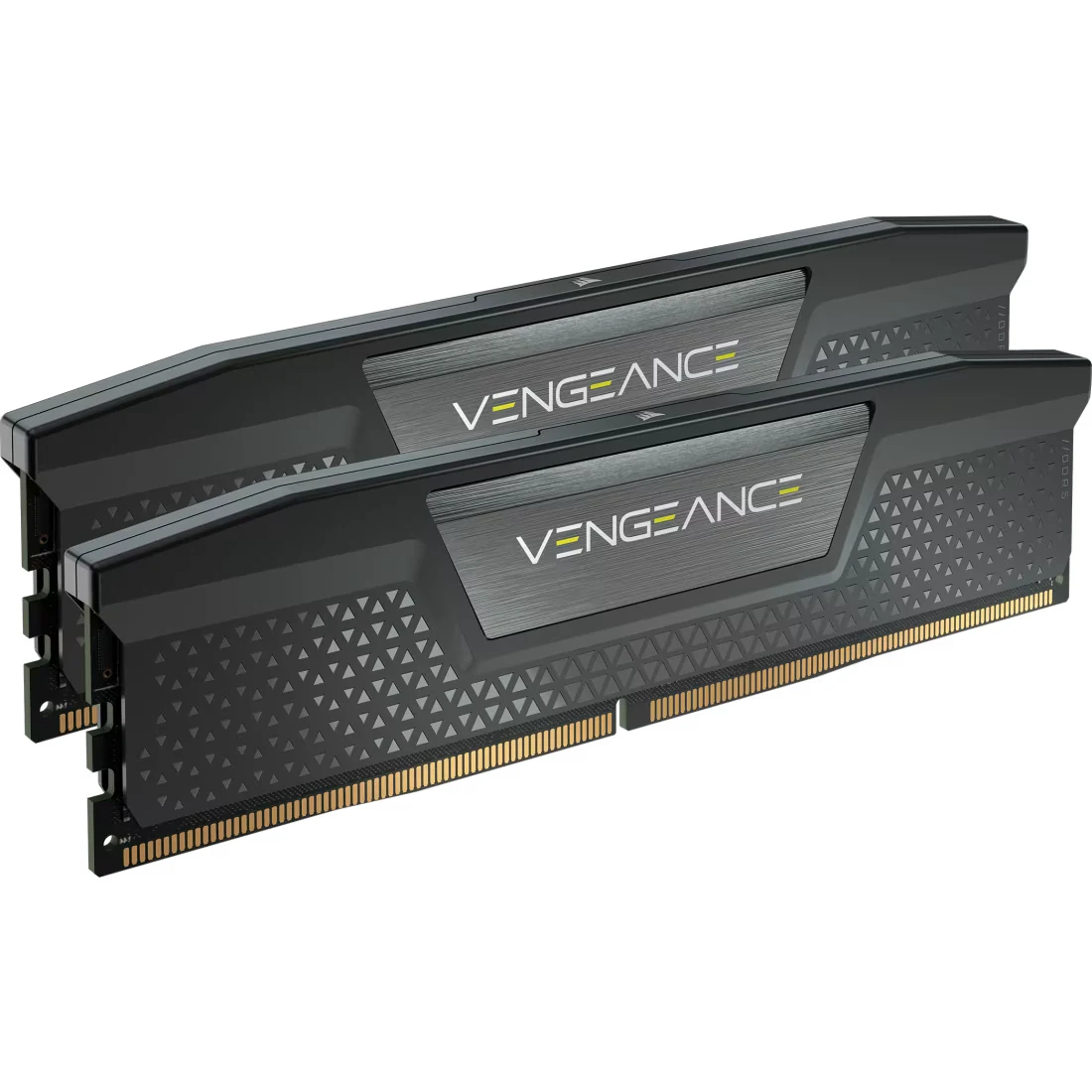
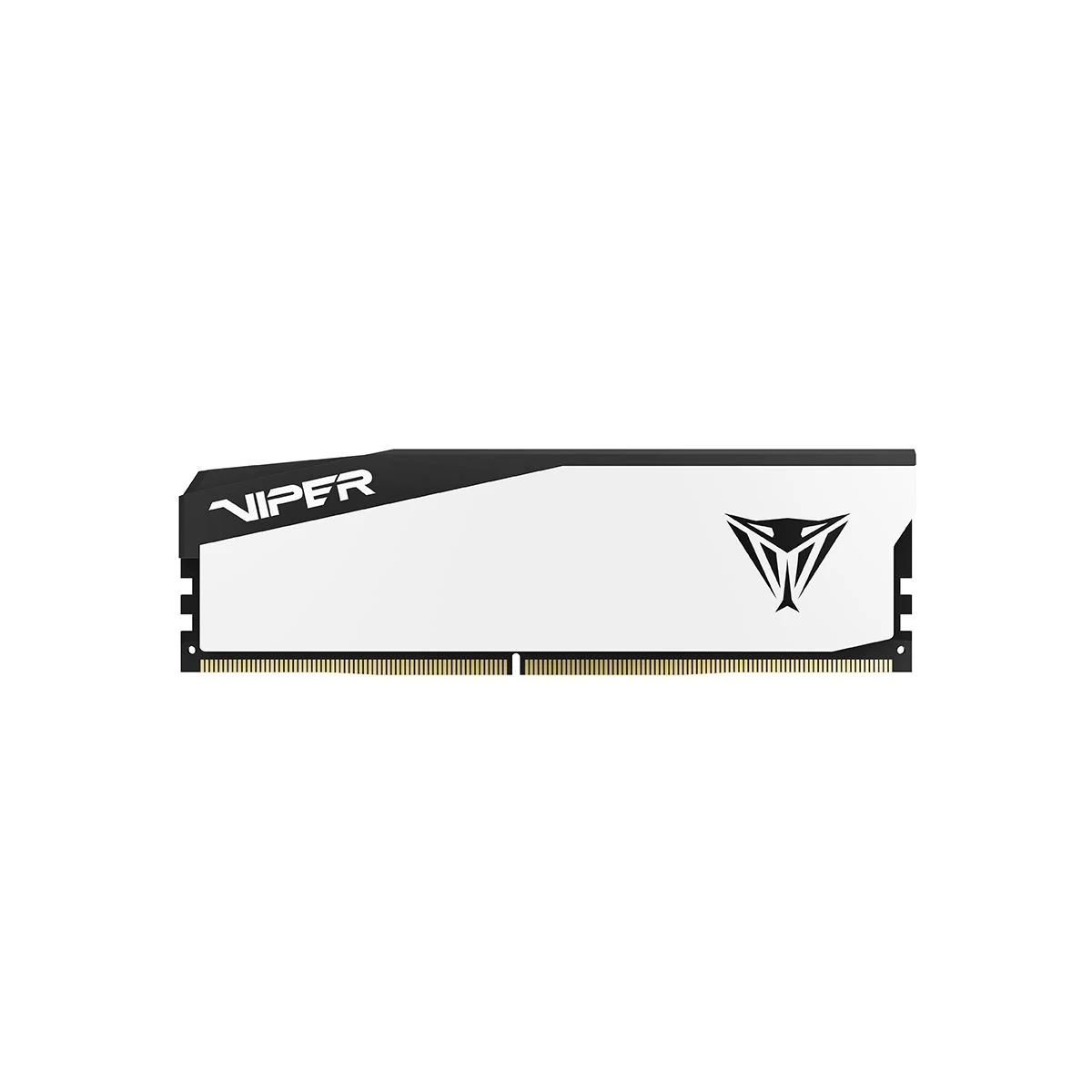
What to look at before you buy
Settle the capacity first. 16 GB still runs many games, 32 GB leaves room for newer titles with a browser, voice chat or a stream running in the background, and 64 GB is mostly for creative work. Buy it as a kit of two matched sticks, such as 2 × 16 GB, so the memory runs in dual channel.
Then match the generation to your platform. DDR5 is the only option on AM5 and current Intel boards, and DDR4 is for AM4 and older Intel builds; the two are not interchangeable. On DDR5, 6000 MT/s is the speed AMD points to for Ryzen, and a lower CAS latency, CL30 against CL36 on the kits we list, means a slightly faster response at the same speed.
Last, check the details that cause trouble. The rated speed only applies after you enable the memory profile (XMP or EXPO) in the BIOS, tall heat spreaders can collide with large air coolers, and RGB lighting needs software to control it.
Tools that help you choose
Guides for this category
Frequently asked questions
Is 16 GB of RAM enough for gaming in 2026?
For many games it still is, but 32 GB is the safer choice for a new build, because recent titles, a browser and voice chat running together can fill 16 GB. If you also stream or edit video, treat 32 GB as the floor. The official requirements of the games you play are the best guide.
What is the difference between DDR4 and DDR5 memory?
DDR5 is the newer generation, with higher speeds, and it is the only type that AMD AM5 and current Intel boards accept. DDR4 is for AM4 and older Intel platforms. The two use different slots, so a stick made for one will not go into a board built for the other.
Do I need to enable XMP or EXPO?
Yes, if you want the speed printed on the box. Out of the box, memory runs at a slower standard speed; turning on the XMP or EXPO profile in the BIOS applies the kit's rated speed and timings. It is a single setting, and the motherboard manual shows where to find it.