Thermal Paste for CPUs and GPUs
Some links are Amazon affiliate links: we earn a commission if you buy, at no extra cost to you, and it never changes what we recommend. How we make money
Thermal compound for CPU and GPU: pastes and application kits.
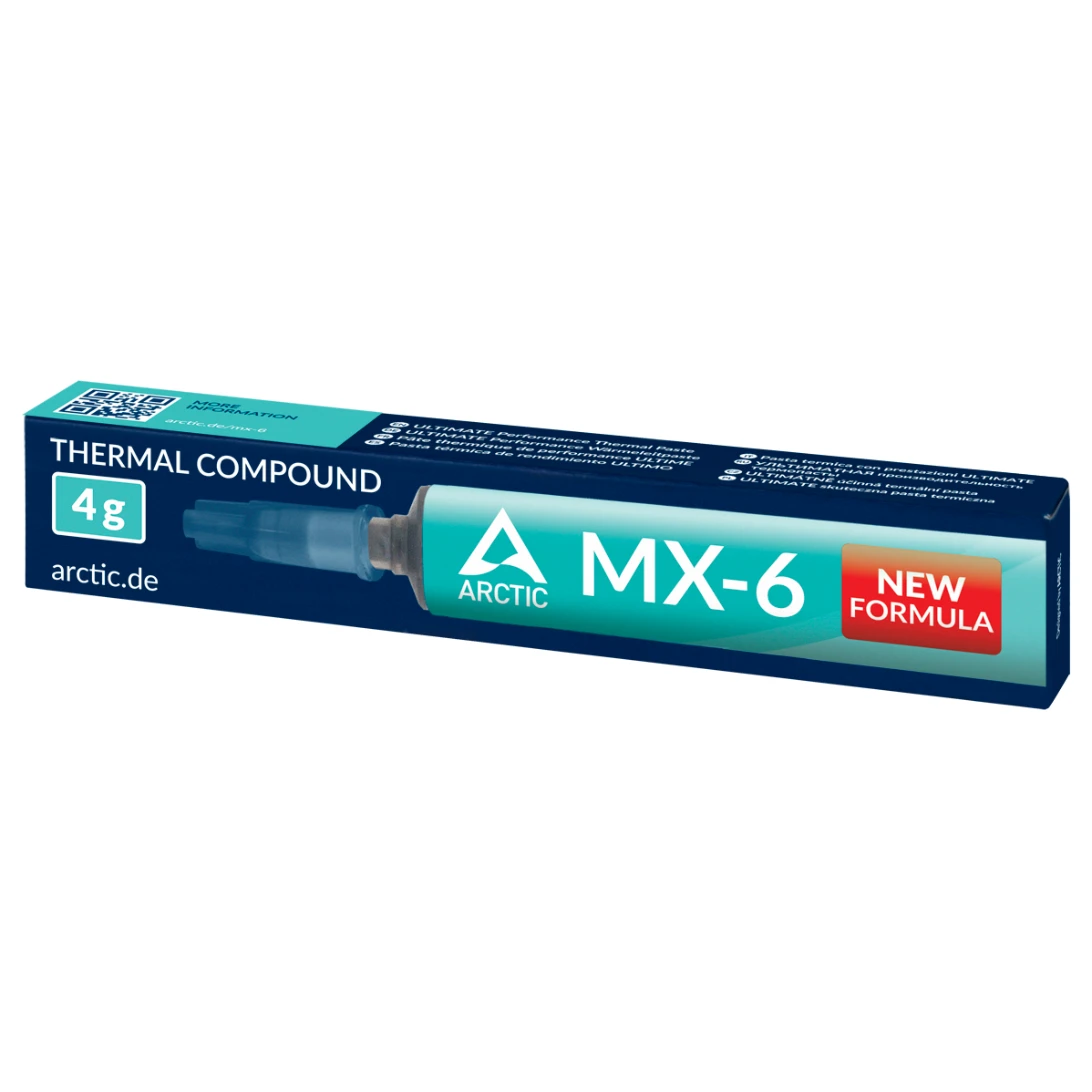

What to look at before you buy
Thermal paste fills the tiny gaps between the processor and the cooler so heat can pass from one to the other, and you only need it when you install a cooler without paste already applied or when you take one off. The first thing to check is whether it conducts electricity: a non-conductive, non-capacitive paste, like the ones we list, will not short anything if a little ends up on the board.
Then think about the amount. One application takes a small dot, so a 4 g tube covers a build and a repaste, while 8 g covers several builds or devices. Look at how it comes out as well: a syringe lets you place the paste precisely, and the pressure of the cooler spreads it for you.
Last, know when to replace it. Paste dries out over the years, and if an older PC starts running hotter than it used to, cleaning off the old paste and applying new is a cheap step to try before replacing the cooler.
Guides for this category
Frequently asked questions
How much thermal paste should I apply?
A pea-sized dot in the center of the processor is enough for most desktop chips, and the cooler's pressure spreads it as you tighten it down. Too much paste can spill over the edges, which is harmless with a non-conductive paste but makes a mess. For very large chips, follow the paste maker's application guide.
How often should I replace thermal paste?
There is no fixed schedule. Replace it whenever you remove the cooler, and consider it if an older PC starts running hotter than it used to even with clean fans and filters. Paste can dry out over several years, and a fresh application is one of the cheapest fixes to try.
Does a new CPU cooler come with thermal paste?
Most do, either applied to the cooler's base or in a small tube in the box, so you may not need to buy any for a first install. You need a tube when you remount the cooler, move it to a new processor or repaste an older PC. Check the box contents on the cooler maker's page.