Gaming Routers
Some links are Amazon affiliate links: we earn a commission if you buy, at no extra cost to you, and it never changes what we recommend. How we make money
Wi-Fi 7 and Wi-Fi 6E routers and mesh systems with gaming features: QoS prioritization, multi-gig ports and low-latency modes for online play.
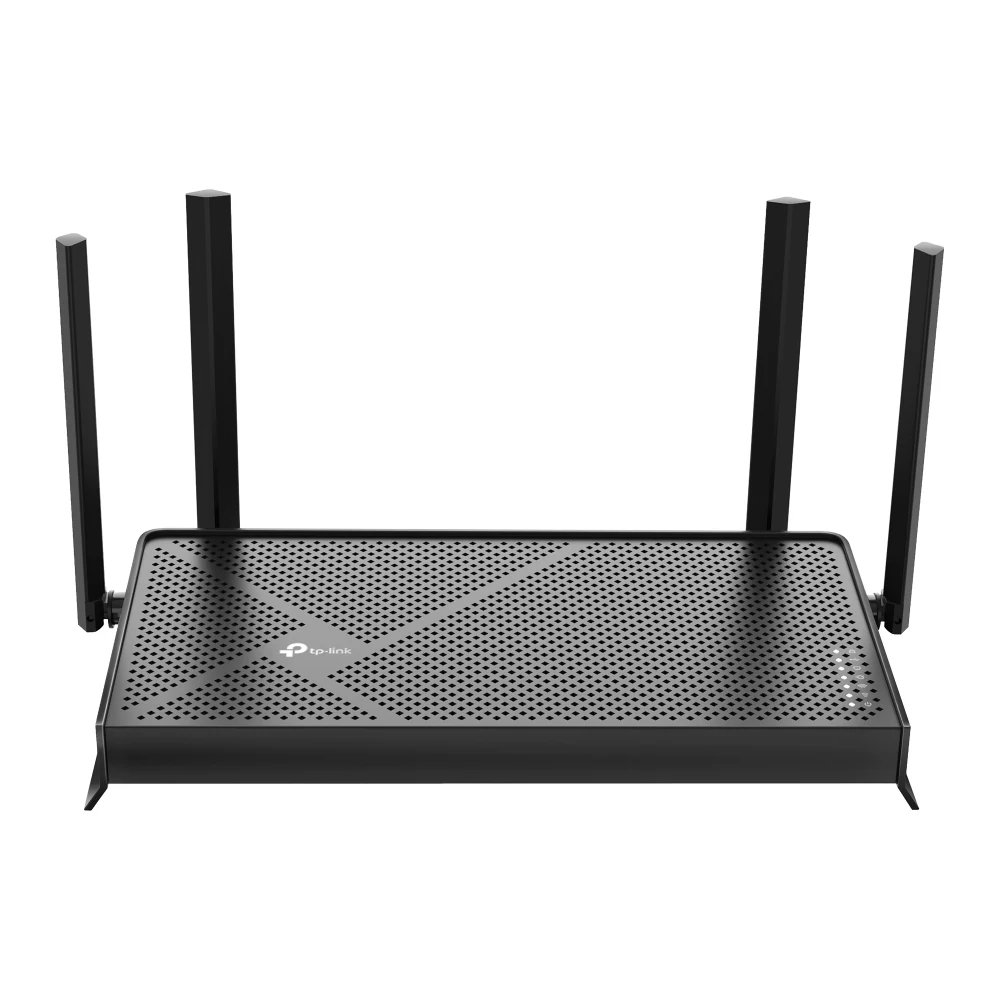
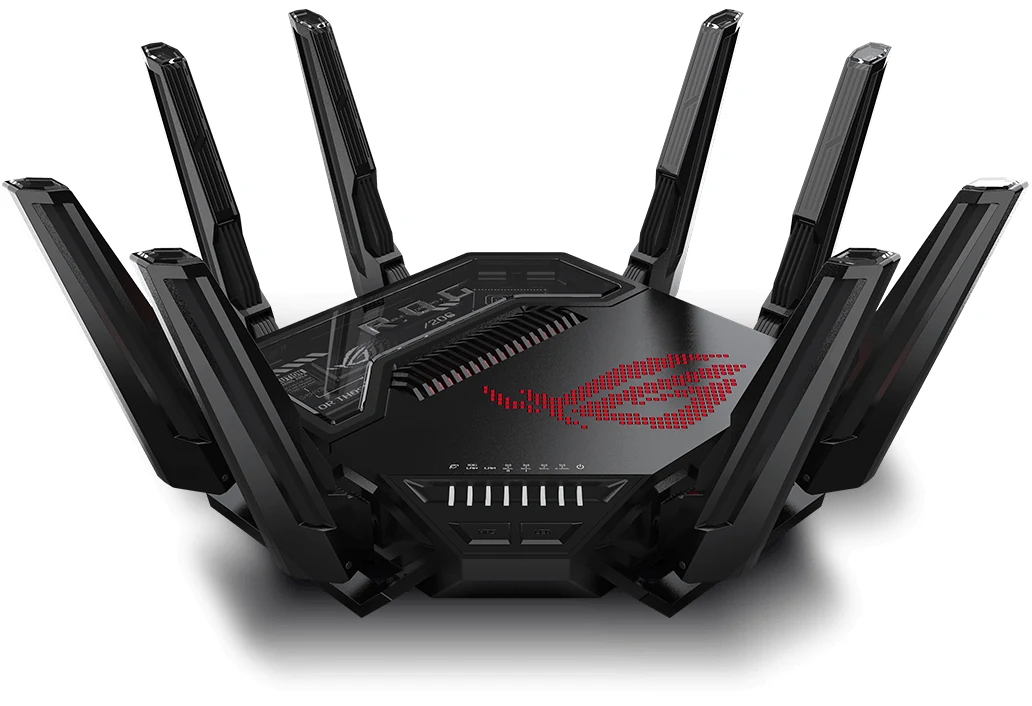
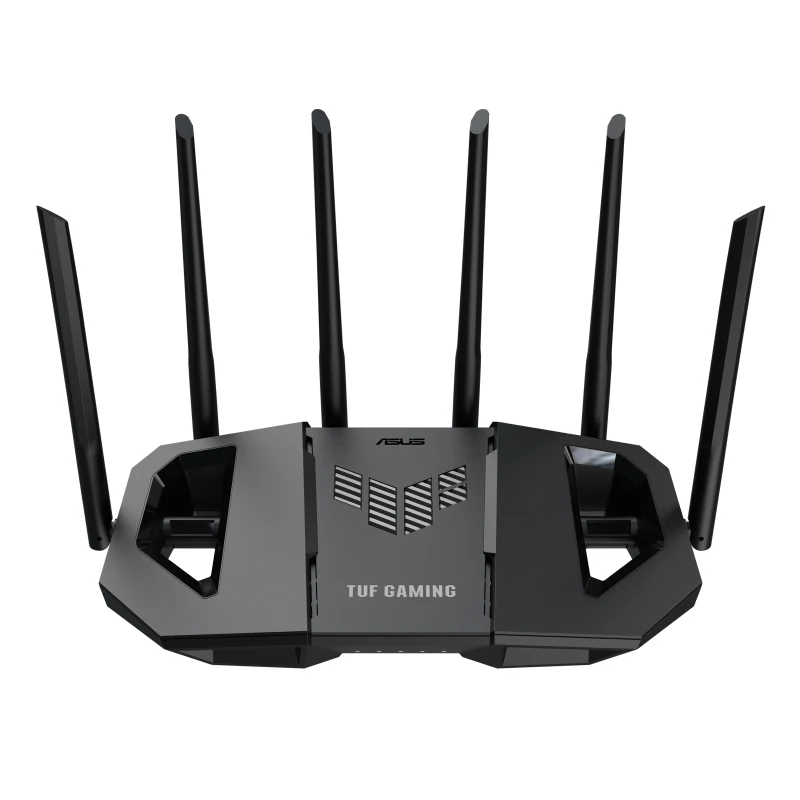
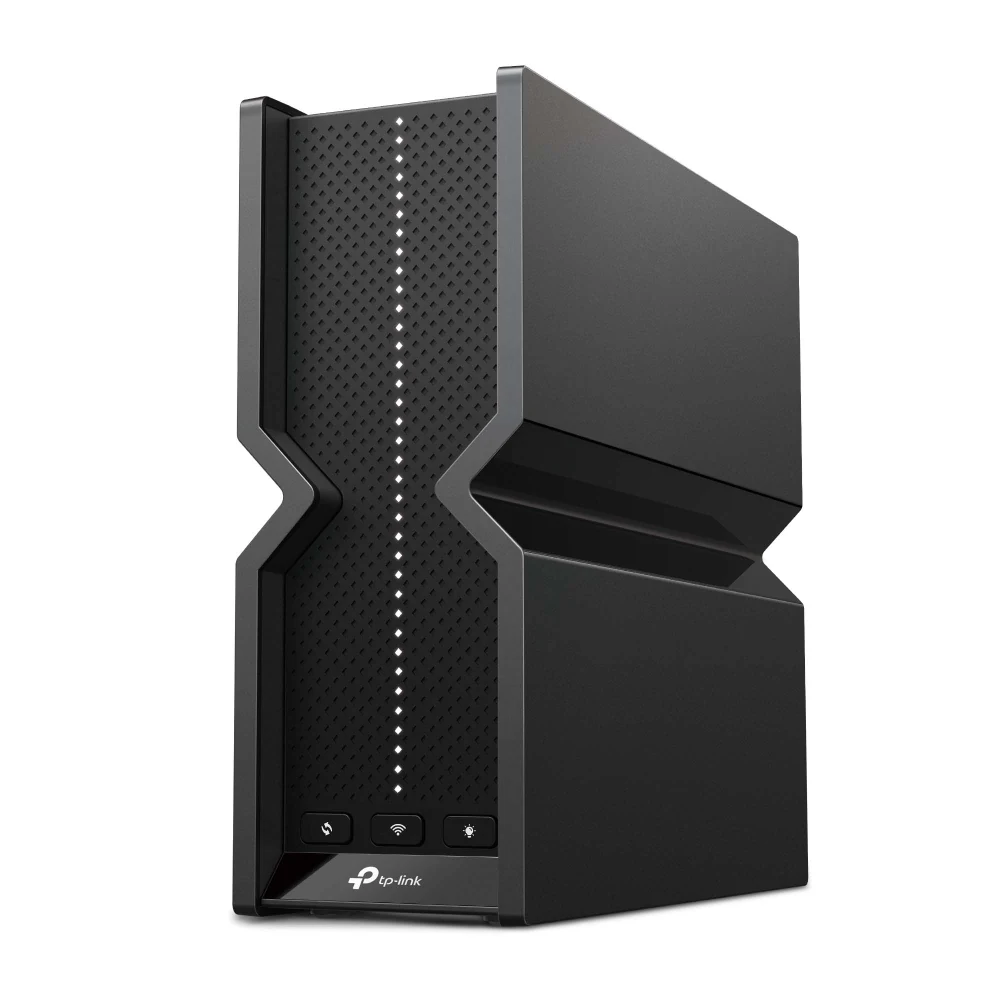
What to look at before you buy
Ask first whether the router is really the problem. If your PC or console can sit on a cable, an Ethernet connection gives a steadier ping than any wireless standard, and a new router will not fix a slow internet plan. A router upgrade makes sense when the Wi-Fi drops in the rooms where you play or when many devices share the connection.
The Wi-Fi 7 routers we list are named by their combined speed, from BE3600 to BE30000, but that number adds up every band and no single device reaches it. What matters more is the bands: dual-band models use 2.4 and 5 GHz, while tri-band and quad-band models add the 6 GHz band, which is less crowded but has a shorter range and needs a Wi-Fi 6E or 7 device.
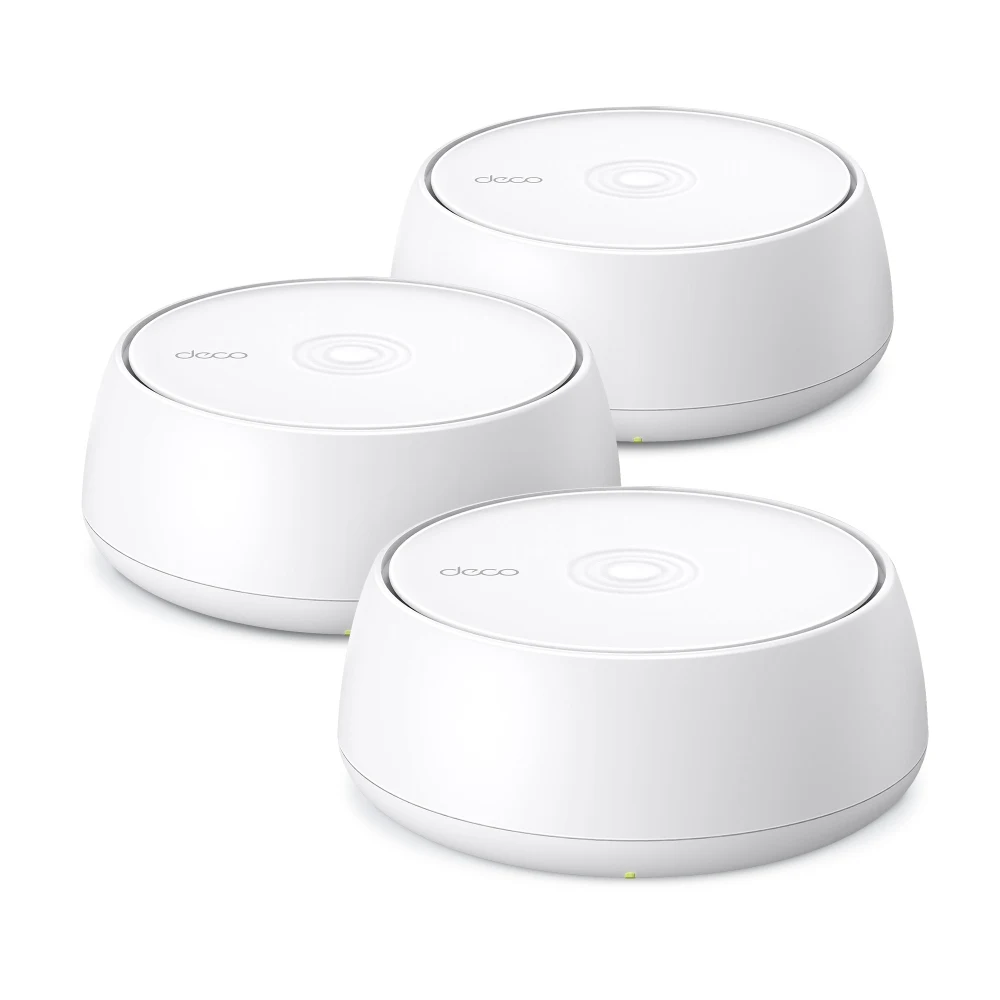
Then look at coverage and ports. Mesh systems spread the signal across a large home with several units; a single router suits an apartment. Count the wired LAN ports for a PC and a console, and check for gaming features such as QoS or a dedicated gaming port that prioritize game traffic.
Guides for this category
Frequently asked questions
Is Wi-Fi 7 worth it for gaming?
Only if your devices support it and your current Wi-Fi is the weak point. Wi-Fi 7 adds wider channels and the 6 GHz band, which help with speed and congestion close to the router. For the lowest and steadiest ping, an Ethernet cable still beats any Wi-Fi standard, so wire the PC or console if you can.
Does a gaming router lower ping?
Not by itself. Ping depends mostly on your internet provider and the distance to the game server. A router with QoS or a gaming port can keep game traffic first when others at home are streaming or downloading, which prevents lag spikes, but it cannot shorten the route to the server.
Mesh or a single router for gaming?
A single router if your home is small or the gaming room is close to it. Mesh if the signal is weak where you play, because extra units carry Wi-Fi to far rooms. For the gaming PC or console itself, plug it into the nearest unit with a cable when possible, which keeps the connection steadier than wireless.