2026 Guide: Build a Pro Streaming Setup, Part by Part

By Samuel 76 · Founder & Editor
Some links are Amazon affiliate links: we earn a commission if you buy, at no extra cost to you, and it never changes what we recommend. How we make money
A pro streaming setup is not built by spending more. It is built in the right order, and the order is not a matter of taste: one number decides it. Twitch recommends streaming 1080p at 60 fps at 6000 kbps, and everything your viewer sees and hears squeezes through that pipe. Once you know what eats those 6000 kbps and what does not, the shopping list sorts itself: voice first, light second, camera third, and a capture card only if you play on console.
I will not lie to you: the usual mistake is building a recording corner in the wrong order, camera first, and then spending months wondering why it looks worse than channels running cheaper gear. This guide is the order that saves you that money.
Everything I mention here is in the catalog with its price band and a direct Amazon link; if you want two pieces side by side, the comparator does it in one click, and if the stream comes with a new PC, the PC builder puts the tower together by tier.
The 6000 kbps that decide everything
Twitch's official broadcasting guidelines ask for a constant 6000 kbps (CBR) at 1080p60, with a 2-second keyframe interval. For audio they recommend 96 kbps and allow a maximum of 160 kbps in AAC. Do the math: your voice takes less than 3 % of the pipe, and it is the first thing a viewer punishes. That figure is the standard guideline. Since June 2026, Partners and Affiliates who use Enhanced Broadcasting can go up to 7.5 Mbps at 1080p and 9 Mbps at 1440p, per Twitch's own blog. Even there your voice is a small slice of the pipe, and if you are just starting, the 6000 kbps guideline is the one that applies to you: the buying order does not change.
Video is the other 97 %, and that is where the buying order hides. The encoder splits those 6000 kbps across everything that changes from one frame to the next. The noise in a dark image, the grain that shows up when a camera raises its sensitivity because there is not enough light, changes on every frame, so the encoder treats it as detail and spends bits on it. In short: a badly lit face steals bitrate from the game. That is why light comes before camera, and why a 4K webcam fixes nothing when the stream goes out at 1080p anyway, or 1440p at most with Enhanced Broadcasting.
One more thing from the same guidelines: Twitch recommends encoding on the GPU's dedicated chip (NVENC on NVIDIA) so you can play and stream without losing performance. So the order below assumes your PC can already stream; if it cannot, the value gaming PC guide comes first.
The six pieces, spec by spec
| Stage | Product | Main spec | Connection | Source |
|---|---|---|---|---|
| 1. Voice | Shure MV7+ | Dynamic, cardioid | USB-C and XLR | Shure |
| 1. Voice | Elgato Wave:3 MK.2 | Condenser, cardioid, 24-bit / 48 kHz | USB-C | Elgato |
| 1. Voice | InnoGear boom arm | Holds up to 1.5 kg, steel, 360° base | Desk clamp | Our product sheet |
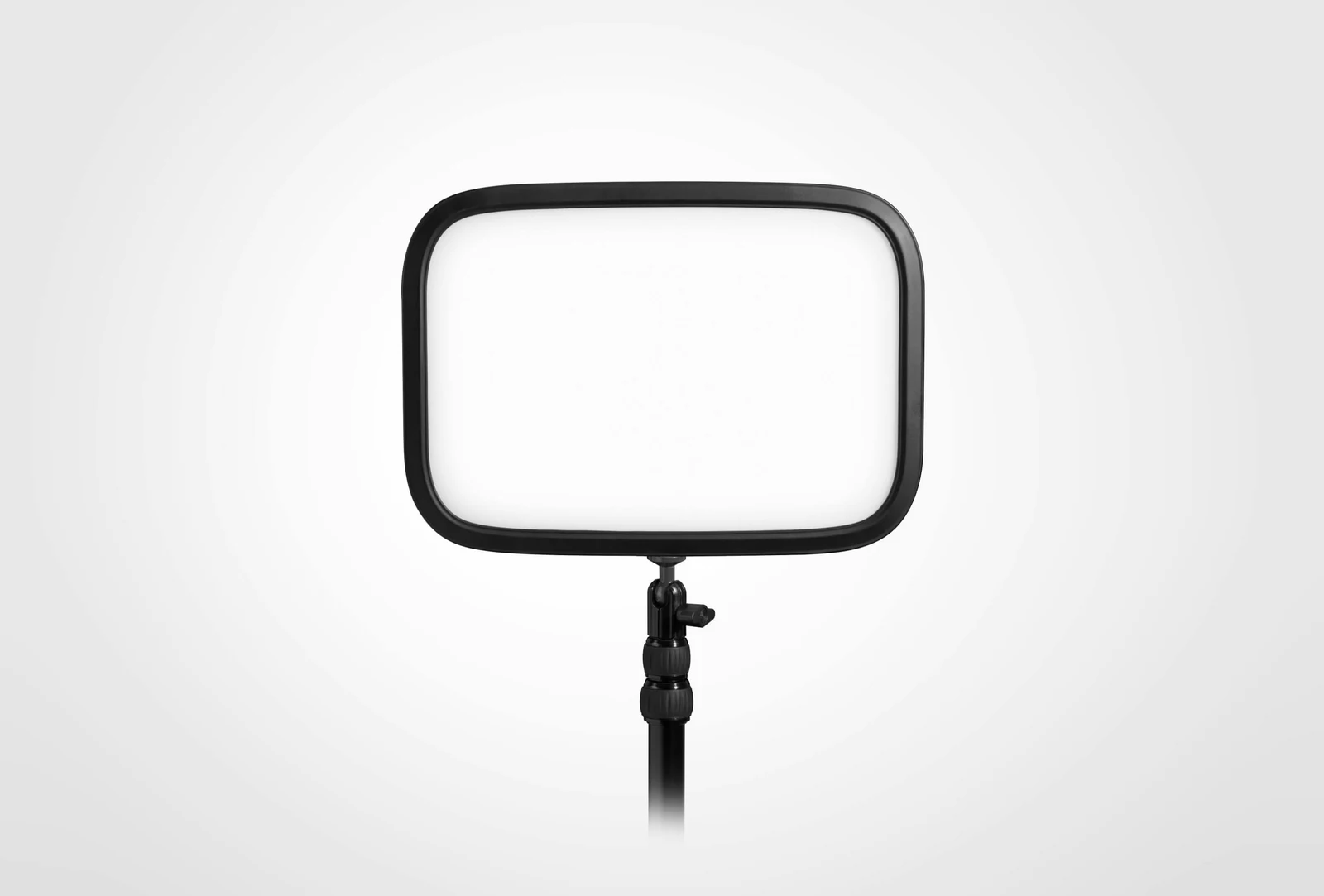
| 2. Light | Elgato Key Light | 2800 lm, 2900–7000 K | Wi-Fi (Control Center) | Elgato |
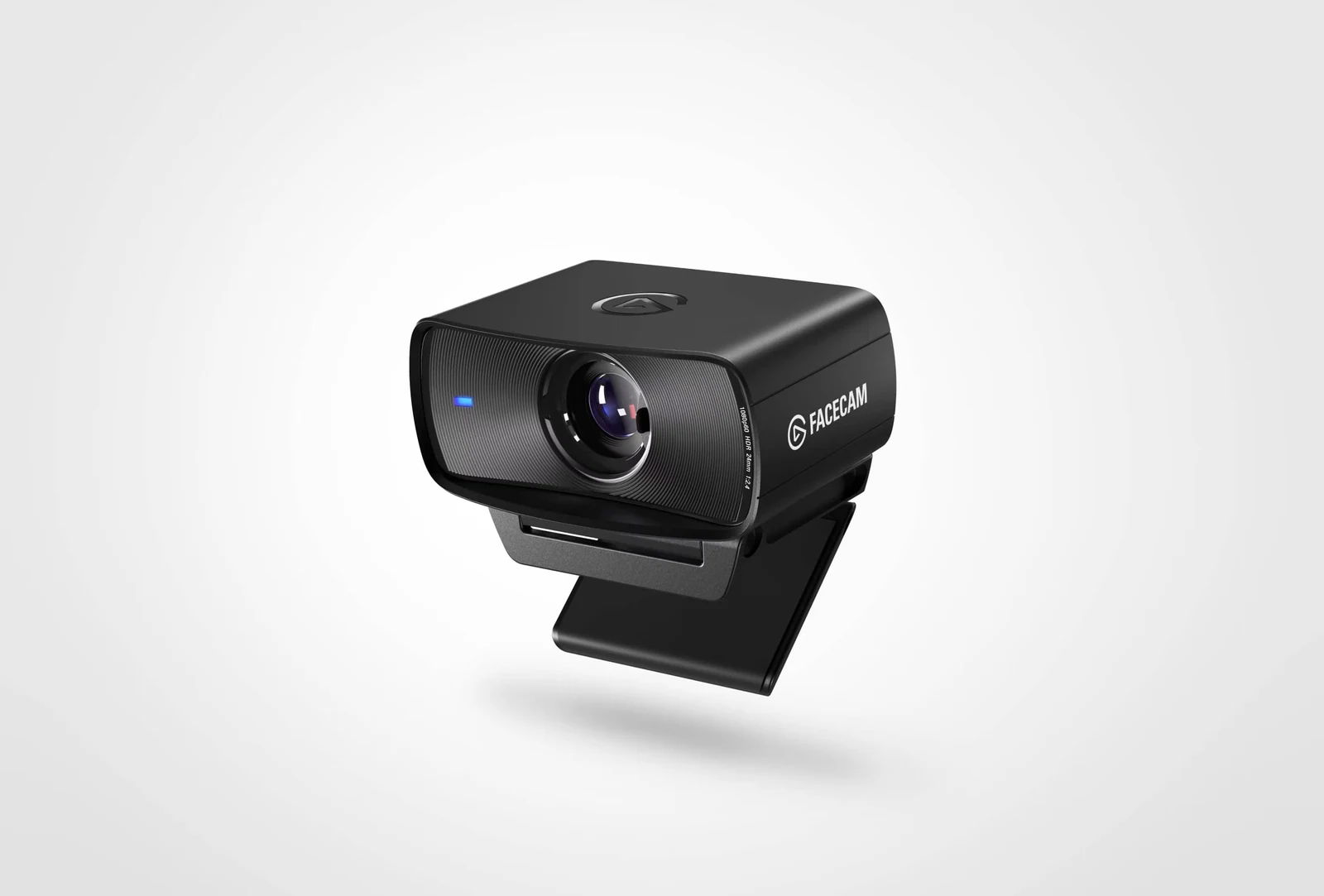
| 3. Camera | Elgato Facecam MK.2 | 1080p at 60 fps, fixed focus 30–120 cm, HDR at 1080p30 | USB 3.0 | Elgato |
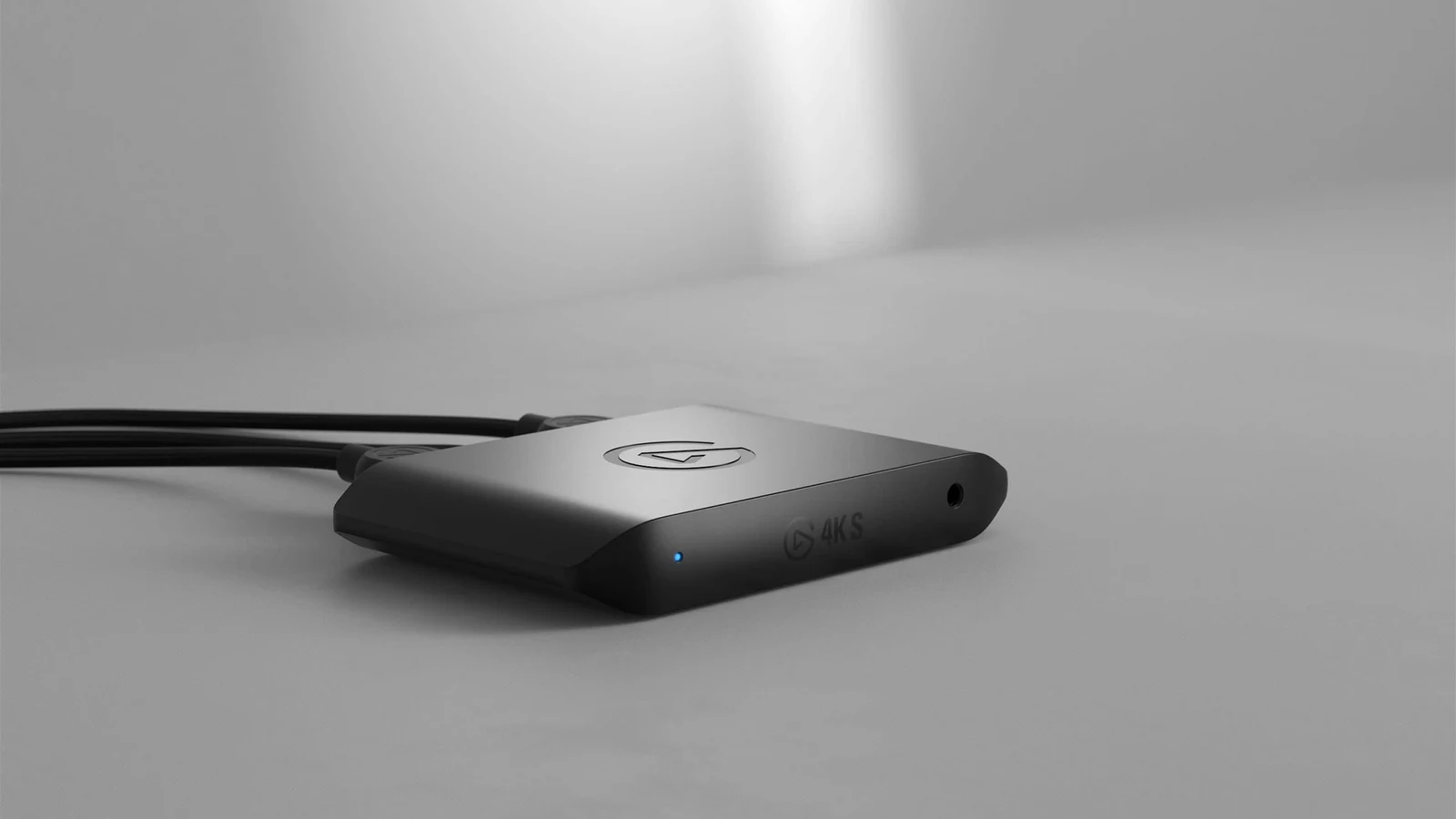
| 4. Console | Elgato 4K S | 4K60 capture; HDR capture up to 1080p60 (Windows) | USB-C 3.0 | Elgato |
Figures from each maker's page, checked on October 13, 2026. InnoGear's own site only shows its larger arm, rated at 4.4 lb, so the 1.5 kg of the arm we link comes from our product sheet. The camera stage is compared in depth in our webcam guide.
Stage 1: your voice (mic and boom arm)
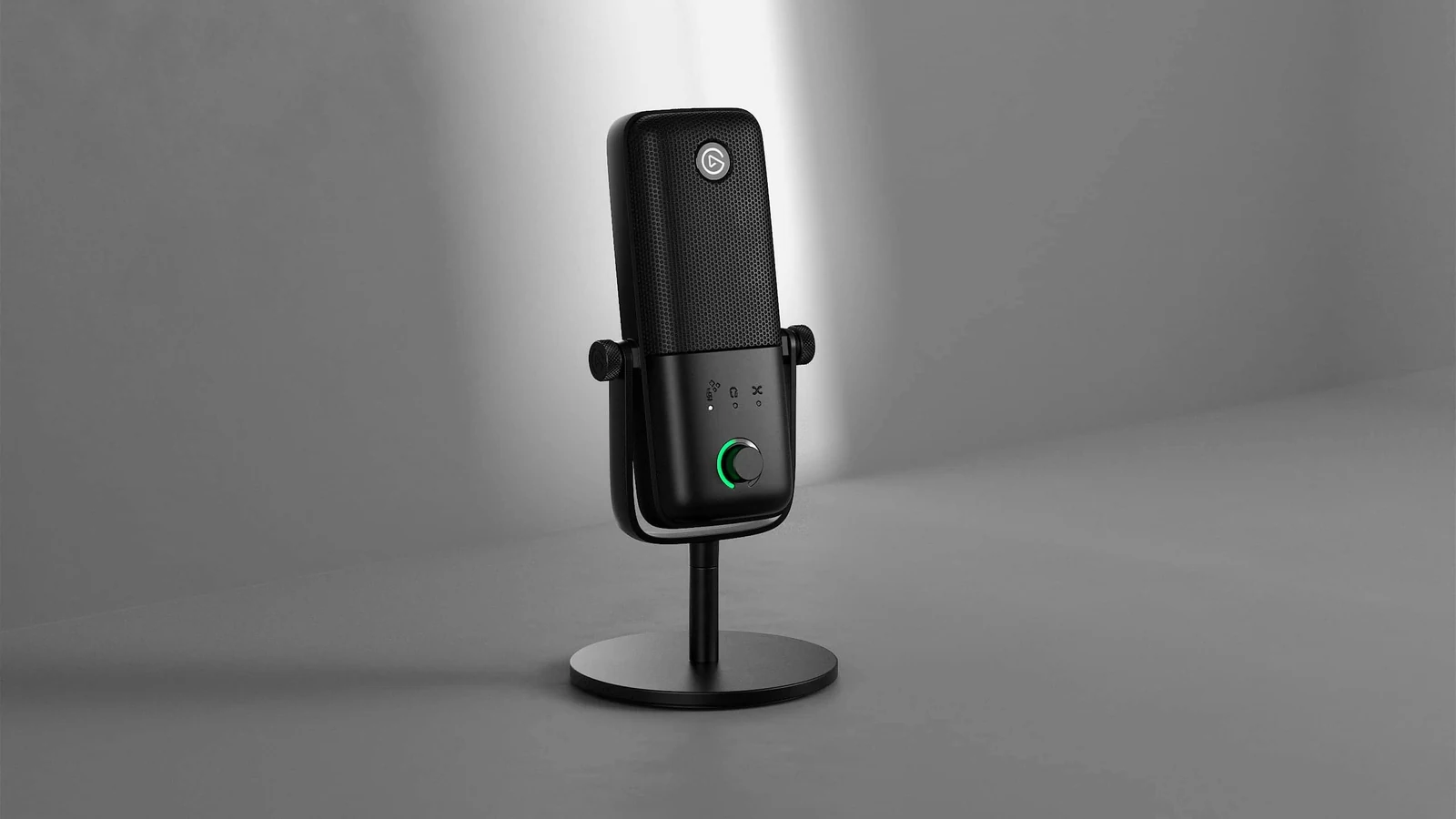
For almost everyone, stage 1 is a USB microphone (the five we compared are in our microphone guide). The Elgato Wave:3 MK.2 records at 24-bit / 48 kHz according to its spec sheet and ships with Clipguard 2.0: a dedicated chip that processes internally in 32-bit floating point, which Elgato says keeps a shout from clipping. On top of that, the Wave Link mixer lets you split game, Discord and voice into separate channels inside OBS without buying anything else. It costs $110 to $150.
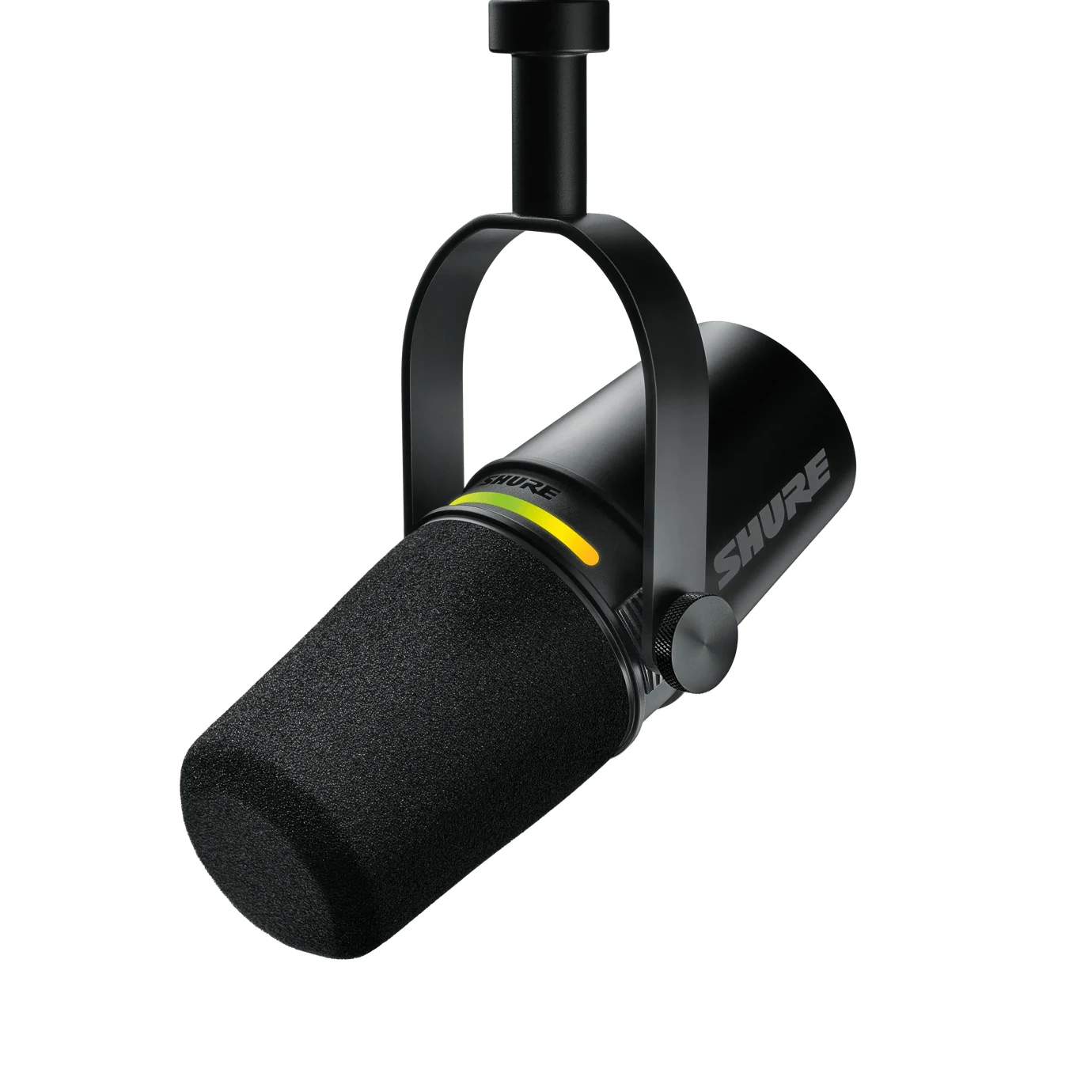
The Shure MV7+ is the step up, and it deserves a plain answer about who it is for: people whose voice is the product, meaning podcasts, interviews, talk channels. It has USB-C and XLR outputs at the same time, and its processing, auto level, real-time denoiser and digital pop filter, is configured over USB from MOTIV Mix. It costs $280 to $400. If your stream is 80 % game and 20 % commentary, the difference against the Wave:3 MK.2 does not survive 96 kbps. For the full USB versus XLR bill, read our USB or XLR guide.
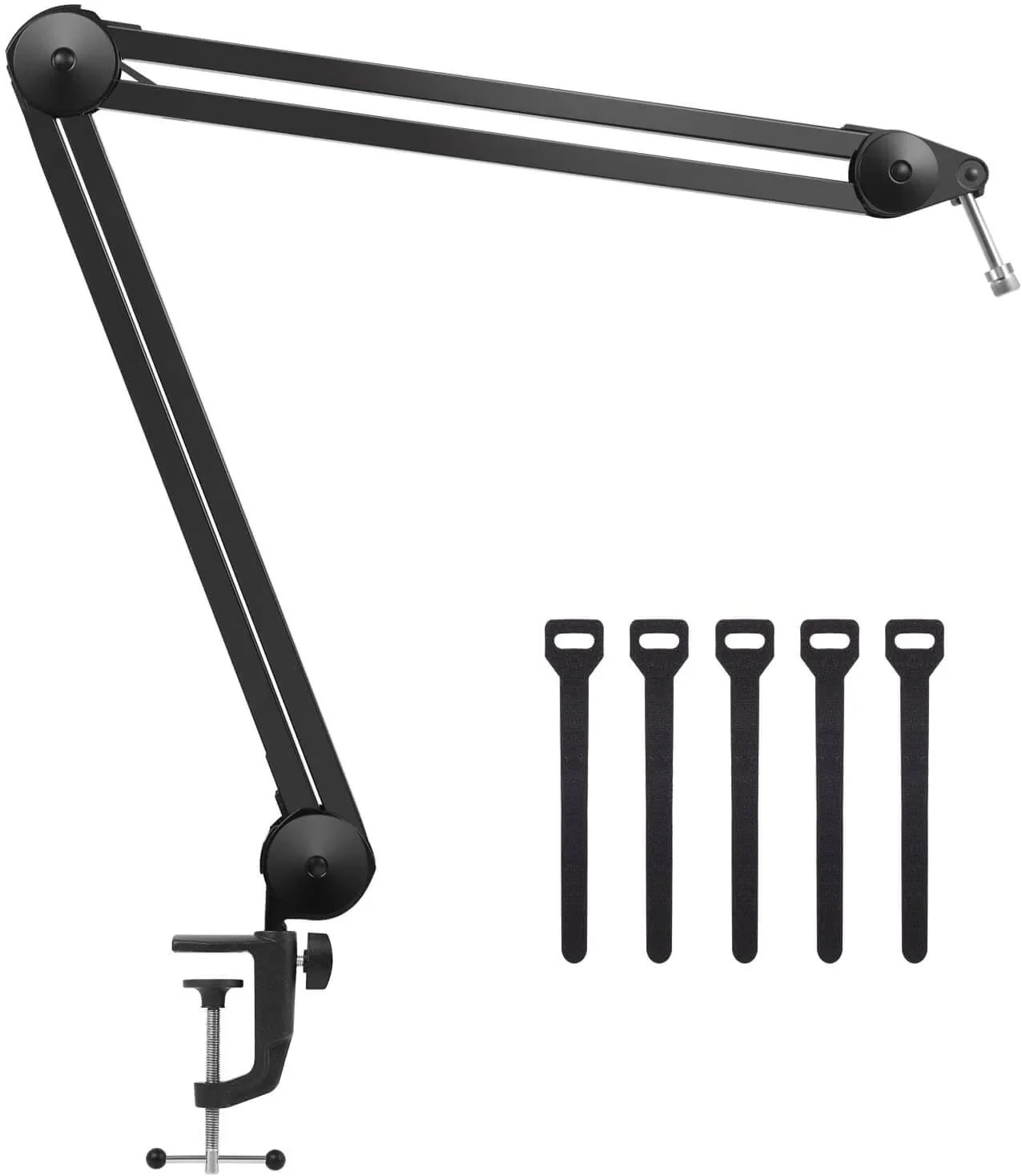
That said, stage 1 has a second piece: the boom arm. Shure's guide for the original MV7 asks you to speak from 1 to 6 inches away, the MV7+ ships without a stand, and a desk stand leaves you at 16 to 20 inches. An arm is what keeps you inside that 1 to 6 inch range. The InnoGear is rated for 1.5 kg of load and either microphone weighs less than half of that. It costs under $25.
Stage 2: the light that saves bitrate
The Elgato Key Light is a 2,800-lumen panel with 160 OSRAM LEDs, color temperature adjustable from 2,900 to 7,000 K, opal glass diffusion and Wi-Fi control from the app or a Stream Deck, per the manufacturer's spec sheet. It draws up to 45 W and comes with the desk clamp and a pole that extends to 49 inches. It costs $150 to $200.
The reason to buy it before the camera is the one I explained above: with a well-lit face the webcam lowers its sensitivity, the grain disappears, and the encoder spends the 6000 kbps on the game and on your expression, not on noise. A webcam sensor works with the light the room gives it, which is why the light goes before the camera. The classic excuse for skipping it is that "it does not show on screen". It shows on everything.
Stage 3: the camera, with one footnote
The Elgato Facecam MK.2 uses a 1/2.5-inch Sony STARVIS sensor, delivers uncompressed 1080p60 over USB-C, and gives you manual exposure and white balance from Camera Hub. It has no microphone, and that is a feature: you do not pay for one you would never touch after stage 1. It costs $110 to $150.
The footnote, which Elgato's spec sheet states and almost no review repeats: HDR works at 1080p30, not at 60. You pick one. For a gaming stream, 60 fps without HDR is the right pick, because your face should move at the same rate as the game. One more: focus is fixed, from 30 to 120 cm. Sitting about a meter from the camera keeps you in range; mounting it across the room does not.
Stage 4: only if you play on console
If you stream from PS5, Xbox or Switch 2 you need a capture card, and the Elgato 4K S is our pick: it captures up to 2160p60 and passes the signal through to your monitor at up to 4K 60 Hz, 1440p 120 Hz or 1080p 240 Hz with VRR, per Elgato, with an HDMI 2.0 input and a 3.5 mm analog audio input. It costs $110 to $150.
Another footnote from the spec sheet: HDR10 capture only goes up to 1080p60, and only on Windows. Your console can send 4K HDR to your screen while you play, but what you record or stream in HDR will be 1080p. For Twitch's standard 1080p stream, that is exactly what you need. And if you play on PC, skip this stage entirely: OBS captures the game directly.
The bill, stage by stage
Here is the path, with each piece's price band from the catalog:
- Stage 1, voice: Elgato Wave:3 MK.2 $110 - $150 + InnoGear boom arm under $25. You can start streaming right here.
- Stage 2, light: Elgato Key Light $150 - $200.
- Stage 3, camera: Elgato Facecam MK.2 $110 - $150.
- Stage 4, console: Elgato 4K S $110 - $150, only if you do not play on PC.
- Optional step up: Shure MV7+ $280 - $400 instead of the Wave:3 MK.2, if your voice is your product.
At September 2026 prices, the first three stages add up to about $470; with the capture card, about $620; and swapping in the MV7+, about $770. The gap between the $470 path and the $770 path is a single product, and on a gaming stream you cannot hear it.
If you plan to wait for Prime Big Deal Days (October 6-7)
Amazon announced on September 15 that its fall event runs October 6-7, 2026: 48 hours of Prime-only deals, with new drops at midnight, 8 a.m. and 1 p.m. Pacific. If your plan is to wait three weeks for one of these pieces, three honest things:
First: nobody knows what will be on sale until it starts; any article that "previews" Elgato or Shure discounts today is guessing. Second: the way to tell whether a discount is real is on Amazon itself: every product page has a Price History link with up to 365 days of data. If the "was" price is the everyday price, it is a deal; if the price climbed two weeks before the event, it is not. Third: the buying order does not change because of the event. If the Key Light drops and the mic does not, buy the light on sale and the mic at full price; what makes no sense is buying the camera first because it had a red tag.
We will keep the catalog's price bands updated during the event. What we will not do is write a price here that stops being true tomorrow.
How we choose
No lab here, and we will not pretend otherwise. We built the setup piece by piece on what the makers publish: microphone connection and pickup pattern, camera resolution and frame rate, light output and color temperature, and capture passthrough, from the Elgato, Shure and InnoGear pages. Each piece covers one job: voice, image or capture. Audio interfaces and mixers stayed out because both microphones connect over USB, and the Shure also offers XLR for later. No brand pays to appear here.
I write every guide with the help of AI tools for research and drafting; I decide which products make the cut, check every figure against the manufacturer's spec sheet and the price on the day I verify it, and sign the text. — Samuel
Questions that come up while building a streaming setup
Can my current PC handle streaming?
If your graphics card has a dedicated encoder, NVENC on any NVIDIA RTX, or the AMD and Intel equivalents, yes. Twitch itself recommends using it instead of the CPU. What you do need is a stable upload above the 6000 kbps of video plus audio: in practice, about 8 Mbps of sustained upload.
Do I need everything from day one?
No. Stage 1 and go live. Consistency grows a channel more than gear does, and stages 2 and 3 can come as you hit your first goals. A headset mic and a laptop webcam are enough to start.
Is a 4K webcam worth it for Twitch?
For streaming, no: Twitch's standard guideline is 1080p60 at 6000 kbps, and even with Enhanced Broadcasting the ceiling is 1440p, so the extra 4K resolution is lost in the encode. Put that money into the light. For recording 4K YouTube video the answer changes.
What about the stream background?
A couple of LED bars behind the desk add depth, but they come after stage 3. The options are in our LED lights guide.
My order, if I started today
Wave:3 MK.2 on a boom arm, and go live that same week. Key Light the next month. Facecam MK.2 once the light is already in place, never before. The 4K S only the day a console joins the channel. And the MV7+ only if people one day follow you for what you say rather than what you play. Bottom line: spend where the 6000 kbps will thank you.