USB or XLR Mic for Streaming? The 2026 Answer

By Samuel 76 · Founder & Editor
Some links are Amazon affiliate links: we earn a commission if you buy, at no extra cost to you, and it never changes what we recommend. How we make money
USB or XLR microphone? The question sounds technical and it is really a money question. So this time I am not going to explain what each acronym means again: I put both invoices in front of you, line by line, with prices I checked on September 13, 2026. What each path actually costs until you are recording, with no missing cables and no surprises halfway through.
And I will give you the ending up front, because making you scroll for an answer is rude: for almost everybody, USB. Not because XLR is bad — it is the professional standard and it will stay that way — but because the step up costs more than double and what it buys is not better sound. It is features your microphone already had, switched off the moment you change cables. Almost nobody says that part, and it is the heart of this article.
If you are putting the whole rig together at once, the PC builder and the comparison tool remove half the guesswork, and everything I mention here sits in the catalog, with its price band and a direct link to Amazon.
Both invoices, side by side
I put the same microphone in both columns: the FIFINE AM8, which is a hybrid and works either way. That way the comparison does not cheat anywhere.
| Invoice line | USB path | XLR path |
|---|---|---|
| Microphone (FIFINE AM8) | $40 - $60 | $40 - $60 |
| Audio interface | not needed | bought separately |
| Cable | in the box | bought separately |
| Boom arm | under $25 | under $25 |
| Total to go live | mic and arm | more than double |
That is more than double for the same microphone. And heads up on the number that changed my recommendation once it was in the table: the entry-level interface cost more, in September 2026, than the Elgato Wave:3 MK.2, the best USB microphone on the list. You would be paying more for the accessory than the good microphone costs.
Invoice A: the USB path, no surprises
One cable, one port, and you are live. That is it. This is why USB is still the right answer for most people: the whole budget goes into the microphone instead of the chain around it.
The FIFINE AM8 (paid link), in the $40 to $60 price band, is the door in, and it is dynamic, which in an untreated room matters more than any spec on the box: it ignores your fan, your keyboard and your neighbor. Above it, the Elgato Wave:3 MK.2 (paid link), in the $110 to $150 price band, is what I would grab if the stream is serious, mostly for Clipguard, which saves you when you shout mid-match. The HyperX QuadCast 2 (paid link), in the $110 to $150 price band, sits in between with an internal pop filter.
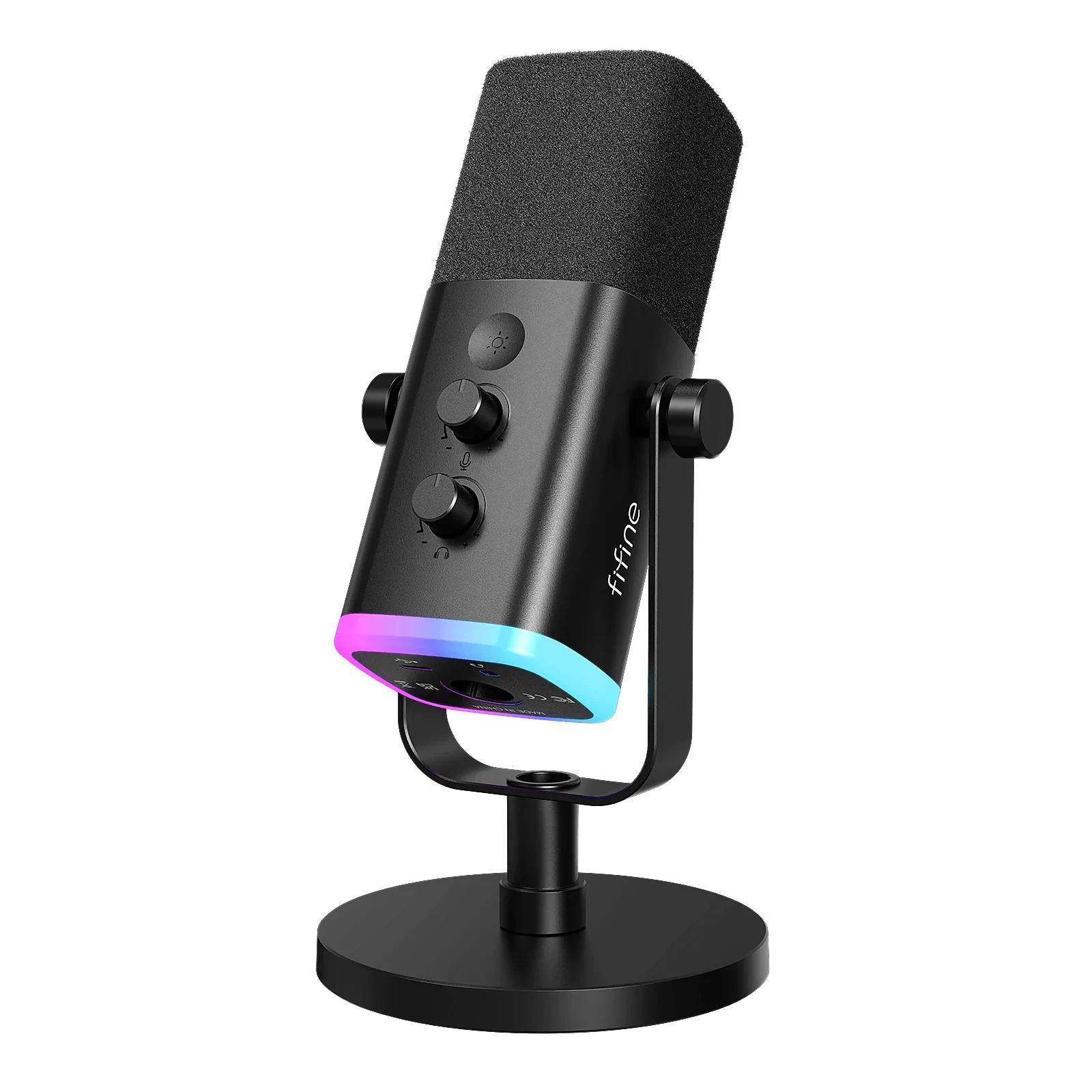
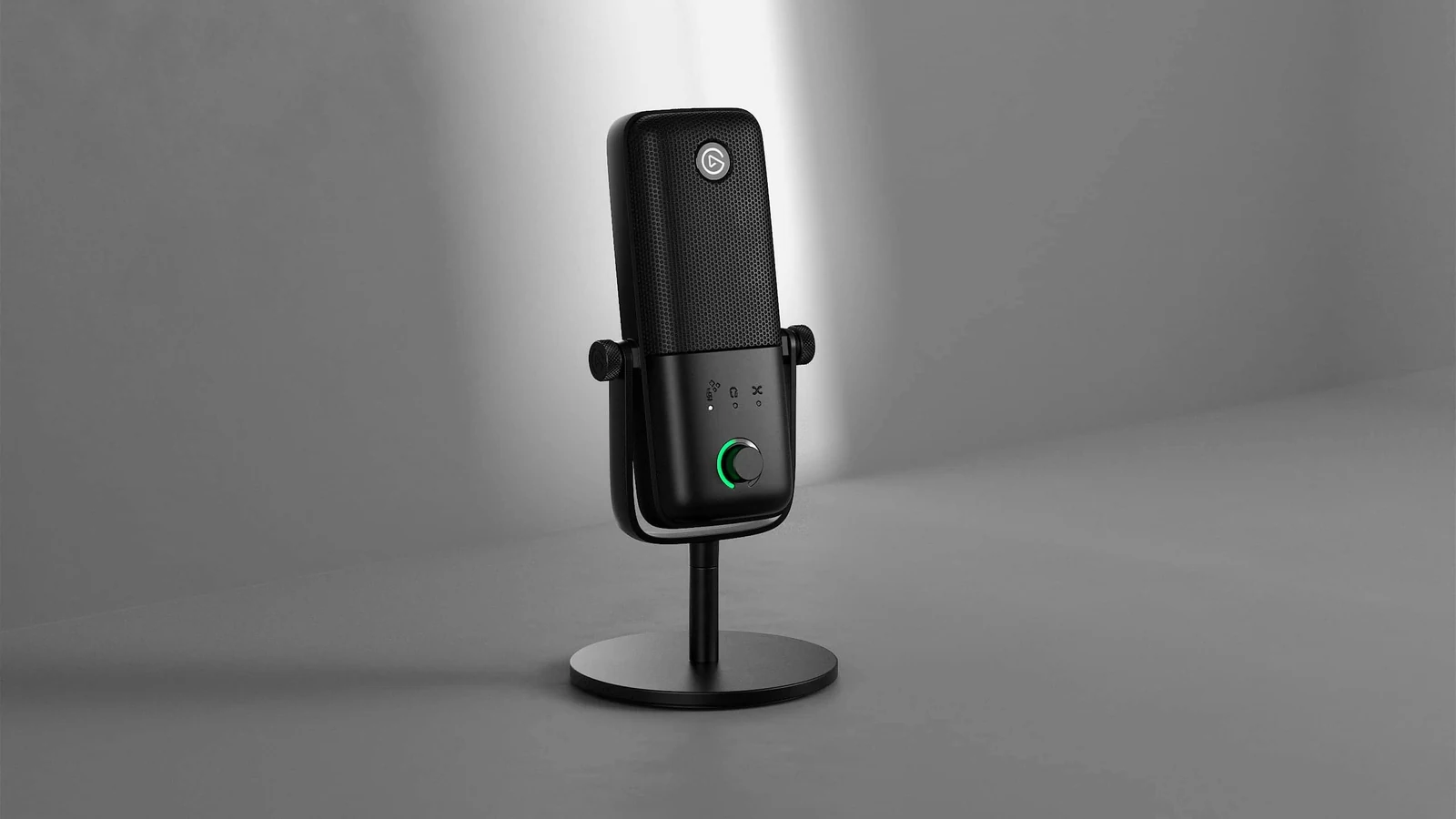
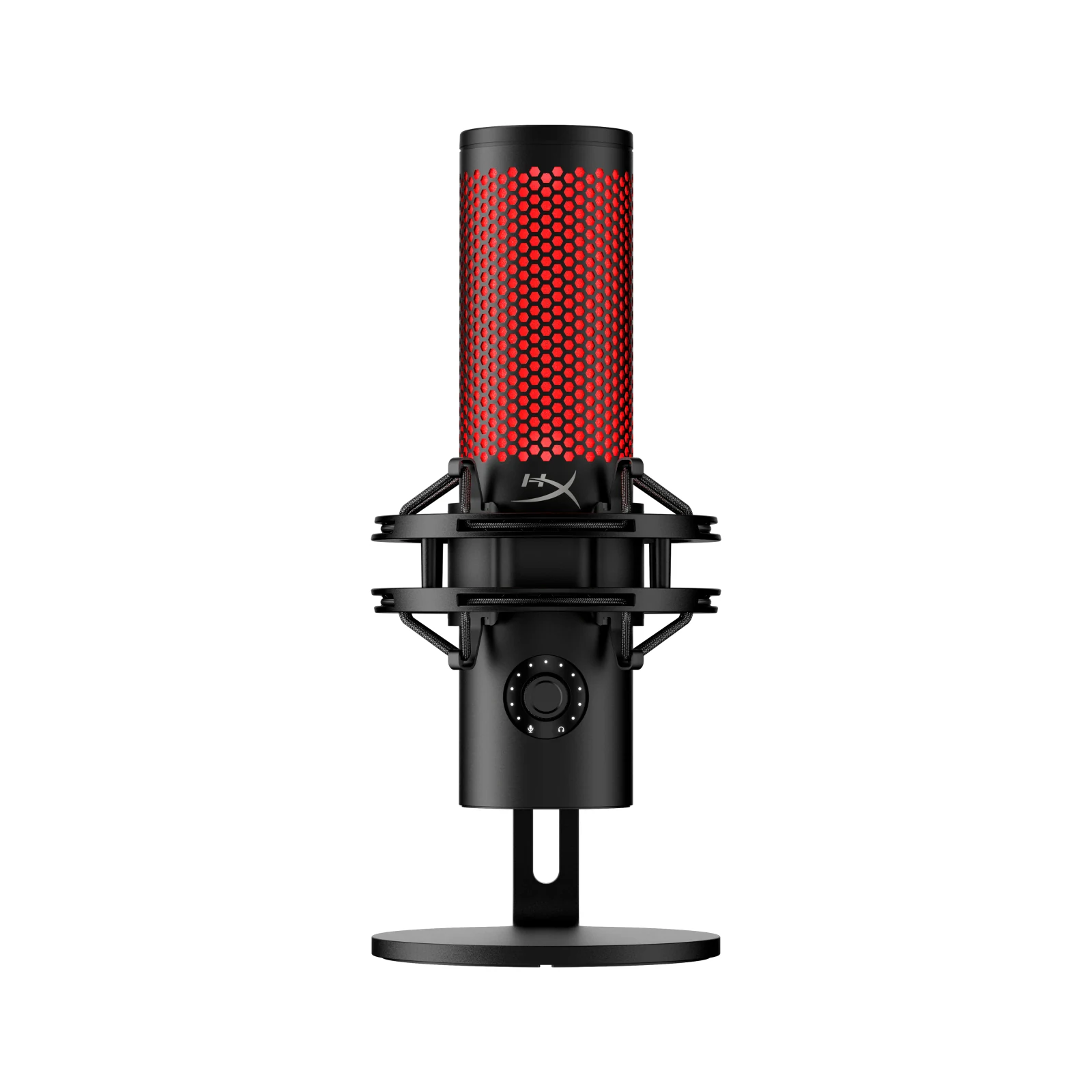
Declared bias, because it is only fair you know: the AM8 and the Wave:3 MK.2 have far more buyer reviews behind them than the QuadCast 2. On the first two I would bet with my eyes closed. I like the third one, and I am still telling you its reputation rests on far fewer people.
Invoice B: the same microphone, now over XLR
This is where everything the microphone box does not charge you for shows up. XLR carries no power and converts nothing: it needs an audio interface to do both. The entry point of the market is the Focusrite Scarlett Solo 4th generation, with 57 dB of preamp gain and 48 V phantom power per Focusrite own spec sheet.
Add the cable, which USB included in the box and this one does not: a decent 10-foot XLR is one more expense. With interface and cable, the XLR chain with the AM8 costs more than double the USB one. And I did not add a single luxury — that is the cheapest version that works.
With the Shure MV7+ (paid link), a USB and XLR hybrid in the $280 to $400 price band, the same chain climbs even higher. Hold on to that, because the next section makes it uncomfortable.
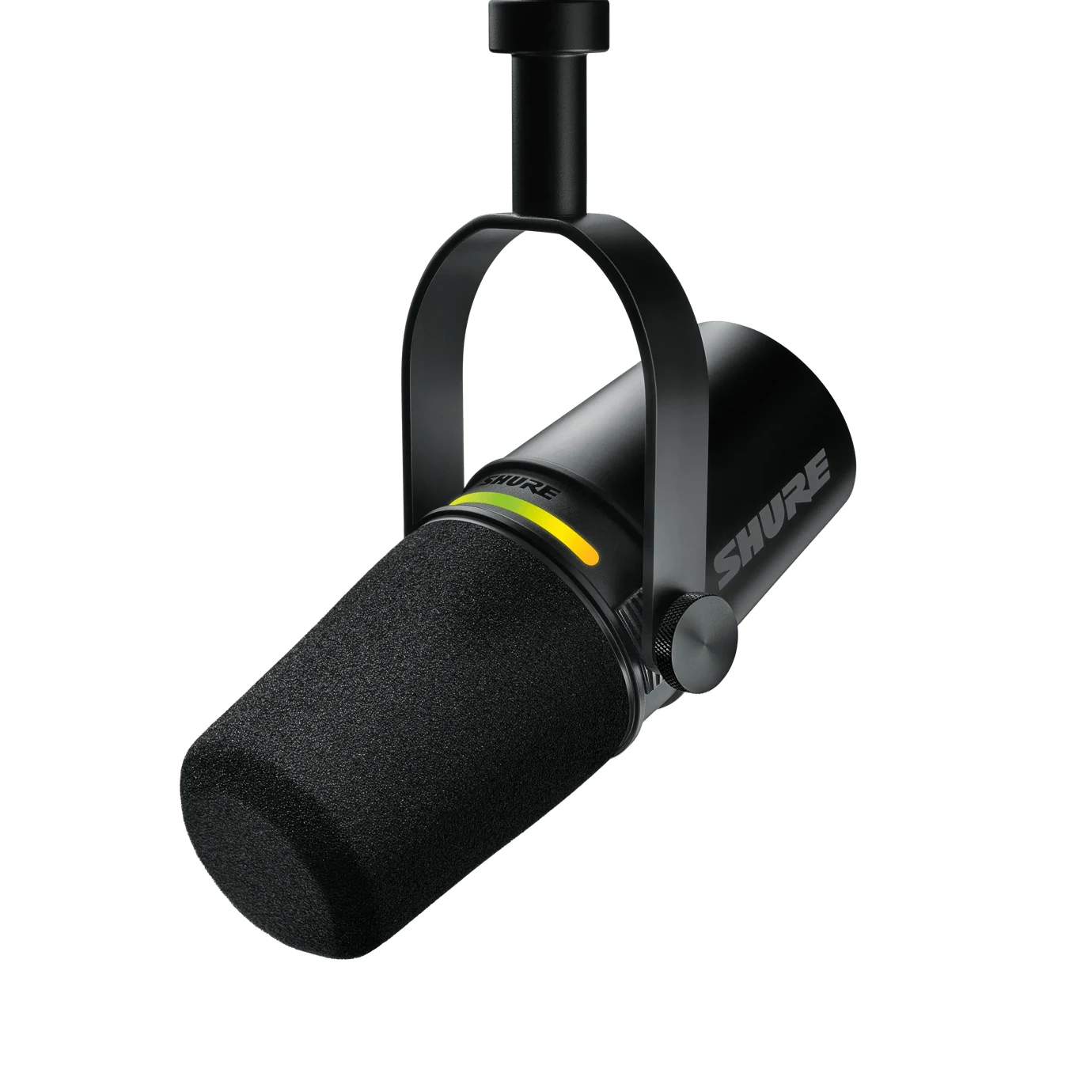
The hybrid fine print: what switches off when you change cables
Here is what made me rewrite this article. The hybrid promise is a pretty one: buy once, start on USB, and the day you grow you move it to XLR without changing microphones. I repeated it myself. The problem is that the promise breaks backwards from how you imagine it: moving to XLR is not levelling up, it is switching features off.
On the FIFINE AM8, FIFINE own manual says it plainly: in XLR mode the RGB, the mute button, the gain dial and the headphone output all go inactive, because every one of those runs on USB power. So you pay more than double and in exchange you lose your physical mute and your zero-latency monitoring. That dial and that button are, in practice, the two things you touch most while live.
On the Shure MV7+ it gets more expensive still. What justifies its price is the onboard processing — Auto Level Mode, the real-time Denoiser and the Digital Popper Stopper — and Shure describes those as features you configure from the MOTIV Mix app over the USB-C output. The XLR output hands the analog capsule signal to an interface, which is exactly what an interface expects to receive. Translated: the day you move to XLR you stop using the part of the MV7+ you paid for.
Put those two together and the buy-once logic collapses on its own: in a hybrid, XLR is not the reward at the end of the road. It is a side door that leaves you with a clean dynamic capsule and none of the extras, and then you get to buy back in software or hardware what you already had inside.
An old piece of advice that no longer applies, and it costs me my argument
To be straight with you I have to take a line off my own invoice. For years the standard advice was that a dynamic microphone over XLR needed an extra signal booster — a Cloudlifter or a FetHead, about 25 dB of push — because cheap interfaces ran out of gain and added noise when you pushed them.
With current interfaces that is no longer true. The 57 dB on the Scarlett Solo 4th generation are enough for capsules like the AM8 or the MV7+ as long as you speak close to the microphone, which is what both makers ask for anyway. If you came into this article thinking the XLR path costs 90 dollars more for a booster, delete that: it is not needed. Keeping it would have suited me, because it fattened invoice B and made my recommendation look better. It is not there.
The three times XLR really does win
I do not want this to read like XLR is a mistake. It is the professional standard for real reasons, and there are three situations where there is no argument:
- Two or more microphones at once. A podcast with a guest at the same table, and the debate is over: over USB there is no clean way to do it, over XLR it is the natural answer.
- Long cable runs. XLR is balanced, so it takes meters without picking up hum. USB starts complaining much earlier.
- When audio is the product. Music, voice work, a podcast you live off. That is when you want hardware processing and no dependency on a manufacturer app.
The honest limit of this article: everything above is money and features, which are things you can verify on a spec sheet. What I cannot tell you is which path sounds better, because there is no booth and no meter here, and I am not going to invent a test for you. At this price level the audible difference is set by your room and your distance to the microphone, not by the connector.
What I would do with those 250 dollars
Compare the two steps and the decision makes itself. Going from USB to XLR with the same AM8 costs more than double. Going from the AM8 up to the Wave:3 MK.2, staying on USB, costs far less. The cheap step gives you a better microphone today; the expensive one gives you a different connector and fewer buttons.
So with 250 dollars in hand I am not buying an interface. I am buying the Wave:3 MK.2 (paid link) with a boom arm (paid link) — the mic in the $110 to $150 band — and keeping money for treating the room, which is where sound is actually won. If the budget is tight, the AM8 (paid link) plus arm stays in the entry band and you will not feel like anything is missing.
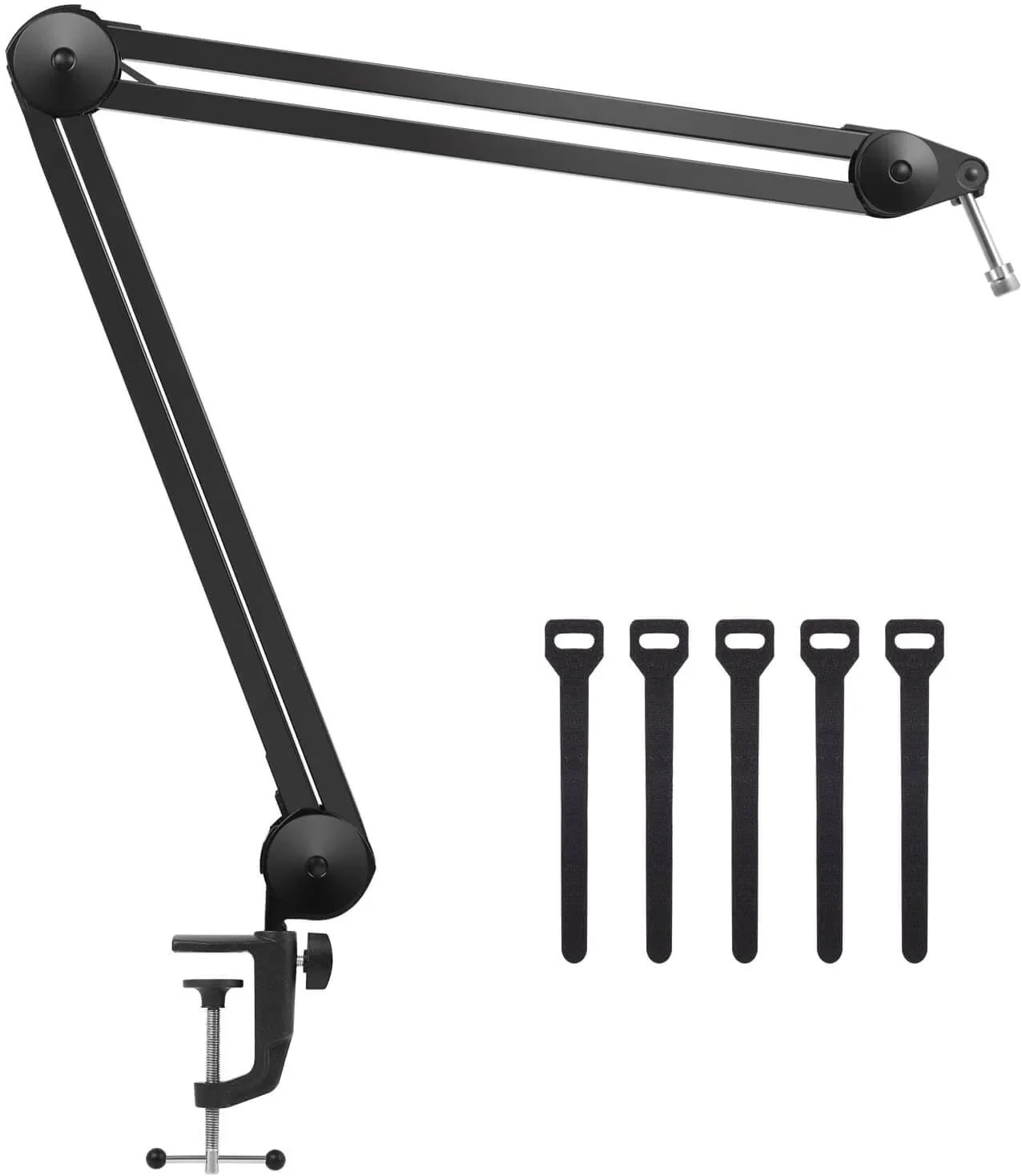
One more thing: the arm is not an accessory. Shure and FIFINE both ask you to speak within a few inches of the microphone, yet the FIFINE's desk stand leaves you at triple that distance, and the MV7+ ships with no stand at all. A cheap arm in the right place moves the needle more than any change of connector.
If you want to see the five microphones with their price bands, the full top 5 streaming microphones has them in order, and the catalog holds the rest.
And if what you want is the whole rig and not just the microphone, the pro streaming setup guide, part by part builds the full list, camera and capture card included.
So the hybrid is not worth it?
It is worth it, just not for the reason they sell you. It is worth it if you like the microphone over USB today. If you buy it thinking about tomorrow XLR, you are paying for a door that switches off half the device when you open it.
Is my headset microphone not enough?
For Discord, yes. For content, no. It is a jump your viewers hear right away, from an amateur stream to one that looks serious, and it costs less than almost any other upgrade.
Condenser or dynamic?
Condenser (Wave:3, QuadCast 2) captures more detail and more room with it. Dynamic (MV7+, AM8) isolates your voice. No panels and no rug: dynamic, do not even think about it.
Do I need a signal booster for a dynamic?
With a modern interface, no. The 57 dB on the Scarlett Solo 4th generation are enough if you speak close to the microphone. The Cloudlifter advice comes from interfaces several years old.
What if I do a podcast with a guest one day?
That is the case where XLR genuinely wins. But buy it when the guest is sitting in front of you, not ten months early just in case.
If you are not sure you need a separate mic at all, start with headset mic or USB mic.
How we choose: no lab here, and we will not pretend otherwise. This guide compares two paths, so we priced each as a full invoice: a USB microphone alone against an XLR microphone plus interface, cable and, when needed, a preamp, using what FIFINE, Elgato, HyperX, Shure, Focusrite and Cloudlifter publish about connections and gain. Hybrid microphones with both outputs get their own section. Mixers stayed out because one voice on stream does not need one. No brand pays to appear here.
I write every guide with the help of AI tools for research and drafting; I decide which products make the cut, check every figure against the manufacturer’s spec sheet and the price on the day I verify it, and sign the text. — Samuel