The 5 Best Streaming Microphones of 2026

By Samuel 76 · Founder & Editor
Some links are Amazon affiliate links: we earn a commission if you buy, at no extra cost to you, and it never changes what we recommend. How we make money
If one upgrade transforms a stream, it is audio: people forgive an average camera, but never bad sound. Choosing among the best streaming microphones of 2026 comes down to your budget and how noisy your room is. My pick of the year is the Shure MV7+ (paid link), but there are excellent options from the $40 to $60 price band.
I record content every week, and if I learned anything it is that viewers forgive bad video but never bad audio.
Quick rundown of my verdicts:
- Best overall: Shure MV7+ (paid link) — $280 - $400
- Best for streamers: Elgato Wave:3 MK.2 (paid link) — $110 - $150
- Best gaming all-in-one: HyperX QuadCast 2 (paid link) — $110 - $150
- Best for noisy rooms: Logitech G Yeti GX (paid link) — $110 - $150
- Best budget: FIFINE AM8 (paid link) — $40 - $60
If you are putting together the whole setup and not just the mic, the PC builder lays the parts out for you, the comparison tool puts up to five models side by side, and the catalog has every product I name here, with its price band and a direct link to Amazon. And if the part you are stuck on is USB versus XLR, I go through that separately in the USB vs XLR guide. And the order in which to buy mic, light and camera, with the bill stage by stage, is in the streaming setup guide.
1. Shure MV7+ — best streaming microphone overall
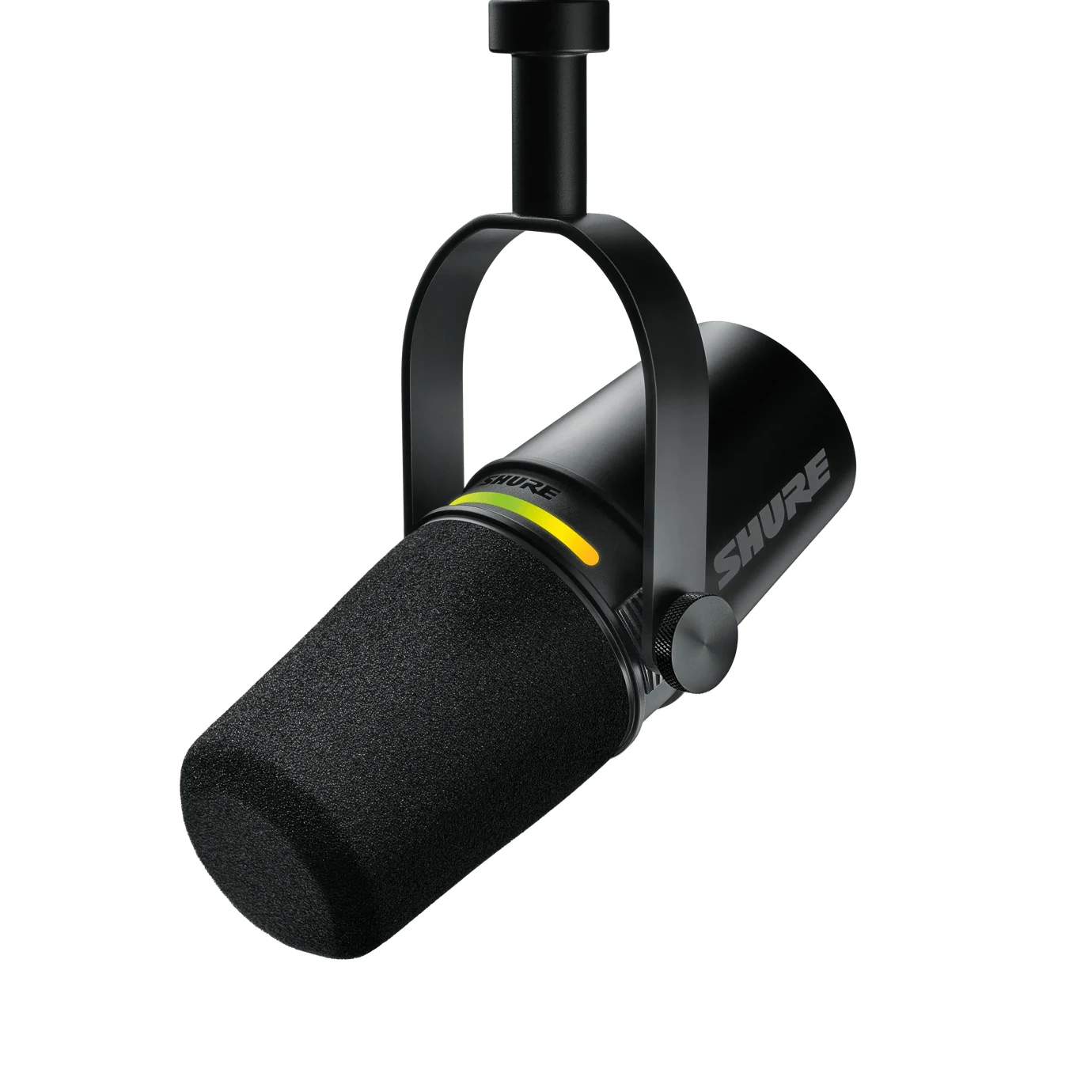
The MV7+ (paid link) is the direct heir of the SM7B you see on every big podcast, minus the required interface: USB and XLR in the same body, a touch panel, and DSP that removes room noise and levels your voice automatically. That warm, professional radio sound is its signature. In the $280 to $400 price band, it is the priciest of the list, but it is the last microphone you will buy for many years — and it has an XLR output for the day you get an interface, though over XLR you lose its onboard processing, which only runs over USB-C.
2. Elgato Wave:3 MK.2 — the streamer's USB mic
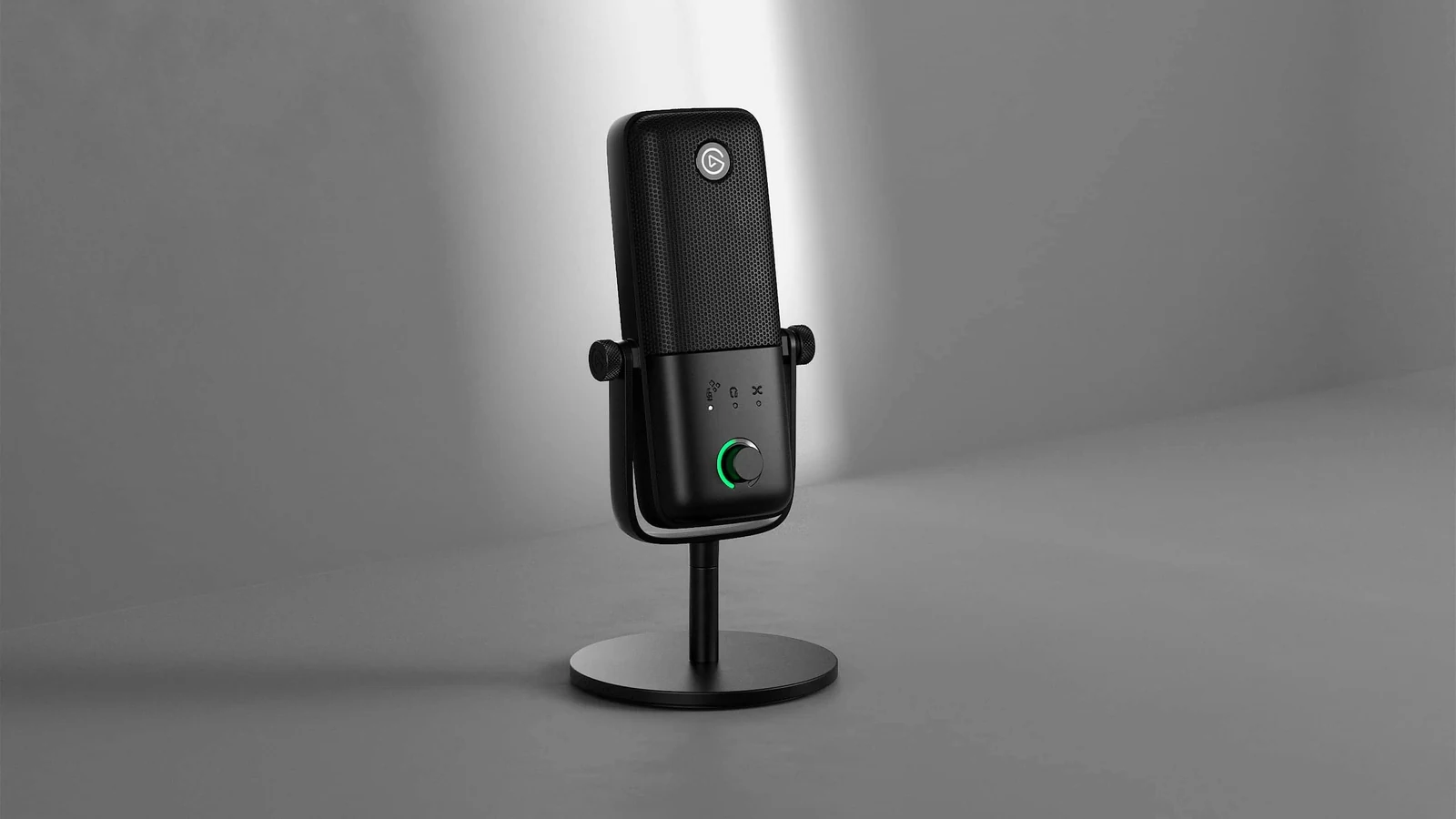
The Wave:3 MK.2 (paid link) is a crisp condenser built for the streamer ecosystem: its Wave Link software works as a digital mixer (game, music, Discord and voice on separate channels for OBS) and Clipguard makes it impossible for a scream to distort. If you already use a Stream Deck, it works with it out of the box. In the $110 to $150 price band, it is built to plug in and start streaming. Being a condenser, it picks up more background noise than a dynamic: ideal for quiet rooms.
3. HyperX QuadCast 2 — the gaming all-in-one
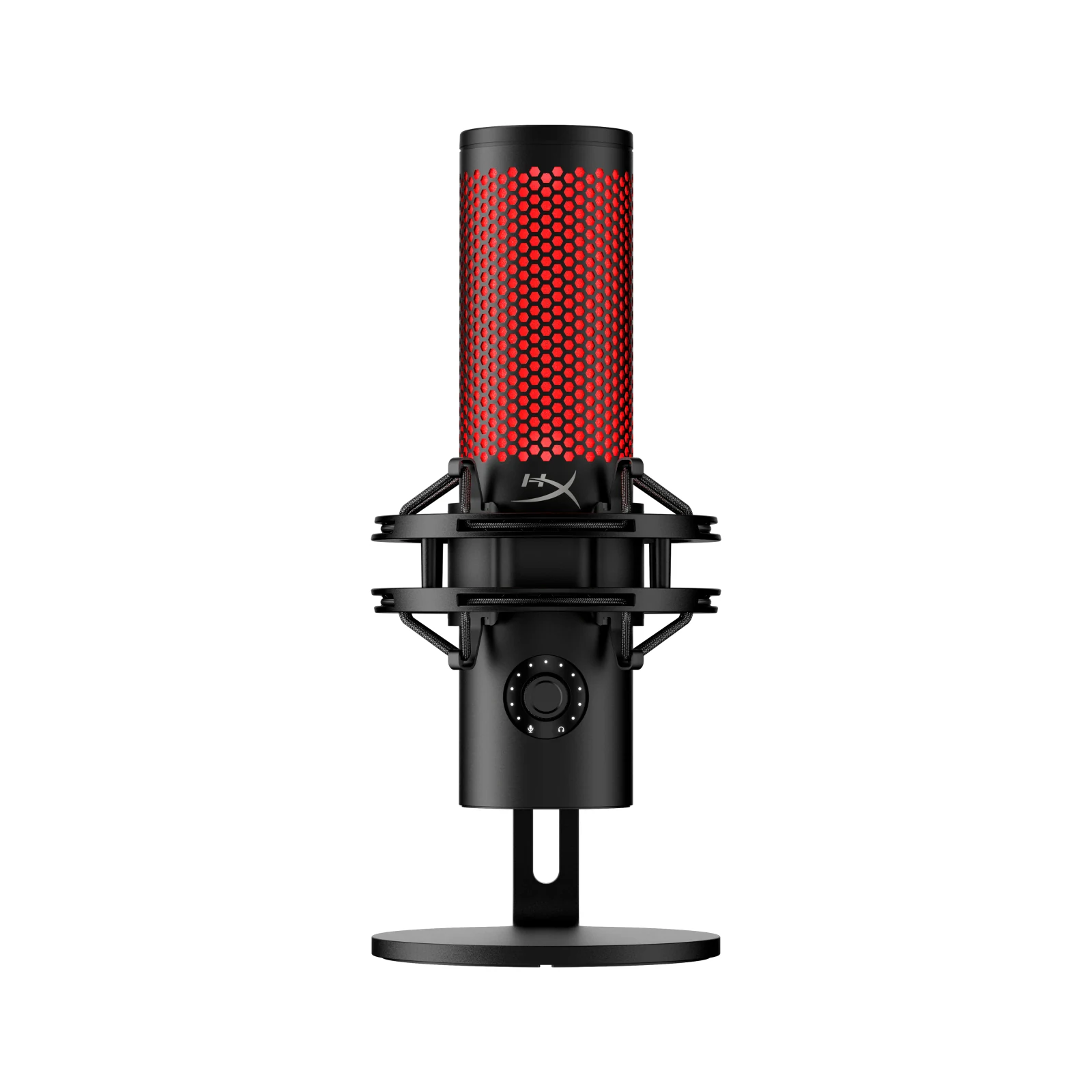
The QuadCast 2 (paid link) is probably the most recognizable microphone in gaming, and the second generation improves everything: four polar patterns (solo, duo, full table), a tap-to-mute sensor on top, a built-in shock mount and customizable red lighting. In the $110 to $150 price band, it is versatile like few others. Its sensitive condenser appreciates a quiet room, same as the Elgato.
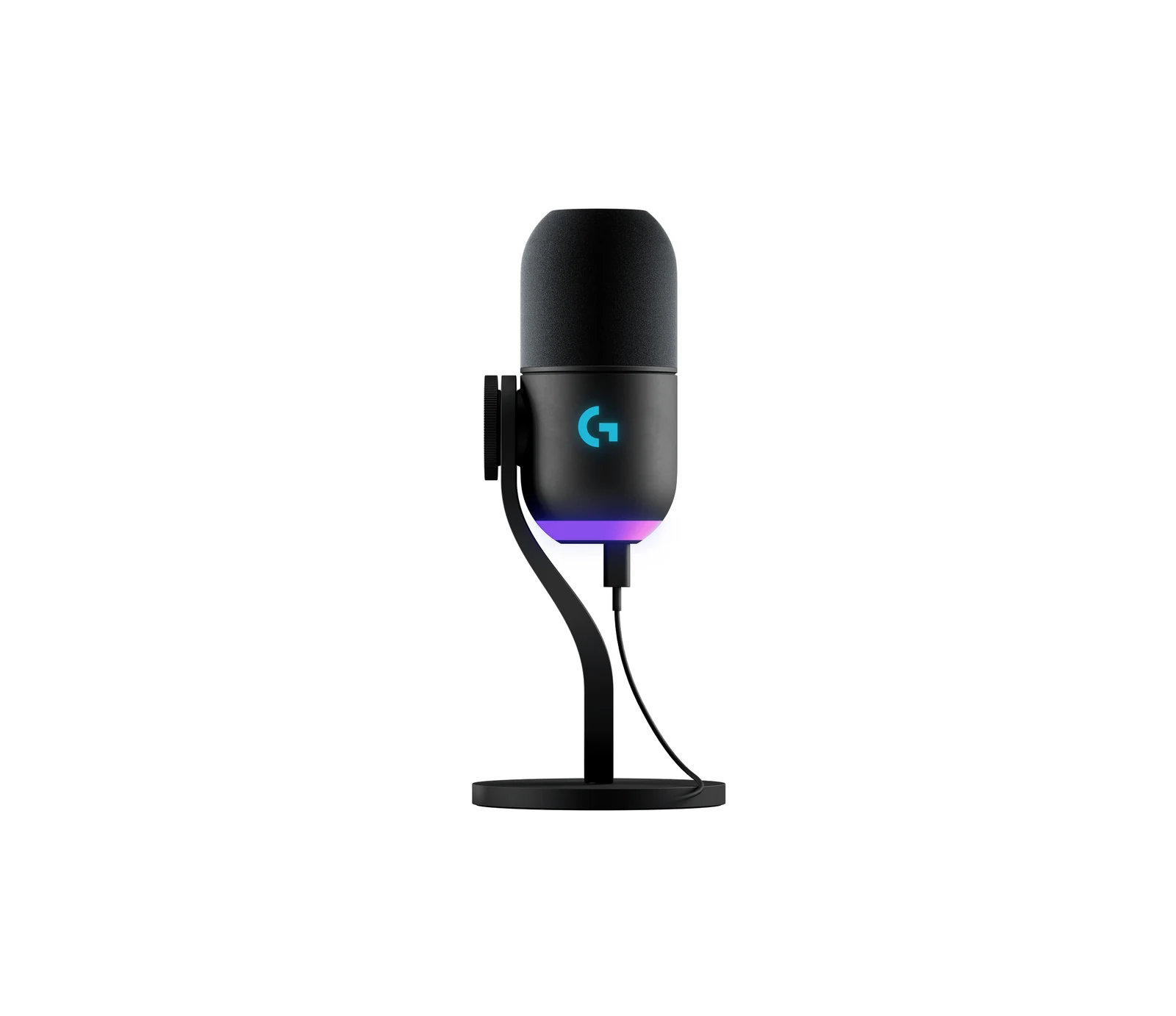
4. Logitech G Yeti GX — best for noisy rooms
The big advantage of the Yeti GX (paid link) is its dynamic capsule: unlike condensers, it ignores your mechanical keyboard, your PC fans and your family in the background. Add LIGHTSYNC RGB and Smart Audio Lock, which uses a limiter to prevent clipping and an expander to lower background noise. In the $110 to $150 price band, it is the best option when your recording space is not exactly a silent studio.
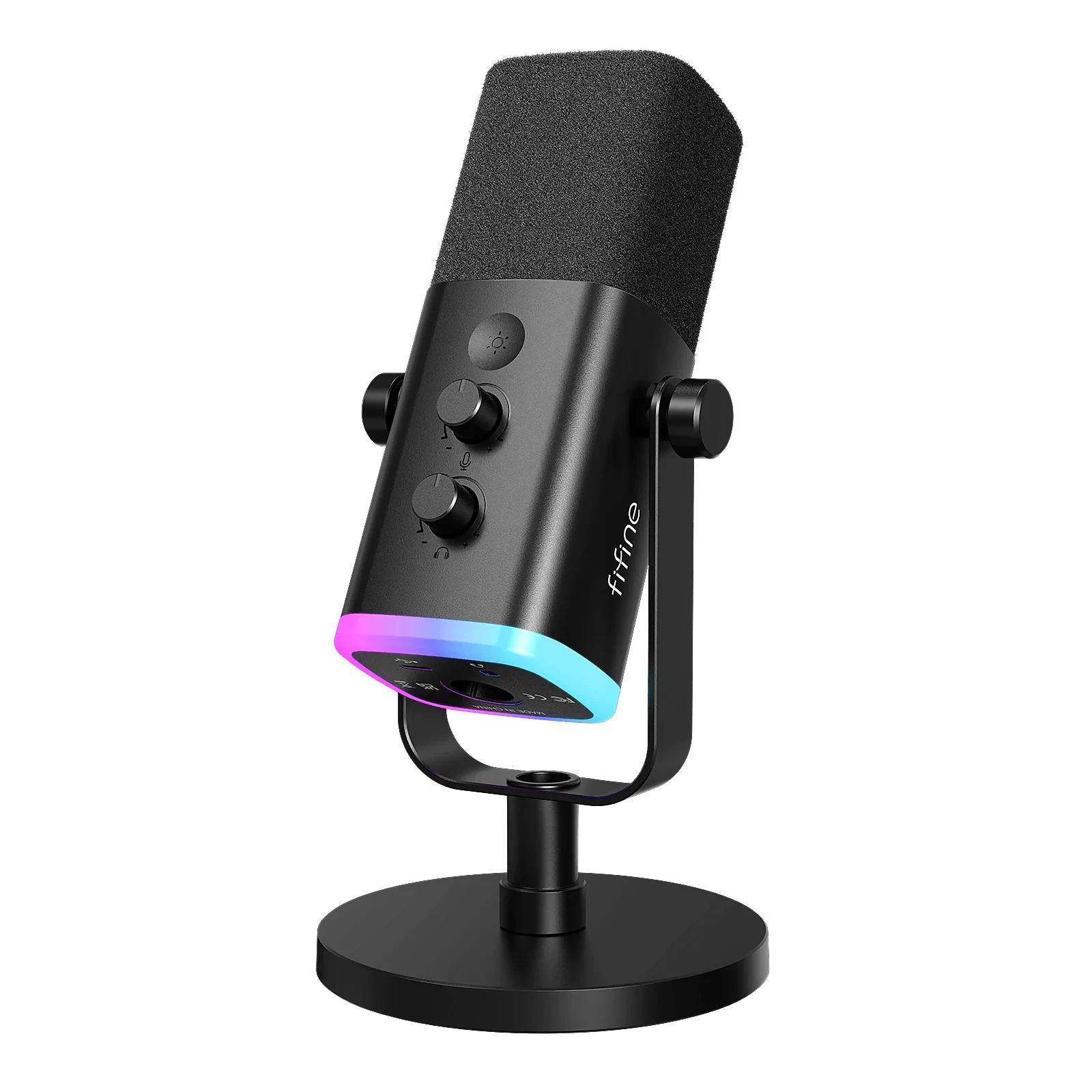
5. FIFINE AM8 — best budget microphone
The AM8 (paid link) proves that starting to stream does not require a mortgage: dynamic (goodbye background noise), with tap-to-mute, RGB and a gain knob over USB, plus an XLR output (over XLR those three switch off), in the $40 to $60 price band. Does it sound like a Shure? No. Does it beat the mic on your headset? Yes, and that is the jump your viewers notice. The first microphone I would buy.
The arm nobody adds to the price
Here is the thing that took me a while to get, and that no roundup mentions. Shure's user guide for the original MV7, the model the MV7+ replaces, asks you to speak 1 to 6 inches from the mic, roughly 2.5 to 15 cm, if you want that close radio sound. And the FIFINE AM8 listing, a mic that costs a fifth of it, says the same thing in its own words: 2 to 6 inches. The two ends of this list, the most expensive and the cheapest, agree on the exact same instruction.
Now look at the stand that ships in the box. It parks the mic on your desk, sixteen to twenty inches from your mouth. That is three times farther than the manufacturer asks for, and at that distance you are recording your room, not your voice. Does not matter what you paid.
A boom arm in the under $25 price band fixes it, and the weight math is comfortable: InnoGear rates it at 1.5 kg of load, and the two heaviest mics in this guide are the Yeti GX at 616 g and the MV7+ at 573.5 g. Neither one reaches half its capacity, so the usual worry about a cheap arm not holding an expensive mic does not apply here.
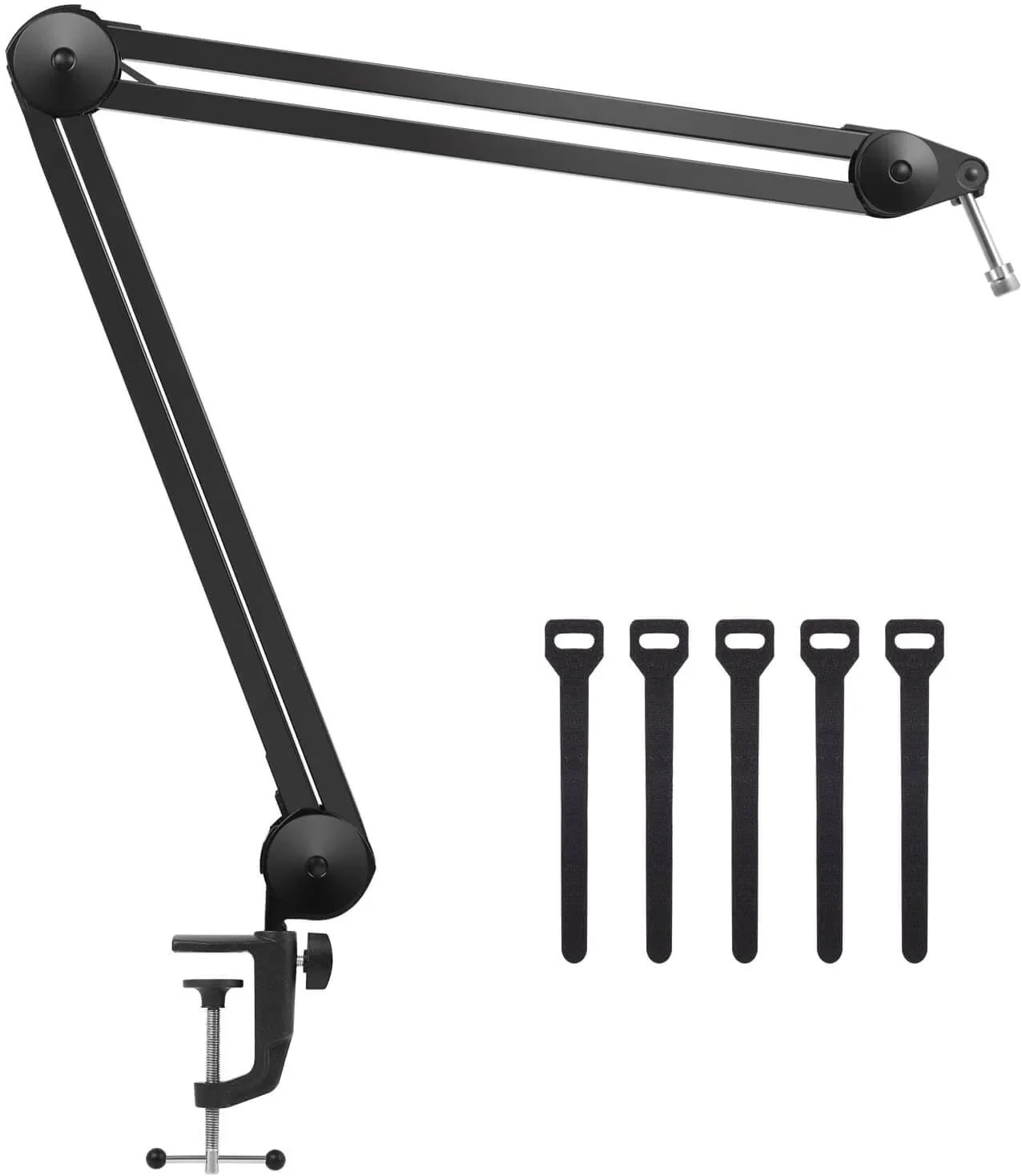
And that is where the math flipped my own recommendation. The FIFINE AM8 (paid link) plus the arm stays in the entry band, and that puts you at the distance the manufacturer asked for. The Wave:3 MK.2 (paid link) on its own desk stand costs more and leaves you far away. More money for a worse position. If I had a hundred dollars for audio today, part of it goes to the arm before they go to a nicer mic.
The price band of each microphone
| Microphone | Price band | In this guide |
|---|---|---|
| Shure MV7+ | $280 - $400 | still in |
| Elgato Wave:3 MK.2 | $110 - $150 | still in |
| Logitech G Yeti GX | $110 - $150 | still in |
| HyperX QuadCast 2 | $110 - $150 | still in |
| FIFINE AM8 | $40 - $60 | still in |
| InnoGear boom arm | under $25 | new in this guide |
The move of the month was the Yeti GX: in mid-September 2026 it dropped below the Wave:3 MK.2. The gaming premium is gone, at least for now; check its price band before you buy.
If you are not streaming: same five mics, different winner
Here is what shows up in the questions people actually ask: most of them are not going live on Twitch. They play, they talk to friends on Discord, and they want to be heard properly. That is a different problem from recording a video, and it changes which of these five is right for you.
It changes because of two things no comparison accounts for: you are playing with closed headphones on, and your hands are on a mechanical keyboard about a foot from the mic.
Headphones first. With closed cups on you stop hearing your own voice, and almost everybody reacts by talking louder until they clip. That is why several of these mics carry their own headphone output: you plug your headphones into the mic and hear yourself with no delay while you talk. Per the official spec sheets, four of the five have it. The one that does not is the Yeti GX, which only carries USB-C.
| Microphone | Polar pattern | Headphone output on the mic itself |
|---|---|---|
| Shure MV7+ | Cardioid | Yes |
| Elgato Wave:3 MK.2 | Cardioid | Yes |
| HyperX QuadCast 2 | Cardioid plus three more | Yes |
| Logitech G Yeti GX | Supercardioid | No |
| FIFINE AM8 | Cardioid | Yes |
That does not disqualify it. If you play on speakers, or on wireless headphones paired to the PC, it makes no difference to you. But if you are the kind who puts the headset on and does not take it off for four hours, that jack is the difference between talking normally and shouting without realizing it.
Now the keyboard. This is where people look for the fix in the wrong place, in the noise suppression checkbox. Keyboard noise is a physics problem, and the physics is simple: every time you double the distance between a sound source and the mic, the pressure reaching it drops by roughly 6 dB. That is the inverse square law, not an audio opinion. No filter competes with it.
What that means in practice: the boom arm I talked about above does not only bring your mouth closer, it also lets you place the mic so the keyboard sits off to the side or behind it. A cardioid like the MV7+ or the AM8 has its blind spot directly at the back; supercardioids reject the sides harder but do hear a little behind them. Dropping the mic in from above, aimed down at your mouth on a diagonal, leaves the keyboard off axis. It costs nothing and it does more than any filter.
And the question that comes before all of this, whether you need to buy a mic at all when your headset already has one, I answered separately in headset mic or USB mic: how to know which you need.
My pick if you only play: the FIFINE AM8 with the arm. It is dynamic, it is cardioid, it lets you hear yourself in the headphones and it lets you keep the keyboard off axis, and the two together are still the cheapest way into this guide. If you would rather have one cable and a mute button you can tap, the QuadCast 2 and be done.
How much confidence stands behind each pick
Declared bias, and this is the part almost nobody writes down. We have no lab, so everything above rests on official specs. So how long each model has been on the market matters: it is how much weight each line of this guide can carry.
| Microphone | Price band | Type | Connection |
|---|---|---|---|
| FIFINE AM8 | $40 - $60 | Dynamic | USB and XLR |
| Elgato Wave:3 MK.2 | $110 - $150 | Condenser | USB |
| Shure MV7+ | $280 - $400 | Dynamic | USB and XLR |
| HyperX QuadCast 2 | $110 - $150 | Condenser | USB |
| Logitech G Yeti GX | $110 - $150 | Supercardioid dynamic | USB |
The Yeti GX has far fewer buyer reviews than the FIFINE, which has been selling for years. A rating built on few reviews can still move, and I am not going to dress that up. So the Yeti GX stays my pick for noisy rooms because of what that supercardioid does, but it is the call on this list I would bet the least on.
My mic pick depending on what you record
The best overall on this list? The Shure MV7+ (paid link). Serious streaming with OBS? The Wave:3 MK.2 (paid link). Versatility and four polar patterns? The QuadCast 2 (paid link). Noisy room? The Yeti GX (paid link). Just starting? The FIFINE AM8 (paid link) makes you sound professional from day one. Complete your streaming setup with our guide to the best gaming headsets of 2026.
Mic questions
What are the best microphones for streaming in 2026?
Our five for streaming in 2026 are the Shure MV7+ as the best overall, the Elgato Wave:3 MK.2 for streaming with OBS, the HyperX QuadCast 2 if you want several polar patterns, the Logitech G Yeti GX for noisy rooms and the FIFINE AM8 as the budget pick. According to their spec sheets, the QuadCast 2 is the only one with four patterns (cardioid, omni, bidirectional and stereo) and the Yeti GX the only supercardioid.
Which microphone do you recommend for a gaming PC?
For gaming and Discord with closed headphones on, get one with a headphone jack on the mic itself: the FIFINE AM8 if you are starting out, the Shure MV7+ if you want the one you keep for years. According to their spec sheets, both are cardioid and offer zero-latency monitoring, so you hear your own voice and stop shouting; the Yeti GX does not have that jack, which matters less if you play with speakers.
Dynamic or condenser microphone for streaming?
Dynamic if your room has noise (keyboard, fans, family): it only picks up what is right in front of it. Condenser if your space is quiet and you want maximum vocal detail. Simple rule: noisy room = dynamic.
USB or XLR: which do I need?
USB is plug-and-play and enough for most streamers. XLR requires an audio interface and pays off with two or more mics at once, long cable runs or when audio is your product. Hybrids like the MV7+ and the AM8 do both, but over XLR they lose their extras, so buy them for how they work over USB today. I break it down in the USB vs XLR guide.
Do I need a boom arm for my microphone?
Highly recommended: it brings the mic closer to your mouth (better sound, less noise) and frees up desk space. With a dynamic mic, speaking from 4-6 inches away makes a huge difference.
Are these microphones for gaming or only for streaming?
Both, but the order of preference flips. For gaming the headphone output and a cardioid pattern matter more than the capsule, because your voice goes through the voice app compressed before it reaches your friends. For recording it is the opposite. That is why the AM8 with an arm, which finishes last in a streaming comparison, is the one I would put on a PC that only plays.
How we choose: no lab here, and we will not pretend otherwise. We compared capsule type (dynamic or condenser), connection (USB, XLR or both) and onboard processing, using the spec sheets from Shure, Elgato, HyperX, Logitech and FIFINE, plus one boom arm for mounting. The picks run from a budget dynamic to a premium broadcast model. XLR-only microphones stayed out because they need an audio interface; our USB or XLR guide covers that path.
I write every guide with the help of AI tools for research and drafting; I decide which products make the cut, check every figure against the manufacturer’s spec sheet and the price on the day I verify it, and sign the text. — Samuel