How to Choose a Motherboard in 2026: 5 Boxes Before the Chipset

By Samuel 76 · Founder & Editor

Some links are Amazon affiliate links: we earn a commission if you buy, at no extra cost to you, and it never changes what we recommend. How we make money
You are about to buy a motherboard and every guide pushes you toward the same question: B650 or B850, X870 or X870E. That is the least important question on your list. What matters more are five boxes: BIOS Flashback, the lanes shared between slots, the number of M.2 slots, power delivery, and form factor with rear ports.
Here are the September 2026 numbers instead: a full X870 board cost less than several B850 boards from brands of the same tier. The chipset step is not a price step, so sorting your purchase by that letter leaves you comparing things that do not line up.
What actually ruins a build is five specific boxes on the spec sheet, and they go in this order. If you are putting together the whole machine, the build calculator keeps your parts compatible as you go, and every board in this article is in the catalog, with its price band and a direct link to Amazon.
The chipset is the last thing you should look at
Start with what almost nobody tells you straight: on AM5 the chipset does not limit which CPU you can install. A Ryzen 9 drops into the cheapest B650 on the shelf the same way it drops into the priciest X870E. The letter does not change gaming performance either, your GPU and CPU decide that, and we went deep on it in the bottleneck test.
What the chipset does change is PCIe lanes, how many M.2 slots fit and whether USB4 is mandatory. Connectivity, not speed. That is why it goes at the bottom of this list instead of the top.
Box 1: BIOS Flashback, or whether your PC posts at all
This is the only box that can leave you staring at a machine with no video on build day.
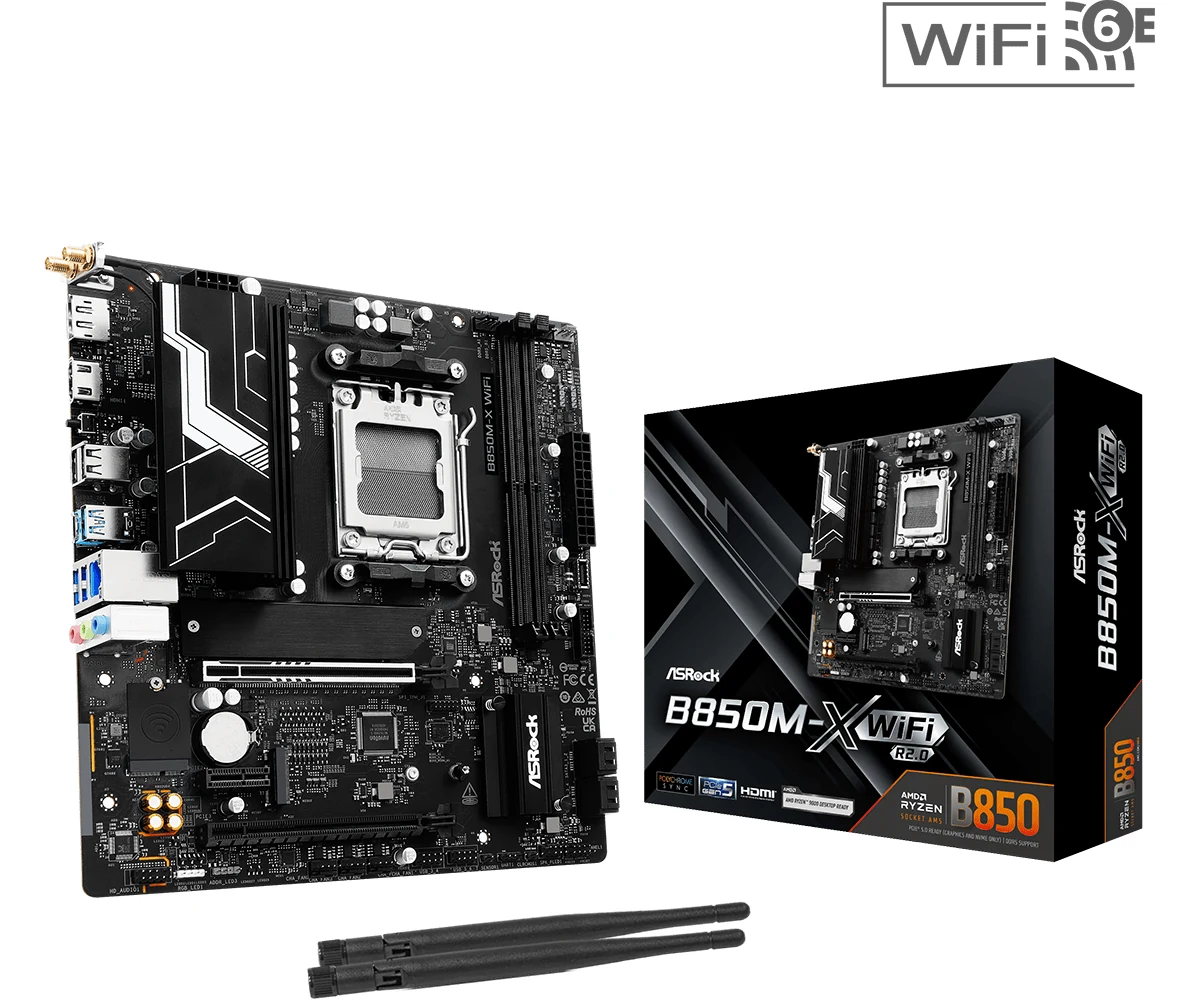
B650 and X670 boards launched in 2022 alongside Ryzen 7000. Ryzen 9000 chips need newer firmware to boot. A board that has been sitting in a warehouse can reach you with firmware older than your processor, and that is the trap: to update the BIOS you need to post, and to post you need the updated BIOS.
BIOS Flashback breaks that loop. You drop the file on a USB stick, plug it into one specific port, press a button, and the board updates itself with no CPU, no memory and no graphics card installed. Every brand names it differently (Q-Flash Plus on Gigabyte, Flash BIOS Button on MSI, BIOS FlashBack on ASUS and ASRock), but they all do the same job.
If the box does not mention it, assume it is not there. And if you are buying a previous generation board to save money, this box stops being optional. Once it posts, that same first visit to the BIOS is where you turn on AMD fTPM or Intel PTT and Secure Boot, which Activision now requires for Modern Warfare 4; the Modern Warfare 4 PC requirements guide has the two-minute check in Windows.
Box 2: the fine print that reads 1DPC 1R
Look at the listing of any board with four RAM slots. It will say something like DDR5 8200+ MT/s (OC) in large type, and right next to it, in parentheses, 1DPC 1R.
That means one DIMM per channel, single rank. Translated: that speed only exists with two sticks installed, not four. Fill all four slots and signal integrity falls apart, so the memory controller drops the frequency to keep things stable. A kit sold as 6000 can end up running well below that, with higher latency on top.
Two practical conclusions come out of this. First: a two slot board is not a cut down board, it is a board that will not tempt you into the mistake. Second, and this one stings: buying 16GB now and adding another 16GB later almost never works out. Buy the two stick kit at your final capacity from day one. Which capacity that is, we covered in how much RAM you need.
Box 3: three M.2 slots are rarely three M.2 slots
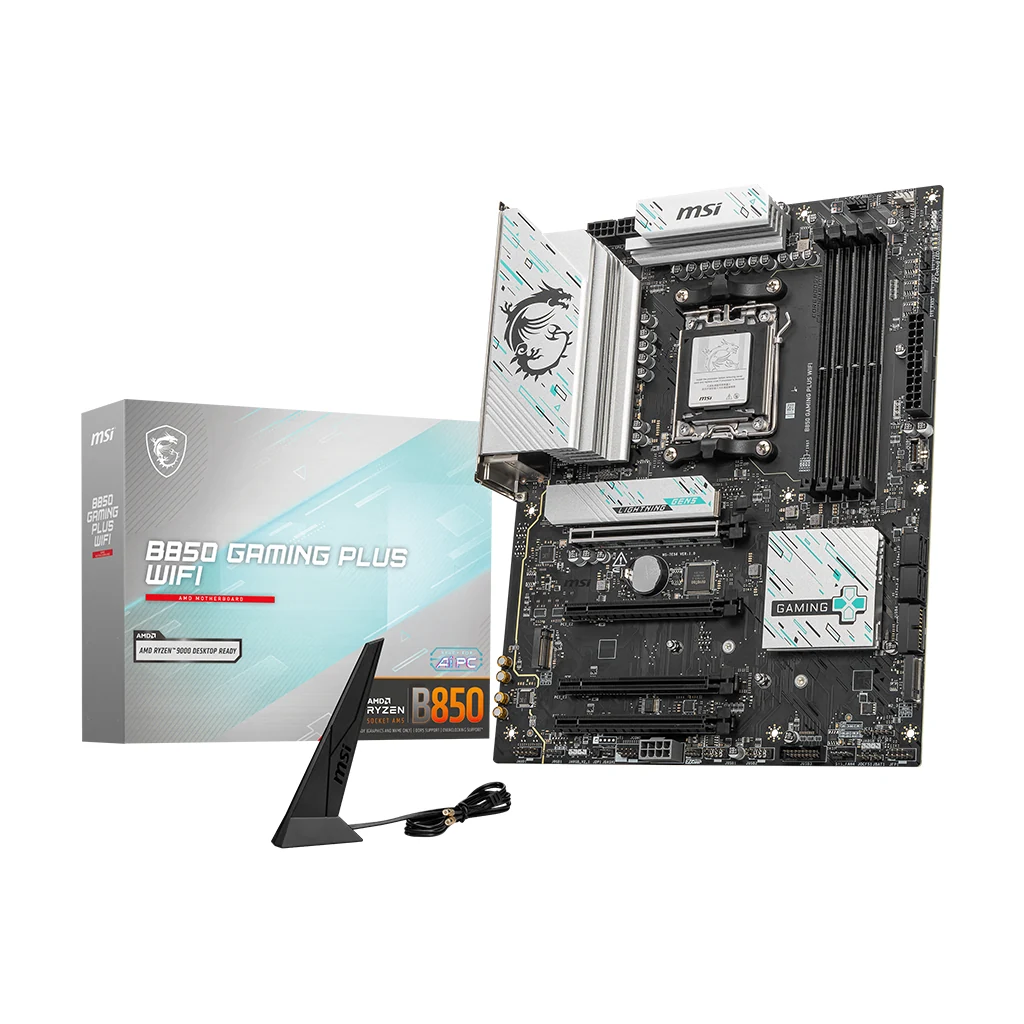
Slot count is the most inflated number in this category. A board advertising three M.2 slots rarely gives you three equal M.2 slots.
Real example, straight out of a mid-range B850 listing: the first M.2 is Gen5 x4, the second is Gen4 x4 and the third is Gen4 x2. Half the lanes. On plenty of boards it goes further, where filling the second or third slot disables SATA ports, or pulls lanes away from the graphics card and leaves it at x8.
The block diagram in the manual looks like something for people who do this professionally. It is not: it is the page that tells you what turns off when you turn something else on. Open it before the reviews.
Short rule: count how many drives you will actually own in two years, not how many fit. If the answer is one or two, any board on this list is already more than enough.
Box 4: the VRM matters, up to a point
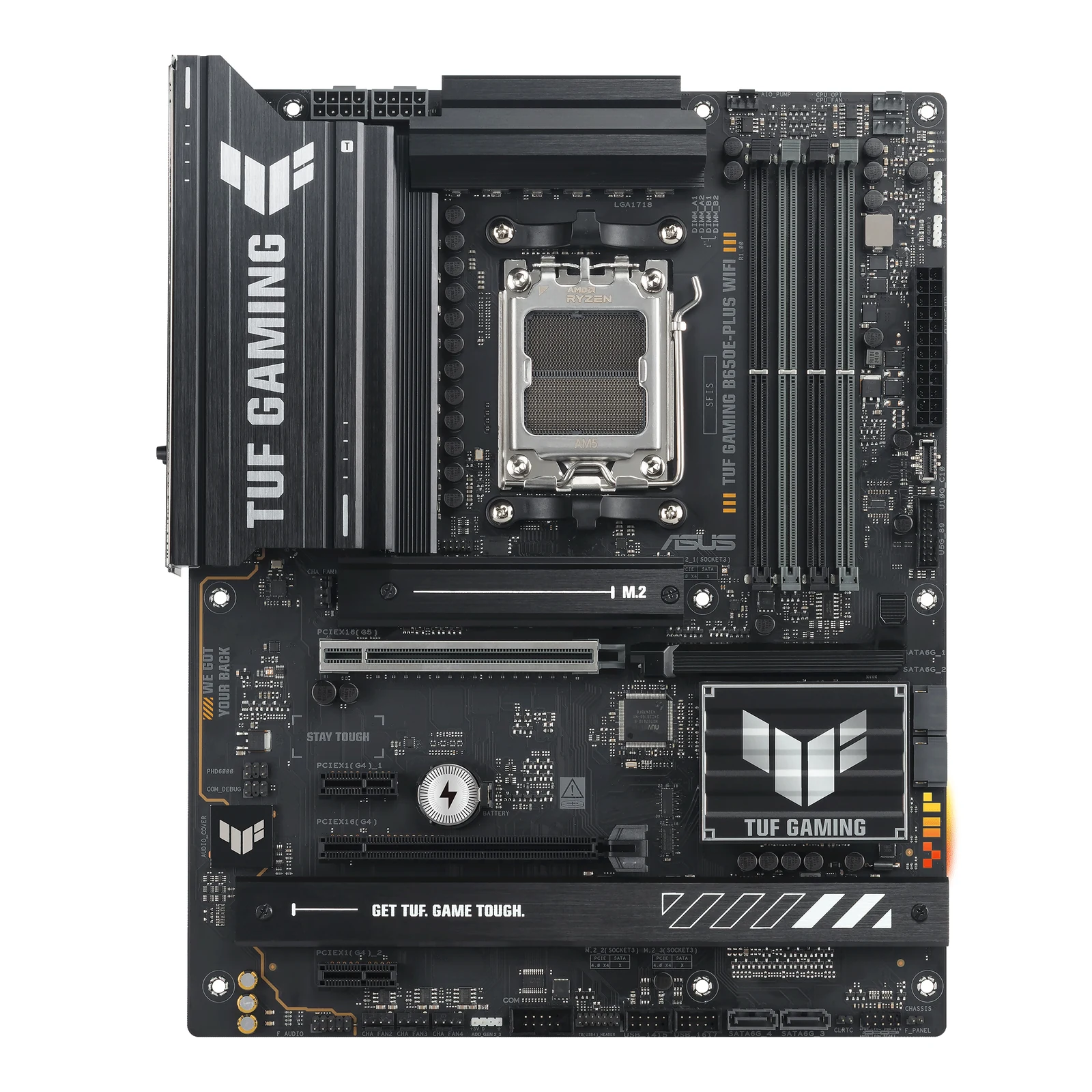
The VRM is what feeds clean power to your processor. You will see numbers like 6+1+1, 12+2+1 or 16+2+2, and bigger is not automatically better for you.
With a normal Ryzen 5 or Ryzen 7, a 6+1+1 with a heatsink handles it without drama. Going to a Ryzen 9, or long render and editing loads, is where you want 12 phases and up with thick heatsinks. Past that you are paying for metal you will never heat up.
Same logic we used with coolers: beyond a certain point, what you are buying is looks, not temperature.
Box 5: form factor, rear ports and your case
Micro-ATX versus ATX is a case decision, not a performance one. A modern mATX board carries PCIe 5.0, Gen5 M.2 and Wi-Fi just like its bigger sibling. What it gives up is expansion slots you probably were not going to use.
The rear ports do deserve a minute though. Count the USB devices you run today (keyboard, mouse, headset, mic, camera, controller, external drive) and compare that against the photo of the rear panel. That number is not something you fix later without hanging a hub off the back.
Networking works the same way: the Wi-Fi module and the 2.5G or 5G port are soldered on or they are not there. If you depend on wireless, check that line before you pay. We broke it down in the gaming router guide.
And now, finally, the chipset
With the five boxes checked, the letter becomes easy.
B650 and B650E: the E guarantees PCIe 5.0 on the graphics slot, which is exactly what a plain B650 sometimes trims. Best spec per dollar on AM5 right now.
B850: the default for a new board, and firmware ships recent from the factory. Careful with what people take for granted, though: on AMD’s official table, USB4 is optional on B850 and the base spec puts the graphics slot at PCIe 4.0 (the main M.2 is PCIe 5.0). Wi-Fi 7 is up to each board maker, so check the board’s spec sheet, not the letter.
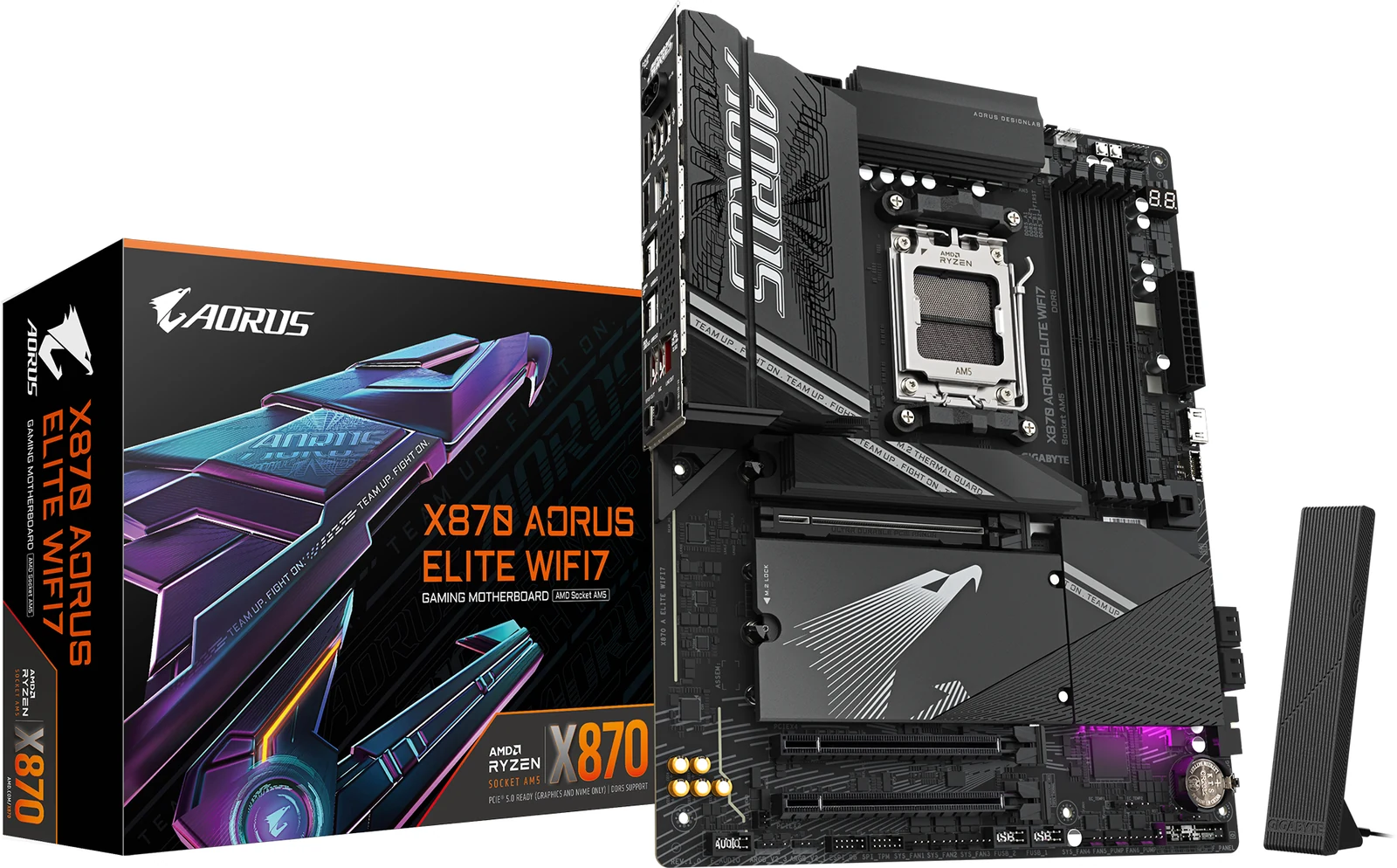
X870: more chipset lanes, more M.2 slots, mandatory USB4. And here is the number that throws people: the cheapest X870 on the shelf cost less than comparable B850 boards when we checked. The step up cost less. It does not always happen, but when it does, buy on specs and not on the name.
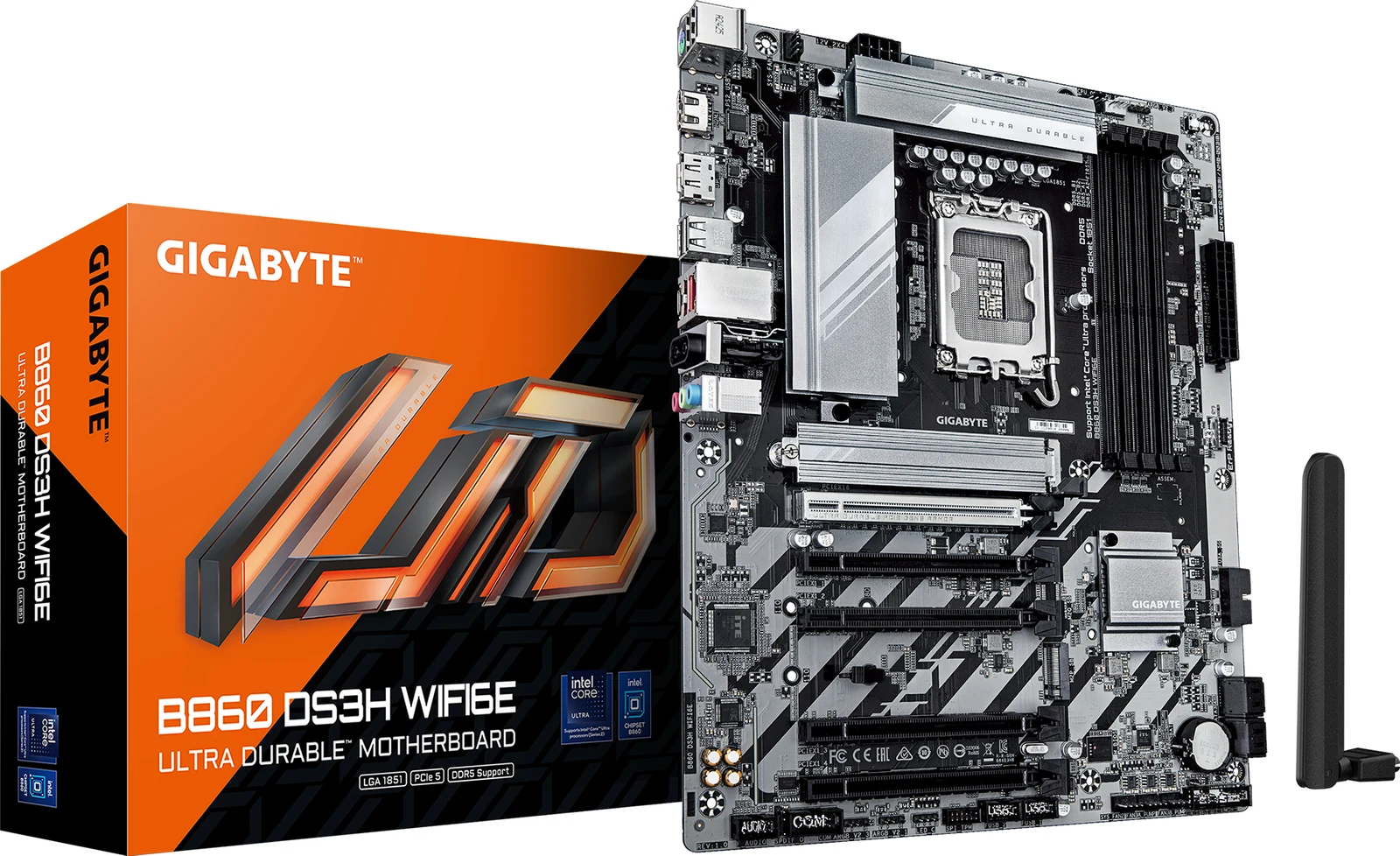
On the Intel side the map looks similar: B860 for nearly everyone, Z890 only if you plan to overclock the CPU for real.
What AMD guarantees on each AM5 chipset
Everything above is judgment. This part does not depend on us: it is what AMD requires as a minimum from each AM5 chipset on its official page. Anything a board adds on top is the maker’s call, which is why each board’s spec sheet beats the letter.
Table: what each AM5 chipset brings, according to AMD
| Chipset | Graphics slot | CPU M.2 | USB4 | CPU overclocking | Our recommendation | Source |
|---|---|---|---|---|---|---|
| X870E | PCIe 5.0 | PCIe 5.0 | Standard | Yes | Only if you will run two Gen5 SSDs or lots of fast USB; for gaming, it is overkill. | AMD |
| X870 | PCIe 5.0 | PCIe 5.0 | Standard | Yes | If it costs the same as a B850, this one wins. | AMD |
| B850 | PCIe 4.0 | PCIe 5.0 | Optional | Yes | The default for a new board; check the spec sheet for USB4 and Wi-Fi 7. | AMD |
| B840 | PCIe 4.0 | PCIe 4.0 | Optional | No | Only for a basic build; a little more gets you a B850. | AMD |
| X670E | PCIe 5.0 | PCIe 5.0 | Optional | Yes | If you find it cheaper than an X870, it is nearly the same minus standard USB4; check for BIOS Flashback. | AMD |
| X670 | PCIe 4.0 | PCIe 5.0 | Optional | Yes | Only with BIOS Flashback, because of box 1. | AMD |
| A620 | PCIe 4.0 | PCIe 4.0 | Optional | No | For a Ryzen 5 on a bare-minimum budget; no overclocking. | AMD |
Updated September 25, 2026.
How to read this table. “Optional” means AMD leaves it to the board maker: it may or may not be there, and only the board’s spec sheet tells you. B650 and B650E, from the first wave of AM5, no longer appear on AMD’s current table, but they still take the same processors.
Methodology: where the data comes from. We copied each row from the spec table on AMD’s official AM5 chipset page, read on September 25, 2026; the “Our recommendation” column is our own judgment and sits apart on purpose. If you are torn between two specific boards, put them side by side in the comparison tool, and if you have not picked a CPU yet, start with the best CPU for each socket.
If you only check one thing
Check for BIOS Flashback. The other four boxes cost you performance or money. That one can leave you sitting in front of a machine that will not turn on.
And if you ask me where my money goes in 2026: a B650E with PCIe 5.0 and Flashback, in the $110 to $150 price band, and the rest of the budget into the graphics card. The motherboard does not hand you frames per second. It just has to stay out of your way.
Last-minute questions before you pay
Does a pricier motherboard give me more FPS?
Not directly. With the same CPU and the same GPU, the gaming gap between an entry-level board and a high-end one is inside the margin of error. What you buy going up is connectivity and the ability to hold long loads.
Can I run a Ryzen 9000 on an older B650?
Yes, as long as the firmware is current. That is why box 1 comes first: with BIOS Flashback you sort it out in ten minutes without borrowing anything. AMD says so on its own chipset page: every AM5 board takes every AM5 processor, but 600-series boards (B650, X670 and friends) may need a BIOS update for a Ryzen 8000 or 9000.
Are four RAM slots better than two?
For gaming, no. Two slots usually hold higher and more stable frequencies. Four are useful if you are going past 128GB for work, and even then you give up speed.
Does Micro-ATX limit my build?
Only on expansion slots. For a gaming PC with one graphics card and one or two SSDs, a modern mATX board does exactly the same job and opens up smaller cases.
How we choose
We have no lab here and we will not pretend otherwise. We checked five boxes in each board manual and spec page from ASRock, ASUS, MSI and GIGABYTE: BIOS Flashback, lanes shared between slots, M.2 count, power delivery and rear ports with form factor. The picks run from a budget B850 board to an X870, plus one Intel B860 option. Older AM4 and LGA1700 boards stayed out because the guide covers current sockets. No brand pays to appear here.
I write every guide with the help of AI tools for research and drafting; I decide which products make the cut, check every figure against the manufacturer’s spec sheet and the price on the day I verify it, and sign the text. — Samuel
When a figure comes from the seller listing itself, we say so. When the product title and the spec bullets contradict each other, we say that too instead of papering over it. No brand pays to appear here and no brand reviews this before it goes up.