GIGABYTE X870 AORUS Elite WiFi 7 (AM5, ATX, USB4 dual)
Some links are Amazon affiliate links: we earn a commission if you buy, at no extra cost to you, and it never changes what we recommend. How we make money
Motherboards · GIGABYTE
Our verdict
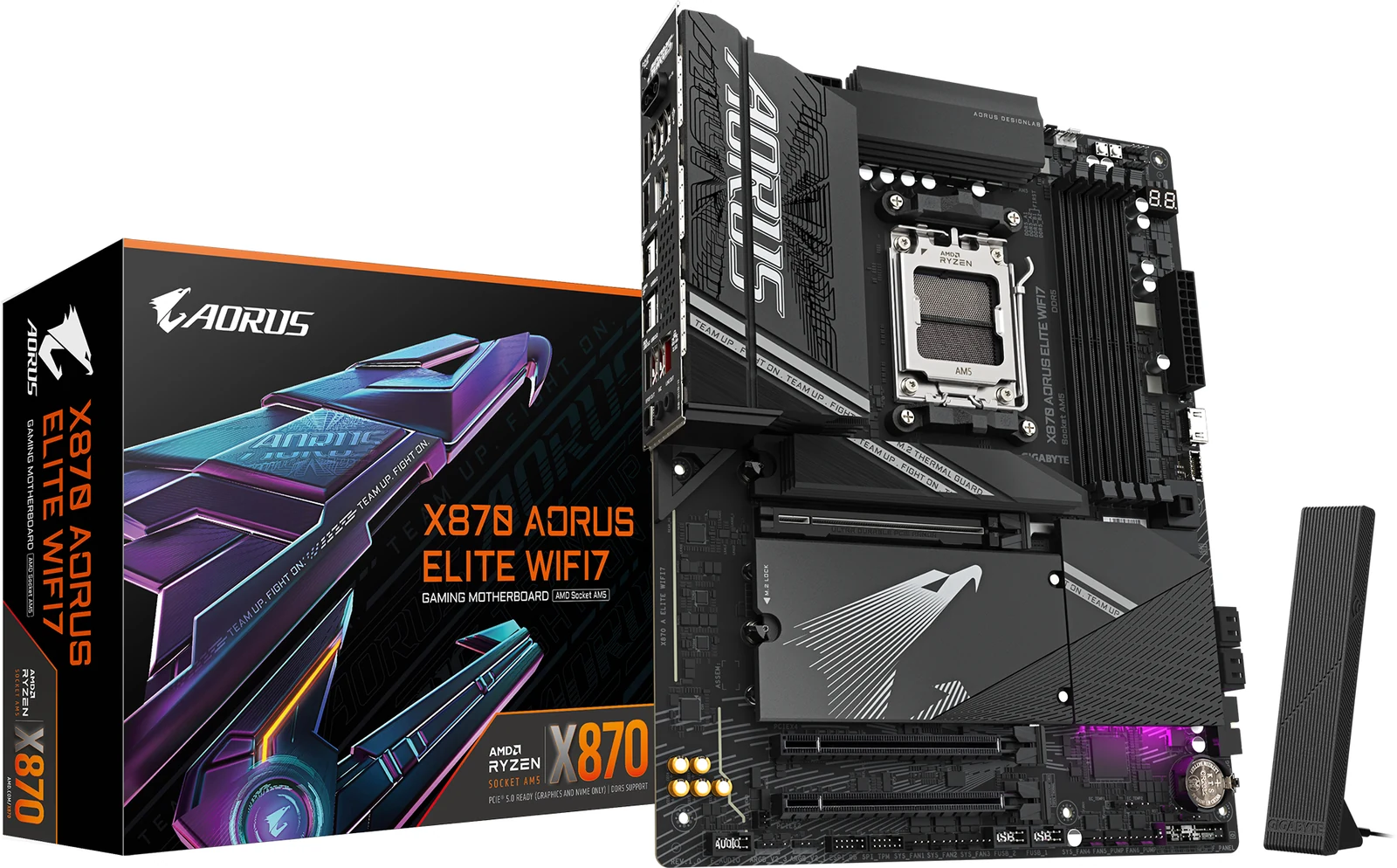
The board that breaks price logic: a full X870 with strong power delivery, four M.2 slots, dual USB4 and Wi-Fi 7, which when we checked cost less than several comparable B850 boards. Worth it for a Ryzen 9, several NVMe drives or USB4; with one SSD and a mid-range CPU you will not use it.
Our analysis
Two USB4 ports against a 10 Gbps USB-C, and four M.2 slots against three: that is what this X870 adds over the MSI B850 Gaming Plus WiFi, an ATX AM5 board with the same four DDR5 slots and Wi-Fi 7. The MSI answers with a 5 Gbps network port against 2.5 Gbps here, so a wired multi-gig plan points the other way.
What stands out
- Four M.2 slots with thermal guards. Room for three or four NVMe drives, each one with cooling. Two of the Gen5 slots share lanes with the graphics card: use either one and the card drops to x8.
- Two USB4 ports at the rear, plus front USB-C. USB4 is mandatory on X870, and it is what you want for a fast external drive enclosure.
- A 16+2+2 power design. GIGABYTE's figure for the power stages around the socket, on a board aimed at Ryzen 9 builds.
- Wi-Fi 7 and four DDR5 slots with EXPO. Up to 256 GB of memory and the newest wireless standard on the board.
Where it falls short
- If your build is a single SSD and a mid-range processor, its extras go unused.
- The price advantage over B850 boards is what we saw when we checked. It does not always hold, so compare before you buy.
Look elsewhere if
Your build is one drive and a mid-range Ryzen: the ASUS TUF Gaming B650E-PLUS WiFi still gives you a real PCIe 5.0 graphics slot, three M.2 with heatsinks and BIOS FlashBack. If the budget is tight, the micro-ATX ASRock B850M-X WiFi R2.0 is the entry AM5 board we list.
Why the chipset letter should be the last thing you check is explained in How to Choose a Motherboard in 2026.
View on Amazon (paid link)
Specs
- Socket: AM5
- Chipset: AMD X870
- Form factor: ATX
- RAM slots: 4
- Max RAM: 256 GB
- M.2 slots: 4
- Wi-Fi: Wi-Fi 7
- Memory generation: DDR5
- Wired network: 2.5 GbE
- Rear USB-C: 2 × USB4 rear + front USB-C
We cover it in this guide
Other motherboards we compared
- ASUS TUF Gaming B650E-PLUS WiFi (AM5, ATX, PCIe 5.0)
- GIGABYTE B650 Eagle AX (AM5, DDR5, WiFi)
- GIGABYTE B860 DS3H WiFi 6E (Intel LGA1851, ATX, DDR5)
- MSI B850 Gaming Plus WiFi (AM5, ATX, Wi-Fi 7)
- ASRock B850M-X WiFi R2.0 (AM5, mATX, BIOS Flashback)