The 5 Best Gaming Laptops of 2026 (From Entry Level to High End)

By Samuel 76 · Founder & Editor

Some links are Amazon affiliate links: we earn a commission if you buy, at no extra cost to you, and it never changes what we recommend. How we make money
Picking between the best gaming laptops of 2026 is harder than it has ever been: you can find two machines with the same GPU and a 1,500 dollar gap between them. We compared five laptops covering the whole range, from entry level to high end, and the clear price-to-performance winner is the Lenovo LOQ 15 with an RTX 5060 (paid link): it is the cheapest way into the Blackwell generation with DLSS 4.
Below is the quick verdict for each one, followed by the full breakdown with real prices, who each model is for and what we did not like.
Quick map of the five
- Best price to performance: Lenovo LOQ 15 (RTX 5060) (paid link) — $900 - $1400
- Cheapest one worth buying: HP Victus 15 (RTX 3050) (paid link) — $600 - $900
- Best under 1,000 dollars: ASUS TUF Gaming F16 (RTX 4050) (paid link) — $900 - $1400
- Best display: Lenovo Legion Pro 5 16 OLED (paid link) — over $1400
- Most power in the smallest body: ASUS ROG Zephyrus G14 (RTX 5080) (paid link) — over $1400
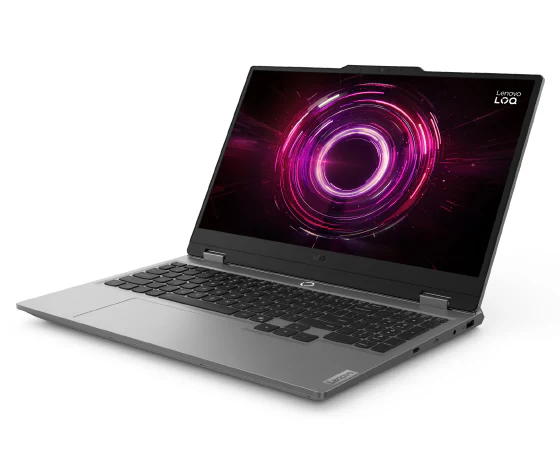
1. Lenovo LOQ 15 (RTX 5060): the winner
I am team desktop, and even I admit 2026 laptops are no longer the bad deal they used to be. In the $900 to $1400 price band this is the best value gaming laptop on the market right now, and the reason is simple: it puts a Blackwell GeForce RTX 5060, with DLSS 4 and Multi Frame Generation, at the price that only bought you a 40-series card a year ago. That GPU is built for current titles at 1080p on high settings, and DLSS gives it room even in ray traced games.
The rest keeps up: a Ryzen 7 250, 16 GB of RAM, a 15.6-inch IPS panel at 144 Hz and a cooling system Lenovo has been refining since the first LOQ. The only weak spot is the 512 GB SSD, which two big games will fill; an extra 2 TB drive solves it. This is the one we would recommend to nine out of ten people who ask.
2. HP Victus 15: the entry point
This is the cheap gaming laptop we actually recommend. The RTX 3050 will not run Cyberpunk with ray tracing, but it is aimed at the games most people actually play at 1080p: Fortnite, Valorant, Rocket League, CS2 and League of Legends.
The 12-core Core i5-12500H is more CPU than that GPU needs, so the machine never feels slow outside of games. The 8 GB of RAM is the weak point, but it is a five-minute swap and 30 dollars takes it to 16 GB. With that upgrade it is probably the best buy under 900 dollars.
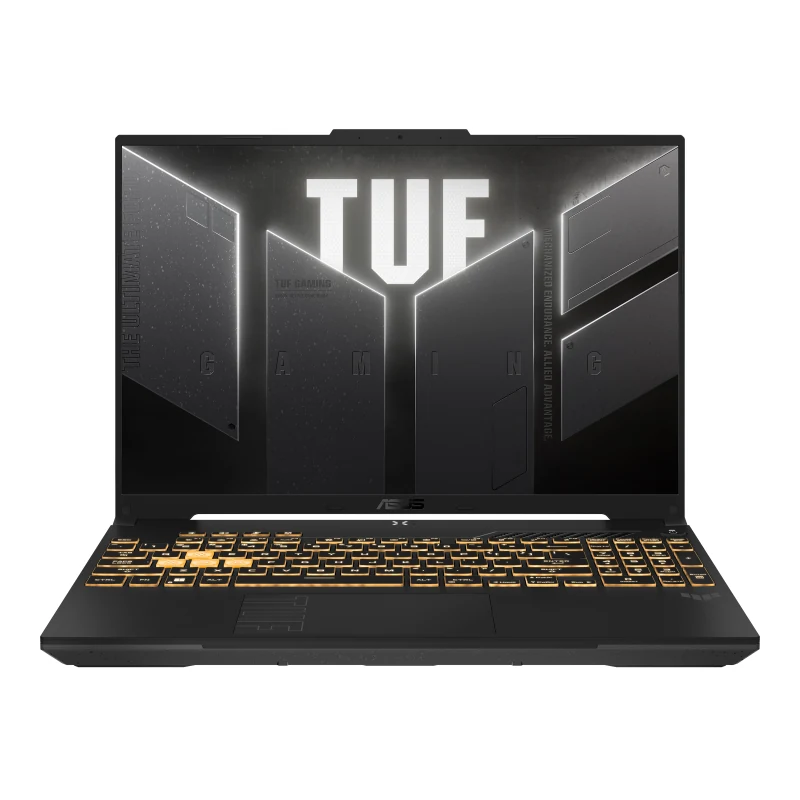
3. ASUS TUF Gaming F16: the best under 1,000
Here the argument is not the GPU but the screen and the chassis. The RTX 4050 is clearly faster than the Victus RTX 3050 and adds DLSS 3, but the 16-inch 16:10 panel changes the experience: you get more usable height, which helps in strategy games and when you use the laptop for school or work. The chassis carries MIL-STD-810H certification and survives being thrown in a backpack.
It ships with 8 GB of DDR5, dual self-cleaning fans and a backlit keyboard. It needs a bigger SSD and the panel is not color-accurate enough for design work, but in the $900 to $1400 price band it is the most balanced laptop here. If you are torn between this and the LOQ, the price gap pays for itself in the RTX 5060.
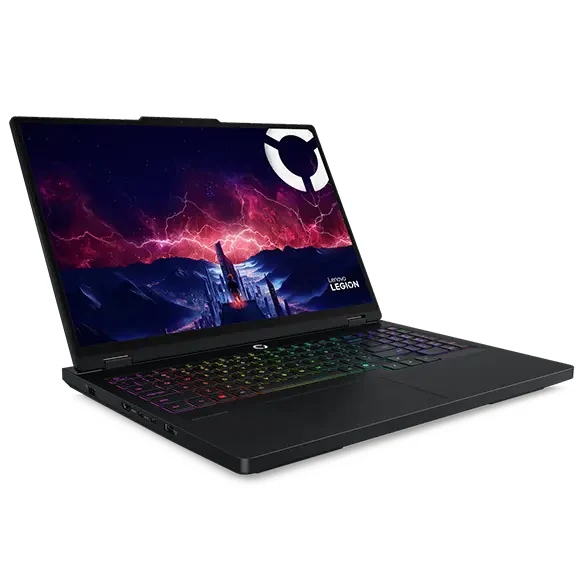
4. Lenovo Legion Pro 5 16 OLED: the best display
If you read our OLED, QD-OLED and IPS panel comparison, you already know why this laptop is on the list. Its 16-inch WQXGA OLED at 165 Hz with 1,100 nits of HDR peak has true blacks and contrast no IPS can fake, and it also responds faster. Play a dark game on this screen and then on any other laptop here and you will spot the difference in two seconds.
Underneath sit an 8-core Ryzen 7 8745HX, a GeForce RTX 5060, 16 GB of RAM, a 1 TB SSD, Wi-Fi 7 and Harman audio. It costs a lot more than the LOQ with the same GPU, so you are not buying it for performance: you are buying the screen. That makes total sense if you also edit photo or video and need accurate color.
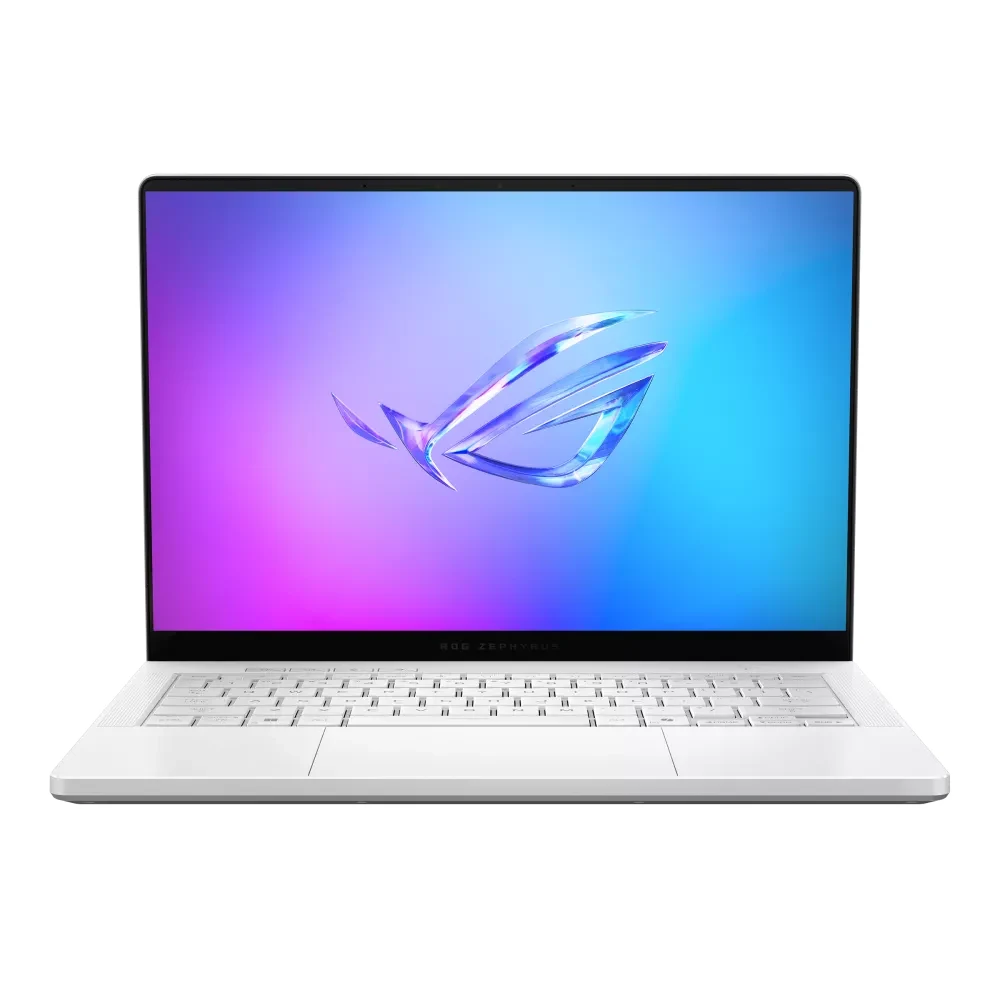
5. ASUS ROG Zephyrus G14: desktop power at 14 inches
This is the only laptop here that plays at 1440p with ray tracing without excuses, and it does it in a 14-inch aluminum body that weighs about 3.5 pounds. A laptop RTX 5080, a Ryzen AI 9 HX 370, 32 GB of RAM, a 2 TB SSD and a 3K OLED panel at 120 Hz that is among the best you can get in a portable.
Its price, in the over $1400 price band, is about that mix of size and power, not raw performance: there are 16 and 18-inch machines that match or beat it for less money, but they weigh twice as much. If you travel, teach, stream away from home or simply hate carrying bricks, this is your laptop. If it will live on a desk, you do not need it.
If you ask me
If your budget reaches 1,300 dollars, the Lenovo LOQ 15 (paid link) is the smartest buy of the year and there is not much to think about. If it does not, the HP Victus 15 (paid link), in the $600 to $900 price band, gets you playing today, and the ASUS TUF Gaming F16 (paid link) is the middle ground with a better screen and better build.
For people who game and create, the Legion Pro 5 OLED (paid link) earns every dollar with its display. And if you need maximum power in minimum size, the ROG Zephyrus G14 (paid link) is the one. Before you decide, read our guide to building a gaming PC part by part: for the price of the Legion Pro 5 you can build a noticeably faster desktop, if portability does not matter to you. Every model here is also in our product catalog, with its price band and a direct link to Amazon.
Best gaming laptop under $800
On this budget, our pick is the HP Victus 15, in the $600 to $900 band. You get a laptop RTX 3050, a Core i5-12500H and a 15.6-inch Full HD screen: enough for esports and competitive games at medium settings, not for the newest games on high. What you need to know before paying: it ships with 8GB of RAM, and in 2026 that falls short. Plan on going to 16GB (check HP's spec sheet that your version has the free slot). And if your ceiling is exactly $800, confirm the day's band is still under it: these laptops change price often.
Best gaming laptop under $1,000
Here the ASUS TUF Gaming F16 ($900 to $1400) wins, the one we covered above: RTX 4050, a 16-inch 1920 × 1200 screen at 144Hz. Next to the Victus, the difference shows in the GPU and the display: the RTX 4050 runs current games at 1080p with DLSS, and you actually use those 144Hz in competitive titles. Like the HP, it ships with 8GB of RAM, so budget for 16. If your budget can grow, the Lenovo LOQ 15 with an RTX 5060 ($900 to $1400) is the jump that pays off most on the whole list.
Best gaming laptop for students and college
For college, three things matter more than FPS: weight, battery and lasting the whole degree. On battery, honesty first: no gaming laptop lasts long gaming away from the outlet (we explain why in the questions below); where it does hold up is in class, with notes and a browser. Our pick depends on your wallet:
- Tight budget: the Lenovo LOQ 15 ($900 to $1400), with 16GB of RAM out of the box and an RTX 5060. It will not fall short across four or five years of school. It weighs 2.4 kg, so your backpack will feel it.
- If you carry it every day: the ASUS ROG Zephyrus G14 (over $1400), 14 inches and the most compact of the five, with 32GB of RAM. It is also the priciest: worth it only if portability truly matters to you.
Best gaming laptop for 1440p gaming
If you want more than Full HD, the screen comes first: the Lenovo Legion Pro 5 16 OLED (over $1400) has a 2560 × 1600 OLED at 165Hz, the best display on this list for what it costs. Heads up: its GPU is a laptop RTX 5060, so in demanding games you will need DLSS or a few lower settings to keep good FPS at that resolution; competitive titles are no problem. If you want that resolution or higher with everything maxed, the jump is the Zephyrus G14 with an RTX 5080 (over $1400) and a 2880 × 1800 OLED. To see which resolution each GPU can drive, check our 1080p, 1440p or 4K guide.
The watts nobody shows you: why two RTX 5060 laptops are not the same laptop
I opened this guide saying there are models with the same graphics chip and 1,500 dollars between them. I owe you the explanation, because it is not just the screen or the badge.
In a laptop, the name of the graphics card does not tell you how much power it gets. NVIDIA hands each manufacturer a range of watts, and the manufacturer picks where to sit inside that range based on the chassis and the cooling it can afford. The same RTX 5060 runs from 45 to 100 watts at base and reaches about 115 with Dynamic Boost. The RTX 5070 moves between 50 and 100 at base, about 115 with Dynamic Boost. The laptop RTX 5080, between 80 and 150 at base, up to 175 with Dynamic Boost.
Read that again: a 175-watt RTX 5080 and a 100-watt RTX 5080 carry the same name on the box. They are not the same laptop.
| Laptop graphics | Watt range NVIDIA allows | What it means for you |
|---|---|---|
| RTX 5060 Laptop | 45 to 100 W base, up to about 115 W with Dynamic Boost | More than double the power under one name |
| RTX 5070 Laptop | 50 to 100 W base, up to about 115 W with Dynamic Boost | Its range overlaps the 5060 range: the name alone sorts nothing |
| RTX 5080 Laptop | 80 to 150 W base, up to 175 W with Dynamic Boost | The widest gap here: 95 watts between the weakest and the best fed |
That settles the ROG Zephyrus G14 on this list in one line. A 14-inch chassis cannot pull the heat of a 5080 running flat out; an 18-inch one can. That is why I said above you do not buy it for raw performance: the chip is not worse, the body cannot feed it the same. You are paying to fit it in there, and that is fine as long as you know that is what you are buying.
Where the number lives, and why you rarely see it
The figure is public, it just almost never shows up where you buy. ASUS is the clean example: on the tech spec page for the 2026 TUF Gaming F16, the graphics row reads, word for word, "NVIDIA GeForce RTX 5070 Laptop GPU, 115W (100W+15W)". Watts on the same line as the name, nothing to hunt for. ASUS also publishes a yearly list with the watts for its whole ROG and TUF range.
The rest do not always make it that easy. Lenovo and HP publish full spec sheets, but the graphics watts are not always on the page for the exact model you are looking at, and on the store listing almost never. Heads up: not saying it does not make it bad. It makes it your job to find out.
The thirty-second check before you pay
Look up the model code, not the marketing name but the code, something like FX608LMG, on the manufacturer site. Open the tech specs and look for a W stuck to the graphics name. If it is there, you know what you are buying. If it is not, assume the low end of the range: when the watts are high, manufacturers brag about them.
And if you want these five side by side, screen, RAM and storage in the same table, they are in the comparison tool.
The usual questions
How much RAM does a gaming laptop need in 2026
16 GB is the comfortable minimum today. You can game on 8 GB, but some titles start leaning on virtual memory and you feel the stutter. If the laptop you like ships with 8 GB, buy it only if the RAM is upgradeable, and add 30 dollars to your budget.
Is a laptop RTX 5060 better than an RTX 4060
Yes, mostly because of DLSS 4 and Multi Frame Generation, which the 40 series does not get. Raw performance gains are moderate, but with DLSS 4 on the smoothness jump in heavy games is large.
Gaming laptop or desktop PC
If you will never move the machine, a desktop gives you more performance for the same money and upgrades part by part. A laptop pays off when you genuinely need to carry it or you do not have room for a full desk.
How long does the battery last while gaming
One hour to an hour and a half on any of these, no exceptions. Gaming laptops need to be plugged in to deliver full performance; unplugged they deliberately throttle the GPU so the battery does not vanish in minutes.
How do I find out how many watts my laptop graphics gets
Go to the manufacturer site, look up the exact model code and open the tech specs. If the graphics line shows something like "115W (100W+15W)", that is your answer: 100 watts of base power plus 15 of Dynamic Boost. If the spec sheet does not say, try the model code plus the word TGP in a search. And if it still does not turn up, assume it is low.
How we choose: no lab here, and we will not pretend otherwise. We placed the five laptops on what Lenovo, HP and ASUS publish: graphics card and its power limit, processor, screen size and refresh rate, memory and whether it can be upgraded, and weight. The list runs from an RTX 3050 entry machine to an RTX 5080 in a portable 14-inch body. Thin laptops without a dedicated graphics card stayed out because they are not built for current games. No brand pays to appear here.
I write every guide with the help of AI tools for research and drafting; I decide which products make the cut, check every figure against the manufacturer’s spec sheet and the price on the day I verify it, and sign the text. — Samuel