Gaming Laptop or Desktop PC in 2026: Which One Wins?

By Samuel 76 · Founder & Editor

Some links are Amazon affiliate links: we earn a commission if you buy, at no extra cost to you, and it never changes what we recommend. How we make money
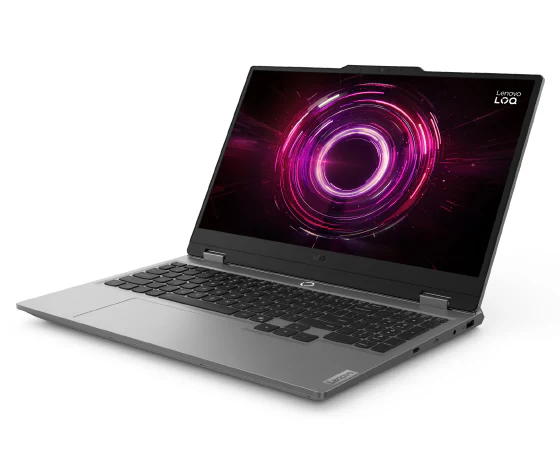
The old question has a new answer this year. For a decade, choosing between a gaming laptop or a desktop PC was easy: the desktop gave you far more performance for the same money. In 2026 DDR5 memory and SSD prices spiked, and the math changed. We built the desktop equivalent of the Lenovo LOQ 15 with an RTX 5060 (paid link) and, at September 2026 prices, it came out about 600 dollars more expensive. Here is the math and, more importantly, when each one still makes sense.
Full disclosure of my bias: I am writing this from my own desktop, with an RTX 3060 and an i9-13900K. I still tried to be fair.
The math, part by part
To keep it fair we used the same GPU family, the RTX 5060, and counted everything the laptop already includes: screen, keyboard and touchpad. These are the price bands for each part; today's exact price is on Amazon.
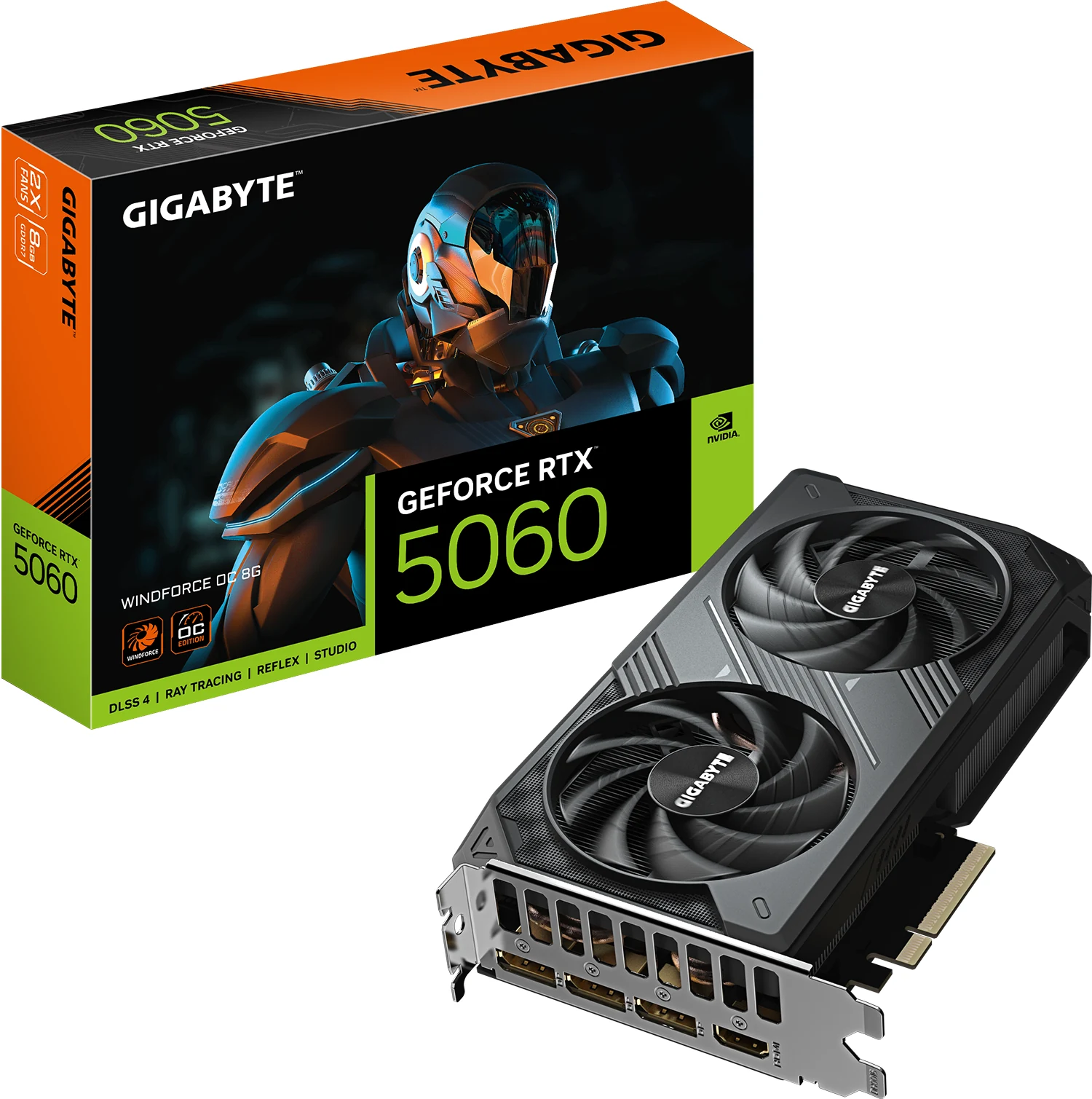
- GIGABYTE RTX 5060 WINDFORCE OC 8G (paid link) — $400 - $600
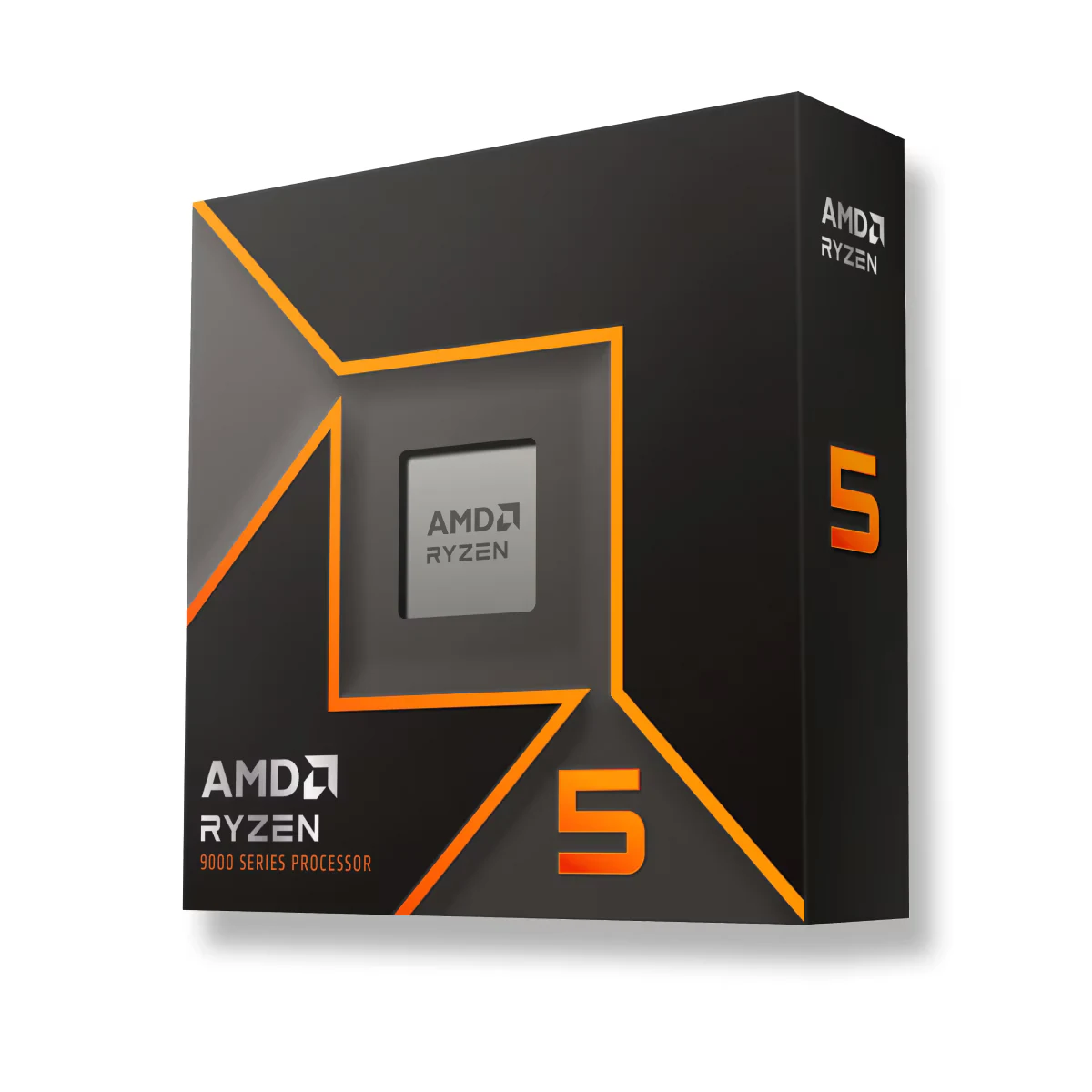
- AMD Ryzen 5 9600X (paid link) — $150 - $200
- GIGABYTE B650 Eagle AX (paid link) — $110 - $150
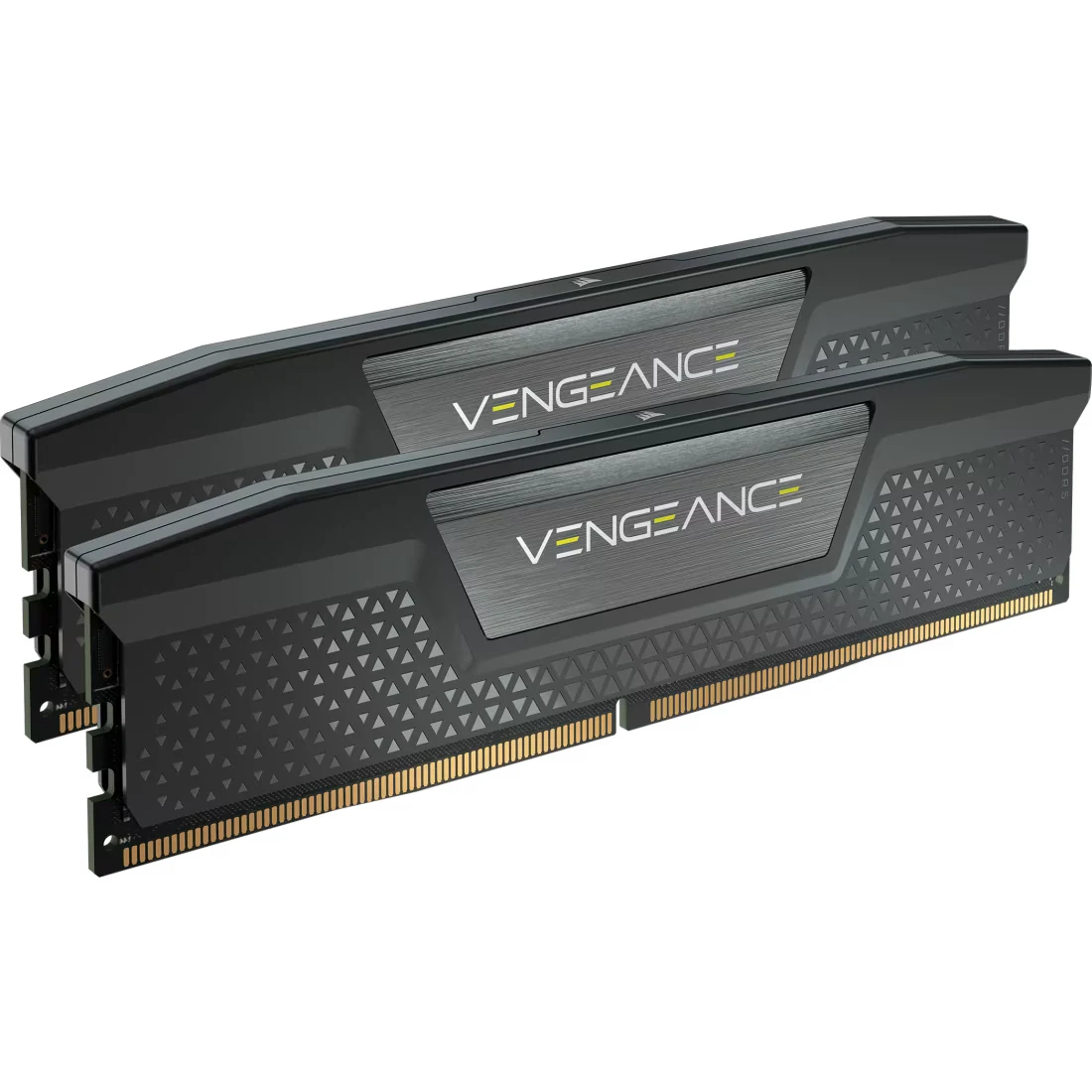
- Corsair Vengeance DDR5 32 GB (paid link) — $400 - $600
- Crucial P310 2 TB Gen4 (paid link) — $280 - $400
- Corsair RM750e 750 W Gold (paid link) — $80 - $110
- Montech AIR 903 MAX (paid link) — $110 - $150
- Thermalright Peerless Assassin 120 SE (paid link) — $25 - $40
The tower alone adds up to close to 1,700 dollars at September 2026 prices. You still need what the laptop ships with: an AOC 24G51F2 180 Hz monitor (paid link), a Redragon K552 keyboard (paid link) and a Logitech G305 mouse (paid link). Desktop total: close to 1,900 dollars against the laptop's $900 to $1400 band. If you swap any part of that tower, our PSU calculator tells you how many watts the new processor and graphics card need together.
So the laptop wins
On entry price, yes, and by a lot. But there are three caveats before you reach for your card.
First, a desktop RTX 5060 is not the same as a laptop RTX 5060. Same name, same architecture, but the tower version runs at a higher power limit with real cooling, so it delivers more frames in the same games (how many more depends on the laptop, because NVIDIA lets each maker set the wattage of its laptop GPUs). You pay more, you also get more.
Second, memory and storage. Our tower has 32 GB of RAM and a 2 TB SSD; the laptop has 16 GB and 512 GB. At September 2026 prices, matching the laptop to 32 GB and 2 TB costs about 200 dollars extra, which narrows the real gap to roughly 380 dollars. The laptop still wins, just by less.
Third, time. A tower upgrades part by part: in three years you swap the GPU and it lives on. A laptop does not, so when it falls behind you replace the whole thing. Think in five years instead of one and the desktop becomes cheaper again.
Buy a laptop if...
You move around. College, an office, a friend's place, trips: if the machine has to move even once a month, the laptop wins outright. Nobody disassembles a tower for a weekend.
You do not have the space. A desk with a tower, monitor, keyboard and cables needs at least three feet of width. A laptop lives on a two-foot table and goes in a drawer.
You want to start today on a small budget. An HP Victus 15 (paid link), in the $600 to $900 price band, gets you playing; there is no complete tower plus peripherals in that band in 2026.
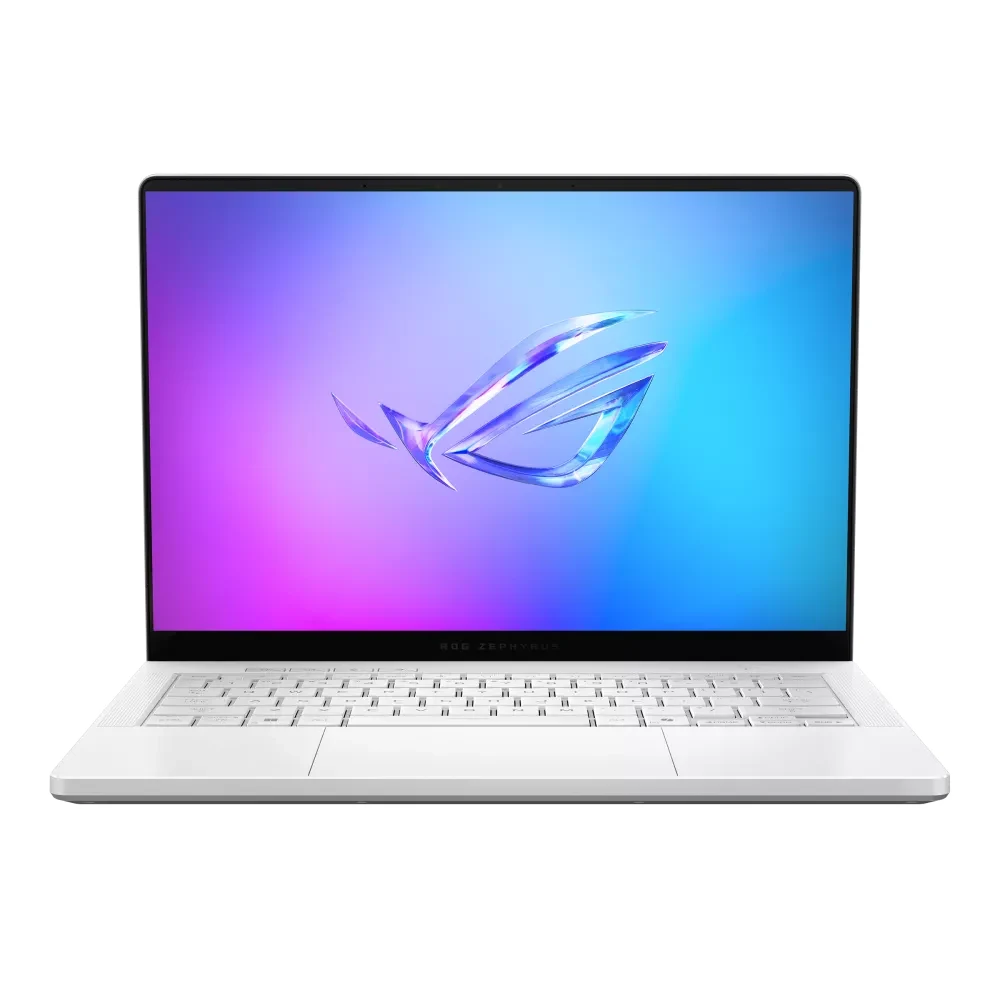
You need power without the weight. That is the case for the ASUS ROG Zephyrus G14 with an RTX 5080 (paid link): expensive, sure, but no tower fits in a backpack.
Build a desktop if...
The machine will never move. This is the most common case and the most ignored one. If your PC lives in your room, the portability you pay for in a laptop is money thrown away.
You want to play at 1440p or higher. That is where the wattage gap between desktop and laptop GPUs becomes decisive, and a 27-inch QD-OLED monitor (paid link), in the $280 to $400 price band, delivers an image jump no laptop panel at that price can match.
You are thinking in years. Start with a Ryzen 5 9600X (paid link) and an RTX 5060, and in 2029 replace only the graphics card. It is the only cheap long-term path.
You are going to stream seriously. A tower has ports, slots for a capture card and room for drives, and it does not heat up with twelve hours of OBS open.
The short recommendation
If you are torn, ask yourself one question: how many times will you move this machine in the next two years. If the answer is zero, build the tower and follow our guide to building a gaming PC part by part. If it is anything else, buy the laptop and pick an external screen from our gaming monitor comparison for when you are home: an entry-level one gets you the best of both worlds. Every component and laptop in this article is in our catalog with its price band.
Questions that keep coming up
Why did a desktop PC get more expensive this year?
Memory. DDR5 and SSD prices climbed sharply through 2026, and those two components weigh more in a self-built tower than in a laptop, where the manufacturer buys in bulk and includes them.
Can I connect an external monitor to my gaming laptop?
Yes, and we recommend it. Almost all of them ship with HDMI 2.1 or USB-C with DisplayPort, and a 180 Hz monitor in the $80 to $110 band gives you the desktop experience at home and portability outside.
How much slower is a laptop RTX 5060 than the desktop card?
It depends mostly on how many watts the laptop maker allows: NVIDIA lets each brand set the power of its laptop GPUs, and the desktop card runs at a higher limit, so it is faster in the same games. Models with better cooling close that gap; very thin ones widen it. For exact numbers, look for a review that tests that specific laptop.
Can you upgrade the RAM in a gaming laptop?
In most of them yes, with one or two SO-DIMM slots you reach by removing the bottom panel. Very thin ultraportables usually solder the memory: with those, buy the amount you will need from day one.
If the answer is a laptop, the best gaming laptops of 2026 compares them from entry level to high end. If it is a desktop, the best value gaming PC, part by part is the build, and the PC builder checks that the parts work together. Already have an old PC? The upgrades with the biggest impact per dollar might save you both. And if space is the real problem, the small-room setup fits a desktop in less than you think; for the graphics card itself, see the GPU tiers from 1080p to 4K.
How we choose: no lab here, and we will not pretend otherwise. We compared a gaming laptop with a desktop of the same graphics tier, part by part, using what Lenovo, HP, ASUS, AMD, GIGABYTE, Corsair and AOC publish: graphics card, processor, memory, screen and what each can upgrade later. The desktop count includes a monitor so the comparison is fair. Prebuilt desktops stayed out because the comparison is a laptop against parts you assemble. No brand pays to appear here.
I write every guide with the help of AI tools for research and drafting; I decide which products make the cut, check every figure against the manufacturer’s spec sheet and the price on the day I verify it, and sign the text. — Samuel