How Many Case Fans Does Your PC Need? Six Beliefs, Checked

By Samuel 76 · Founder & Editor

Some links are Amazon affiliate links: we earn a commission if you buy, at no extra cost to you, and it never changes what we recommend. How we make money
There is one question that shows up in every build thread and almost never gets answered with a number: how many case fans does your PC actually need? What you get instead are rules of thumb. Three in front, one in back. Always run positive pressure. The 140 cools better. None of those sentences comes with a figure attached, and once you attach one, half of them fall apart.
So instead of handing you another recipe, I took six of the things people repeat most about case fans and put the manufacturer number next to each one. Some hold up. Two break badly, and one of those two can leave you with a scorched header on your motherboard.
If you are building right now and want to see real parts while you read, there is the full catalog, the budget builder and the comparison tool for putting up to five models side by side. And if you have not picked a case yet, start with choosing a case by the air and not the glass, because the case decides how many fans you can fit before you decide anything.
The short answer: how many for your graphics card
Before the six beliefs, here is the answer you came for. In a gaming tower, the part dumping the most heat inside the case is almost always the graphics card, so it decides your fan count more than the CPU does. And every maker publishes how much power its card draws: it is the "total graphics power" line on the official spec sheet.
| Your graphics card (power per the manufacturer) | Intake | Exhaust | Total |
|---|---|---|---|
| Integrated, or up to about 150 W (NVIDIA lists 145 W for the RTX 5060) | 1 to 2 | 1 | 2 to 3 |
| 150 to 250 W (the RTX 5070 is rated at 250 W) | 2 | 1 | 3 |
| Over 250 W (the RTX 5080 is rated at 360 W) | 3 | 1 to 2 | 4 to 5 |
Three notes on reading that table. First, it is a reasoned starting point, not something we measured. It comes from the logic of Belief 1 (what counts is how many fans pull air in and how many push it out) plus how much heat the card throws. Second, a liquid cooling radiator counts as fans on whichever side it is mounted; a 240 up top blowing out is two exhausts. Third, and this one saves the most money: almost every case ships with two or three fans already installed. Count them before you buy, because you are often already in the right row.
So how do you know you are short? Not by the count, by the temperature. If your card stays in its normal range while you play with the table covered, you are done. If not, the step-by-step fixes are in safe CPU and GPU temps in 2026, and adding fans is only one of the steps.
Belief 1: more fans means a colder PC
This one is half true, which is what makes it dangerous. Going from zero to three fans changes a tower completely. Going from six to nine does not. The air that can get in is limited by the holes in the panel, not by how many blades are spinning behind them.
The honest version is different: what matters is how many go in and how many go out, not the total. Two intakes at the front and one exhaust at the back already give you a complete path. Anything you add after that needs a specific reason — a radiator, a GPU that breathes downward, an open top panel — and not a target number.
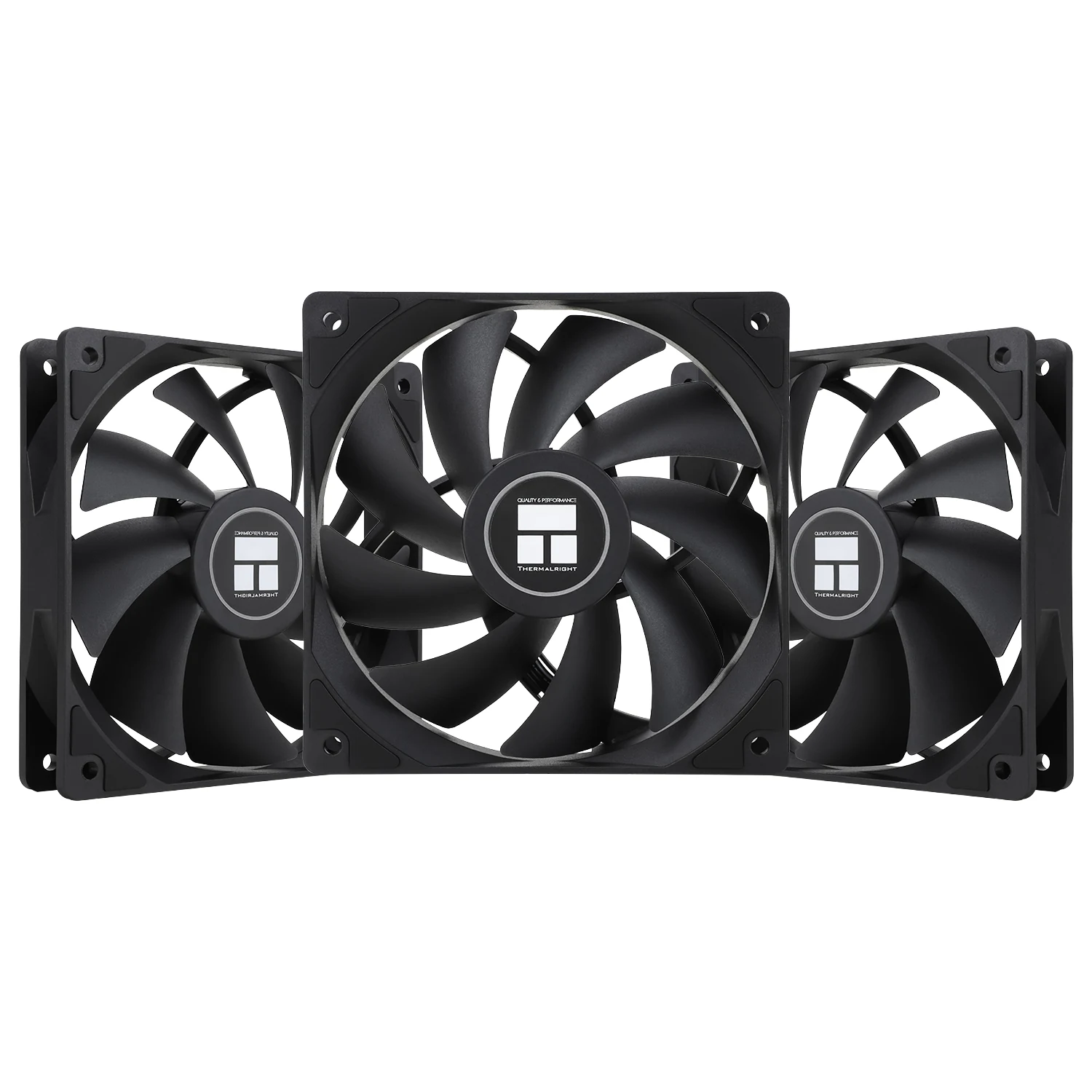
And if what you want is to fill empty screw holes without spending, the cheapest honest math I found is a three-pack of PWM fans in the under $25 price band, very little per fan. They are not the quietest or the strongest in the world, but the real comparison is not against a premium fan: it is against the empty hole you have right now.
Belief 2: all five just hang off one header
Here is the number I wrote this article for, and the one I did not find in a single comparison.
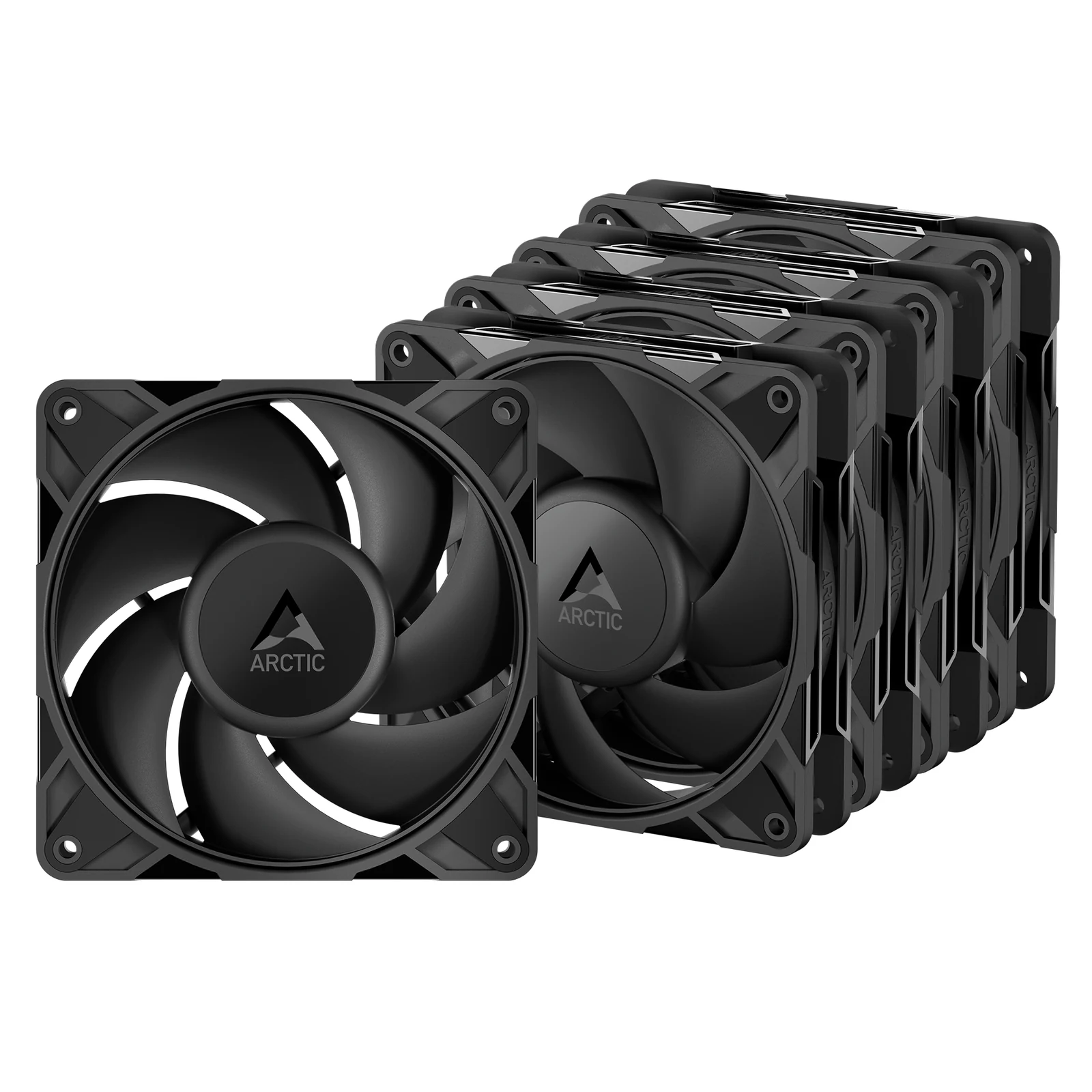
Five-packs ship with a PST cable — or daisy chain, or whatever the brand calls it — so you can string them together and run all of them from one motherboard header. It looks clean and it works. The problem is current.
The spec sheet for the ARCTIC P12 Pro PST says 0.33 A per fan. Five chained together is 1.65 A coming out of one motherboard header. And the long-standing standard for a fan header is 1 A, or 12 W. Newer boards usually give 2 A, several premium ones give 3 A on the pump header, but plenty of motherboards are still at 1 A and do not print it on the box: you have to open the manual.
So the pack ships with the exact cable that lets you blow past your own header budget, and in the worst case you go 65 % over it. On top of that, a motor draws considerably more current spinning up than it does running, so the startup spike is worse than that 1.65 A.
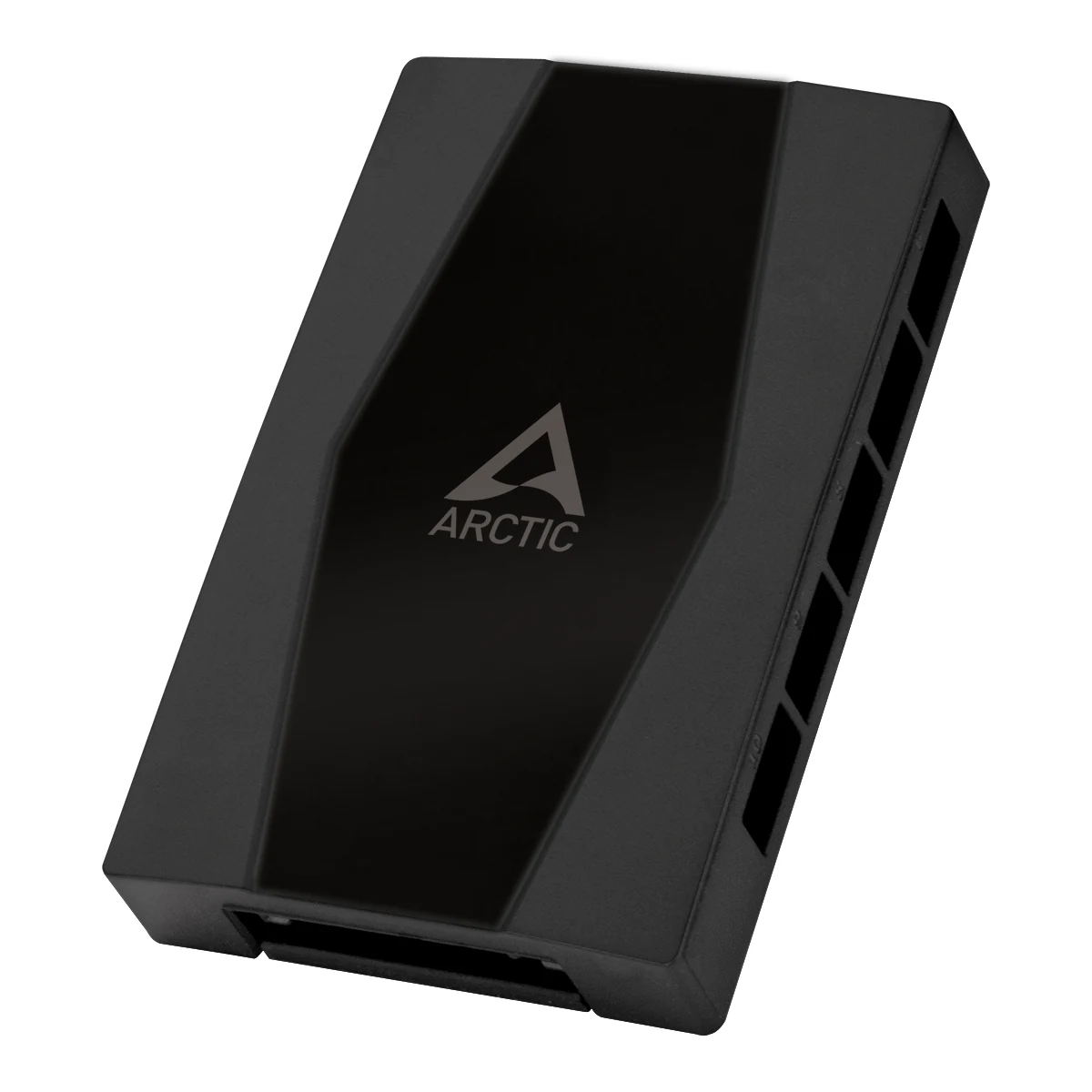
The fix sits in the under $25 price band and is the cheapest part in the whole build. A SATA-powered hub pulls current straight from the power supply and leaves the motherboard with nothing but the speed signal. The ARCTIC one gives up to 1 A per port with an input rated up to 4.5 A, has ten outputs, and the first port still reports rpm back to the BIOS so you do not lose the reading.
Heads up on the part that actually changes the decision: if you are buying a Pro-series five-pack, put the hub in the budget from day one. It is not an optional accessory, it is what makes the five-pack safe.
Belief 3: the pricier fan is the one that pushes harder
This falls apart with two spec sheets and two checked prices.
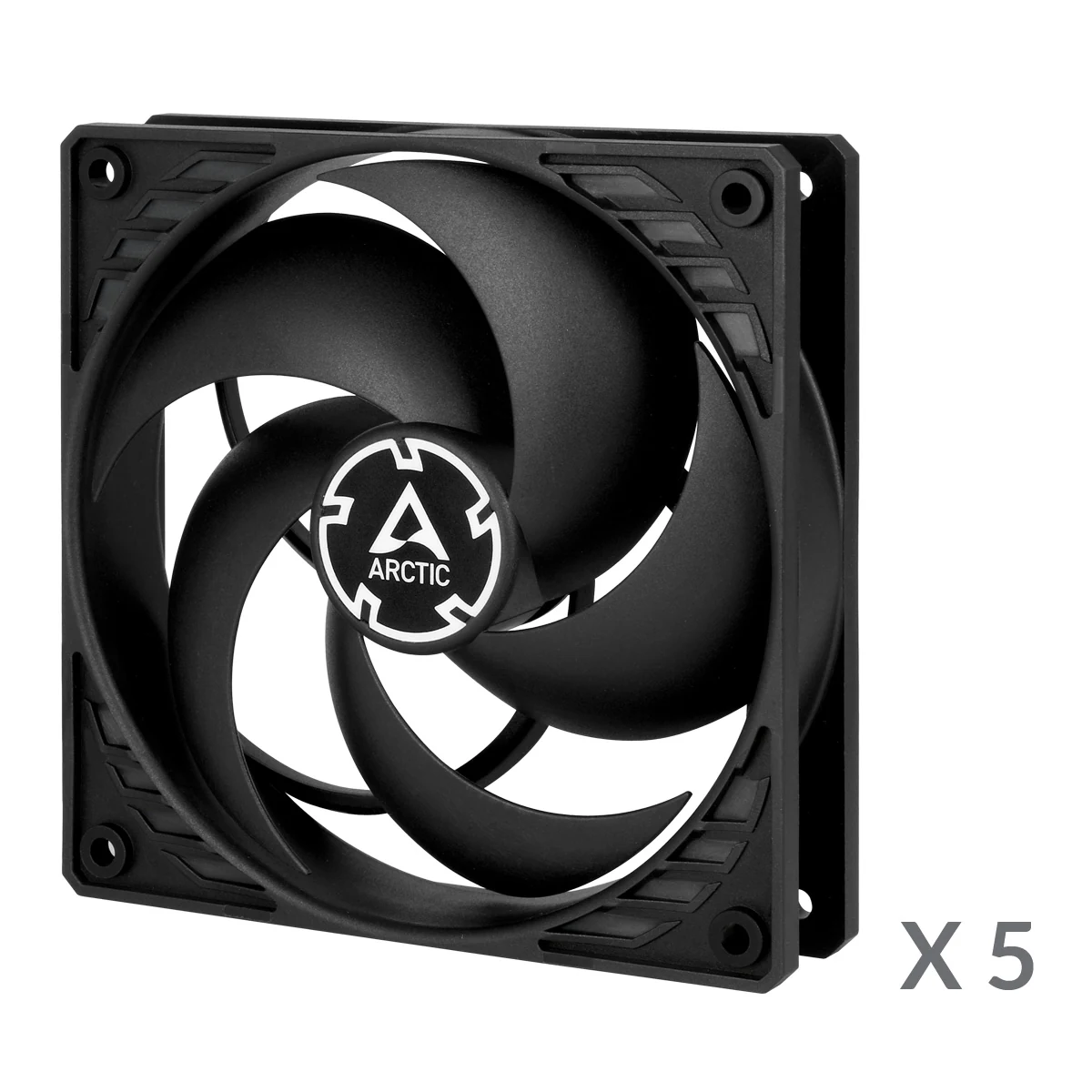
The ARCTIC P12 PWM PST, the classic five-pack that has been the default recommendation for years, does 2.20 mmH2O of static pressure and 56.3 CFM, topping out at 1800 rpm. The P12 Pro PST, the one that came later, does 6.9 mmH2O and 77 CFM, topping out at 3000 rpm. That is more than triple the pressure and 37 % more air.
Now the price. When we checked Amazon in September 2026, the classic sat in the $25 to $40 price band and the Pro in the under $25 band. The one that wins on every figure cost less. That was not a misread and it was not a flash sale: the older model is simply anchored to a price that no longer matches what it does. Check both bands before you buy, because that can change.
So is the classic useless? It is useful in exactly one case, and it is the previous belief: it draws 0.1 A per fan, so five chained together stay at 0.5 A and fit comfortably even in an old 1 A header. If your board has weak headers and you refuse to add a hub, paying a little more to sleep well is defensible. Outside that case, no.
Belief 4: static pressure is a radiator thing
False, and it got more false with 2026 cases.
Static pressure, measured in mmH2O, is the ability of a fan to keep moving air when something is in the way. CFM is measured in open air with nothing in front of it. The moment you put an obstacle there, the other number is the one in charge.
And current cases are a permanent obstacle. The front mesh panel gets in the way. The dust filter gets in the way. The bottom filter under the power supply gets in the way. The mesh towers everybody recommends for airflow are exactly the ones putting a metal screen in front of every intake.
The working reference for restricted setups — mesh, filter or radiator — is not to go below 2.0 mmH2O. Look at the classic figure again: 2.20. It is barely above the floor. The Pro at 6.9 is not in the same conversation. That is the real reason a cheap boxed fan feels weak inside a filtered case and feels fine sitting on a desk: in open air almost anything works.
Belief 5: the positive pressure thing is marketing
Here I am going to be honest in a way that suits nobody selling fans, myself included.
The reasoning behind positive pressure is solid: if you push in more air than you pull out, the case sits at slight overpressure and air tends to leave through the unfiltered seams instead of entering through them. Since the air coming in goes through the filters, less dust gets in. So far, first-year fluid mechanics.
What does not exist is a decent public measurement. There is no controlled study with two identical machines, the same room and the same amount of time, weighing the dust at the end. What there is, is the smoke test — light an incense stick next to an unfiltered gap and watch whether the smoke goes in or out — which tells you the sign of the pressure but not how much dust it saves you. And there are a lot of people repeating the conclusion as if somebody had weighed it.
My read, and it is an opinion: run slightly positive because the reasoning is correct and it costs you nothing, but do not rearrange the whole tower over it or buy an extra fan just to get there. The filter you actually clean every month is worth more than the sign of the pressure.
Something positive-pressure guides tend to skip: if the tower sits on the floor, and worse on carpet, it breathes whatever is closest to the floor, and no fan setup changes that. Getting it off the floor is the first thing I would try.
Belief 6: a 140 mm cools better than a 120 mm
It cools about the same. What it changes is noise, and that is the good reason to buy one.
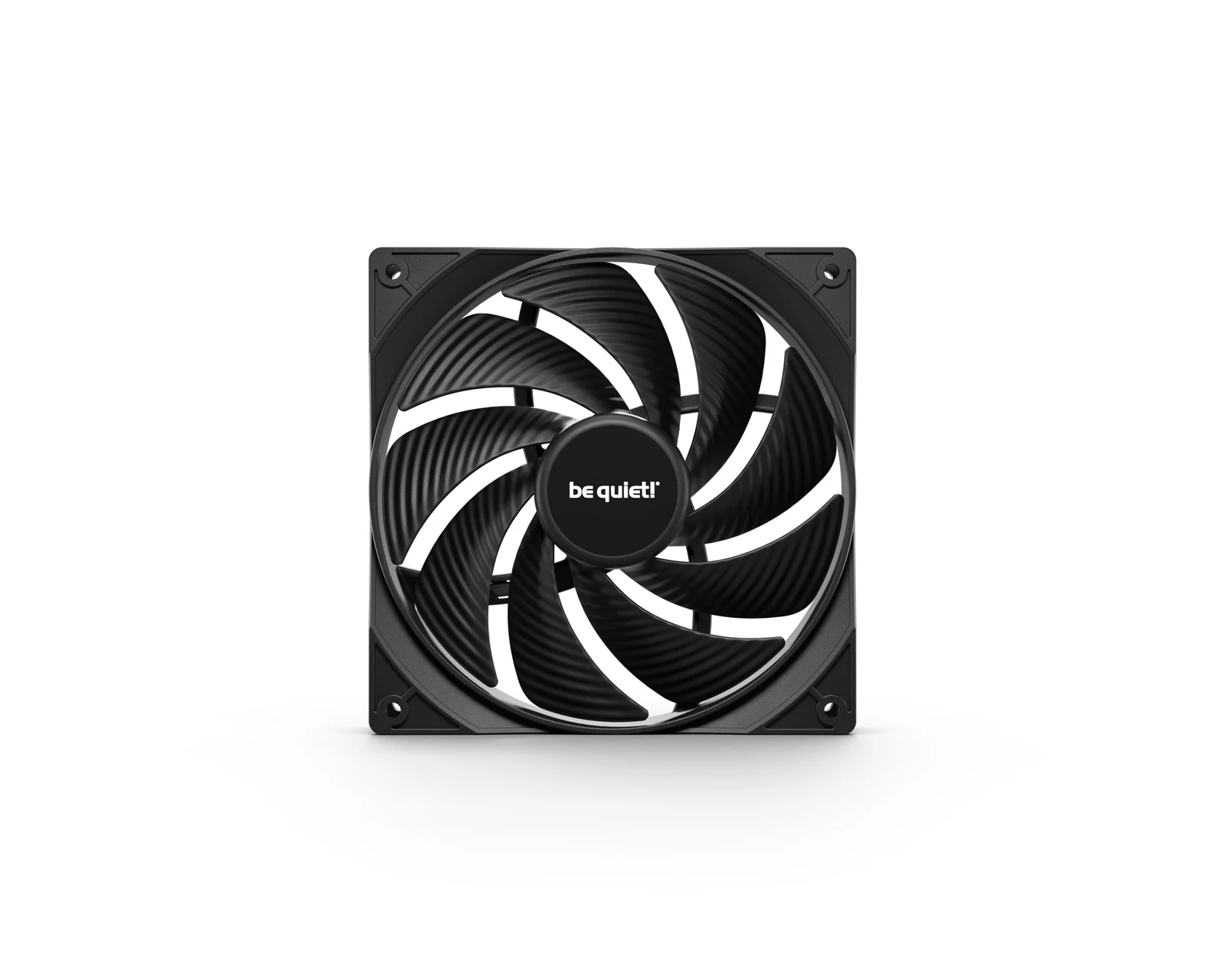
A bigger blade moves the same volume of air turning slower. And fan noise does not climb in proportion to rpm: it climbs a lot faster than that. That is why a 140 at 800 rpm and a 120 at 1200 rpm can move similar air and sound nothing alike.
The trap is in the case, not the fan. Plenty of towers only take 120 up front even when they claim 140 support up top, and some take 140 but lose radiator clearance doing it. Before buying the 140 five-pack, count the holes in your tower. It is literally counting screws.
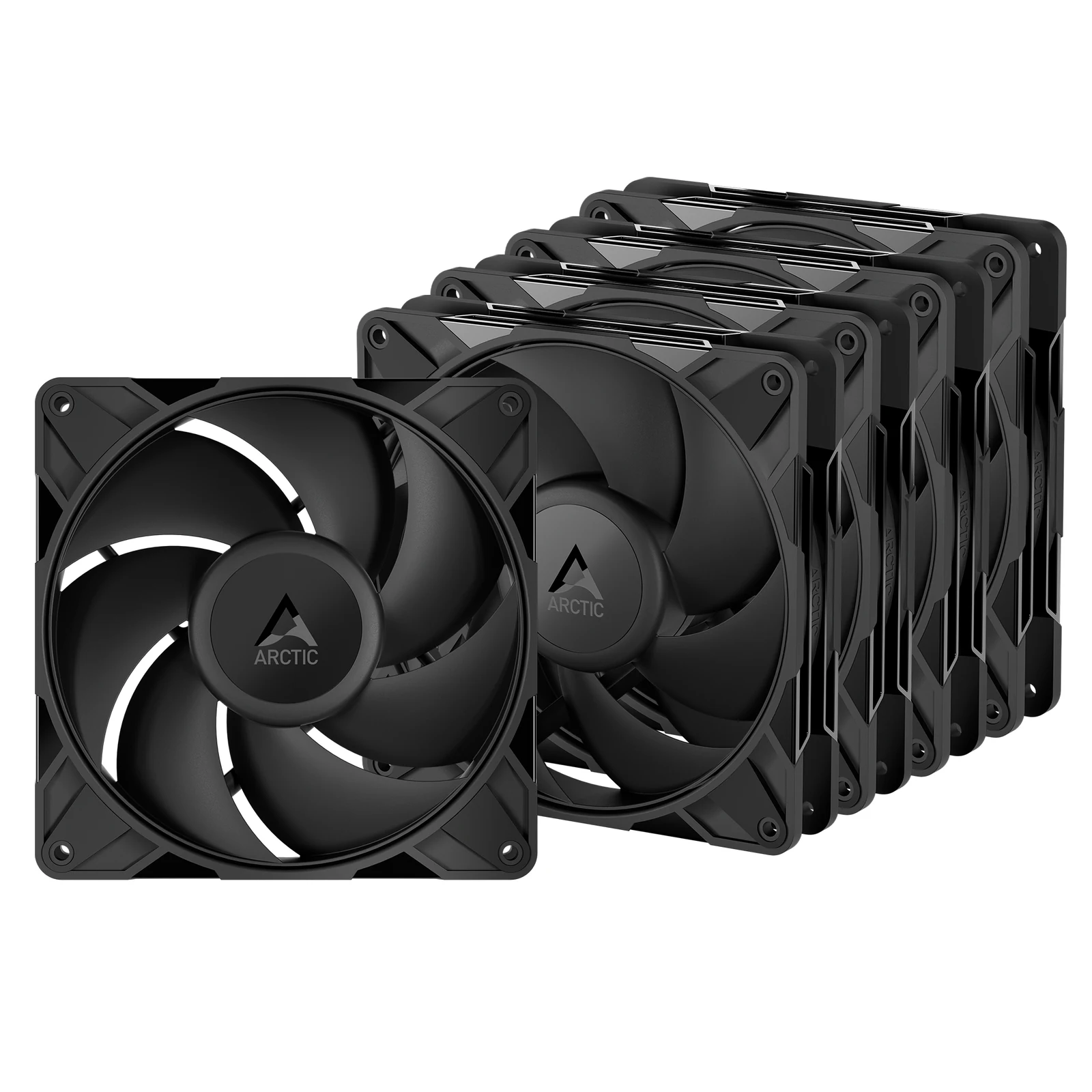
And if your situation is different — you are not replacing all six, just one that bothers you — buying one at a time costs more per unit, but it makes sense when the one you swap is the loud one sitting right above your head.
What I would put in my own tower
Declared bias: I game at 1440p on my own desktop, with an RTX 3060 and an i9-13900K, so I am talking from there and not from a test bench.
If I were building today, the P12 Pro five-pack plus the hub costs very little and settles the whole subject, with two spare fans left in the box. That is the buy. The classic only if my board has 1 A headers and I refuse to add the hub, and the Thermalright three-pack if the budget is tight enough that every dollar counts.
What I would not do is buy five fans and chain them to one header without checking the motherboard manual first. It is the only part of any of this that can end in something broken instead of a couple of degrees.
The questions this always raises
Are two case fans enough?
For integrated graphics or a card up to about 150 W, yes, as long as one pulls air in and the other pushes it out. Two fans blowing the same way do not make a path; they just stir hot air around inside. With a card over 150 W, two fall short: three is the usual answer, and four or five past 250 W.
Where do I find how many amps my header takes?
In the motherboard manual, in the connectors section. Look for fan header or max current. It is almost never on the box or the product page. If you are still picking a board, the five boxes before the chipset covers more fine print of this kind.
Does the hub work for ARGB fans?
A fan hub handles speed, not lighting. ARGB fans carry a separate 5 V three-pin cable that goes to its own header or to a lighting controller. They are two different chains and you have to plan both.
Can I mix brands and sizes?
Yes, no problem. The only thing you notice is that if you mix models on the same PWM curve, each one spins at a different rpm off the same signal, and sometimes you get a beat hum between two similar speeds. You fix it by splitting them onto two curves.
Do the cooler fans count toward this math?
They count toward the current of whatever header they are plugged into, which is normally the CPU one and sits separately. For the air path inside the tower they do matter, and for that it is worth reading which CPU cooler your processor needs based on its TDP.
How we choose
We have no lab, no thermal camera and no anemometer, and we are not going to say we tested something we did not. We pulled static pressure, airflow, speed and current from the ARCTIC, Thermalright and be quiet! spec sheets, checked each belief against those numbers, and say so when a claim has no public measurement. The picks run from budget PWM fans to Pro models, plus a fan hub. Radiator fans stayed out because the question is case airflow. No brand pays to appear here.
I write every guide with the help of AI tools for research and drafting; I decide which products make the cut, check every figure against the manufacturer’s spec sheet and the price on the day I verify it, and sign the text. — Samuel
The figures in this article come from the ARCTIC spec sheets for the P12 PWM PST and the P12 Pro PST, and from the product data for the hub. Any price we mention is a band, not an exact figure; today’s price is on Amazon. No brand pays to appear here.