The 5 Best Elgato Products for Creators in 2026

By Samuel 76 · Founder & Editor

Some links are Amazon affiliate links: we earn a commission if you buy, at no extra cost to you, and it never changes what we recommend. How we make money
If you buy one Elgato product, make it the Key Light: Elgato rates it at 2800 lumens with a color temperature from 2900 to 7000 K, and our catalog has no light from another brand built to sit in front of your face. After that, the order depends on what you stream: the Facecam MK.2 for the camera, the Wave:3 MK.2 for your voice, and the 4K S or the Game Capture Neo only if you play on a console.
The five, in buying order
- The first upgrade: Key Light — $150 - $200
- Camera: Facecam MK.2 — $110 - $150
- USB microphone: Wave:3 MK.2 — $110 - $150
- Console capture at your desk: 4K S — $110 - $150
- Portable capture: Game Capture Neo — $110 - $150
Each Elgato piece against another brand in our catalog
| Elgato product | Elgato's figure | Closest other brand in our catalog | The number that separates them | Source |
|---|---|---|---|---|
| Key Light | 2800 lm, 2900–7000 K | None: the Govee and Philips bars are ambient light | 2800 lm against 500 lm per Hue Play bar (5.6 times); Govee publishes no brightness for the Flow Plus | Elgato, Govee Flow Plus, Philips Hue Play |
| Facecam MK.2 | 1080p at 60 fps, fixed focus 30–120 cm | Logitech C920S HD Pro | 60 fps against 30 fps at 1080p; the C920S has autofocus and two mics | Elgato, C920S spec sheet |
| Wave:3 MK.2 | Cardioid condenser, 48 kHz / 24-bit, 70 Hz–20 kHz | Shure MV7+ | 1 output (USB-C) against 2 (USB-C and XLR) | Elgato, MV7+ spec sheet |
| 4K S | Captures 4K60 (HDR capture up to 1080p60, Windows only); passes 4K60 HDR, 1440p120, 1080p240 | AVerMedia Live Gamer Ultra 2.1 | 1080p passthrough at 240 Hz against 360 Hz; USB 3.0 against 10 Gbps USB-C | Elgato, Live Gamer Ultra 2.1 spec sheet |
| Game Capture Neo | Captures 1080p60; passes 4K60 HDR | AVerMedia streaming capture card | Both capture 1080p60; the AVerMedia also passes 1440p144 and 1080p240 | Elgato, AVerMedia spec sheet |
Elgato pages read on October 12, 2026; the other brands' figures come from our spec sheets, checked against each maker.
Two comparisons Elgato does not make, both recalculable from the table: at 1080p, the Facecam MK.2 records twice the frame rate of the Logitech C920S (60 against 30 fps), and the AVerMedia Live Gamer Ultra 2.1 passes 120 more frames per second than the 4K S (360 against 240). In two of the four matchups with another brand, the capture cards, the other brand passes the higher refresh rates.
1. Elgato Key Light
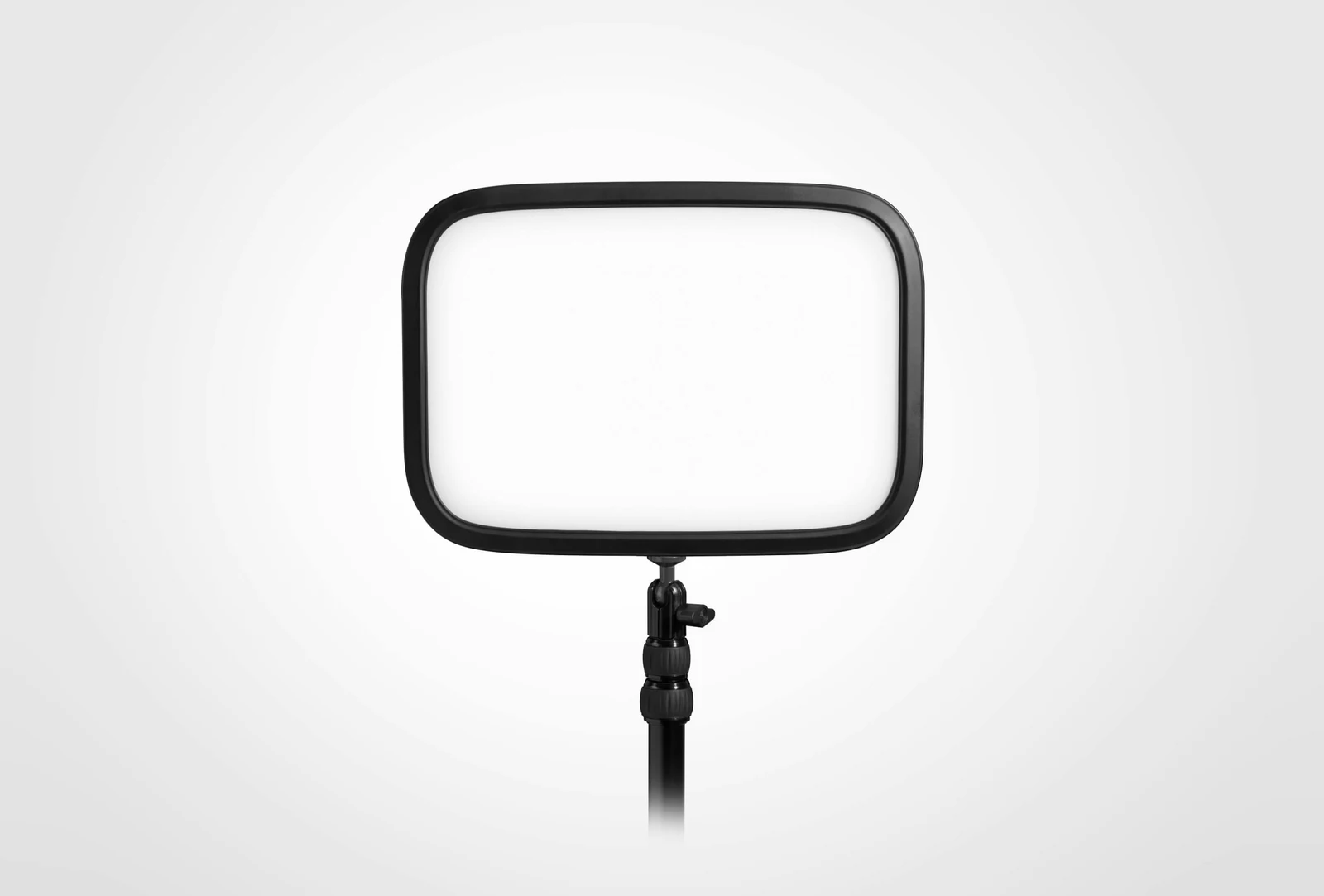
2800 lumens, per Elgato: 5.6 times the 500 lumens Philips lists for each Hue Play bar, and the reason the Key Light is the first upgrade for anyone who appears on camera and wants light aimed at the face. It covers a color temperature from 2900 to 7000 K and is controlled over 2.4 GHz Wi-Fi from Elgato's Control Center app. It only does white light, from warm to cool, with no color effects; if what you want is color behind the screen, the Govee Flow Plus bars do that other job, though Govee publishes no brightness for them. Before you buy, look at which version a listing sells: this one is the Key Light MK.I, which Elgato's support page now marks as Legacy.
2. Elgato Facecam MK.2
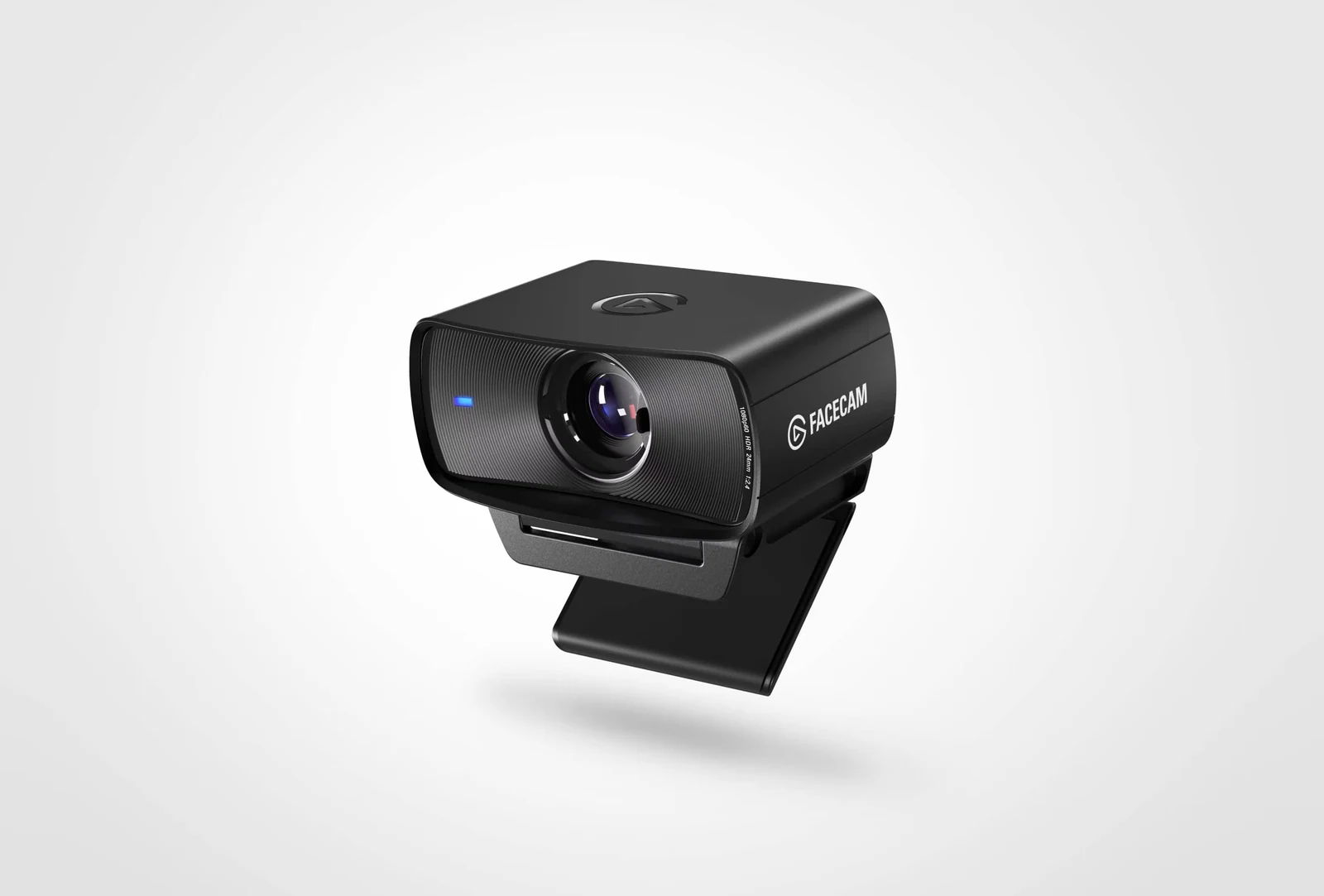
If you stream from a PC, stay still in the frame and want 60 frames per second at 1080p with manual control of the image in Elgato's Camera Hub, this is the camera: 60 fps against 30 at 1080p on the Logitech C920S HD Pro. What it leaves out is a microphone and autofocus. Focus is fixed from 30 to 120 cm, and HDR works only at 1080p30. If you move around the frame or need a built-in mic, the C920S has autofocus and two microphones, and the Razer Kiyo Pro Ultra goes to 4K at 24 fps.
3. Elgato Wave:3 MK.2
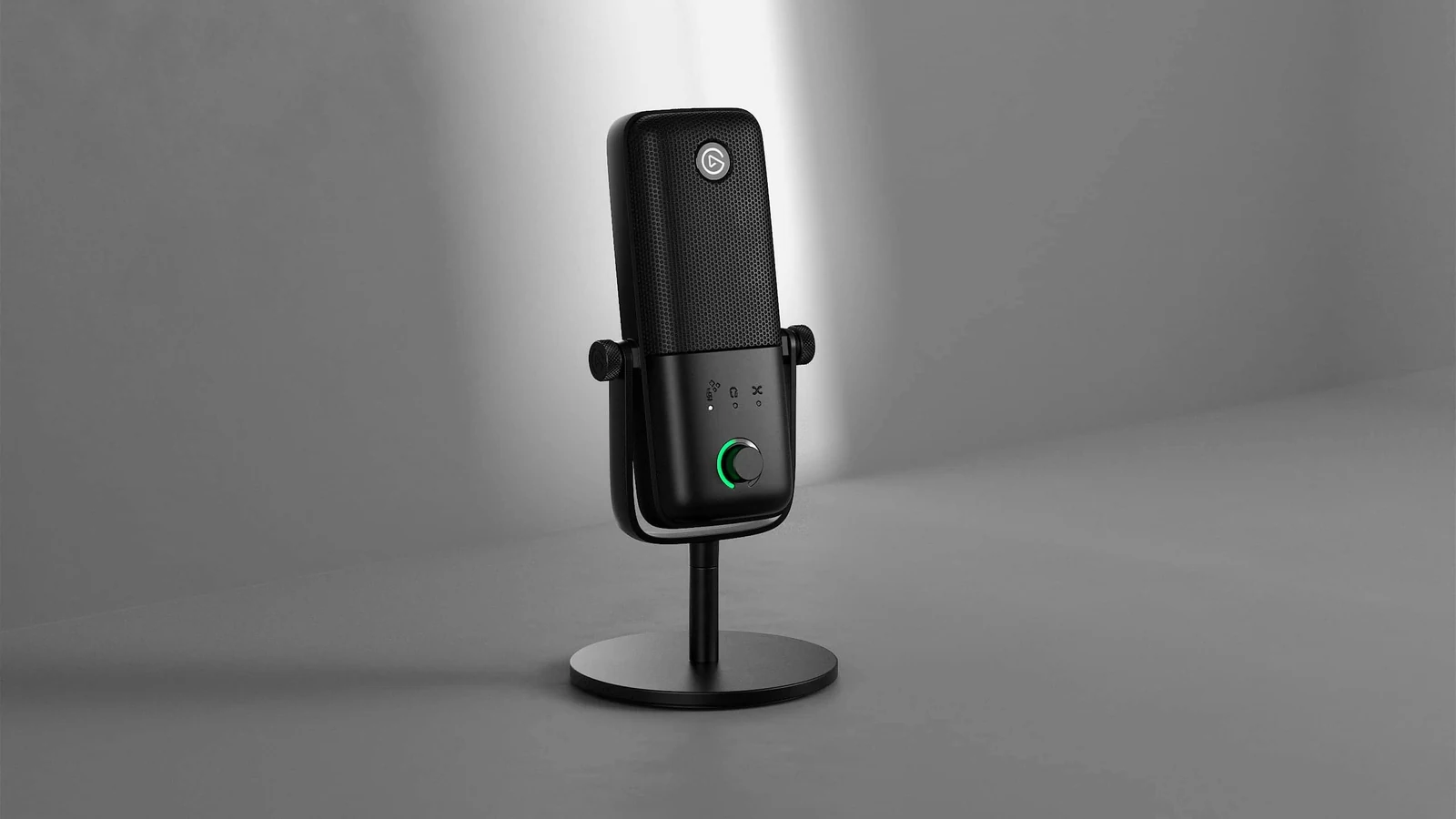
One output, USB-C, is what decides this microphone. Elgato lists a cardioid condenser capsule, 48 kHz at 24-bit, a frequency response from 70 Hz to 20 kHz and its Wave Link software, which mixes game, music, Discord and voice as separate sources for OBS: a voice-first setup that stays on USB. If you plan to move to an audio interface later, the Shure MV7+ has two outputs, USB-C and XLR, and a dynamic capsule where this one is a condenser.
4. Elgato 4K S
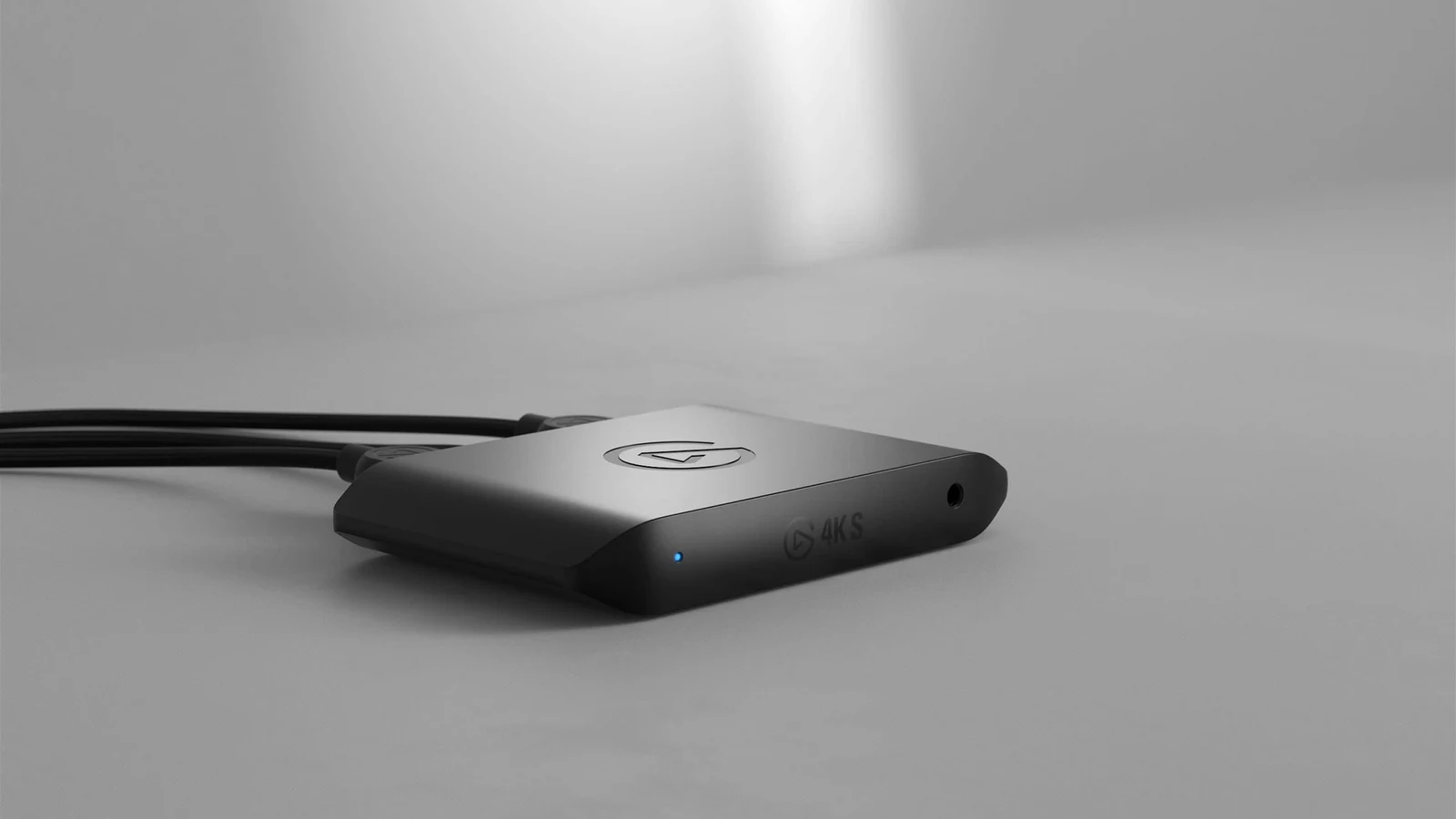
This one is not for the fastest screens. Elgato lists 4K60 capture and passthrough of 4K60 HDR, 1440p120 and 1080p240 over USB-C 3.0; if your TV or monitor runs faster, the AVerMedia Live Gamer Ultra 2.1 passes up to 4K144 and 1080p360. For someone who streams a PS5, an Xbox Series or a Switch 2 from a desk PC and wants to capture in 4K60, it covers the job. Know the HDR catch first: according to Elgato, HDR capture tops out at 1080p60 and works on Windows only, so in 4K60 it records without HDR.
5. Game Capture Neo
A capture box you carry to a laptop at a friend's place or an event: Elgato lists 1080p60 capture and 4K60 HDR passthrough over USB 3.0. Recording in 4K is where it stops; the 4K S captures 4K60. The AVerMedia streaming capture card also captures 1080p60 and adds 1440p144 and 1080p240 passthrough. Like the 4K S, it captures HDR only up to 1080p60 and only on Windows.
Is one brand for everything worth it?
Elgato's software runs each piece: Camera Hub for the Facecam, Wave Link for the Wave:3 and Control Center for the Key Light. Whether staying with one brand is worth it depends on the numbers above, not on the logo: in the two capture comparisons, the AVerMedia option passes higher refresh rates, and for the microphone, the Shure keeps an XLR exit that the Wave:3 does not have.
Do I need the Stream Deck too?
Not to start: it is a control deck for scenes and alerts, useful once you have them. Light, camera and audio come first.
Elgato or another brand?
Each section above names the closest option from another brand in our catalog, with the number that separates them. If you are deciding by category, our webcam and capture card comparisons put several brands side by side.
Which mic if I want XLR?
The Shure MV7+: a USB/XLR hybrid, though over XLR you lose its onboard processing, which only runs over USB-C. Before you go that way, read our USB vs XLR guide.
If Elgato is not the only brand on your list, our streaming webcams compare it with the rest, and the pro streaming setup shows the whole chain part by part. Their key lights solve half the job; the other half is in our LED lights for your setup.
How we choose: no lab here, and we will not pretend otherwise. This list is Elgato only by design, so the question was which five products a creator needs first. We compared what Elgato publishes: camera resolution and frame rate, light output, capture passthrough and microphone connection. The order follows a studio built in steps, from image to sound. The Stream Deck stayed out of the five because it pays off once you run complex scenes, as one of the questions explains. No brand pays to appear here.
I write every guide with the help of AI tools for research and drafting; I decide which products make the cut, check every figure against the manufacturer’s spec sheet and the price on the day I verify it, and sign the text. — Samuel