How Much RAM Do You Need for Gaming in 2026? 16 vs 32GB

By Samuel 76 · Founder & Editor
Some links are Amazon affiliate links: we earn a commission if you buy, at no extra cost to you, and it never changes what we recommend. How we make money
The short answer to how much RAM you need for gaming in 2026 is 32GB, and the reason it is no longer 16 has nothing to do with games and everything to do with what you keep open while you play. But one detail changes the decision completely this year: memory prices exploded, and in September 2026 a 32GB DDR4 kit cost less than a 16GB DDR5 kit. That turns this into one of the highest impact per dollar decisions in your whole build.
This guide tells you exactly how much memory you need based on what you actually do, with six real kits and their Amazon prices as of September 2026.
Quick RAM verdicts
- G.SKILL Ripjaws V DDR4 32GB (2x16) (paid link) — best buy in the guide if your PC runs DDR4, $200 - $280.
- Corsair Vengeance LPX DDR4 32GB (2x16) (paid link) — the most compatible DDR4 option, $200 - $280.
- Patriot Viper Venom DDR5 16GB (2x8) (paid link) — the acceptable DDR5 minimum, $200 - $280.
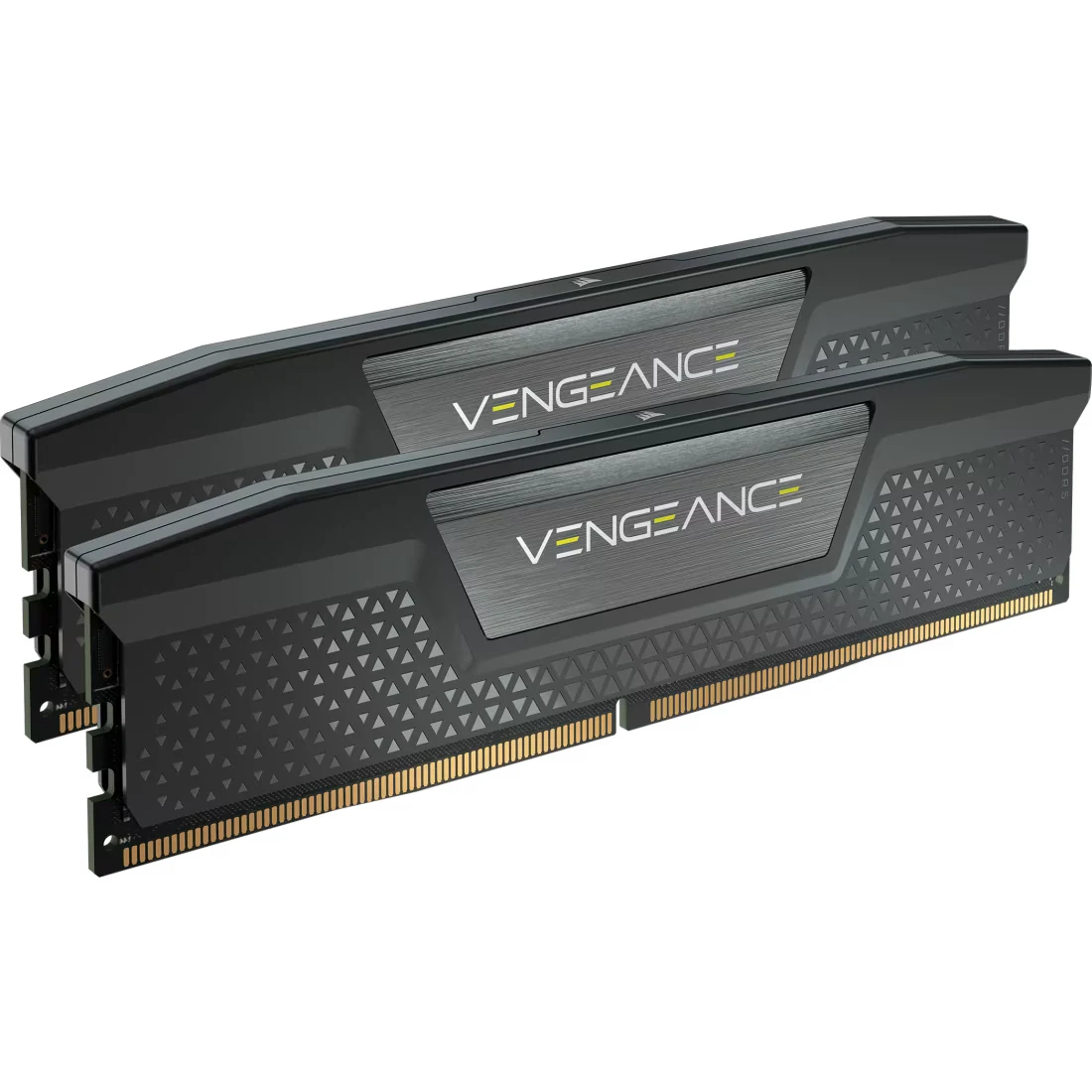
- Corsair Vengeance DDR5 32GB (2x16) 6000 CL36 (paid link) — the balanced DDR5 kit, $400 - $600.
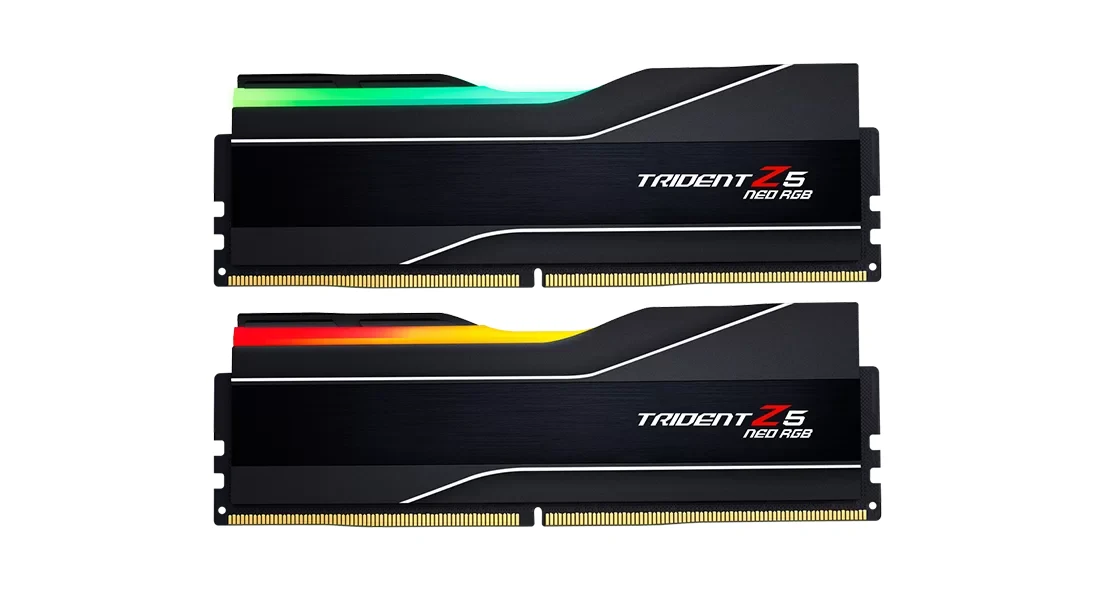
- G.SKILL Trident Z5 Neo RGB DDR5 32GB (2x16) (paid link) — my favorite for 2026, $400 - $600.
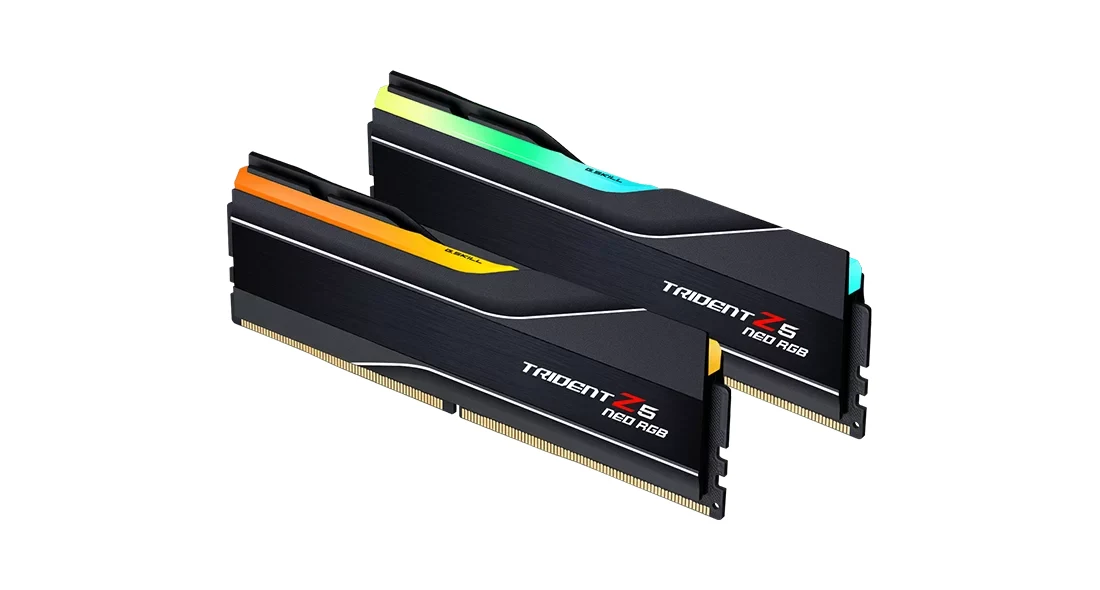
- G.SKILL Trident Z5 Neo RGB DDR5 64GB (2x32) (paid link) — only if you edit video or render, $900 - $1400.
Memory is only one piece. If you are deciding the rest of the system, see our part by part build guide, the 5 upgrades with the biggest impact per dollar and the PC configurator, which builds compatible combinations for you. The catalog has all of these kits, with its price band and a direct link to Amazon.
16GB or 32GB: what actually happens while you play
Almost no game uses 32GB on its own. Most big releases ask for 16GB, although a few of the heaviest, like DOOM: The Dark Ages and Borderlands 4, already recommend 32GB, so on paper 16GB covers the minimum. The problem is that nobody plays on a clean system: Windows takes 3 to 4GB, a browser with fifteen tabs another 3 or 4, Discord with the overlay enabled close to 1GB, then Steam, the GPU software, the antivirus, Spotify. Add it up and with 16GB of RAM you are already brushing the ceiling before the game even opens.
When memory runs out, Windows starts moving data to the SSD, and that is exactly what you feel as stutter in open-world games: the micro freezes when you enter a city or swing the camera. It is not the graphics card and it is not the processor, it is memory. That is why 32GB is not excess in 2026, it is the point where the problem simply disappears.
And 64GB? Not for gaming. In pure gaming benchmarks a 64GB kit performs the same as a good 32GB one. It only makes sense if you edit 4K video, run virtual machines, work with large Blender scenes or stream while a render runs in the background.
The other half of the answer: speed and latency
Capacity kills stutter, but speed gives frames. On DDR5 the sweet spot is still 6000MT/s with CL30 or CL36 timings, on both Ryzen and Intel: going higher costs a lot and delivers very little. On DDR4 the equivalent is 3200MT/s CL16 or 3600MT/s CL18.
And one detail that quietly costs a lot of people frames: memory does not run at its rated speed until you enable the XMP or EXPO profile in the BIOS. If you buy a 6000MT/s kit and never enable it, it runs at 4800 and you wasted the money. It is two clicks in the BIOS. Also, always buy in pairs of sticks, because dual channel adds more performance than raising the frequency.
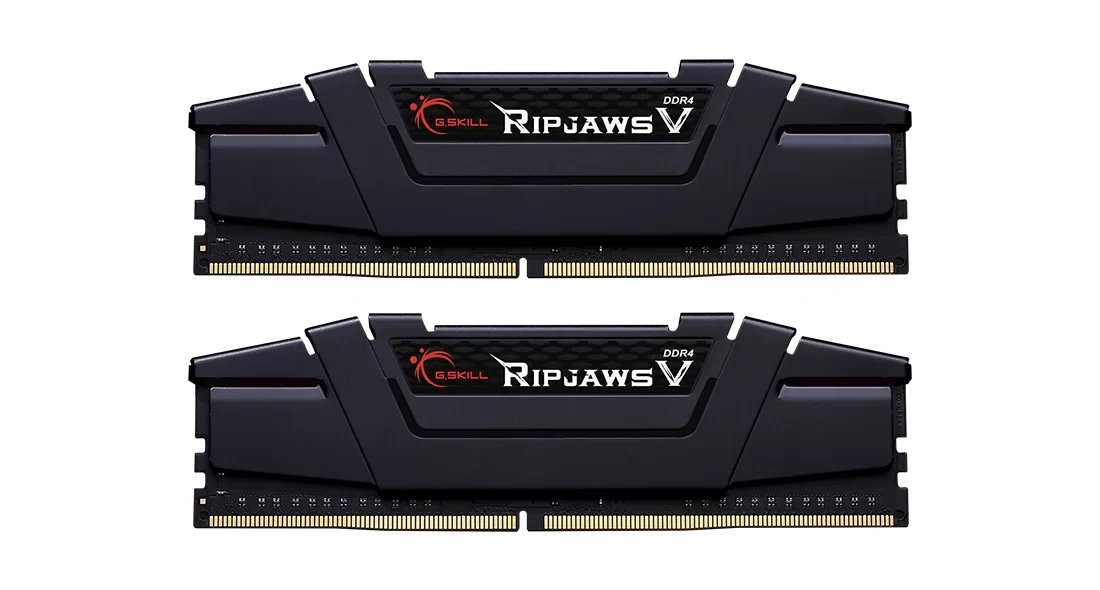
1. G.SKILL Ripjaws V DDR4 32GB (2x16) 3200MT/s CL16 — the best buy
This kit is the strongest argument in the whole guide. It sits in the $200 to $280 price band and gives you 32GB on a DDR4 platform; in September 2026 it cost a bit less than the 16GB DDR5 kit in this guide, even though both fall in the same band. If your PC runs an AM4 or LGA1200 motherboard, doubling the memory is the cheapest upgrade with real impact you can make right now, well ahead of changing the processor.
At 42 mm tall, the modules are designed to fit under large CPU coolers, though it is worth checking your cooler's clearance. It will not make an old processor faster, but it removes stutter caused by running out of memory entirely. Who it is for: anyone with a DDR4 system from the last six years.
2. Corsair Vengeance LPX DDR4 32GB (2x16) 3200MT/s CL16 — the safest DDR4
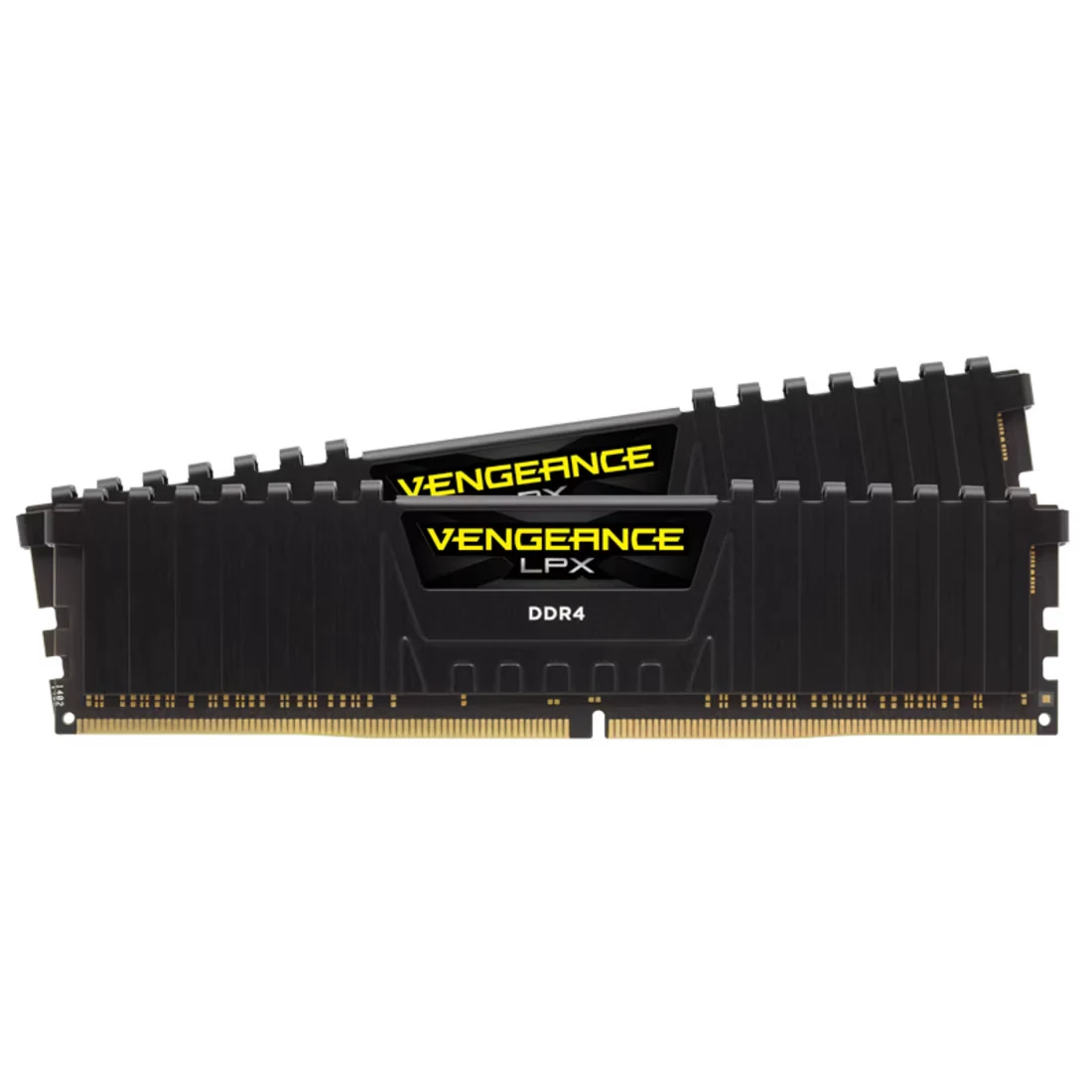
Same capacity and speed as the Ripjaws V for a bit more money. What you buy with that difference is track record: the Vengeance LPX has been on the market for years, with an even lower heatspreader and proven compatibility on practically any motherboard.
If your board is picky about memory, or you simply prefer the option that already worked in thousands of systems before yours, this is it. Remember to enable the XMP profile or it will sit at 2133MT/s. Who it is for: anyone who wants DDR4 with no compatibility surprises.
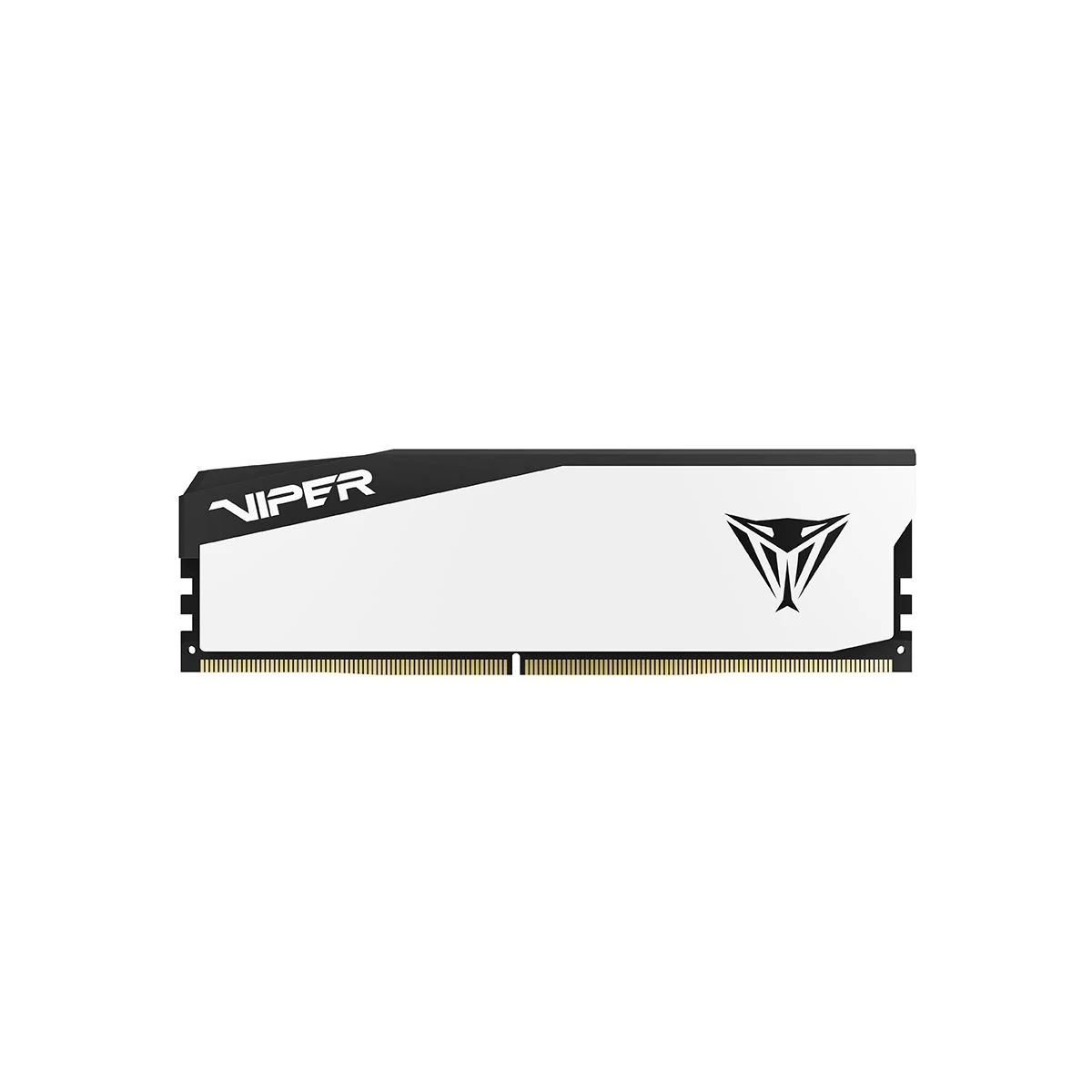
3. Patriot Viper Venom DDR5 16GB (2x8) 6000MT/s CL36 — the DDR5 minimum
If you are building a new DDR5 system on a very tight budget, this is the honest starting point. Two 8GB sticks at 6000MT/s with CL36, which is the correct speed, with XMP 3.0 and EXPO profiles so it works on Intel or Ryzen without guesswork.
Now the warning: 16GB in 2026 is the floor, not the target. Buy it only if you know you will add the second kit in a few months, and check first that your motherboard has four slots, knowing that with four sticks the board lowers the memory speed. If it only has two, stretch and buy 32GB now, because later you will have to throw these sticks away. Who it is for: new builds on a limited budget with a plan to expand.
4. Corsair Vengeance DDR5 32GB (2x16) 6000MT/s CL36 — the balanced pick
The kit we use in our build guide and the one we recommend by default to anyone who wants 32GB of DDR5 without overpaying. 6000MT/s at CL36, XMP and EXPO profiles, a sober low-profile 35 mm heatspreader that stays out of the way, and reliability Corsair no longer has to prove.
Compared with the Trident Z5 Neo below you lose a little latency and the RGB lighting, and you save some money. If the look of the build does not matter to you, the gaming experience is identical. Who it is for: the 1440p build that wants 32GB and no extravagance.
5. G.SKILL Trident Z5 Neo RGB DDR5 32GB (2x16) 6000MT/s — my favorite
If I had to recommend a single kit for 2026, this would be it. 32GB at 6000MT/s with an AMD EXPO profile and Intel XMP 3.0 on the same sticks, so it works on any current platform without tricks. This is the capacity where stutter disappears and where you can play, stream, record and keep thirty tabs open without the system reaching for the disk.
The one caution: the aluminum heatspreader is tall. If you run a large dual tower CPU cooler, measure the clearance before buying or you will end up moving the front fan. Who it is for: the main system you want to build well once and forget about for five years.
6. G.SKILL Trident Z5 Neo RGB DDR5 64GB (2x32) 6000MT/s — creators only
Let us be blunt: if you buy this purely to game, you are spending hundreds of dollars extra without gaining a single frame per second. This kit exists for something else. It is 64GB across two sticks, which also leaves the other two slots free to reach 128GB later.
Where it pays for itself is 4K video editing with multiple layers, virtual machines, heavy Blender scenes and streaming while a render runs in the background. If your PC is also your work tool, the investment makes sense. If it is your console with a keyboard, it does not. Who it is for: content creators and professional users.
16 or 32: my answer
If your PC is DDR4, do not overthink it: the G.SKILL Ripjaws V 32GB (paid link) or the Corsair Vengeance LPX (paid link) are the cheapest and most noticeable upgrade you can make this year. If you are building on DDR5 and money is tight, the Patriot Viper Venom 16GB (paid link) gets you going as long as you plan to expand. And if you want to do it right the first time, the Trident Z5 Neo 32GB (paid link) is my recommendation, with the Corsair Vengeance DDR5 (paid link) as the cheaper alternative. The 64GB kit (paid link) only if your PC also works for a living.
And before you buy the kit, check how many slots your board has: in how to choose a motherboard we explain why filling all four drops your speed.
What always comes up in comments
Is 16GB of RAM still enough for gaming in 2026?
For gaming and nothing else, yes, on high settings in almost everything. For gaming with a browser, Discord and Spotify open, no: that is where stutter starts. If you can stretch the budget, 32GB is the answer.
Can I mix different RAM sticks?
It usually works, but the system levels everything to the speed and timings of the slowest stick, and sometimes the XMP profile stops applying. If you can, buy a two stick kit sold and factory compared together.
Does faster RAM give more fps?
Yes, but with sharply diminishing returns. Going from 4800 to 6000MT/s on DDR5 is noticeable; going from 6000 to 8000 barely is, and it costs twice as much. Prioritize capacity first, then speed.
Why is memory so expensive in 2026?
Demand for data center and artificial intelligence memory absorbed a large share of production and pushed DDR5 prices up. It is the same reason that, in September 2026, a 32GB DDR4 kit cost less than a 16GB DDR5 kit.
My own PC has 64GB of DDR5, and I also edit video on it; for gaming alone, 32GB is where I would stop.
The CPU decides which memory you can use: the best CPU by socket lists the platform of each pick.
How we choose: no lab here, and we will not pretend otherwise. We placed the six kits on what G.SKILL, Corsair and Patriot publish: capacity, DDR4 or DDR5, speed, latency and EXPO or XMP profiles, and matched each one to the platform it fits. The list runs from DDR4 kits for older AM4 builds to a 64GB DDR5 kit, which only makes sense for editing or rendering. Single-stick kits stayed out because every pick here is a two-stick kit for dual channel. No brand pays to appear here.
I write every guide with the help of AI tools for research and drafting; I decide which products make the cut, check every figure against the manufacturer’s spec sheet and the price on the day I verify it, and sign the text. — Samuel