Best Gaming Router 2026: Wi-Fi 7 vs Ethernet Cable

By Samuel 76 · Founder & Editor
Some links are Amazon affiliate links: we earn a commission if you buy, at no extra cost to you, and it never changes what we recommend. How we make money
A fast PC still loses rounds to lag. Picking a gaming router is not about megabits: it is about stable latency. We compared five Wi-Fi 7 routers and two network accessories, and the uncomfortable conclusion is that the single biggest ping improvement is cheap and is not a router: it is a Cat 8 Ethernet cable (paid link). If you already play wired and want a new router, our pick is the ASUS TUF Gaming BE6500 (paid link).
My verdict
- Buy this first: Cat 8 Ethernet cable (paid link) — under $25
- Our gaming router pick: ASUS TUF Gaming BE6500 (paid link) — $150 - $200
- Entry-level Wi-Fi 7: TP-Link Archer BE230 (paid link) — $80 - $110
- For multi-gig fiber: TP-Link Archer BE550 (paid link) — $150 - $200
- For a big house: TP-Link Deco BE5000 mesh (paid link) — $200 - $280
- No budget limit: ASUS ROG Rapture GT-BE98 Pro (paid link) — $600 - $900
- If you cannot run a cable: TP-Link AV1000 Powerline (paid link) — $40 - $60
The five routers, spec by spec
| Router | Wi-Fi class | Bands | Coverage the brand lists | Source |
|---|---|---|---|---|
| ASUS TUF Gaming BE6500 | Wi-Fi 7 (BE6500) | Dual-band | Not listed | ASUS |
| TP-Link Archer BE230 | Wi-Fi 7 (BE3600) | Dual-band | 186 m² | TP-Link |
| TP-Link Archer BE550 | Wi-Fi 7 (BE9300) | Tri-band | 186 m² | TP-Link |
| TP-Link Deco BE5000 (3-pack) | Wi-Fi 7 (BE5000) | Dual-band mesh | 613 m² | TP-Link |
| ASUS ROG Rapture GT-BE98 Pro | Wi-Fi 7 (BE30000) | Quad-band | Not listed | ASUS |
Figures from each maker's page and our product sheets, checked on October 13, 2026. The Cat 8 cable and the powerline kit are covered in their own sections below.
Before the router: ping is not speed
For ranked, the cable wins, and the reason is not speed. This misunderstanding costs real money. Your ISP sells you download megabits, but an online game sends tiny packets many times per second. What ruins a match is not having 100 megabits instead of 500: it is jitter, the variation in your ping. A steady 60 ms plays better than one bouncing between 20 and 200.
Wi-Fi is the main source of that variation, because it shares the air with your microwave, your neighbor and the ten other devices in your house. That is why step one costs less than a game: plug in a cable.
Shielded Cat 8 Ethernet Cable, 10 ft
View on Amazon (paid link)
ASUS TUF Gaming BE6500: our gaming router pick
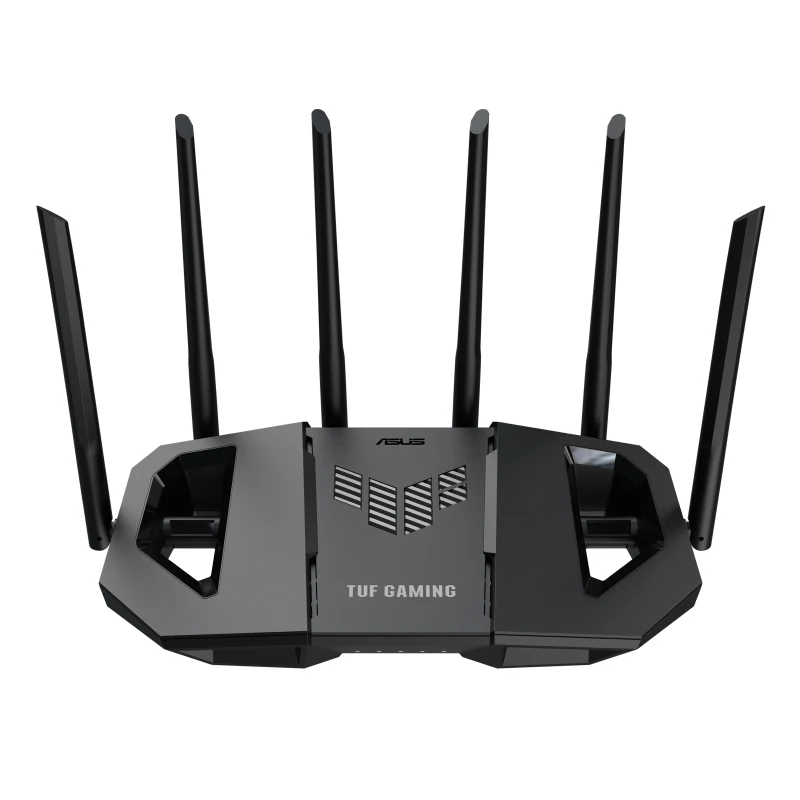
In the $150 to $200 price band it is our pick for most players. It is dual-band Wi-Fi 7 up to 6.5 Gbps with four 2.5 Gbps ports, but what makes it a gaming router is prioritization: it detects game traffic and pushes it ahead of everything else, so someone streaming 4K Netflix stops costing you matches.
Add a dedicated gaming port, where anything you plug in gets automatic priority, and lifetime AiProtection with no subscription. What we did not like: the ASUS interface still buries things in too many menus, and coverage in a two-story house is tight. For an apartment or a single floor, it is the right buy.
TP-Link Archer BE230: entry-level Wi-Fi 7
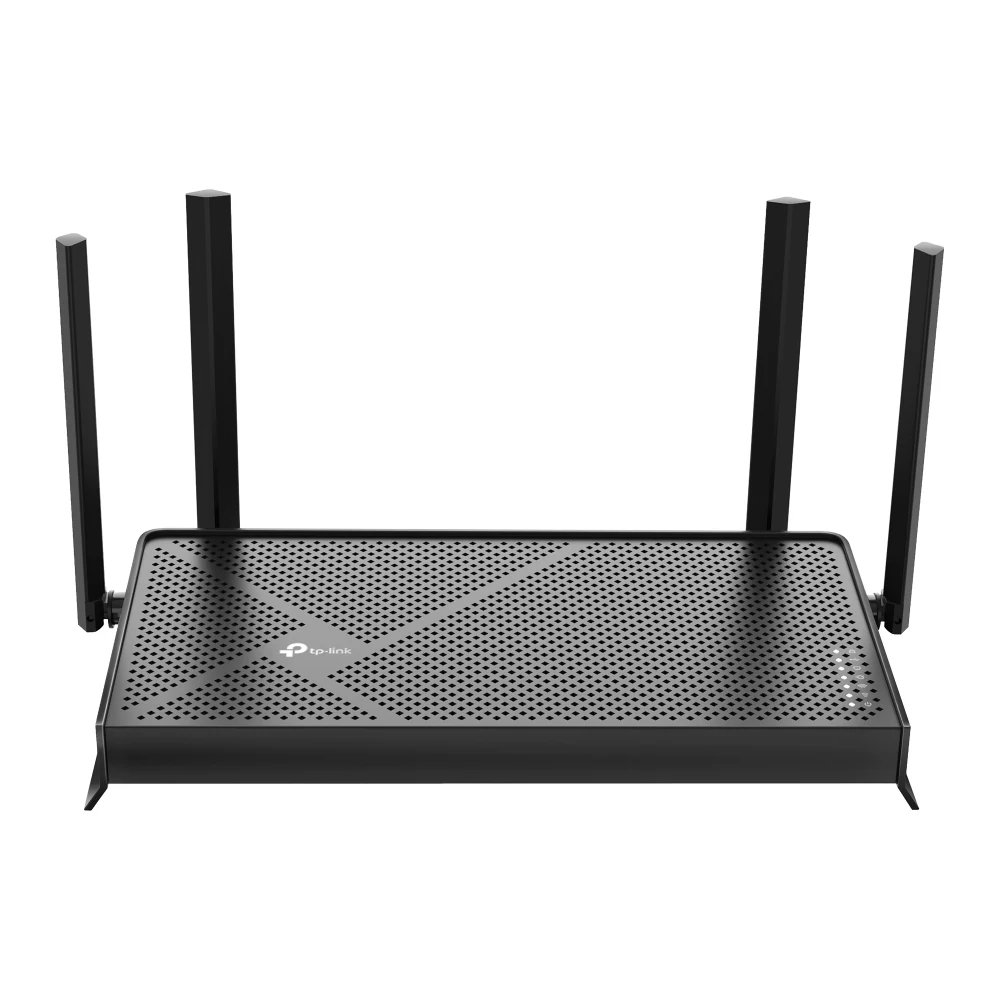
If you are still on the box your ISP handed you, this is the highest-return change on the list. It brings the important parts of Wi-Fi 7 without paying for tri-band: above all, MLO, which lets a device use 2.4 GHz and 5 GHz at the same time and hop between them when one gets congested. That is exactly what kills ping spikes.
Two 2.5 Gbps ports, three gigabit ports and USB 3.0. There is no advanced game prioritization and coverage will not reach a large house, but in the $80 to $110 price band it is the entry step from Wi-Fi 5 or Wi-Fi 6.
TP-Link Archer BE550: for multi-gig fiber
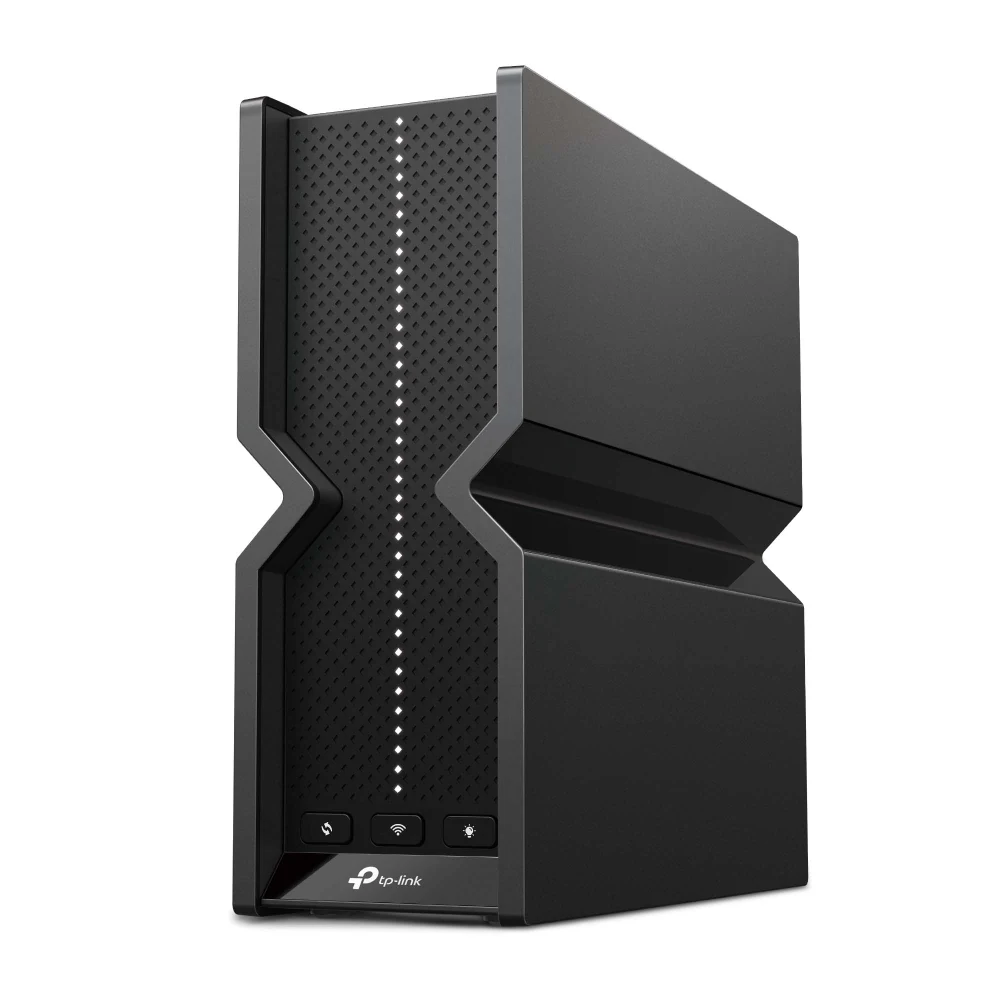
The argument here is the five 2.5 Gbps ports (one WAN and four LAN). If your ISP gives you more than a gigabit, a router with 1 Gbps ports is throwing half your connection away, and this one fixes that at the root.
It is also tri-band, so you can keep the 6 GHz band nearly empty for your console or gaming PC while the rest of the house fights over the other two. Six internal antennas in a tower built for large homes. This is the router we would buy for a full house of connected people.
TP-Link Deco BE5000: when distance is the problem
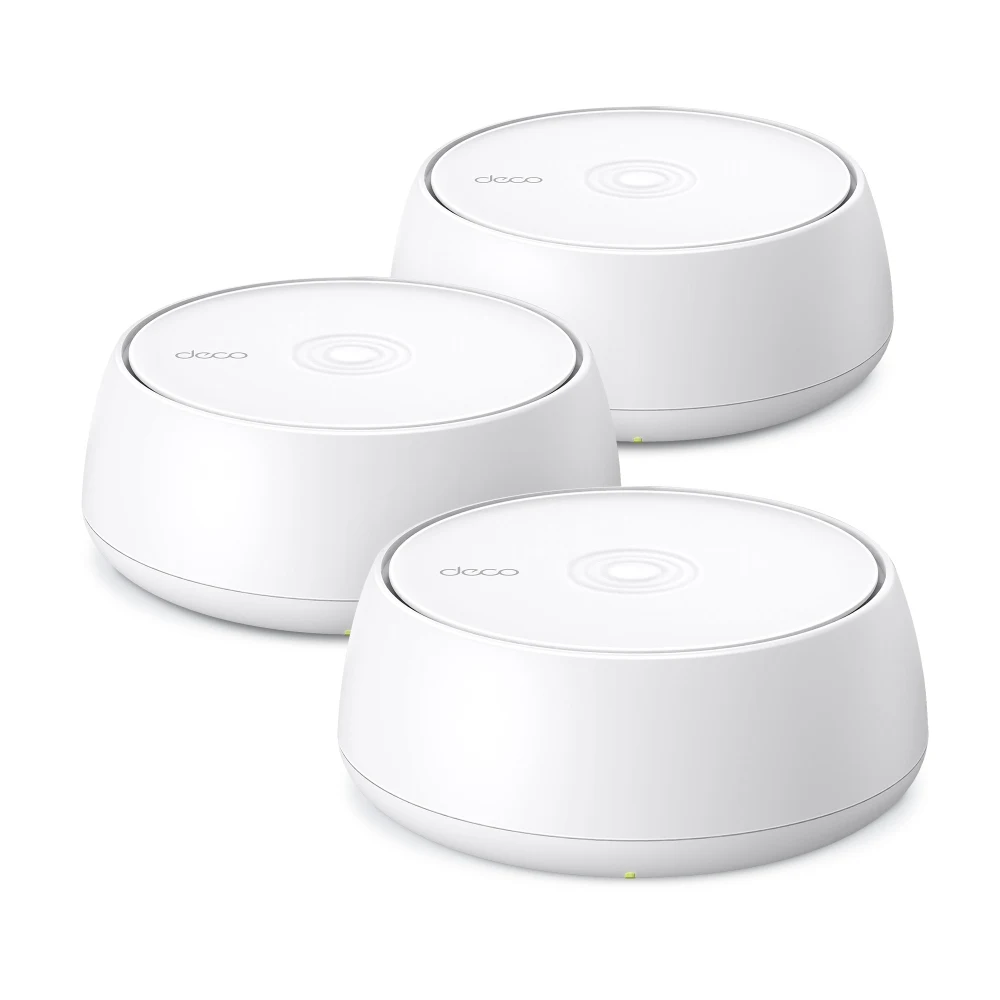
No router fixes two concrete walls. If your setup is at the far end of the house, what you need is not more power but a second broadcast point. This three-node Wi-Fi 7 mesh kit covers up to 6,600 square feet with one network and does not drop the connection as you move between rooms.
The part that matters for gaming: each node has 2.5 Gbps ports, so you can put a node in your room and plug the console in there by cable. It puts a second access point in a room a cable cannot reach.
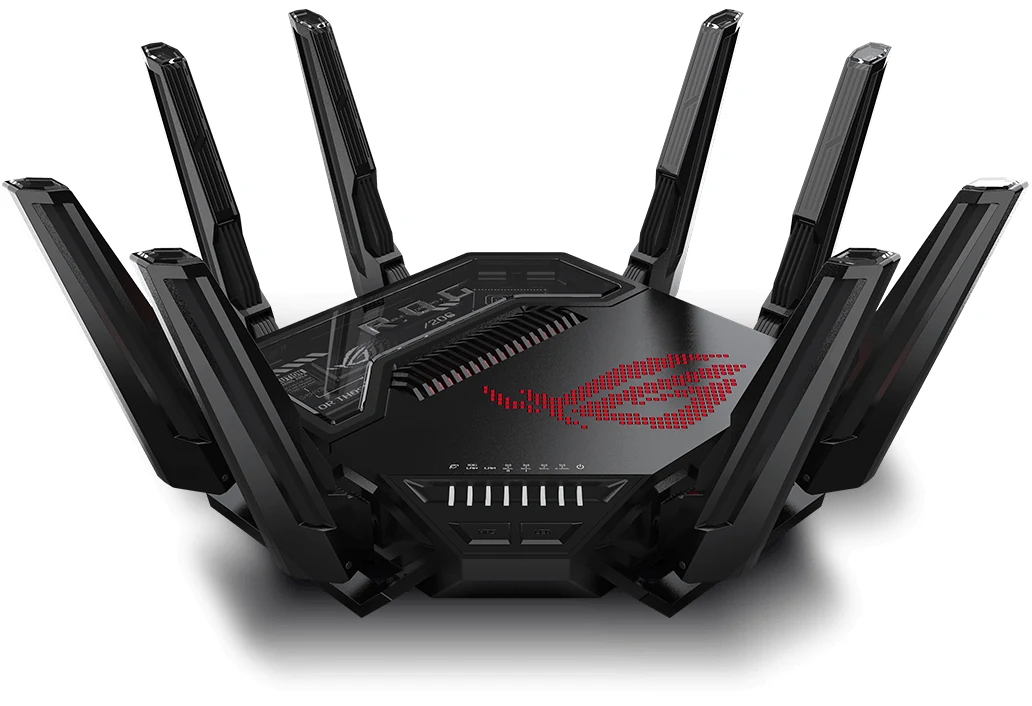
ASUS ROG Rapture GT-BE98 Pro: the overkill option
Quad-band Wi-Fi 7, two 10 Gbps ports, four 2.5 Gbps ports, triple-level game acceleration and Open NAT, which opens each game's ports without you touching a setting. It is the top tier of this list: quad-band and BE30000, per ASUS.
It also sits in the $600 to $900 price band, more than many consoles. It only makes sense with multi-gig fiber, a large house and a dozen devices demanding bandwidth at once. If that is not you, the TUF BE6500 sits in a much lower price band.
And if you cannot run a cable
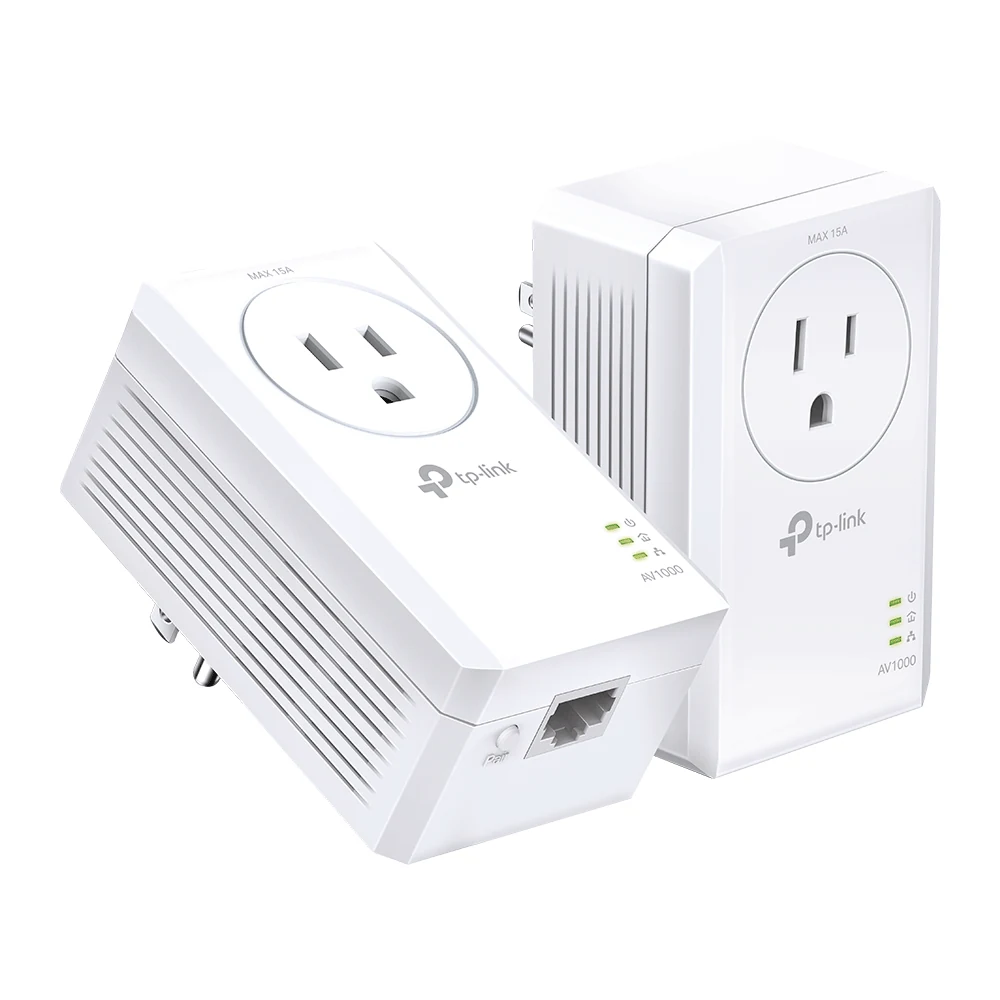
This is a lot of people: the router is in the living room, your room is upstairs, and drilling is not an option. Powerline sends the network through the house wiring. It will not match a direct cable and it depends on how your home is wired, but in practice it is considerably more stable than Wi-Fi through two walls, and the pass-through model does not cost you the outlet.
My call on Wi-Fi 7
Always start with the cable (paid link): very little money and one afternoon. If you already play wired and want to improve Wi-Fi for the rest of the house, the Archer BE230 (paid link) is the cheapest jump and the TUF Gaming BE6500 (paid link) the one with more gaming features. With multi-gig fiber, the BE550 (paid link); with a large house, the Deco mesh (paid link); and if wiring is impossible, the powerline kit (paid link).
With the network sorted, the next bottleneck is usually the machine. If yours has some years on it, check our 5 upgrades with the biggest impact per dollar, and if you play with a pad, our controller comparison covers the other end of the cable. Every model here is in our catalog, with its price band and a direct link to Amazon.
The Wi-Fi questions
Does a gaming router really lower your ping?
It barely lowers ping to the server, because that part belongs to your ISP. What it can do is reduce the variation inside your house: prioritizing game traffic stops your ping from spiking when someone else uses the network.
Is Wi-Fi 7 worth it in 2026?
Yes, mostly for MLO, which lets a device use two bands at once and switch between them without dropping. Along with OFDMA from Wi-Fi 6, it is one of the few Wi-Fi features aimed at stability and latency, not just peak speed.
Cat 6, Cat 7 or Cat 8 cable for gaming?
For gaming any of the three is plenty: Cat 6 already handles far more than a game needs. Cat 8 costs about the same and comes shielded, so we take it for convenience, not because the game demands it.
Mesh or a Wi-Fi extender?
Mesh, whenever you can. A classic extender usually splits your network into two names and often halves your bandwidth; a mesh system keeps one network and handles the handoff between nodes for you.
Console players get the most from a wired connection; the essential console accessories include the adapters. If you stream, the pro streaming setup explains why upload speed matters as much as ping. On PC, the Wi-Fi card is usually on the board, so how to choose a motherboard and the value PC build say what you already have. And in a small room, the small-room setup shows where the router and the cable can go. To put two routers side by side, use the comparison tool.
How we choose: no lab here, and we will not pretend otherwise. We compared the routers on what ASUS and TP-Link publish: Wi-Fi standard, bands, coverage and mesh support, and set them next to a cable and a powerline kit, because ping depends on the path more than on the box. The list runs from an entry Wi-Fi 7 router to a flagship. Wi-Fi 6 routers stayed out because every pick here is Wi-Fi 7. No brand pays to appear here.
I write every guide with the help of AI tools for research and drafting; I decide which products make the cut, check every figure against the manufacturer’s spec sheet and the price on the day I verify it, and sign the text. — Samuel
Gear recommended in this guide
Shielded Cat 8 Ethernet Cable, 10 ft
View on Amazon (paid link)