The 4 Best Capture Cards for Streaming in 2026 (PS5, Xbox and Switch 2)

By Samuel 76 · Founder & Editor
Some links are Amazon affiliate links: we earn a commission if you buy, at no extra cost to you, and it never changes what we recommend. How we make money
The best capture card for streaming in 2026 is the Elgato 4K S: it captures 4K60 and passes 4K60 HDR, 1440p120 or 1080p240 to your screen over USB-C 3.0. For 4K120 on PS5 or Xbox Series X while you record, the pick is the AVerMedia Live Gamer Ultra 2.1 (HDMI 2.1, passthrough up to 4K144); on a smaller budget, the AVerMedia 4K60 HDR, which captures 1080p60.
If you want to stream from PS5, Xbox Series or the new Switch 2 with your own scenes and overlays in OBS, you need a capture card. In 2026 there are 4K options from the $60 to $80 price band up to HDMI 2.1 cards that let you play at 4K120 while recording. We compared four, and the Elgato 4K S (paid link) is our pick for most people. To put any two side by side, use our comparison tool.
For a creator, the capture card is a purchase that is easy to overthink, so here is what is worth knowing before you decide.
The short version first
- Best for most: Elgato 4K S — $110 - $150
- Best premium: AVerMedia Live Gamer Ultra 2.1 — $150 - $200
- Best portable: Elgato Game Capture Neo — $110 - $150
- Best budget: AVerMedia 4K60 HDR — $60 - $80
What are the best capture cards for streaming in 2026?
By our picks, the best capture cards for streaming in 2026 are the Elgato 4K S (most people), the AVerMedia Live Gamer Ultra 2.1 (4K120 passthrough), the Elgato Game Capture Neo (portable) and the AVerMedia 4K60 HDR (budget). Two brands cover the list, Elgato and AVerMedia, and the table puts the numbers that separate them side by side.
Table: the 4 capture cards in this guide. Updated October 6, 2026. Source: each brand’s spec sheet, through our product pages; the consoles column is our reading of those passthrough figures.
| Capture card | Capture | Passthrough | Connection | Consoles |
|---|---|---|---|---|
| Elgato 4K S | 4K60 | 4K60 HDR, 1440p120, 1080p240 | USB-C 3.0 | PS5, Xbox Series X/S and Switch 2, up to 4K60 |
| AVerMedia Live Gamer Ultra 2.1 | 4K60 (4K144 on Windows per AVerMedia) | 4K144 HDR/VRR, 1440p240, 1080p360 | USB-C 3.2 Gen 2 (10 Gbps) | PS5 and Xbox Series X at 4K120, plus Switch 2 |
| Elgato Game Capture Neo | 1080p60 | 4K60 HDR | USB 3.0 | PS5, Xbox Series X/S and Switch 2, up to 4K60 |
| AVerMedia 4K60 HDR | 1080p60 | 4K60 HDR, 1440p144, 1080p240 | USB-C 3.0 | PS5, Xbox Series X/S and Switch 2, up to 4K60 |
1. Elgato 4K S — best for most people
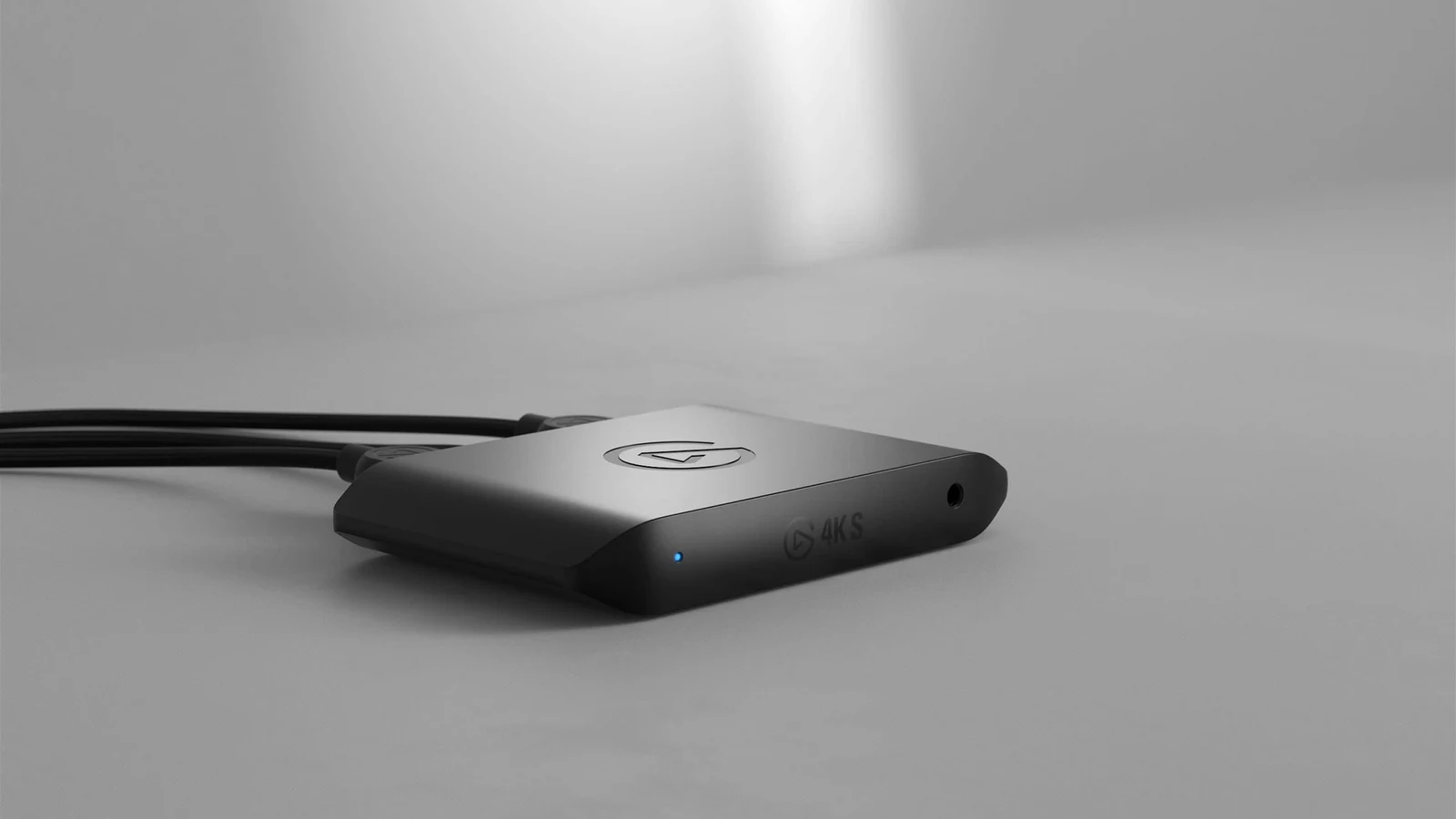
The Elgato 4K S (paid link) captures 4K60, records HDR10 up to 1080p60 on Windows, and works plug and play with OBS, Streamlabs and even iPad. Its passthrough sends 4K60 HDR, 1440p120 or 1080p240 to your screen while the stream goes out. Officially compatible with PS5, Xbox Series X/S and Switch 2, it is the card we recommend to any creator starting on console. How it connects to a docked Switch 2, with Elgato's own steps, is in our Ocarina of Time on Switch 2 guide.
2. AVerMedia Live Gamer Ultra 2.1 — HDMI 2.1 power
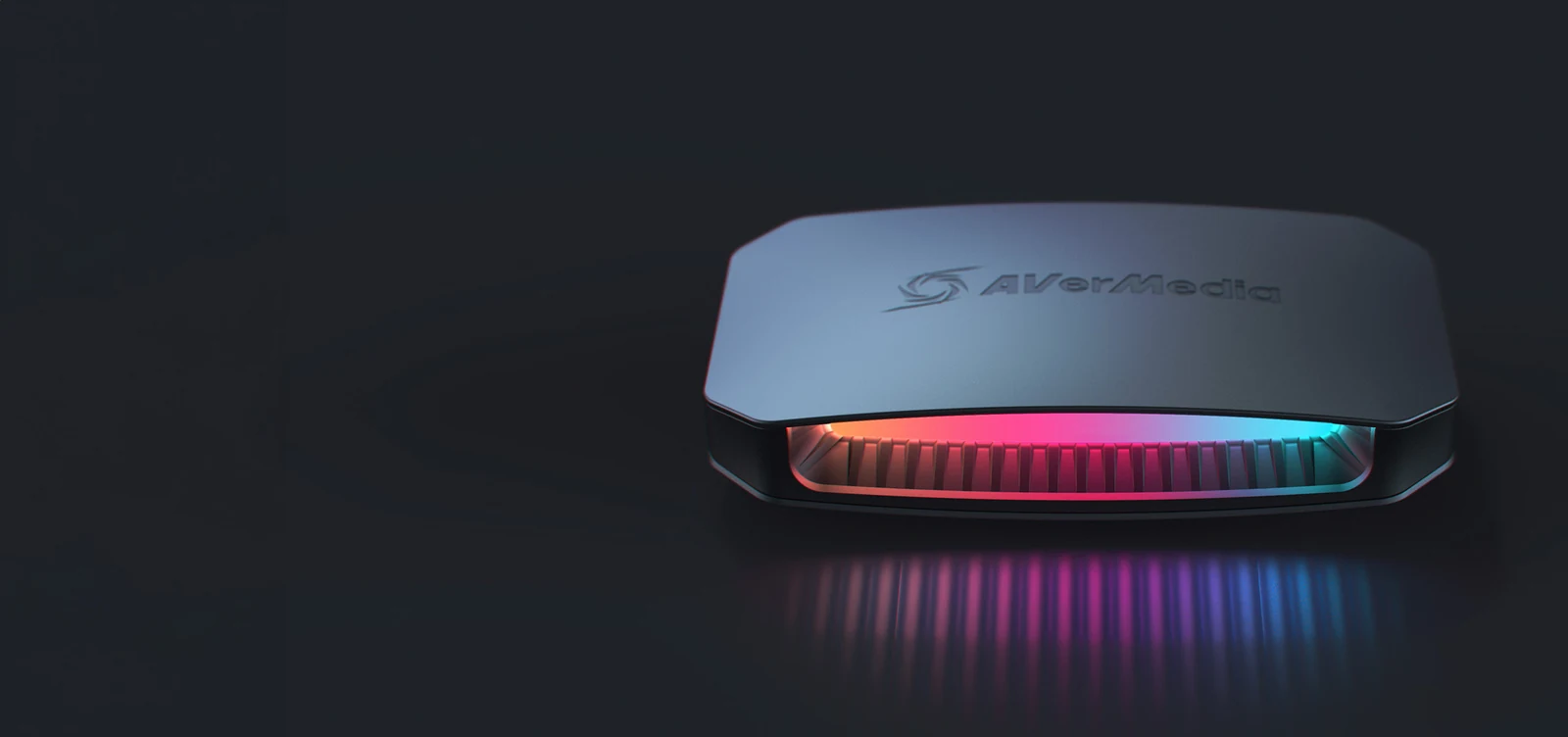
The Ultra 2.1 (paid link) is the only one on this list with real HDMI 2.1: passthrough up to 4K144 or 4K120, so your monitor or PS5 Pro runs at full speed while you record 4K60. If you play competitive shooters and refuse to game at 60Hz, this is your card. It costs more, but no other card on this list does this.
3. Elgato Game Capture Neo — portable Elgato quality
The Game Capture Neo (paid link) fits in a pocket and covers the essentials: 4K60 HDR passthrough and stable 1080p60 recording with Elgato software. A good fit for creators recording gameplay for YouTube or TikTok who want Elgato reliability without paying flagship prices.
4. AVerMedia 4K60 HDR — the entry point
In the $60 to $80 price band, this AVerMedia (paid link) delivers 4K60 HDR passthrough and 1080p60 capture: everything a Twitch stream needs, from a brand with years in the market. If money is tight and you do not care about 4K recording, it is the sensible pick over generic no-support cards.
My play depending on your console
For most creators, the Elgato 4K S (paid link) is our balance of quality, software and price. Step up to the Ultra 2.1 (paid link) if you play competitive at high refresh rates, or start with the AVerMedia, in the $60 to $80 price band, if you are still testing the streaming waters. All of them capture your gameplay without stealing console performance.
What brands do people recommend for capture cards in 2026?
In this guide, two: Elgato and AVerMedia.
- Elgato: the 4K S (4K60 capture) and the Game Capture Neo (portable, 1080p60 capture).
- AVerMedia: the Live Gamer Ultra 2.1 (HDMI 2.1, passthrough up to 4K144) and the 4K60 HDR (1080p60 capture, for a smaller budget).
Do I need a capture card to stream from PS5?
Not to go live: the PS5 broadcasts to Twitch and YouTube from the Create button, at up to 1080p60. You need one for OBS scenes, overlays or recording on your PC, and before capturing you have to turn off HDCP in Settings → System → HDMI.
Do I need a capture card to stream from Xbox Series X|S?
Not for Twitch: since 2022 the Xbox goes live on Twitch from Capture and share → Live streaming. For other platforms, OBS scenes or recording on your PC, yes.
Do I need a capture card to stream from Switch 2?
Yes: the Switch 2 has no built-in way to stream to Twitch or YouTube, so the signal has to go through a capture card. Docked it outputs up to 4K60, and all four cards here pass 4K60 through.
Do I need a capture card to stream from PC?
Not necessarily: with a single powerful PC, OBS captures directly. A capture card is essential for consoles or dual-PC setups.
What is passthrough and why does it matter?
It is the signal that continues to your display while you capture: with an HDMI 2.1 card like the Ultra 2.1 you play at 4K120 even while recording 4K60, with no noticeable delay; HDMI 2.0 cards like the 4K S top out at 4K60 passthrough.
What else do I need for a good stream?
A good microphone, because people hear you the whole stream. A solid PC helps too: browse our guides section to build your full setup.
A capture card is one piece of the chain: the pro streaming setup, part by part shows where it sits next to the mic, the camera and the lights. For your face on stream, our streaming webcams compare the options, and the best Elgato products if you want everything from one brand. Console players will also want the essential console accessories, and the voice side is in USB or XLR mic.
How we choose: no lab here, and we will not pretend otherwise. We compared the four capture cards on what Elgato and AVerMedia publish: maximum capture resolution and frame rate, passthrough resolution and refresh rate, HDR support, connection and which consoles each one lists. All four pass 4K60 through to your screen; they differ in what they record and in HDR. Internal PCIe cards stayed out because every pick here is an external USB box. No brand pays to appear here.
I write every guide with the help of AI tools for research and drafting; I decide which products make the cut, check every figure against the manufacturer’s spec sheet and the price on the day I verify it, and sign the text. — Samuel