What You Need to Play GTA 6 on PS5: Monitor, SSD, Controller

By Samuel Guerra (Samuel 76) · Founder & Editor
Some links are Amazon affiliate links: we earn a commission if you buy, at no extra cost to you, and it never changes what we recommend. How we make money
To play GTA VI on a PS5 at a desk, the one purchase that changes what you see is a monitor with an HDMI 2.1 port, because that port is the condition Sony sets for 4K at 120 Hz and for VRR; an extra SSD and the DualSense Edge are optional. Rockstar has set the release for Thursday, November 19, 2026, on PlayStation 5 and Xbox Series X|S, and the Rockstar pages I read do not mention a PC version.
I checked those dates and platforms on Rockstar's own pages on October 22, 2026, and I checked every hardware figure below against the maker's page or data sheet: Sony, Samsung, LG, MSI, Western Digital, SanDisk and Razer. The three monitors in the catalog that meet Sony's condition sit in these bands: the Samsung Odyssey OLED G8 ($600 to $900), the LG UltraGear 27GX704A ($280 to $400) and the MSI MAG 274QP QD-OLED X24 ($280 to $400). This guide is about a desk setup. The catalog has no televisions yet, so a living-room TV is not covered here.
What Rockstar has confirmed, and what it has not
Rockstar's Newswire announcement says Grand Theft Auto VI will release on Thursday, November 19, 2026. Rockstar's support page on platforms and editions talks about PlayStation 5 and Xbox Series X|S, with a Standard and an Ultimate edition. It does not name a PC version, and I am not going to guess when or if one will exist.
Those pages also do not give a resolution, a frame rate, a download size or any hardware requirement. So this guide gives you no performance numbers for GTA VI: nobody outside Rockstar has seen the finished game running, and I have not either. What I can do is tell you what the PS5 itself supports, according to Sony, and which pieces in the catalog meet those conditions on their maker's own spec page. If Rockstar publishes more before launch, the answers below are the first things I would update.
Your shopping list in one minute
- The game: Grand Theft Auto VI for PS5 (paid link), out November 19, 2026, according to Rockstar.
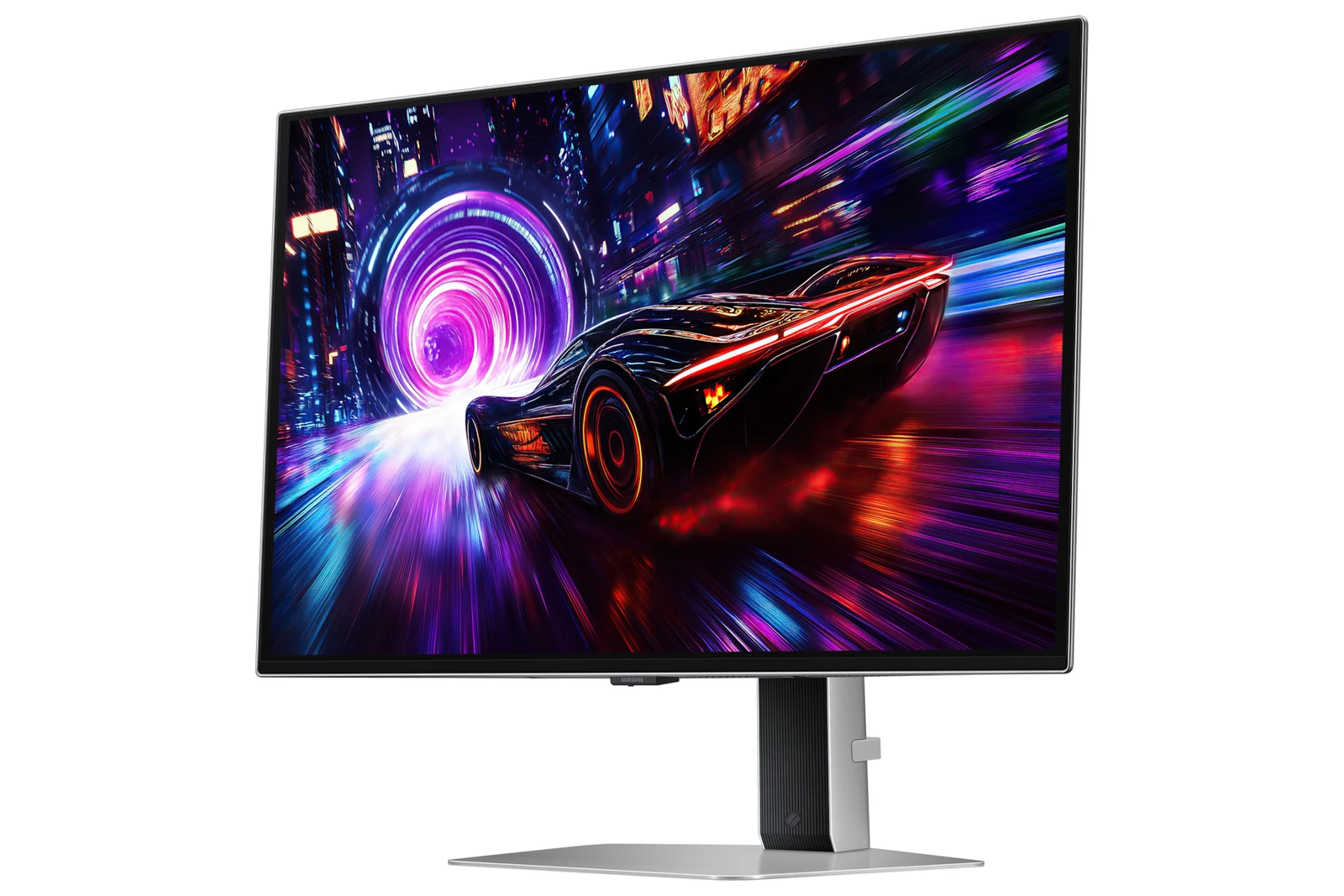
- Monitor (the one that matters): Samsung Odyssey OLED G8 if the PS5 is your main console at the desk, $600 - $900. LG UltraGear 27GX704A or MSI MAG 274QP if you want 1440p and also play on a PC: the LG at $280 - $400, the MSI at $280 - $400.
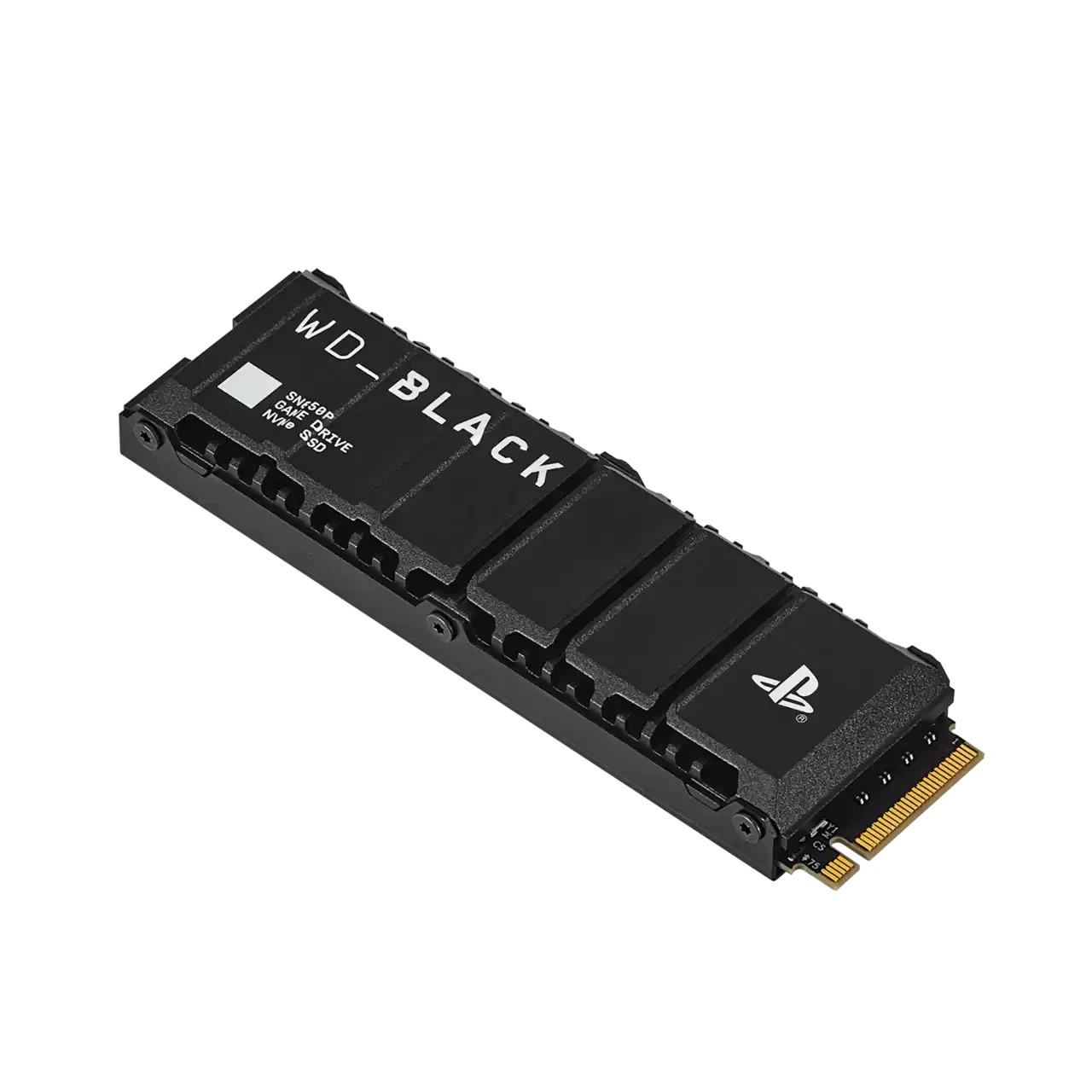
- SSD (only if your PS5 is running out of room): WD_BLACK SN850P 2TB, the one with Sony's license, $400 - $600; or the SanDisk Optimus GX PRO 850X 2TB with heatsink, $400 - $600.
- Controller (optional): DualSense Edge, $150 - $200, if you want back buttons and swappable stick caps. The DualSense that came with your console is enough to play.
- Second controller (only if you need one): the standard DualSense, $60 to $80, the same model that came with your console.
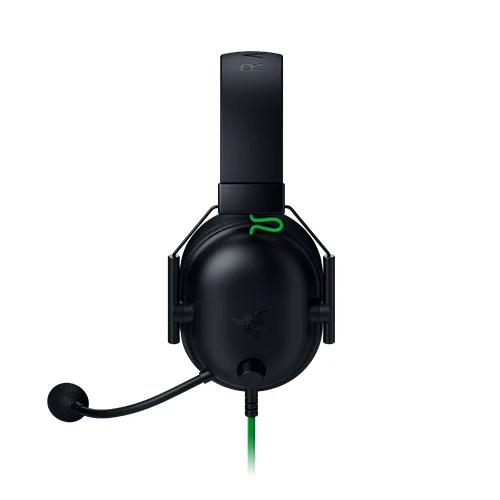
- Headset (optional): Razer BlackShark V2 X, $25 to $40, a wired 3.5 mm headset that Razer lists for PS5.
What the PS5 can show: Sony's own conditions
Sony's support page on PS5 resolution says the console supports the HDMI 2.1 specification and 4K output at 120 Hz. For that mode, the display has to support 4K 120 Hz, you connect to its HDMI 2.1 port, and you use the cable that came with the console or an Ultra High-Speed HDMI cable rated for it. Sony also says 1440p output works if your TV or monitor supports 1440p at 60 Hz or at 60 and 120 Hz, and Sony's PlayStation Blog explains that variable refresh rate at 1440p needs a VRR-compatible HDMI 2.1 display and a game that supports VRR.
Put plainly: any monitor with an HDMI input will show a PS5 picture, but the HDMI 2.1 port is what opens up 4K at 120 Hz and VRR. That is why the monitor is the first thing on this list, and why the three monitors below were picked from the catalog only after I saw "HDMI 2.1" on the maker's own spec page. One number you can work out from the table: all three run at 240 Hz over DisplayPort, but a PS5 tops out at 120 Hz, so the extra 120 Hz on each of them only exists for a PC. You are not paying for hertz the console can use; you are paying for the panel and the ports.
Table: the three monitors side by side
| Spec | Samsung Odyssey OLED G8 G81SF | LG UltraGear 27GX704A | MSI MAG 274QP QD-OLED X24 |
|---|---|---|---|
| Resolution | 3840 × 2160 (4K) | 2560 × 1440 | 2560 × 1440 |
| Maximum refresh rate | 240 Hz | 240 Hz | 240 Hz |
| Panel | OLED (Samsung's highlights call it QD-OLED) | OLED | QD-OLED |
| HDMI | 2 × HDMI 2.1 | 2 × HDMI 2.1 | 2 × HDMI 2.1 (FRL 10G), QHD at 240 Hz |
| DisplayPort | 1 × 1.4 | 1 × 1.4 | 1 × 1.4a |
| Adaptive sync listed | FreeSync Premium Pro, G-Sync Compatible | G-Sync Compatible, FreeSync Premium Pro | G-Sync Compatible, FreeSync Premium |
| Height adjustment | Yes | Yes, per LG's spec page | Yes |
| Source | Samsung Canada spec table; G-Sync Compatible from the Samsung US product page | LG Germany product page | MSI specification page |
Maker pages read on October 22, 2026; Samsung's US page reread on October 25, 2026, and its product title reads "G-Sync Compatible", which is also what the catalog sheet says. Samsung's page lists the 240 Hz maximum and the two HDMI 2.1 ports, but it does not spell out 4K at 120 Hz over HDMI as a separate mode, so check that detail with Samsung before you buy if 4K 120 Hz on the PS5 is the whole point. MSI's page says its HDMI ports carry WQHD at 240 Hz, which is more than the PS5 sends. The table lists what the makers publish; it says nothing about how any of them looks with GTA VI.
Which monitor for a PS5 on a desk
If the PS5 is your main console and the desk is where you play, pick the Samsung Odyssey OLED G8. It is the only one of the three at 4K, and 4K at 120 Hz is the highest-resolution mode Sony names for the PS5: 3840 × 2160 against 2560 × 1440 on the other two, which is 2.25 times the pixels. It is not for you if the same screen also has to serve a PC with a mid-range graphics card, because that card will struggle to feed 4K; the LG or the MSI below fit that case better. Its limit, per Samsung's own page: 4K at 120 Hz over HDMI is not spelled out as a separate mode, so confirm it with Samsung if that mode is the reason you are buying.
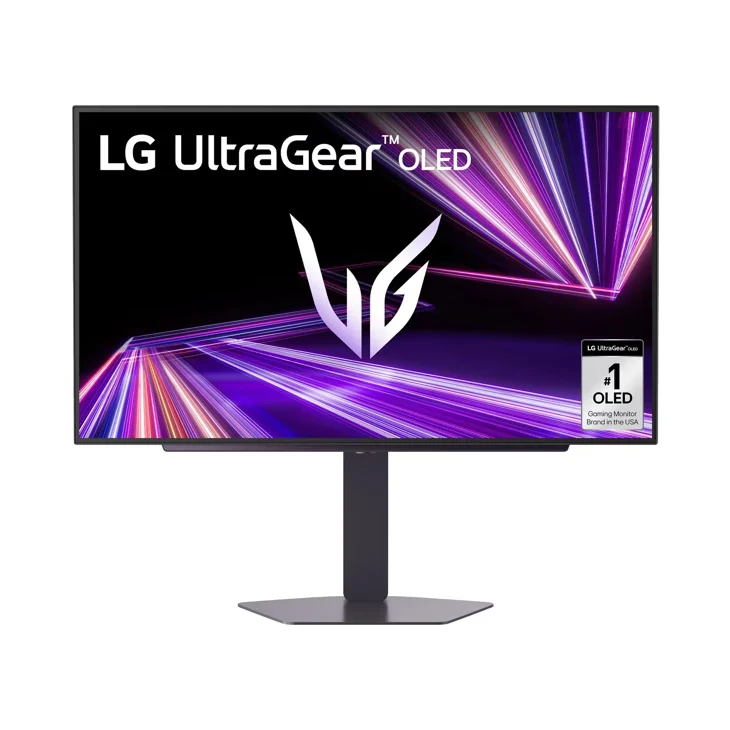
If the desk also holds a PC with a mid-range graphics card, the LG UltraGear 27GX704A makes more sense: 1440p is easier for a PC to drive than 4K, and Sony says the PS5 can output 1440p to a display that supports it. It has two HDMI 2.1 ports, so the PS5 and a second console can share the screen, and LG lists both G-Sync Compatible and FreeSync Premium Pro, the same pair Samsung lists for the G8 and one step above the MSI's FreeSync Premium. It is not for you if you want 4K on the console: Sony's 120 Hz 4K mode does not apply to a 1440p panel. Its limit follows from the panel's resolution: on a 1440p screen the PS5 runs at 1440p or 1080p, never at 4K.
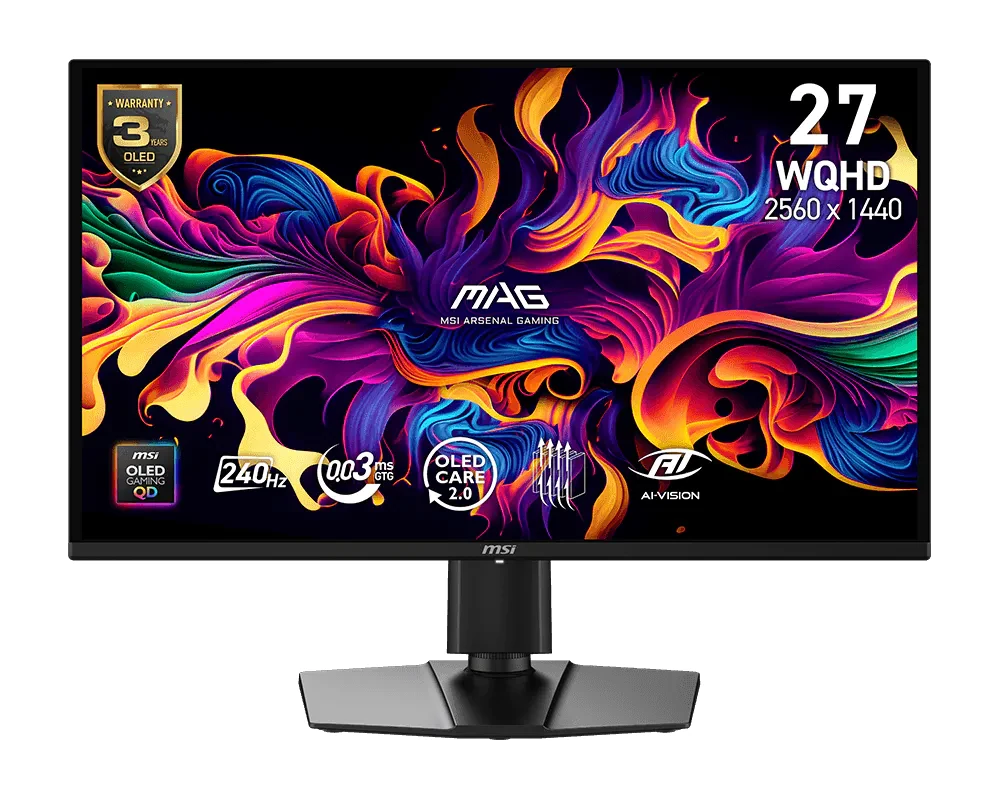
The MSI MAG 274QP QD-OLED X24 is the same decision as the LG with two differences on the spec sheet: MSI lists a QD-OLED panel and FreeSync Premium rather than Premium Pro, and its page lists a 3-year warranty, height adjustment and a 100 mm VESA mount. Between the LG and the MSI I would not choose on the spec sheet alone: choose the one whose stand, size and look you prefer. It is not for you in the same case as the LG, if 4K on the console is the point. If you are still deciding how sharp a screen your graphics card can feed, the guide on 1080p, 1440p or 4K covers that side.
The SSD: only if your PS5 is running out of room
An expansion drive does not make a game look better, and Rockstar has not published an install size for GTA VI in the pages I read. Buy one only if the console's built-in storage is already full of games you do not want to delete. If you do, Sony's M.2 SSD page, which I reread on October 24, 2026, sets the rules: a PCIe Gen4 x4 NVMe drive with an M-key connector, from 250 GB to 8 TB, with a sequential read speed of 5,500 MB/s or faster recommended, and effective heat dissipation such as a heatsink. Sony says not to use a drive with no heat-dissipation mechanism at all, and recommends against adding a second heatsink to a drive that already has one.
| Condition | Sony's PS5 rule | WD_BLACK SN850P 2TB | SanDisk Optimus GX PRO 850X 2TB |
|---|---|---|---|
| Interface | PCIe Gen4 x4 NVMe, M-key | PCIe Gen4, up to 4 lanes | PCIe 4.0 x4, NVMe 1.4 |
| Sequential read | 5,500 MB/s or faster recommended | 7,300 MB/s | 7,300 MB/s |
| Cooling | Heat-dissipation mechanism required | Heatsink included, PS5-specific design | Heatsink included |
| Size listed | Up to 25 mm wide, up to 11.25 mm thick including cooling | Heatsink 80 × 24.46 × 9.89 mm | 80 × 23 × 8.90 mm |
| PS5 status | - | Officially licensed for PS5 | Listed as compatible with PS5 and PS5 Pro |
| Source | PlayStation support | WD_BLACK SN850P data sheet | SanDisk 850X heatsink data sheet |
Data sheets read on October 22, 2026; Sony's page on October 24, 2026. Both drives read 7,300 MB/s, which is 1,800 MB/s above Sony's recommended minimum, and both fit inside Sony's 25 mm width and 11.25 mm thickness with room to spare (the WD is 0.54 mm narrower than the limit; the SanDisk, 2 mm). So neither wins on the rules; they differ on what they are for.
My pick for a PS5 is the WD_BLACK SN850P 2TB ($400 to $600), for one reason that has nothing to do with speed: it is the only one of the two that carries Sony's license, and its heatsink was made for the PS5 slot. It is not for you if the drive is really meant for a PC: the WD_BLACK data sheet presents its heatsink as designed for the PS5 bay, and the SanDisk below is the general-purpose option. Its limit is the band: it sits in the same band as the SanDisk, so the license is what you are choosing, not a saving. The SanDisk Optimus GX PRO 850X ($400 to $600) meets the same written conditions and is the one I would pick if your PC might also need a drive one day, since it is a normal Gen4 drive there; SanDisk's sheet lists 6,600 MB/s writes, a figure the PS5 does not need but a PC can use. Its limit: SanDisk lists it as compatible with the PS5, not licensed by Sony. If you want to understand how much space you need and whether Gen5 is worth it, read the gaming SSD guide.
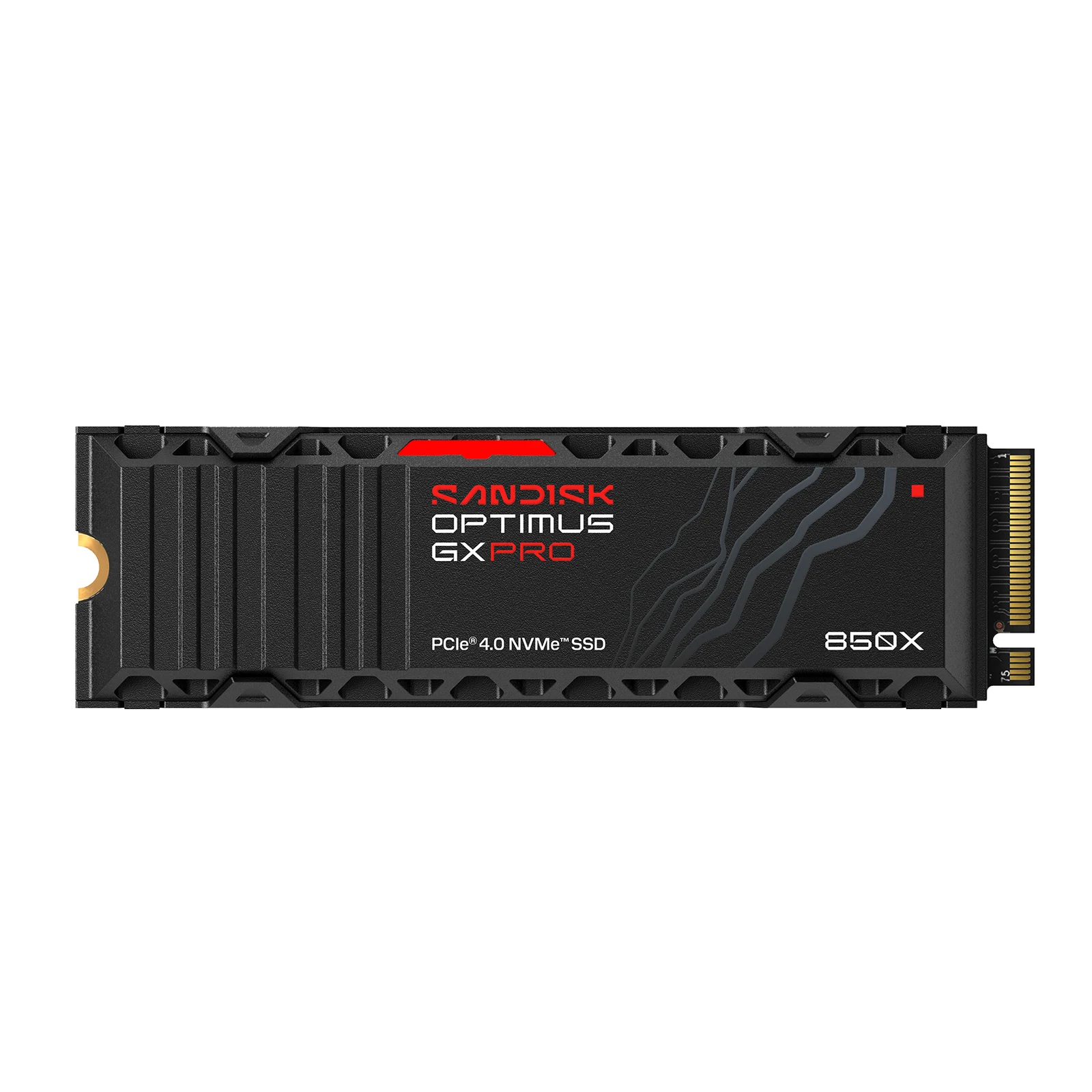
SanDisk Optimus GX PRO 850X 2TB with Heatsink (formerly WD_BLACK SN850X) - NVMe SSD for PS5
View on Amazon (paid link)
The controller: the DualSense Edge is optional
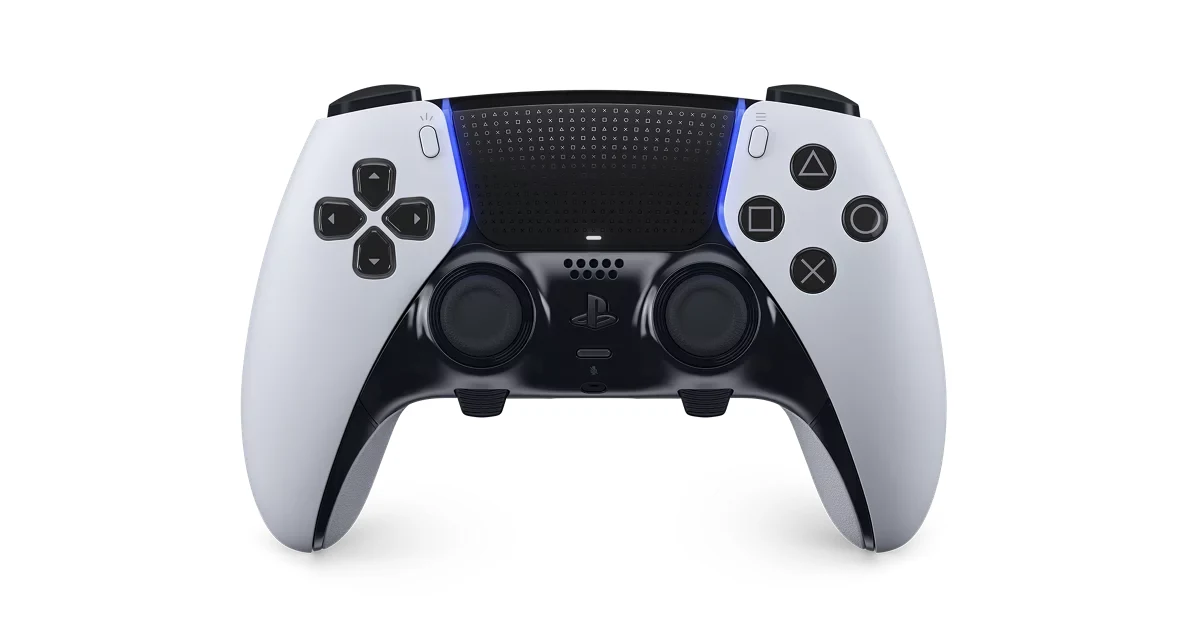
Rockstar has not said anything about controllers in the pages I read, so nothing about GTA VI requires an upgrade. The DualSense Edge ($150 to $200) is worth it if you want what PlayStation lists on its page: two Half Dome and two Lever back buttons in the box, swappable stick caps (standard, high dome and low dome), stick modules you can replace, trigger travel with three stops, remappable buttons saved in profiles, and a braided USB cable and carrying case. It is not for you if you only play on the PS5 with the controller it came with and have never missed a back button: the standard DualSense plays the same game. Its limits: Sony's page states neither its weight nor a battery life, so I quote neither. If you are happy with the controller you already own, skip it and put the money into the monitor.
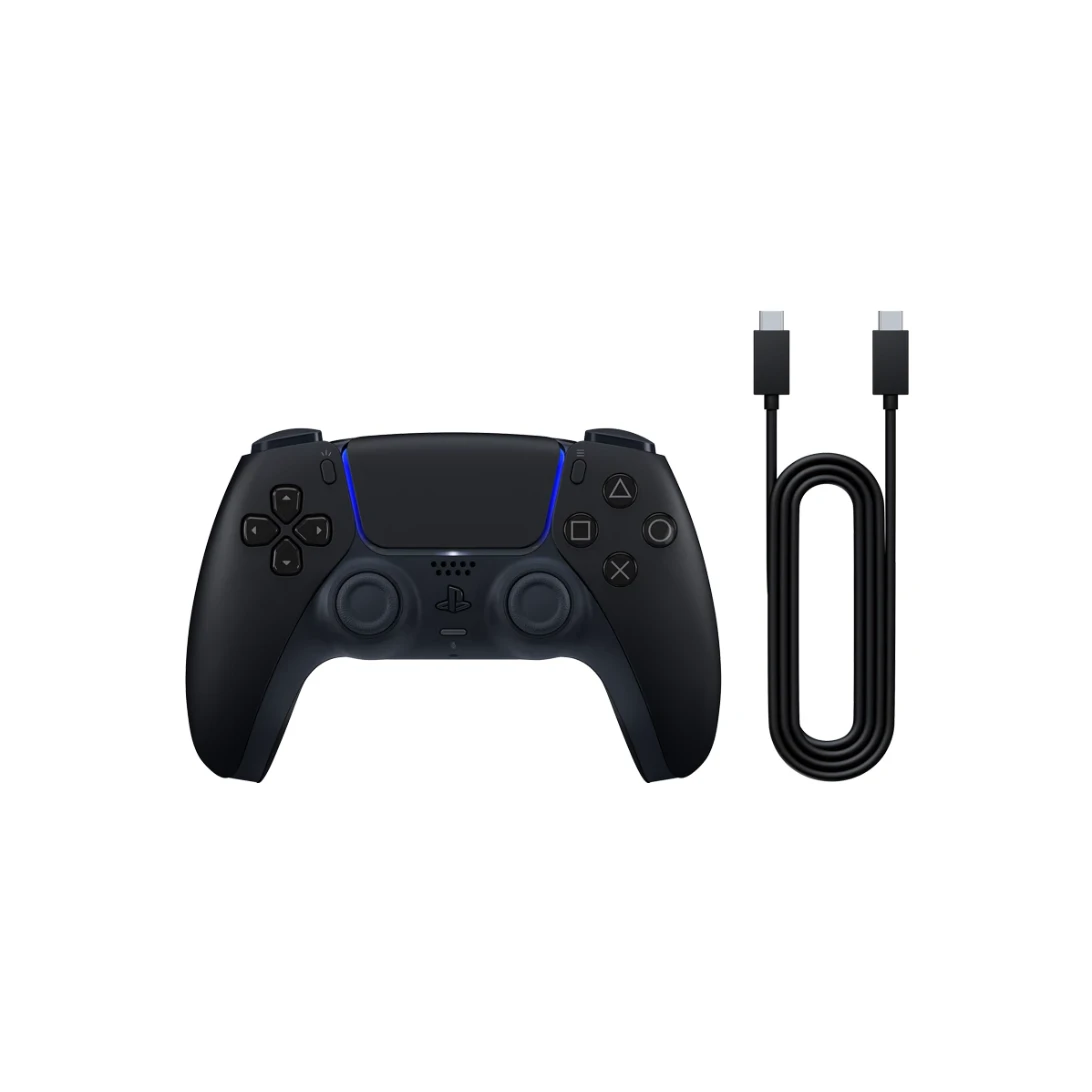
If what you need is a second controller for the same console, the standard DualSense ($60 to $80) is the same model that came with your PS5, here in Midnight Black and with the USB-C cable that PlayStation's standalone box leaves out. PlayStation lists haptic feedback, adaptive triggers, a built-in microphone and a 3.5 mm headset jack. It is not for you if you want back buttons: it has none, and its sticks are fixed, so drift on it means a repair or another controller. If drift is the reason you are shopping, the guide on stick drift explains what to try first.
The headset: a wired one is enough
Rockstar has not said anything about audio in the pages I read either, so you do not need a headset to play. If you want one for playing late or without speakers on the desk, the Razer BlackShark V2 X ($25 to $40) is the simple option: Razer lists PS5 among the platforms it works with through its 3.5 mm connection, which on a PS5 goes into the DualSense's headset jack, according to PlayStation. Its spec sheet lists 50 mm drivers, a cardioid mic you bend toward your mouth and 240 g, with no battery to charge and no dongle. It is not for you if you want no cable at all; the headset guide covers the wireless models. Its limits, per Razer: the 7.1 surround only works on Windows 11, so on the PS5 you do not get that layer, and the mic bends but is not listed as detachable.
How we choose
Nobody at this site played GTA VI, and nobody outside Rockstar has. Everything here comes from published sources: Rockstar for the date and platforms, Sony for what the PS5 outputs and which SSDs it accepts, and Samsung, LG, MSI, Western Digital, SanDisk and Razer for their own products. The hardware list keeps to pieces that are in the catalog with a written analysis, compares spec sheets rather than reviews, and does not rank anything by what it earns: if a cheaper piece meets Sony's written conditions, the guide says so.
I write every guide with the help of AI tools for research and drafting; I decide which products make the cut, check every figure against the manufacturer's spec sheet and the price on the day I verify it, and sign the text. — Samuel
Frequently asked questions about GTA 6 on PS5
Is GTA 6 coming to PC?
Rockstar's platform page names PlayStation 5 and Xbox Series X|S and does not mention a PC version, so I cannot tell you a date or promise one. The guide Is GTA 6 Coming to PC? What Rockstar Has Said lays out what Rockstar has published and how long its earlier games took to reach PC. Until Rockstar says otherwise, the pieces in this guide are the ones that matter for playing it on a console at a desk.
What is the GTA 6 release date?
Thursday, November 19, 2026, according to Rockstar's Newswire announcement, which I read on October 22, 2026. If Rockstar changes it, I will update this guide.
Do I need a 4K 120 Hz monitor to play GTA 6 on PS5?
No requirement has been published in the Rockstar pages I read. Any display with an HDMI input will show the picture; Sony says 4K at 120 Hz needs a display that supports it, connected to an HDMI 2.1 port, and VRR at 1440p needs a VRR-compatible HDMI 2.1 display and a game that supports it.
Can a PS5 use a 1440p monitor?
Yes, if the monitor supports 1440p at 60 Hz or at 60 and 120 Hz, according to Sony's PlayStation Blog. You can check it on the console under Settings, Screen and Video, Video Output, Test 1440p Output.
Should I buy an SSD before GTA 6 comes out?
Only if your PS5 is already short of space. Rockstar has not published an install size in the pages I read, and Sony's rules for an expansion drive are a PCIe Gen4 x4 NVMe drive between 250 GB and 8 TB with a heat-dissipation mechanism.
Does the PS5 need a special HDMI cable for 4K 120 Hz?
Sony's resolution page says to use the HDMI cable that came with the console or an Ultra High-Speed HDMI cable rated for 4K 120 Hz.
What I would buy first, and what I would skip
If I had one purchase to make before November 19, it would be the monitor, because it is the only piece that changes the picture. I would pick the Samsung if the PS5 is the main machine on the desk and the LG or the MSI if a PC shares it. I would buy the SSD only when the console says it is full, and I would skip the DualSense Edge unless back buttons sound like something you would use every day. To see the rest of the desk and the console, the console accessories guide, the monitor guide, the controller guide and the OLED or IPS comparison go deeper, and you can browse every monitor, SSD and controller in the catalog, or put two pieces next to each other in Compare.