OLED, QD-OLED or IPS: Which Panel for Your Gaming Monitor in 2026

By Samuel 76 · Founder & Editor
Some links are Amazon affiliate links: we earn a commission if you buy, at no extra cost to you, and it never changes what we recommend. How we make money
Panel technology defines your monitor more than any other spec. In 2026 the battle is OLED vs QD-OLED vs IPS, and each one wins at something different: infinite contrast, brighter color or accessible price. After going through the best from our monitors top, this is what actually changes between them.
Short answer
- OLED (WOLED): perfect blacks and speed — LG 27GX704A
- QD-OLED: all that + brighter color — Samsung Odyssey G8 and MSI 274QP
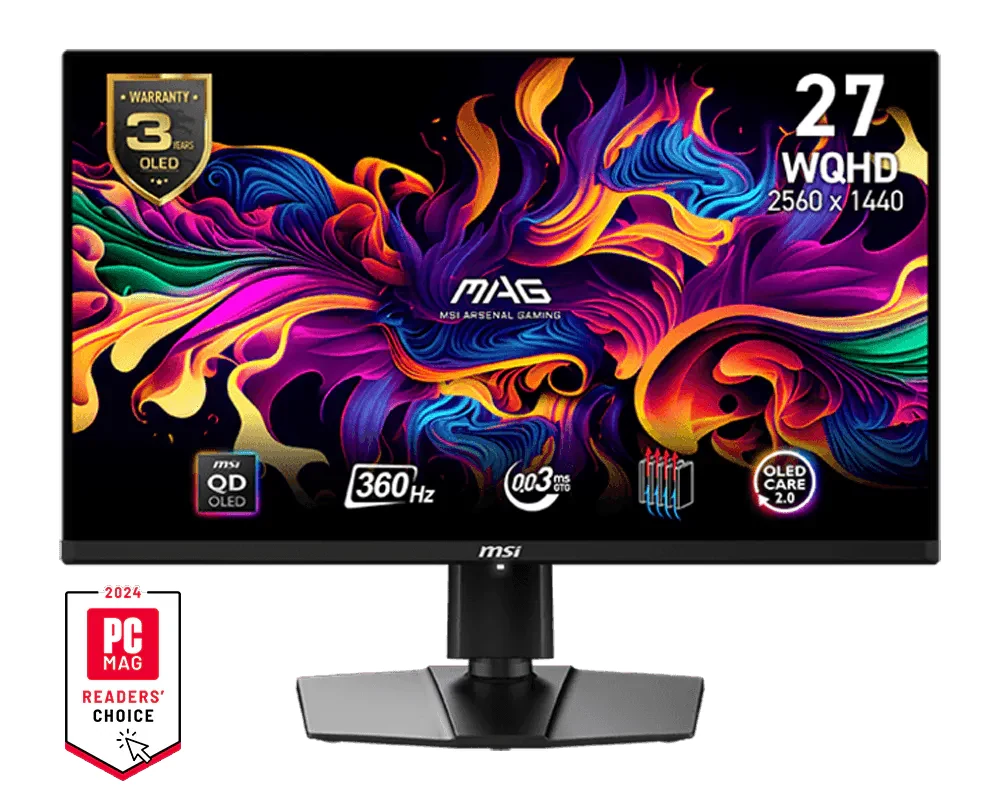
- QD-OLED esports: 360Hz — MSI 271QPX
- IPS: most of the experience at a third of the price — AOC 24G51F2
OLED: infinite contrast and 0.03ms
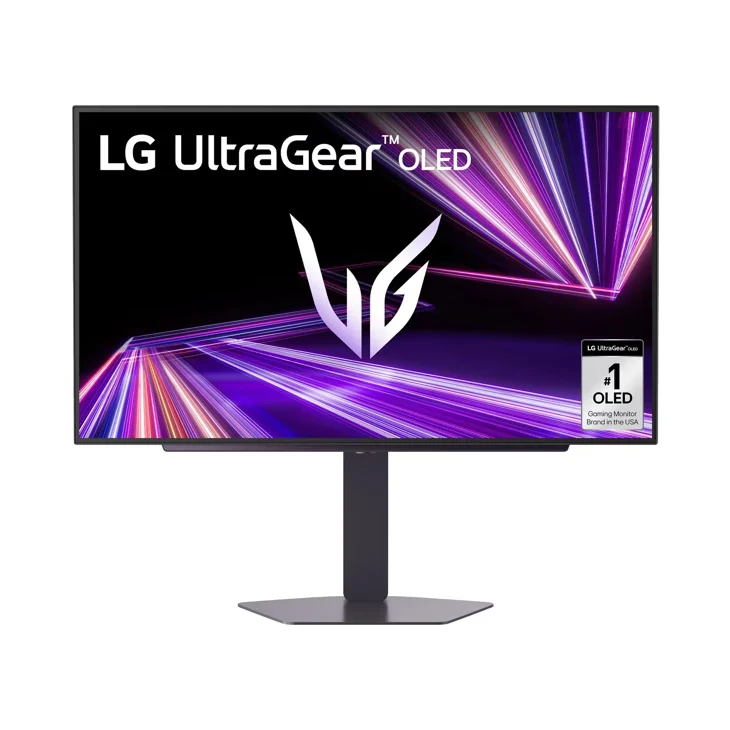
See an OLED up close once and you understand why nobody goes back. Every pixel turns itself off: true blacks, no halos, and a virtually instant response that keeps everything sharp in motion. The LG 27GX704A (paid link) with QHD 240Hz is the perfect entry door to this experience.
QD-OLED: color levels up
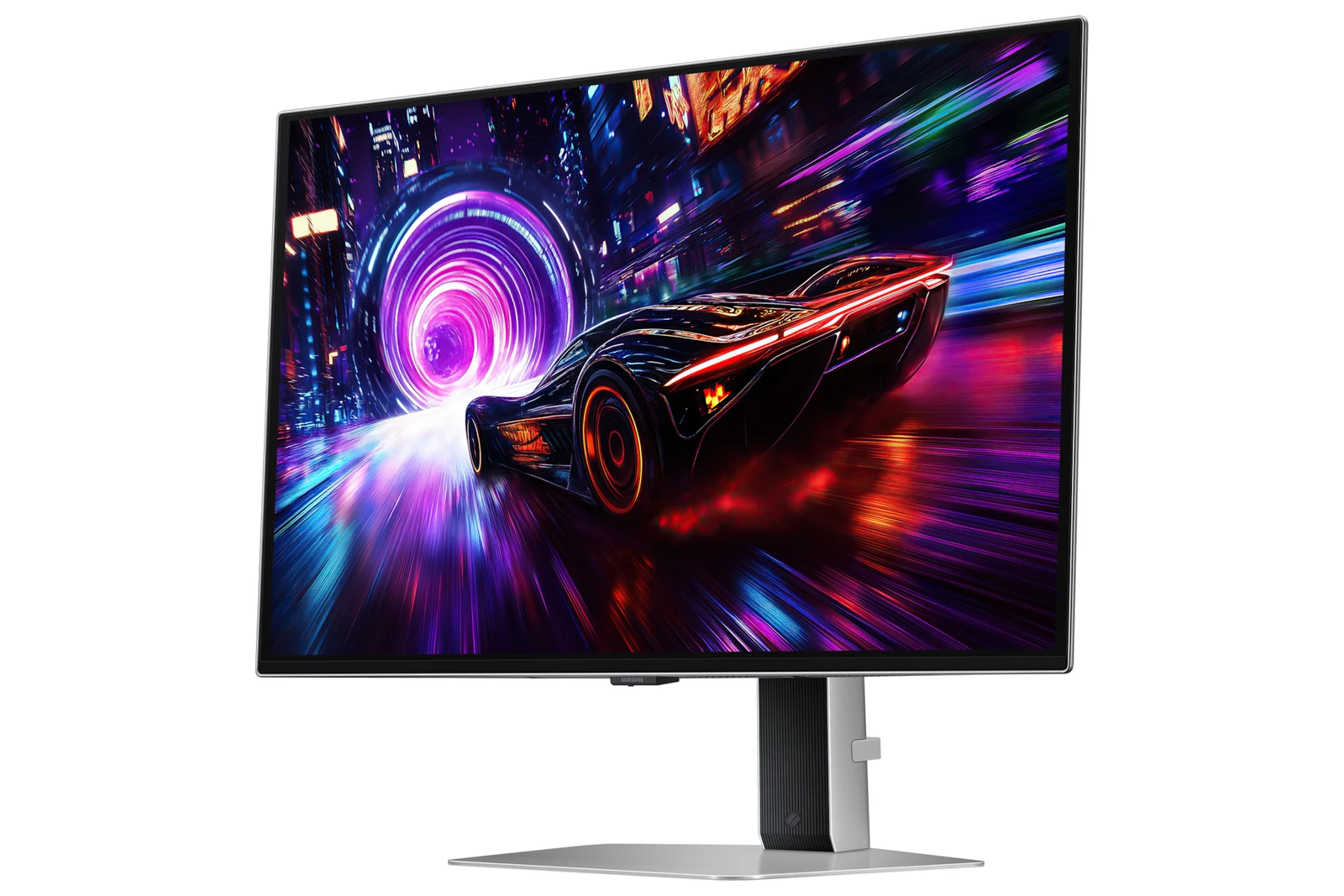
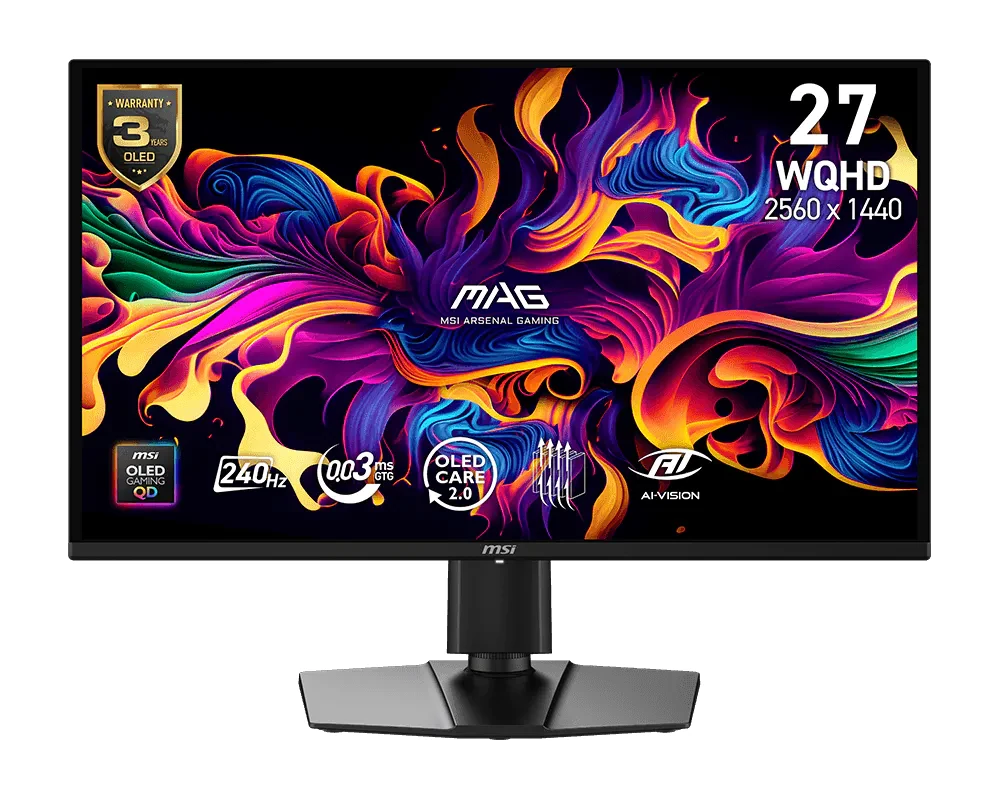
Quantum dots add brightness and saturation where classic OLED falls short. The 4K Samsung Odyssey G8 (paid link) is pure cinema for single-player, and the MSI 274QP (paid link) offers QHD 240Hz QD-OLED at the most reasonable price in the tier.
QD-OLED at 360Hz: built to compete
The MSI 271QPX (paid link) combines the impossible: QD-OLED image with a 360Hz refresh rate. For serious esports where every frame counts, it sits near the top of what OLED offers today (500Hz QD-OLED models already exist).
IPS: the budget reality
A good modern IPS like the 180Hz AOC 24G51F2 (paid link) delivers solid colors, wide viewing angles and competitive fluidity in the $80 to $110 price band. No OLED blacks, true, but the best performance per dollar in the entire monitor market.
What about burn-in?
2026 OLEDs ship with automatic refresh cycles, pixel shift and warranties covering burn-in: with normal gaming use (not a static taskbar 24/7) the practical risk is low. If your monitor spends 10 hours a day on static work interfaces, IPS remains the worry-free choice.
For gaming and working on the same monitor
If the same monitor is for gaming at night and working or studying during the day, three things matter more than the refresh rate.
Text clarity. OLED and QD-OLED panels do not arrange their subpixels like an IPS, which uses the classic red, green and blue stripe, and Windows font smoothing is built around that stripe. That is why, on some models, small text can show a slight color fringe, especially at QHD on 27 inches. Recent generations have cut this down a lot, and with higher pixel density (4K at 27 or 32 inches) it nearly disappears. An IPS shows sharp text without you ever thinking about it.
Burn-in from static images. The taskbar, a spreadsheet, a code editor or the same interface for hours are exactly what wears an OLED the most. Makers offset it with pixel shift, automatic panel refresh cycles and logo detection, and several include burn-in in their warranty (check the exact model's before buying). You can help too: auto-hide the taskbar, rotate your wallpaper, set a short screensaver and use dark mode in your apps.
Brightness on white screens. An OLED dims when almost the whole screen is white, like a document or a web page. In a bright room, an IPS looks more even for work; at night, the OLED wins, no contest.
What we would pick for each use:
- Eight hours or more of work with static interfaces and occasional gaming: IPS. Sharp, zero babysitting and plenty of Hz to game; the 180Hz AOC in our catalog sits in the $80 to $110 band.
- Half work, half gaming: a 27-inch 4K OLED, because the pixel density solves nearly all of the text issue. The Samsung Odyssey G8 sits in $600 to $900.
- Mostly gaming, with some browsing and studying: a QHD 240Hz QD-OLED with the care tips above. The MSI 274QP sits in $280 to $400.
Who shouldn't bother with an OLED
I love OLED. Still, in these three cases I would tell a friend to buy a good IPS and sleep easy.
- Your monitor doubles as a work screen all day. Eight to ten hours of taskbars, spreadsheets and static windows is exactly the kind of use burn-in protection struggles with. An IPS does not care.
- Your desk faces a sunny window. OLED panels dim on bright full-screen content, and many use glossy coatings. In a room flooded with daylight, a bright matte IPS is easier on the eyes.
- The OLED would eat your GPU budget. A 240Hz OLED paired with a card that cannot push the frames is a worse setup than a 180Hz IPS with a stronger GPU. Balance the two; our Build your PC tool shows you the total.
Panel questions before you buy
Is the IPS to OLED jump worth it?
It is the biggest visual leap since HD to 4K: you notice it in the first second. If budget allows and you game at night, yes.
What GPU do I need for these monitors?
For QHD 240Hz, aim for an RTX 5060 Ti or better with DLSS. An RTX 5060 like the one in our PC build guide plays QHD with DLSS, but at 240Hz it only keeps up in light competitive games.
Is OLED bright enough for lit rooms?
WOLED handles bright rooms better than QD-OLED: it keeps its blacks deeper with the lights on. Either way, managing reflections with curtains helps any panel.
Is QD-OLED better than regular OLED for gaming?
Same speed, different strengths. QD-OLED reaches brighter, more saturated color; WOLED panels like LG's tend to keep blacks looking deeper when there is light in the room. In a dark room both look spectacular; with the lamps on, QD-OLED blacks can look slightly gray.
Does the warranty cover OLED burn-in?
It depends on the brand and the country. Some manufacturers, MSI among them, include burn-in in their OLED warranty; others do not. Read the warranty page for your exact model before you buy, not after.
How we choose: no lab here, and we will not pretend otherwise. We compared the three panel types on what monitor makers such as LG, Samsung, MSI and AOC publish: response time, refresh rate, contrast, brightness and the burn-in terms in each warranty. The guide covers budget IPS up to QD-OLED models at 360 Hz. VA and Mini-LED panels stayed out because the question here is OLED or QD-OLED against IPS. No brand pays to appear here.
I write every guide with the help of AI tools for research and drafting; I decide which products make the cut, check every figure against the manufacturer’s spec sheet and the price on the day I verify it, and sign the text. — Samuel