Best Gaming SSD 2026: How Much You Need, Gen4 vs Gen5

By Samuel 76 · Founder & Editor
Some links are Amazon affiliate links: we earn a commission if you buy, at no extra cost to you, and it never changes what we recommend. How we make money
For gaming in 2026, a 2 TB PCIe Gen4 NVMe SSD is enough; Gen5 is optional. It is the question that keeps coming up: what is the best gaming SSD in 2026, and is PCIe Gen5 worth paying for. The short answer, up front so we do not waste your time: for gaming, Gen4 is still enough, and the sweet spot is a 2TB drive such as the Crucial P310 2TB (paid link) if price matters, or the Samsung 990 PRO 2TB (paid link) if you want the best without overpaying. Gen5 only justifies itself if you also edit video or move huge files every day.
What SSD size is recommended for a gaming PC in 2026?
A 2 TB PCIe Gen4 NVMe SSD is the size we recommend for a gaming PC in 2026. Take the Samsung 990 PRO 2TB for the best balance or the Crucial P310 2TB if cost per terabyte matters most; Gen5 only pays off if you also move very large files every day.
Table: the SSDs in this guide, side by side. Updated October 8, 2026. Source: each manufacturer’s published specifications, through our product pages; speeds are the sequential figures the brand quotes, not our measurements.
| Drive | Capacity | Interface | Read | Write | Form factor |
|---|---|---|---|---|---|
| Samsung 990 PRO 2TB | 2000 GB | PCIe 4.0 x4 NVMe | 7450 MB/s | 6900 MB/s | M.2 2280 |
| Crucial P310 2TB | 2000 GB | PCIe 4.0 x4 NVMe | 7100 MB/s | 6000 MB/s | M.2 2280 |
| SanDisk Optimus GX PRO 850X 2TB (with heatsink) | 2000 GB | PCIe 4.0 x4 NVMe | 7300 MB/s | 6600 MB/s | M.2 2280 |
| Samsung 9100 PRO 2TB | 2000 GB | PCIe 5.0 x4 NVMe | 14700 MB/s | 13400 MB/s | M.2 2280 |
| Crucial P310 2TB (M.2 2230) | 2000 GB | PCIe 4.0 x4 NVMe | 7100 MB/s | 6000 MB/s | M.2 2230 |
| Samsung 990 EVO Plus 1TB | 1000 GB | PCIe 4.0 x4 / 5.0 x2 NVMe | 7150 MB/s | 6300 MB/s | M.2 2280 |
Straight to it: which one to buy
- Best all-round balance: Samsung 990 PRO 2TB (paid link) — $280 - $400
- Best price per terabyte: Crucial P310 2TB (paid link) — $280 - $400
- Best for PS5 expansion: SanDisk Optimus GX PRO 850X 2TB with heatsink (paid link) — $400 - $600
- Best Gen5 (only if you need it): Samsung 9100 PRO 2TB (paid link) — $280 - $400
- Best for Steam Deck and ROG Ally: Crucial P310 2TB M.2 2230 (paid link) — $280 - $400
- Best budget 1TB: Samsung 990 EVO Plus 1TB (paid link) — $200 - $280
How much storage you actually need
My take: Gen5 looks amazing on paper, but my money today still goes to Gen4. In 2026 a single AAA game takes 100 to 200GB. On a 1TB drive, once Windows is installed you have roughly 900GB usable: four or five large games and not much else. That is why 2TB is the size I recommend in almost every case: the price jump over 1TB is much smaller than the capacity jump, and it breaks the uninstall-to-install cycle.
It is also worth leaving 10 to 15 percent of the drive free. A full NVMe SSD loses write speed because it runs out of cells to use as SLC cache. That is not folklore: it is why a drive sitting at 98 percent capacity feels sluggish.
Gen4 vs Gen5: the real difference in games
On paper the gap is huge. A good PCIe Gen4 drive reads at around 7,000-7,450 MB/s; a PCIe Gen5 drive reaches 14,700 MB/s. Double. In games, that translates to tenths of a second when a level loads, and in Compusemble's 2023 DirectStorage test in Forspoken, a Gen5 drive loaded seven scenes in 10.5 seconds against 10.9 for a Samsung 990 Pro on Gen4.
The reason is that current game engines do not request data in one big sequential stream but in small random blocks. That puts the weight on random reads, and there the best Gen4 drives are essentially tied with Gen5. Where Gen5 genuinely doubles performance is heavy file work: exporting video, copying multi-hundred-gigabyte projects, loading AI models locally.
There are two hidden costs beyond price: heat (Gen5 drives need a heatsink and airflow) and compatibility (your board needs a Gen5 M.2 slot, and usually there is only one). If you are building the machine from scratch, see our best-value gaming PC build guide.
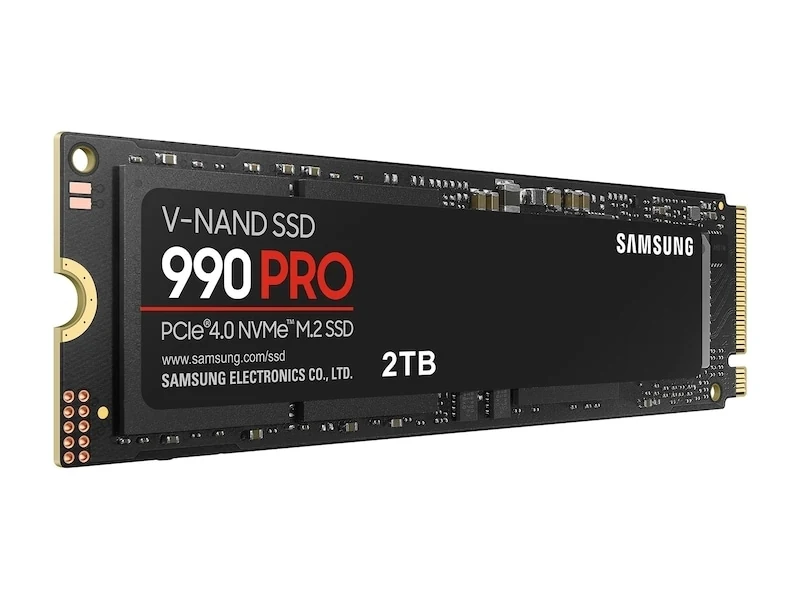
Samsung 990 PRO 2TB - the balance we recommend
This is the SSD we would put in a high-end gaming PC in 2026. It reads at 7,450 MB/s and, more importantly, Samsung rates its random reads at up to 1.4 million IOPS, which is what actually moves load times. It handles heat well without a heatsink, and Samsung Magician makes monitoring and firmware updates painless.
In the $280 to $400 price band it is not cheap, but it costs less than a Gen5 drive and performs virtually the same in games. Who it is for: anyone who wants to buy once, forget about it for five years, and never think about storage again.
Crucial P310 2TB - the best price per terabyte
The P310 hits 7,100 MB/s reads in the M.2 2280 format that fits any modern desktop or laptop. In practice the difference against the 990 PRO when loading a game is tenths of a second, and it costs less. Acronis recovery software is included, which helps when you migrate from an older drive.
It runs slightly warmer than the Samsung under sustained load, which the heatsink built into most modern boards already solves. Who it is for: anyone who wants fast 2TB for as little as possible, and for upgrading a gaming laptop.
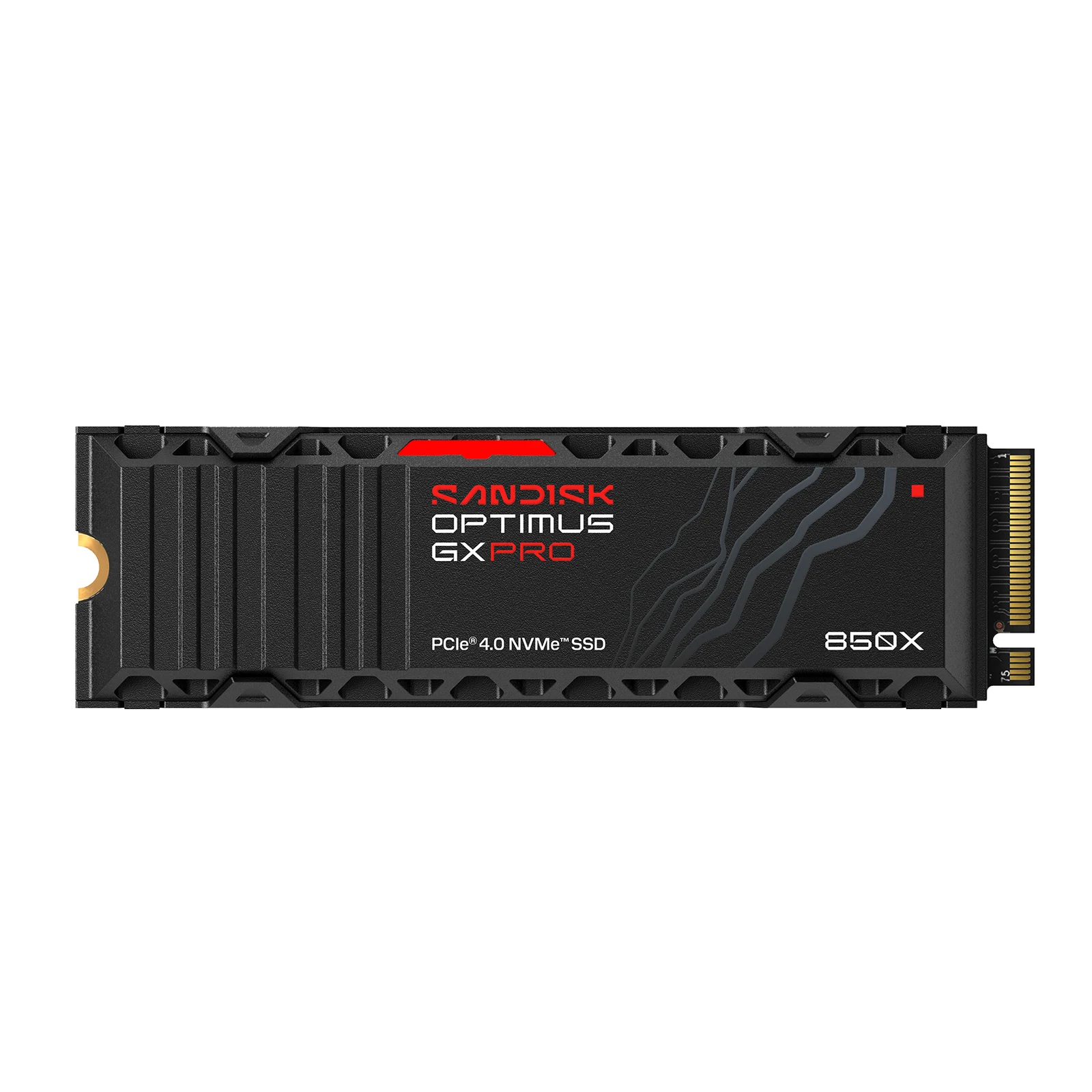
SanDisk Optimus GX PRO 850X 2TB (formerly WD_BLACK SN850X) - the PS5 pick
Sony asks for two things to expand a PS5: a fast NVMe drive and a heatsink. This drive, sold as the WD_BLACK SN850X until SanDisk took over the line, ships with the heatsink already fitted and at the right height, so it drops into the slot with nothing extra to buy. It runs at 7,300 MB/s reads and 6,600 MB/s writes, and keeps temperatures in check through long sessions.
On PC it performs just as well, and WD Game Mode 2.0 smooths out the hitching you get when a game streams textures in the background. It costs a little more than a bare Gen4 drive, and that premium is exactly the hassle you are skipping. Who it is for: PS5 owners who have run out of room.
SanDisk Optimus GX PRO 850X 2TB with Heatsink (formerly WD_BLACK SN850X) - NVMe SSD for PS5
View on Amazon (paid link)
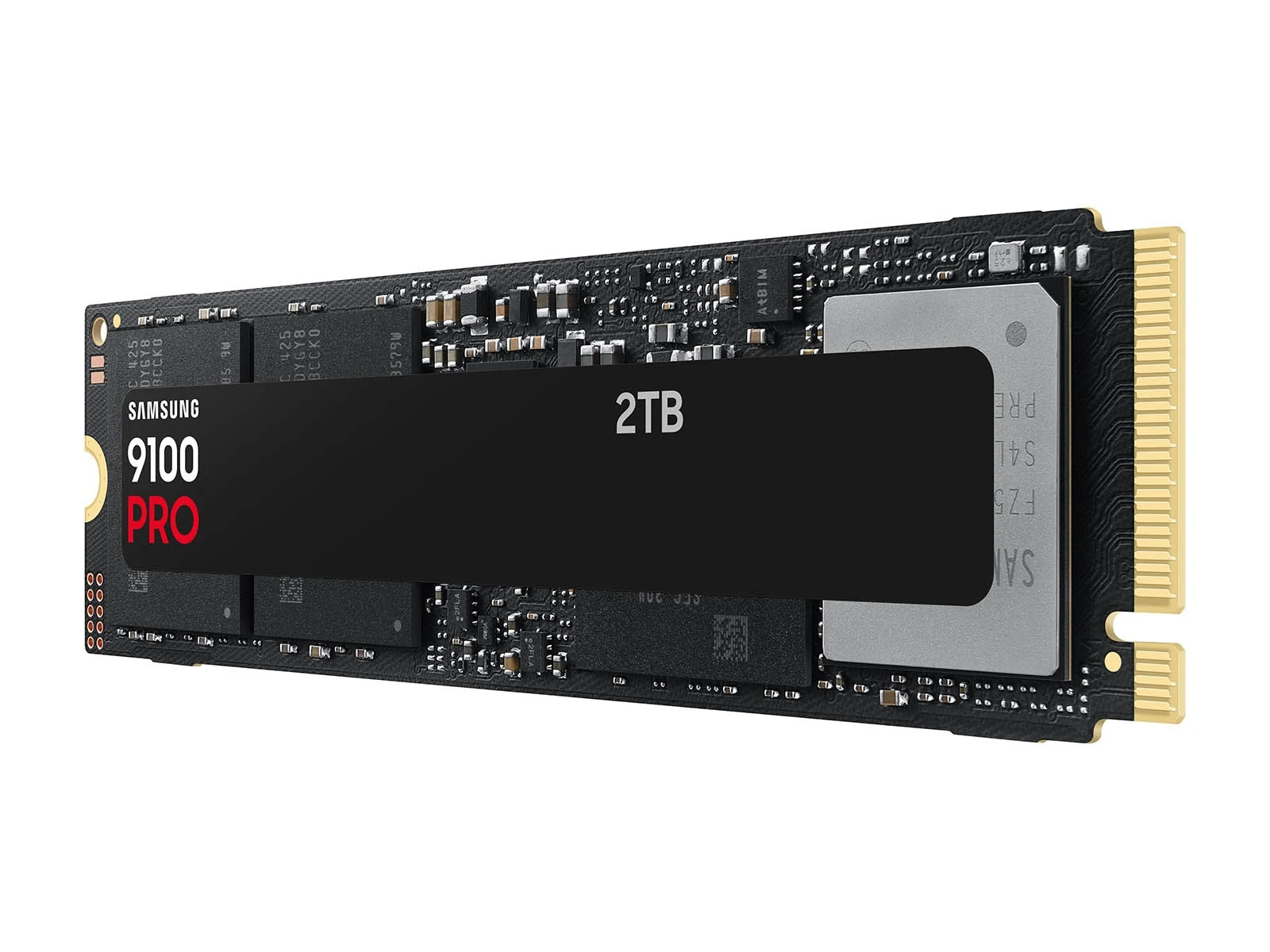
Samsung 9100 PRO 2TB - the Gen5 that makes sense
If your work needs Gen5, this is the one we would buy: up to 14,700 MB/s reads and 13,400 MB/s writes, with strong random performance and a five-year warranty. For 4K video editing, multi-gigabyte project files or running AI models locally, the difference is real.
For gaming, honestly, no. It sits in the $280 to $400 price band, needs a free Gen5 slot and decent airflow, and in load times it barely separates from the 990 PRO. Who it is for: creators and professionals who also game, not the other way round.
Crucial P310 2TB M.2 2230 - for Steam Deck and ROG Ally
Same Gen4 drive at 7,100 MB/s, but in the short M.2 2230 format used by the Steam Deck, ASUS ROG Ally, MSI Claw, plenty of mini PCs and ultrabooks. Going from 512GB to 2TB on a handheld is probably the upgrade you feel most if you play large titles, because you stop deciding what to delete every week.
Its low power draw keeps battery life intact compared with other 2230 drives. It costs more than the 2280 version because the short format always carries a premium. Tip: clone your system with a USB enclosure before swapping it in, it is far faster than reinstalling.
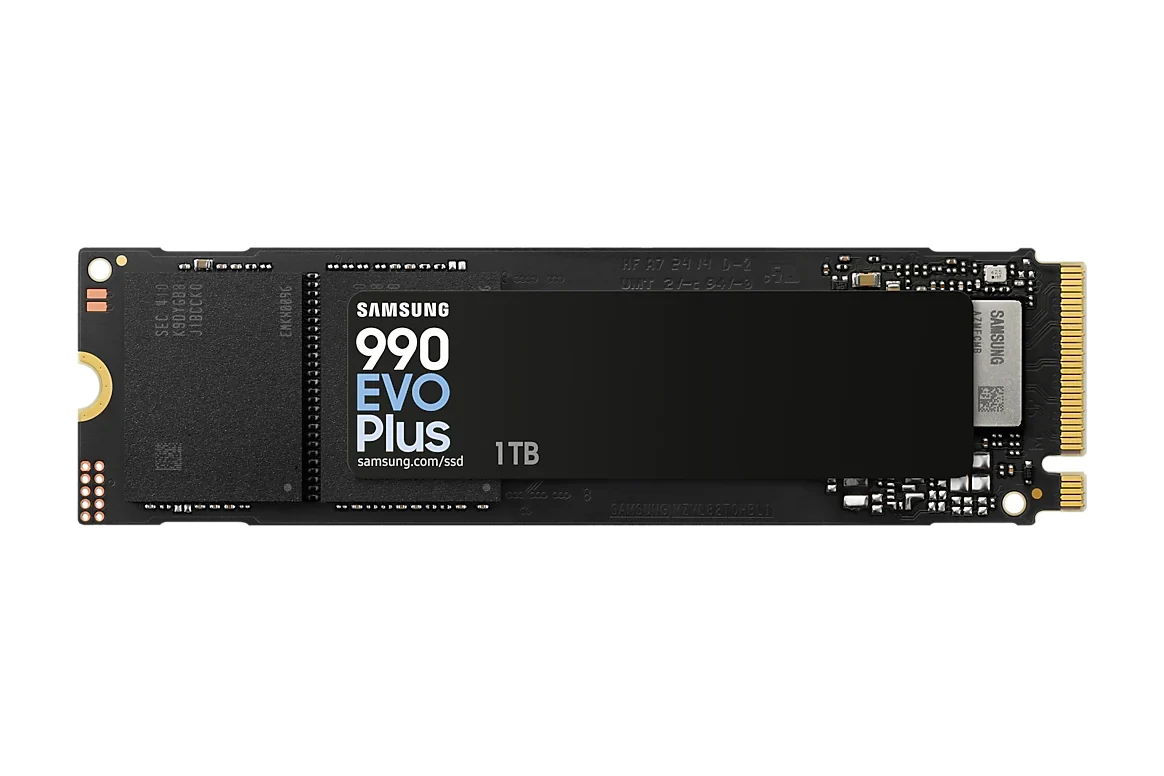
Samsung 990 EVO Plus 1TB - the budget option
If 2TB is out of reach, this 1TB drive, in the $200 to $280 price band, is the cheapest way into modern NVMe without regretting it. It reaches 7,150 MB/s in the 1 TB version and works in both Gen4 and Gen5 x2 slots, so it fits new and older boards alike.
Who it is for: a second drive dedicated to games, leaving your main drive for the system. It is also the one we recommend in our list of upgrades with the biggest impact per dollar.
What I would actually buy
For a new gaming PC: Samsung 990 PRO 2TB (paid link) if you want the best without excess, or Crucial P310 2TB (paid link) if price rules. For PS5: Optimus GX PRO 850X with heatsink (paid link) and the conversation is over. For a handheld: Crucial P310 in 2230 format (paid link). For editing video alongside gaming: Samsung 9100 PRO (paid link). And on a tight budget: Samsung 990 EVO Plus 1TB (paid link).
Quick answers
Does a faster SSD give more FPS?
No. Frame rates are decided by your graphics card and CPU. The SSD affects load times and whether textures pop in smoothly when you enter a new area, not frames per second.
Do I need a heatsink for an NVMe SSD?
On Gen4, almost never: most modern boards already include one and that is enough. On Gen5 it is mandatory, because without it the drive throttles itself to avoid overheating.
How long does an NVMe SSD last?
The drives on this list carry five-year warranties and endure between 440 and 1,200 terabytes written. A normal gamer writes a few terabytes a year, so the drive will be obsolete long before it wears out.
Can I put a Gen5 SSD in a Gen4 board?
Yes, it fits and works, but it runs at Gen4 speed. If your board has no Gen5 slot, paying for Gen5 is wasted money: buy a good Gen4 drive with that budget instead.
Before you buy a Gen5 drive, check what your board can take: how to choose a motherboard covers the M.2 slots. 16 or 32 GB of RAM is the other upgrade people confuse with storage, and the best CPU by socket tells you which platform you are on. If games stutter, the 2-minute bottleneck test tells you whether storage is really the problem.
How we choose: no lab here, and we will not pretend otherwise. We compared the drives on what Samsung, Crucial and SanDisk publish: PCIe generation, read and write speeds, capacity, form factor and whether each one fits a PS5 or a handheld. The list covers Gen4 and Gen5 drives from 1TB to 2TB, including a short 2230 model for handhelds. SATA drives and external SSDs stayed out because the question here is which NVMe drive to put inside. No brand pays to appear here.
I write every guide with the help of AI tools for research and drafting; I decide which products make the cut, check every figure against the manufacturer’s spec sheet and the price on the day I verify it, and sign the text. — Samuel