1080p, 1440p or 4K in 2026? Which One Fits Your GPU

By Samuel 76 · Founder & Editor
Some links are Amazon affiliate links: we earn a commission if you buy, at no extra cost to you, and it never changes what we recommend. How we make money
The question of whether to choose 1080p, 1440p or 4K in 2026 is almost always answered backwards. People pick the monitor first, fall in love with 4K, and then discover their graphics card cannot drive it. The correct order is the opposite: your GPU decides your resolution, not your monitor budget. A 4K panel driven by a mid-range card gives you a beautiful image at a low frame rate, and that feels worse than a smooth 1440p.
I play at 1440p, and fair warning: it only works if your card keeps up, which is exactly what the rule below is for.
Here is the short rule, and then the explanation. If your card is an RTX 5050 or 5060, 1080p is home; the 5060 can step up to 1440p with DLSS if you accept lower textures in the heaviest new games. If it is an RX 9060 XT, an RTX 5060 Ti or an RTX 5070, your resolution is 1440p. Real 4K starts at the RTX 5070 Ti.
Quick verdicts by resolution
- 1080p: AOC 24G51F2 at 180Hz (paid link) — $80 - $110, a solid place to start.
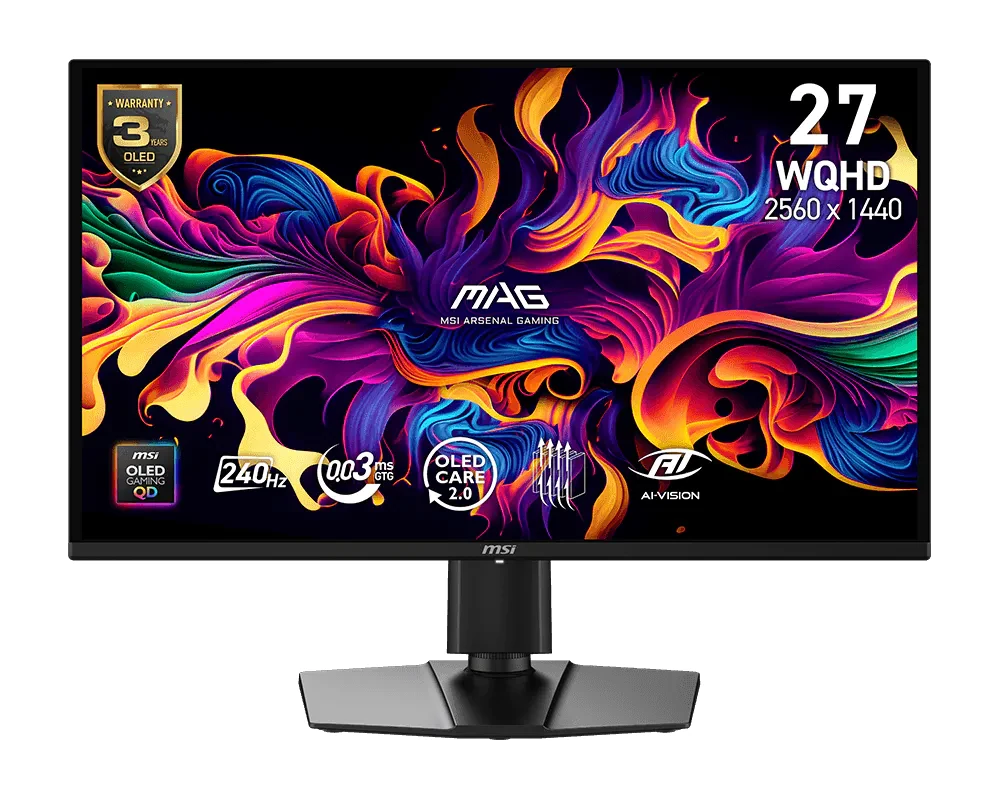
- Balanced 1440p: MSI MAG 274QP QD-OLED at 240Hz (paid link) — $280 - $400.
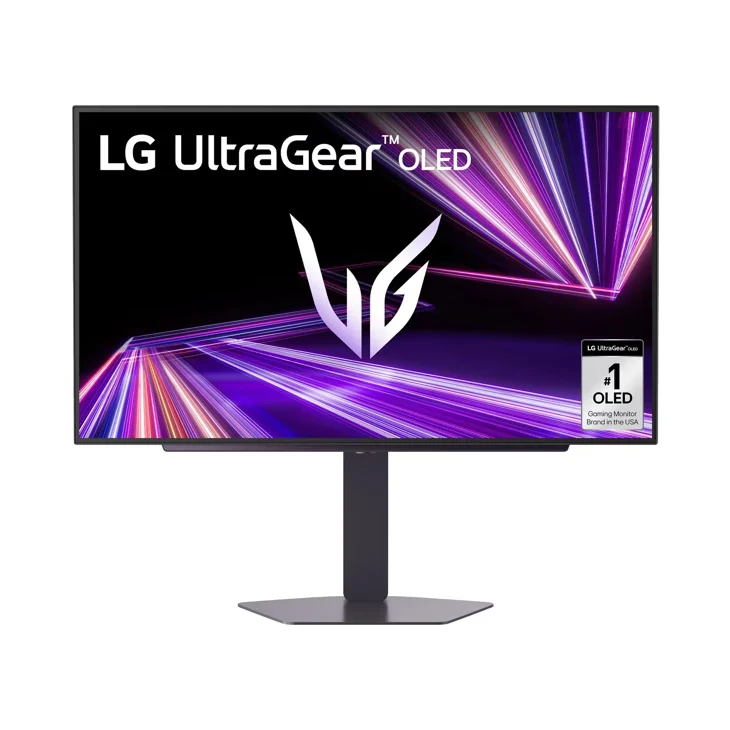
- Alternative 1440p OLED: LG UltraGear 27GX704A at 240Hz (paid link) — $280 - $400.
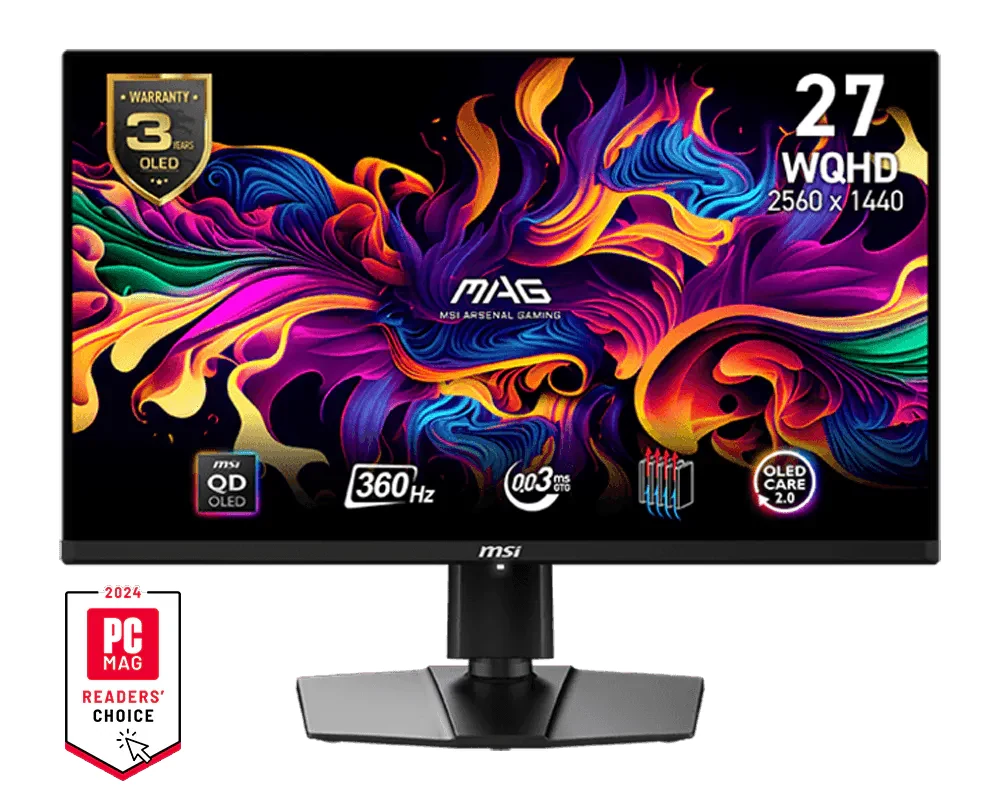
- Competitive 1440p: MSI MAG 271QPX QD-OLED at 360Hz (paid link) — $600 - $900.
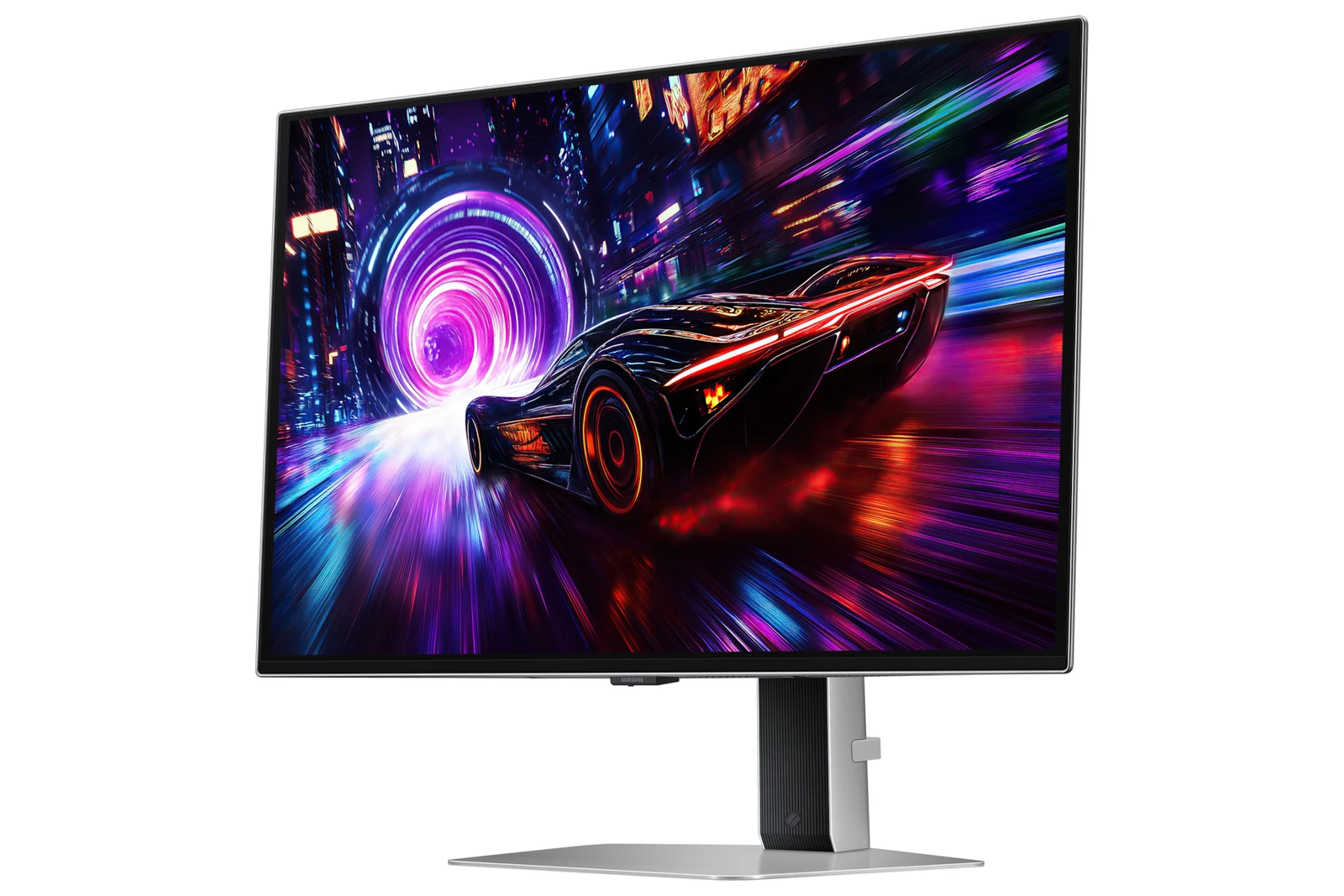
- 4K: Samsung Odyssey QD-OLED G8, 27 inches at 240Hz (paid link) — $600 - $900.
To go deeper, we have a comparison of which panel type suits you and another on whether moving from 60Hz to 144 or 240Hz is worth it. If you are still choosing a card, the PC configurator builds compatible combinations, and the catalog has every monitor and card in this guide, with its price band and a direct link to Amazon.
What actually changes between 1080p, 1440p and 4K
The numbers make it clear. A 1080p panel draws about 2.07 million pixels; a 1440p panel, 3.69 million; a 4K panel, 8.29 million. In other words, 1440p demands 78 percent more work than 1080p, and 4K demands four times as much. That entire load lands on the graphics card.
What you gain in return is real, but it depends on screen size and viewing distance. On a 24 inch monitor, the jump from 1080p to 1440p shows in edges and text, but it is not dramatic. On a 27 inch monitor it is obvious: 1080p starts to look soft and grainy because the pixels are large. And 4K only justifies its cost from 32 inches up, or at 27 inches if you also work with text and photography.
That is why our general recommendation for 2026 is simple: 27 inches at 1440p is the sweet spot. It is the combination where sharpness is already high, the graphics card is not suffering, and you can still aim for a high refresh rate.
Mental table: which resolution each card asks for
This is the resolution each tier is made for, on high settings and with upscaling enabled:
- RTX 5050 (paid link) and RTX 5060 (paid link): 1080p, with room for high refresh. The 5060 can play 1440p with DLSS, but its 8 GB of VRAM runs out in heavy new games: in TechSpot's review, Stalker 2 at 1440p dropped to an average of 6 fps because of it. The 5050 stays at 1080p.
- RX 9060 XT 16GB (paid link): 1080p easily, and very comfortable at 1440p thanks to its 16GB of memory.
- RTX 5060 Ti 16GB (paid link): 1440p, and there DLSS is not optional, especially with ray tracing.
- RTX 5070 (paid link): high refresh 1440p, and 4K in less demanding games with DLSS. Torn between it and the RX 9070 XT? See RTX 5070 vs RX 9070 XT before you buy.
- RTX 5070 Ti 16GB (paid link): 4K, with DLSS doing part of the work. The real 4K entry point.
If your card is not on the list, look up a review that tests it at 1080p, 1440p and 4K, like the ones TechPowerUp publishes, before you buy the monitor. The pixel math above says 1440p asks for 78 percent more work, but how much you actually lose depends on the game.
1080p: AOC 24G51F2 at 180Hz — where it all starts
In the $80 to $110 price band, this monitor does something almost no other one manages: it gives you a real 180Hz on an IPS panel, with good color and 0.5 ms (MPRT) response. At 24 inches, 1080p looks sharp, and at that resolution even a modest card can push hundreds of frames per second, which is exactly what you want in competitive games.
It is also the monitor we recommend as a second screen or for a small room setup. What not to expect: OLED blacks or a cinematic experience. It is a fast, cheap tool, and at that it is excellent. Who it is for: esports players, anyone with an entry-level card, or anyone who would rather spend on the GPU than on the panel.
1440p: MSI MAG 274QP QD-OLED at 240Hz — the sweet spot
Of the QD-OLED monitors in our catalog, this is the most affordable way in. 27 inches, 1440p at 240Hz and a QD-OLED panel, all in the $280 to $400 price band, a price that was unthinkable for this technology two years ago. Blacks are perfect, color is spectacular and the 0.03 ms response time removes smearing completely.
This is the resolution an RX 9060 XT or an RTX 5060 Ti drives without breaking a sweat, so it does not force you into a thousand-dollar card to enjoy it. The one caution with any OLED is static content wear: use the screen saver and hide the taskbar. Who it is for: most people with a mid range card; it is the value pick of this guide.
1440p: LG UltraGear 27GX704A at 240Hz — the OLED alternative
Same resolution and same refresh rate as the MSI, for a bit more money. The difference is the panel type: the LG uses WOLED instead of QD-OLED, with a glossy screen rather than a matte anti-glare one. If your room gets a lot of daylight, this is the one you will prefer, because QD-OLED tends to wash out blacks under strong ambient light.
In exchange, pure color is slightly less saturated than on the QD-OLED. That is a difference you will only notice side by side. Who it is for: anyone who plays during the day, with a window in front, and wants OLED blacks that hold up in daylight; being glossy, it still reflects lamps or windows behind you.
Competitive 1440p: MSI MAG 271QPX QD-OLED at 360Hz
This is the tier for anyone who plays Valorant, CS2 or Apex seriously. It keeps 1440p but climbs to 360Hz, and that jump from 240 shows most in motion clarity: enemies crossing the screen stay defined instead of turning into a smear.
Now the honest part: filling 360 Hz at 1440p calls for a high-end card like an RTX 5070 (paid link) or better, and you have to lower graphics settings. If you plan to play on high settings, the 240Hz model gives you the same experience for a lot less money. Who it is for: the competitive player with a powerful card who values frames over beauty.
4K: Samsung Odyssey QD-OLED G8, 27 inches at 240Hz
This monitor is the reason 4K finally makes sense for gaming. It packs 4K at 240Hz into 27 inches on a QD-OLED panel, which gives an extremely high pixel density: text looks like it does on a modern phone and object edges simply disappear. For open-world games, simulators and anything visually ambitious, it is spectacular.
And here is the warning that gives this whole guide its point: connect it to a mid-range card and you will be lowering settings to keep games playable, and the monitor will feel worse than a 1440p one. It needs an RTX 5070 Ti (paid link) at minimum. Adding monitor and card together, a real 4K setup starts near 2,000 dollars at September 2026 prices, in those two parts alone. Who it is for: anyone who already owns the GPU or is about to buy it, and wants the best image possible.
The resolution I would pick
If your card is entry level or you play competitively, stay at 1080p with the AOC 24G51F2 (paid link) and put the money you save into the GPU. If your card is mid range, which is most people, your resolution is 1440p and the MSI MAG 274QP (paid link) is the value pick, with the LG UltraGear 27GX704A (paid link) as the alternative for bright rooms and the MSI 271QPX at 360Hz (paid link) if you compete. Go 4K with the Samsung Odyssey G8 (paid link) only if you already have a high end card waiting for it.
Display doubts
Is the jump from 1080p to 1440p noticeable?
On a 27 inch monitor, very much so: 1080p looks soft at that size. On a 24 inch one you notice it, but far less. The practical rule is 1080p up to 24 inches and 1440p from 27 inches up.
More resolution or more Hz?
It depends on what you play. In competitive games, more Hz always wins. In story-driven, open-world or simulation games, more resolution. If in doubt, 1440p at 240Hz is the combination that never disappoints in either case.
Can I game at 4K with a mid-range card?
You can, with aggressive upscaling and low settings, but it is not a good idea. You will end up with a worse and less smooth image than you would get at native 1440p with that same card.
Which resolution if I also work on the computer?
1440p at 27 inches is comfortable for both work and play. If you spend many hours with text, spreadsheets or photo editing, 4K at 27 inches looks noticeably better and does justify the cost even if you game less.
Before you swap graphics cards, make sure your PSU can handle it: our power draw table for every graphics card lists the official TGP and minimum PSU for each 2026 model.
How we choose: no lab here, and we will not pretend otherwise. We matched each resolution to the graphics card class it needs and to screen size, since pixel density changes with both. The monitors come from the AOC, MSI, LG and Samsung spec pages: resolution, size, panel type and refresh rate, one pick per resolution. Ultrawide formats stayed out because the question here is 1080p, 1440p or 4K on a standard screen. No brand pays to appear here.
I write every guide with the help of AI tools for research and drafting; I decide which products make the cut, check every figure against the manufacturer’s spec sheet and the price on the day I verify it, and sign the text. — Samuel
And if you suspect the part holding you back is the processor and not the graphics card, the two-minute way to settle it is in CPU bottleneck: the 2-minute test.