The 5 Best Gaming Controllers of 2026 (PC, Xbox & PS5)

By Samuel 76 · Founder & Editor
Some links are Amazon affiliate links: we earn a commission if you buy, at no extra cost to you, and it never changes what we recommend. How we make money
Shopping for the best gaming controllers of 2026 is no longer a choice between Xbox and PlayStation: third-party pads with Hall effect and TMR sticks changed the market, and today a controller in the $40 to $60 price band lasts longer and feels better than a first-party pad from three years ago. We compared five of them on their spec sheets, with shooters, platformers and racing games in mind, and the overall winner is the 8BitDo Ultimate 2 (paid link): in the $40 to $60 price band you get drift-free TMR sticks, back paddles, a charging dock and support for PC, Steam, Apple and Android. If you only want the cheapest pad worth buying, the Ultimate 2C (paid link) costs half and shares the part that matters.
I will say it up front: the one that ended up surprising me here was the 8BitDo. Keep reading and I will tell you why.
So which one would I buy?
- Best value: 8BitDo Ultimate 2 (paid link) — $40 - $60
- Best on a tight budget: 8BitDo Ultimate 2C (paid link) — $25 - $40
- Best for competitive PC play: GameSir G7 Pro 8K (paid link) — $80 - $110
- Best for Xbox and PC: Xbox Elite Series 2 Core (paid link) — $110 - $150
- Best for PS5: PlayStation DualSense Edge (paid link) — $150 - $200
One idea worth getting straight before the reviews: stick drift is no longer inevitable. Classic pads use potentiometers that wear down through friction and sooner or later start moving on their own with heavy use. Hall effect and TMR sticks read position with magnetic sensors, with no parts rubbing against each other. If you are spending money on a gaming controller in 2026, that is the box you should not leave unchecked.
1. 8BitDo Ultimate 2 - the best gaming controller for most people
The Ultimate 2 does something unusual: it sits in the $40 to $60 price band and does not feel like a budget pad. Its TMR sticks are more precise than previous-generation Hall sticks on small movements, which is exactly where aiming lives. You get two remappable back paddles, short-throw triggers, motion control, a 1000 Hz polling rate over 2.4G with the included USB adapter, and a charging dock that can hold that adapter. It connects to PC, Steam, Apple and Android, and the software stores profiles with stick curves and macros.
The caveats are fair: the RGB ring is pure decoration, and the rumble, while fine, is nowhere near DualSense-level haptics. Who it is for: almost everyone. If you play on PC or on a Steam Deck hooked to the TV and do not need official Xbox or PS5 support, this is the one we would buy.
2. 8BitDo Ultimate 2C - the best budget pad
The 2C is the trimmed-down version of the pad above and, in the $25 to $40 price band, it is the easiest controller to recommend. It keeps what matters: Hall effect sticks and triggers (goodbye drift), a 1000 Hz polling rate and two remappable L4/R4 back bumpers. The grip is comfortable for medium and large hands, and 2.4G latency is indistinguishable from wired in practice.
What you give up: Bluetooth only for Android, no charging dock and basic rumble. Who it is for: a second couch pad, emulator sessions, or anyone who has never used a controller on PC and does not want to spend much before finding out whether they like it.
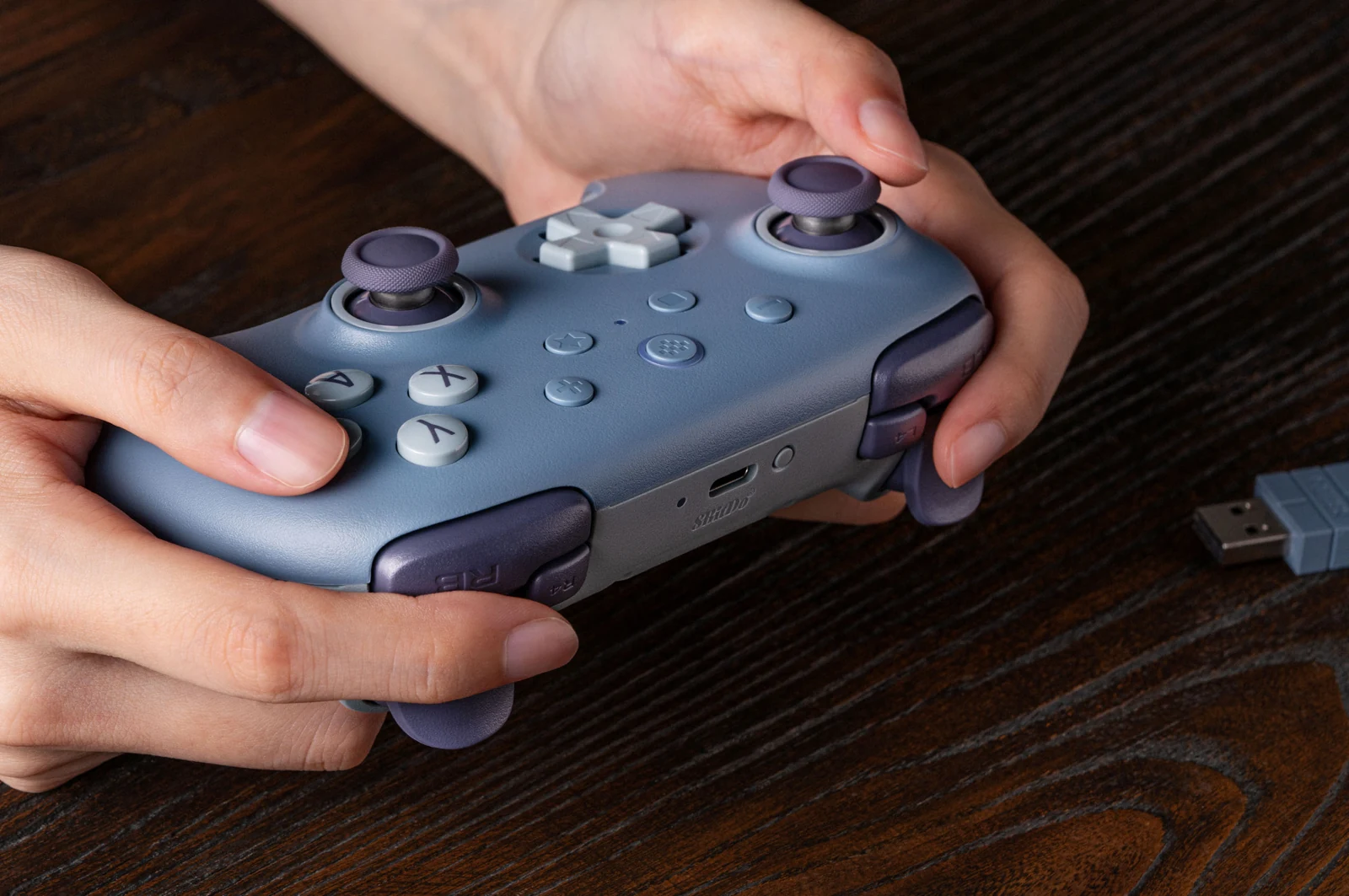
3. GameSir G7 Pro 8K - the 8K polling pick for competitive PC play
You are paying for one thing here, and it delivers: speed. The G7 Pro 8K runs at an 8000 Hz polling rate both wired and over 2.4G, eight times a normal pad. In practice the stick position updates every 0.125 ms, and in shooters that reward fine movement you feel it, especially coming from a console controller. Add second-generation TMR sticks, short-travel Hall triggers, four programmable buttons and a charging dock.
The limitation is blunt: the 8000 Hz is PC-only, and although it pairs with Android and Switch over Bluetooth, it does not work on Xbox or PS5, and in the $80 to $110 price band it is close to console pro-pad territory. Who it is for: anyone playing shooters or fighting games on PC who wants the most direct input a controller can give.
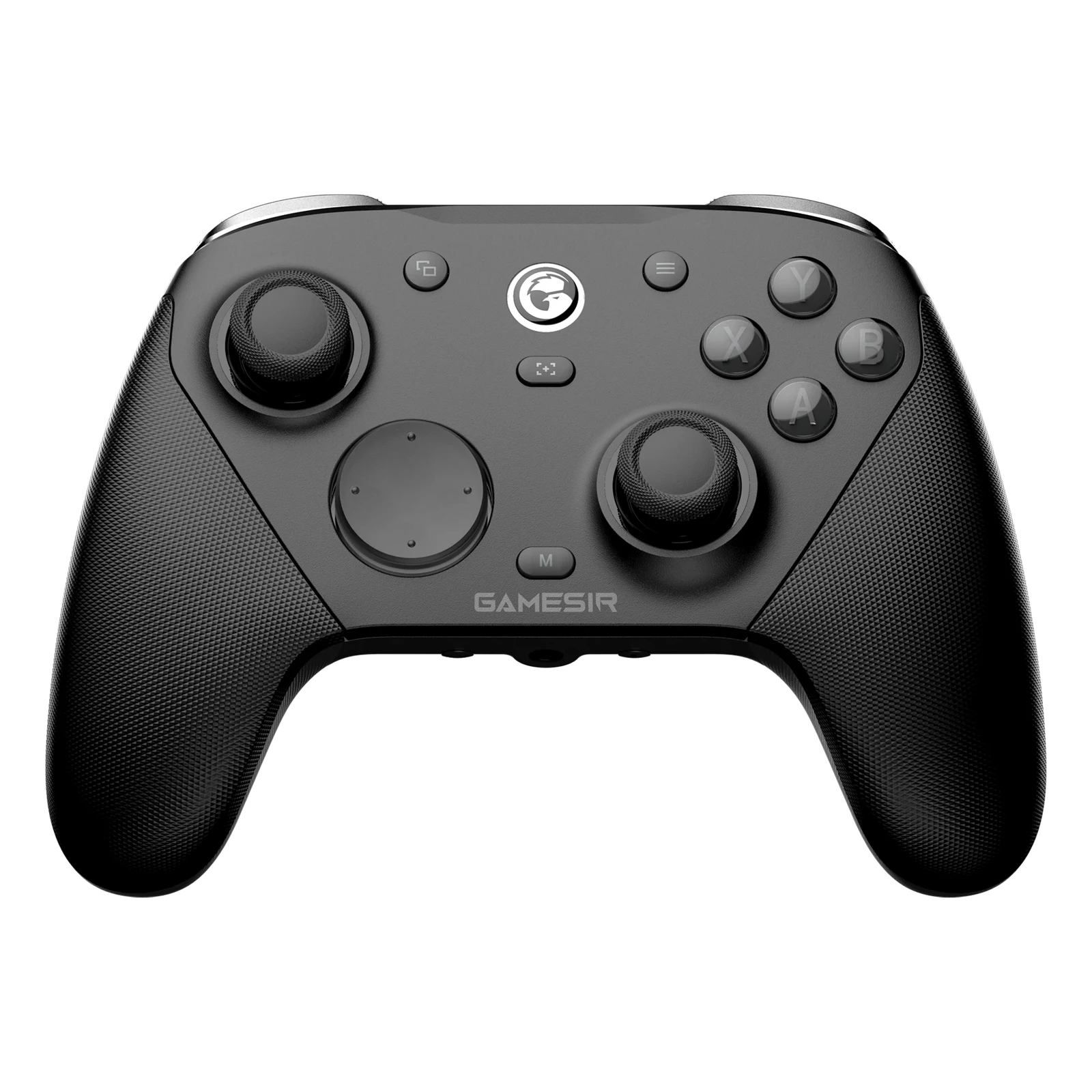
4. Xbox Elite Series 2 Core - the most customizable
Its strength is physical customization. You can adjust stick tension with the included key, flip the trigger locks to halve travel, and hold it with a wrap-around rubberized grip that stays put through long sessions. Microsoft rates the internal battery at up to 40 hours, and compatibility is total: Xbox Series X|S, Xbox One, PC, mobile and TV.
The Core version is cheaper because it ships without the carrying case, the back paddles and the spare sticks of the full bundle. If you want the paddles you buy them separately, and the savings shrink. It also uses classic potentiometers, so there is no drift protection. Who it is for: players who use the same account on Xbox and PC and want a first-party pad with precision adjustments.
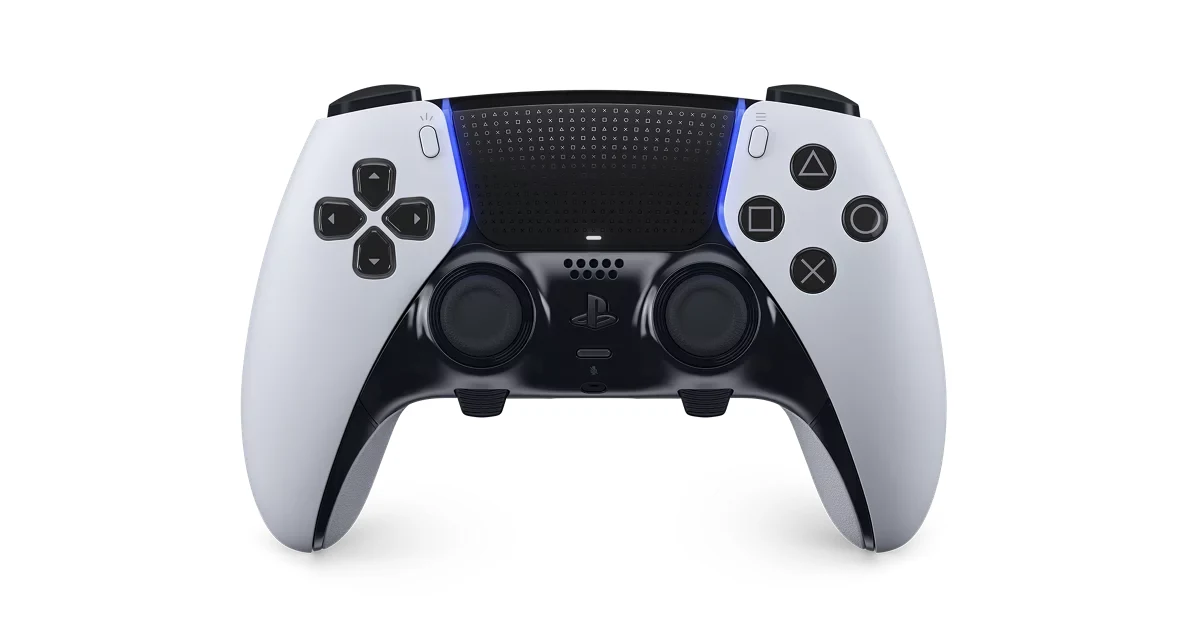
5. PlayStation DualSense Edge - the best for PS5
It is Sony's own pro pad, and it keeps the adaptive triggers and haptic feedback that make games like Astro Bot or Returnal feel different. The pro part lives in the replaceable stick modules (if one fails you swap the part, not the controller), the interchangeable back paddles, trigger travel adjustable across three stops, and profiles you can switch without leaving the match.
The drawbacks are the price, in the $150 to $200 band, and battery life: the extra electronics cut runtime compared with a standard DualSense. Who it is for: people who play PS5 seriously. It works on PC over USB and Bluetooth, though most games there ignore the adaptive triggers.
The controller I would grab
If you play on PC and want a single purchase that will not disappoint, the 8BitDo Ultimate 2 (paid link) is the answer and leaves budget for something else. If price rules, the Ultimate 2C (paid link) delivers the essentials in the $25 to $40 price band. If you compete and every millisecond counts, the GameSir G7 Pro 8K (paid link). If your console is an Xbox, the Elite Series 2 Core (paid link) is the only first-party route with precision tuning. And on PS5, the DualSense Edge (paid link) is the pick: it is Sony’s own pro pad, with the adaptive triggers and haptic feedback.
If you are building out the rest of your kit, our guide to picking a mouse by game and our roundup of the best gaming keyboards of 2026 pair well with this one.
The questions that always come up
What is stick drift and how do you avoid it?
It is when your character moves on its own without you touching the stick. It happens because classic potentiometers wear down through friction. You avoid it by buying a pad with Hall effect or TMR sticks, which measure position with magnets and never make physical contact. We break it down, including which sensor each controller uses, in our stick drift guide: Hall effect vs TMR vs potentiometer.
Does an Xbox controller work on PC with no setup?
Yes. Windows ships with the Xbox driver built in, so any Xbox-compatible pad works the moment you plug it in. PlayStation pads connect too, over USB or Bluetooth, but support varies by game and some will still show Xbox button icons.
Is an 8000 Hz controller worth paying for?
Only if you compete. The gap between 1000 Hz and 8000 Hz is under a millisecond and most players cannot feel it. If you play casually, that money does more in a good headset or a faster monitor.
How long does a wireless controller battery last?
Between 15 and 40 hours depending on the model and how much RGB you leave on. Pads with a charging dock, like the Ultimate 2 or the G7 Pro, sidestep the issue because you drop them on the dock every time you finish playing.
A controller rarely comes alone: the essential console accessories cover charging, storage and cables, and our gaming headsets the audio. A good controller is also one of the safest gifts for gamers.
How we choose: no lab here, and we will not pretend otherwise. We compared the five controllers on what 8BitDo, GameSir, Microsoft and Sony publish: stick type, Hall effect, TMR or standard, polling rate, back buttons, connection and which consoles and PCs each one supports. The list runs from budget third-party pads to the first-party pro models. Arcade sticks and racing wheels stayed out because this list covers standard gamepads. No brand pays to appear here.
I write every guide with the help of AI tools for research and drafting; I decide which products make the cut, check every figure against the manufacturer’s spec sheet and the price on the day I verify it, and sign the text. — Samuel