Light Up Your Gaming Setup: The 5 Best LED Lights of 2026

By Samuel 76 · Founder & Editor
Some links are Amazon affiliate links: we earn a commission if you buy, at no extra cost to you, and it never changes what we recommend. How we make money
I would start with the Govee Flow Plus (paid link): two bars that Govee lists with 2.4 GHz Wi-Fi, Bluetooth and Matter, no hub needed, in the $25 to $40 price band. If you sit in front of a 27 to 34 inch monitor, take the Govee G1 (paid link); if you stream, the Elgato Key Light, which Elgato rates at 2800 lumens. The table below has the figures each brand publishes, and says so when a brand publishes none.
What each one is for
- Easiest start: Govee Flow Plus — $25 - $40
- Behind a PC monitor: Govee G1 — $40 - $60
- Behind a TV or console screen: Govee TV Backlight 3 Lite — $60 - $80
- Face light for streaming: Elgato Key Light — $150 - $200
- Hue ecosystem: Philips Hue Play — $150 - $200
The five lights, side by side
| Light | Made for | Brightness and color | Control | Power | Source |
|---|---|---|---|---|---|
| Govee Flow Plus | TVs under 45 in; two bars, 27 cm with base | Not published; RGBICWW | 2.4 GHz Wi-Fi + Bluetooth; Matter, Alexa, Google Assistant, SmartThings | 12 V, 18 W | Govee |
| Govee G1 | 27–34 in monitors (also sold for 24–26 in) | Not published; RGBIC | Govee app; screen color matching through software; connection not listed | Not published | Govee (model H6609) |
| Govee TV Backlight 3 Lite | 55–65 in TVs; 3.6 m strip in 4 sections, one camera | Not published; RGBICW, 30 LEDs per meter | 2.4 GHz Wi-Fi + Bluetooth; app, control box, voice | 12 V, 24 W | Govee |
| Elgato Key Light (MK.I) | Face light; clamp up to 60 mm, pole 55–125 cm | 2800 lm; 2900–7000 K; 160 LEDs, CRI above 94% | 2.4 GHz Wi-Fi | Up to 45 W | Elgato |
| Philips Hue Play (2 bars) | Two bars, each 25 cm long | 500 lm per bar; 2000–6500 K | Hue Bridge required; Zigbee + Bluetooth | 6.6 W per bar | Philips Hue |
Figures each maker publishes, read on October 12, 2026. Hue figures are from the Play double-pack page. Govee's US store no longer has a page for the new G1: the only one left for the same model, H6609, is its refurbished listing, which is the source of that row and gives no brightness, power or connection, so those three cells stay empty.
Two numbers you can work out from the table. Only two of the five publish a brightness figure, the Key Light and the Hue Play. And the Key Light's 2800 lm is 5.6 times one Hue Play bar's 500 lm, which is why they do different jobs: one lights a face, the other colors a wall.
1. Govee Flow Plus: the no-hub start
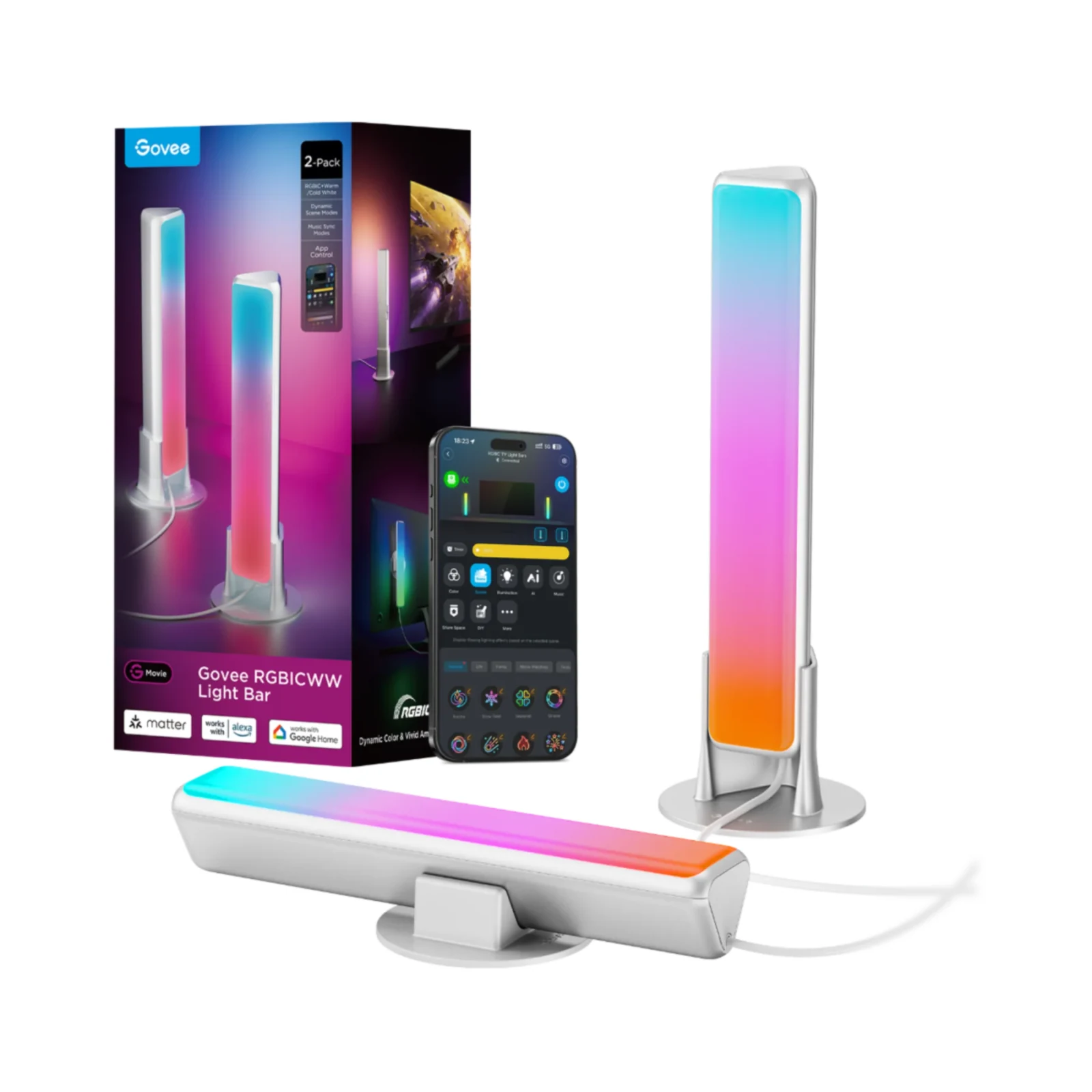
A first set of lights beside a monitor or a TV under 45 inches is the job here. Govee lists the bars at 27 cm with their base, with RGBICWW color, 2.4 GHz Wi-Fi plus Bluetooth, and control from Matter, Alexa, Google Assistant and SmartThings, in the $25 to $40 band. What sets them apart from the TV Backlight 3 Lite is Matter, which Govee lists here and not on the TV strip's page, so these are the ones if your home already runs on a Matter hub. Skip them if you want the lights to follow a PC game: Govee's page lists no PC sync for this model, while the G1 matches screen colors through software. The limit is brightness: Govee publishes no lumen figure for the Flow Plus (paid link), so this guide makes no brightness claim about it.
2. Govee G1: a backlight for a PC monitor
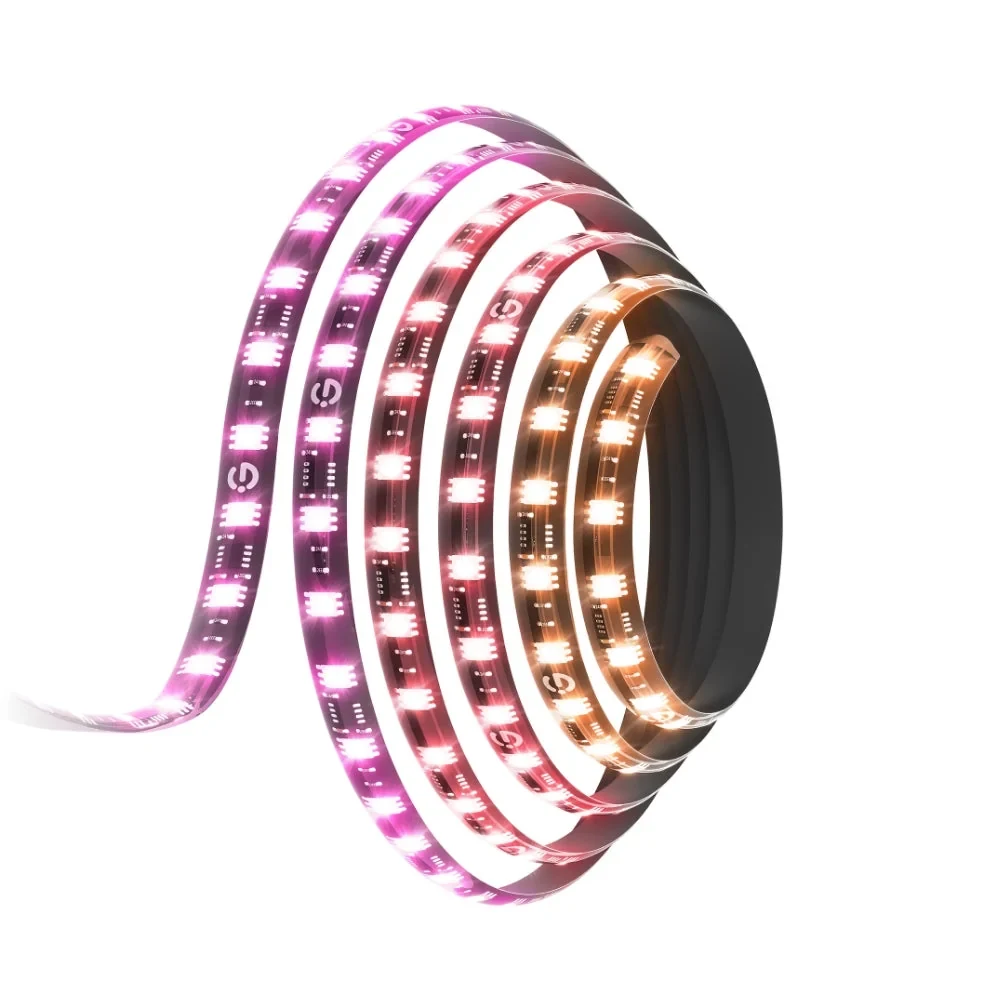
This strip wraps a 27 to 34 inch monitor (Govee also sells it for 24 to 26 inches), and Govee's software reads the screen to match its colors. Govee adds 123 scene modes, 4 music modes and sync with up to 10 other Govee lights. Against the TV Backlight 3 Lite, the screen decides it: a desk monitor of 27 to 34 inches here, a TV of 55 to 65 inches there, where a camera does the color reading instead of software. Skip it for a TV or a console on the couch. Its limit is how little Govee publishes: the listing for model H6609 gives no brightness, wattage or connection type, so the table leaves those cells empty. You can check the current G1 listing (paid link) for the size you need.
3. Govee TV Backlight 3 Lite: a strip for a TV
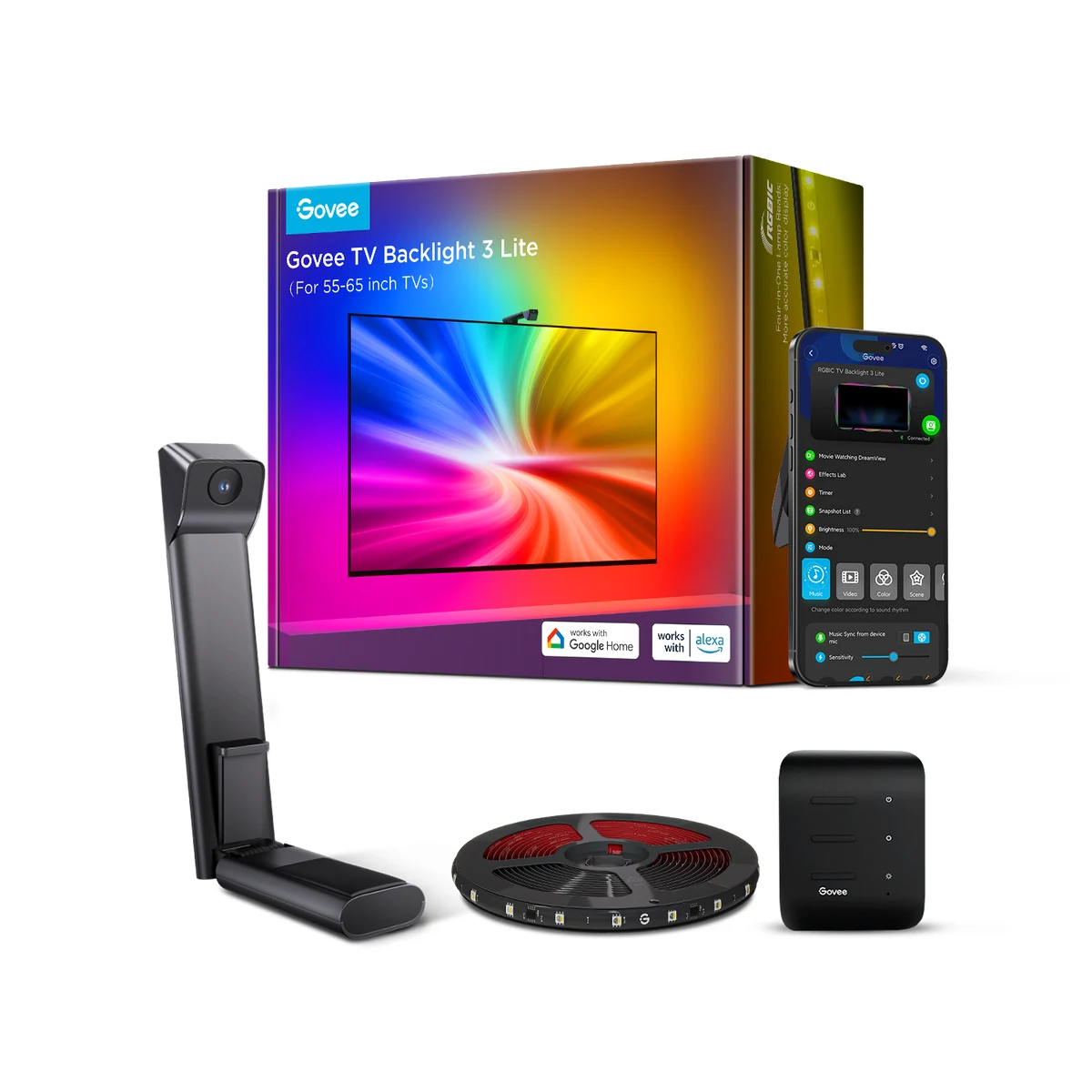
A console or PC on a 55 to 65 inch TV is what this kit is for. Govee lists a 3.6 m strip in four sections with 30 LEDs per meter, one camera that reads the screen with fisheye correction, 2.4 GHz Wi-Fi plus Bluetooth and 24 W. Against the Flow Plus, the TV size is the line: under 45 inches for the bars, 55 to 65 for this strip. Skip it for a monitor, where the G1 fits, or a smaller TV: Govee lists other models for 40 to 50 inch and 32 inch screens. Its limits: Govee's page does not mention Matter for this model and gives no brightness figure. The TV Backlight 3 Lite listing (paid link) shows the sizes on sale.
4. Elgato Key Light: light for your face
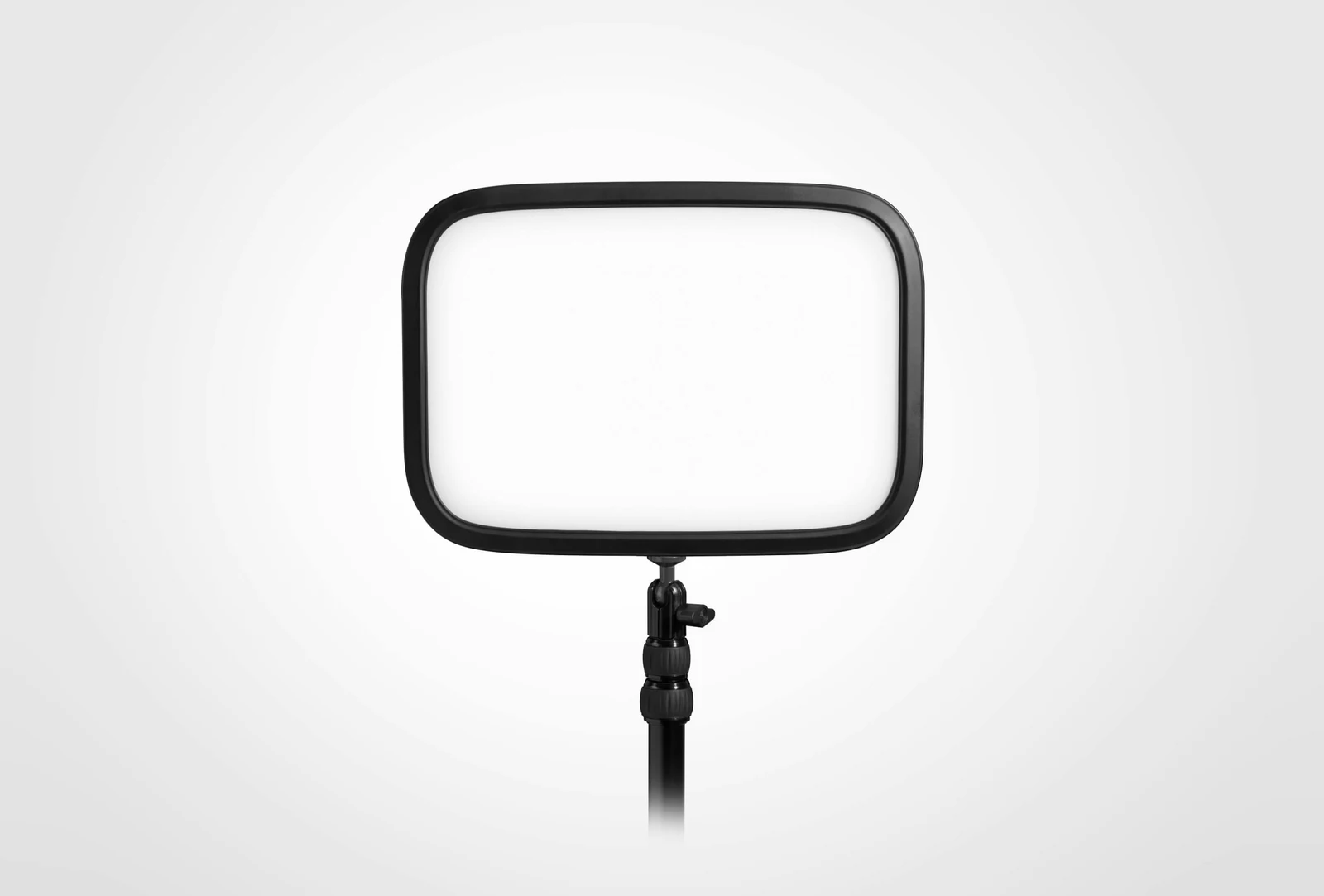
Streaming or calls at a desk: Elgato rates this panel at 2800 lm with a 2900–7000 K range, 160 LEDs with a CRI above 94% and up to 45 W, on a clamp that opens to 60 mm and a pole from 55 to 125 cm. Against the Philips Hue Play, the number is 5.6: that is how many times one Hue bar's 500 lm fits into the Key Light's 2800, and it is why one lights your face while the other colors the wall. Skip it if you want color behind a screen; it is white light only, from warm to cool. Its limit: Elgato's support page marks this version, the MK.I, as Legacy, so check which version the Key Light listing (paid link) sells. The camera matters as much as the light, and our streaming webcam guide covers that side.
5. Philips Hue Play: the bars that need a Bridge
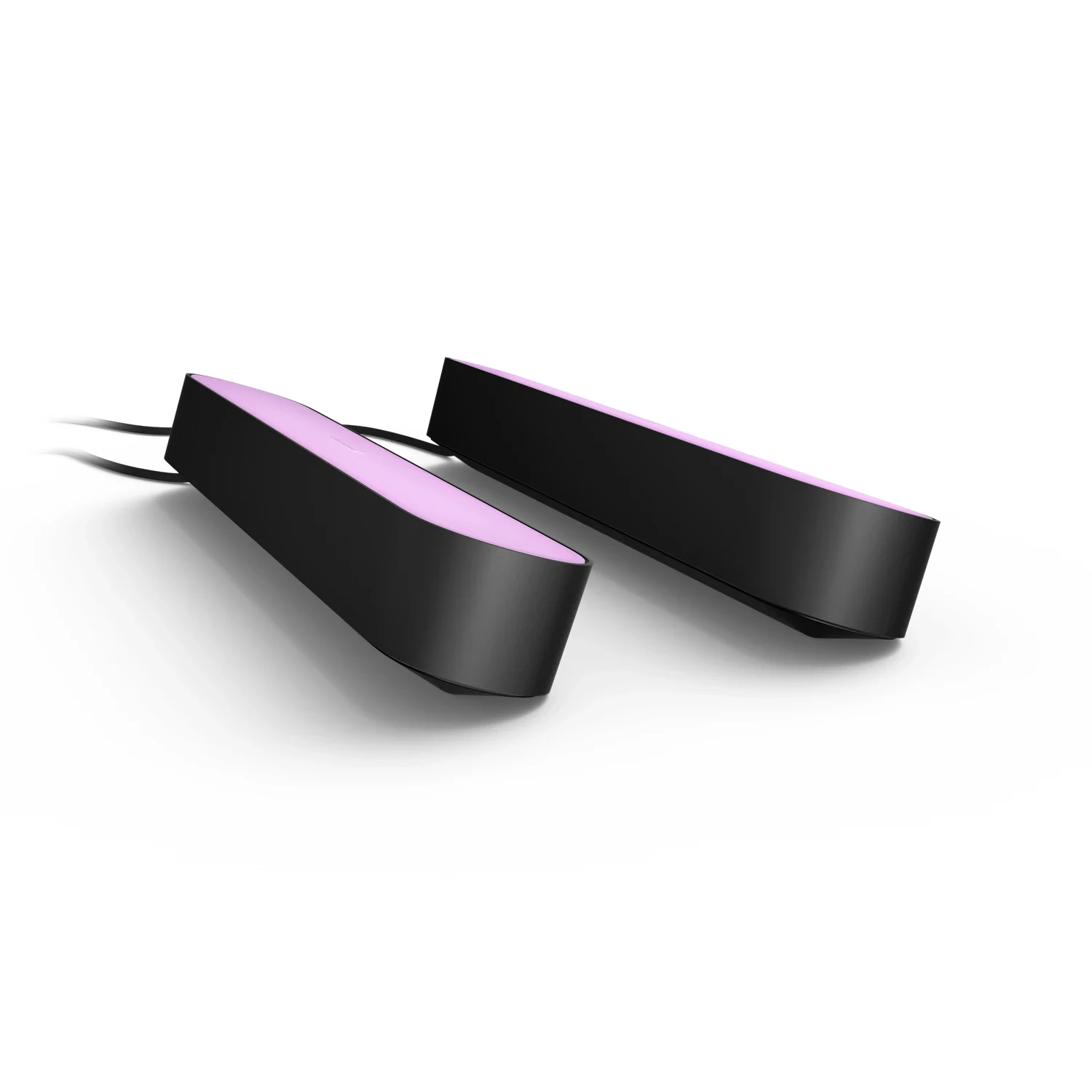
If you already use Hue, or plan to, these are the bars: Philips lists 500 lm per bar, 2000–6500 K and 6.6 W per bar, with Zigbee and Bluetooth. Against the Flow Plus, the difference is the hub: Philips lists the Hue Bridge as required, while the Govee bars connect to your router on their own. Skip them for a first, simple setup. Their limit: to sync the bars with a TV screen, Philips says you also need a sync box or its Sync TV app, so the two Hue Play bars (paid link) are not the whole cost.
Frequently asked questions about gaming LED lights
Do I need a hub or bridge for these lights?
For the Philips Hue Play bars, yes: Philips lists the Hue Bridge as required. Three others need none: Govee lists 2.4 GHz Wi-Fi and Bluetooth for the Flow Plus and the TV Backlight 3 Lite, and Elgato lists 2.4 GHz Wi-Fi for the Key Light. For the G1, Govee's listing does not say how it connects, so we do not have the maker's answer.
Which Govee backlight fits a 55 to 65 inch TV?
The TV Backlight 3 Lite: Govee lists it for 55 to 65 inch TVs, and lists other models for 40–50 inch and 32 inch screens. For a monitor, see the G1 above.
Can the Key Light clamp onto any desk?
It clamps onto desks up to 60 mm (2.35 in) thick, according to Elgato, whose support page also lists a pole height of 55 to 125 cm.
Where to go next
For the camera side of a stream, read our streaming webcams and the pro streaming setup. For a console or PS5 capture, see the capture cards guide. Small desks: small room setup and the budget setup. LED strips are also an easy pick in our gifts for gamers.
How we choose: no lab here, and we will not pretend otherwise. We sorted the five lights by job, face light for the camera or ambient light behind the screen, then compared what Govee, Elgato and Philips publish: brightness, color modes, camera sync, mounting and how each one is controlled. Where a brand does not publish a figure, the table says so instead of filling it in. The list runs from a monitor backlight to a key light for streaming. Ceiling and room lamps stayed out because every pick here sits on or around the desk. No brand pays to appear here.
I write every guide with the help of AI tools for research and drafting; I decide which products make the cut, check every figure against the manufacturer’s spec sheet and the price on the day I verify it, and sign the text. — Samuel