Which CPU Cooler Do You Need? A TDP-Based Guide (2026)

By Samuel 76 · Founder & Editor

Some links are Amazon affiliate links: we earn a commission if you buy, at no extra cost to you, and it never changes what we recommend. How we make money
The cooling industry runs on one fear: that your processor is about to melt. The truth is more boring — almost nobody needs a 360mm liquid cooler with lights, and plenty of people are still running the cooler that came with their chip, louder than it needs to be.
This is not a ranking. It is one table and a list of measurements. Find what your processor actually draws, see what class of cooler that calls for, check that it fits your case, done.
The only number you need to look up
The number in charge is your processor TDP, and more precisely what it pulls when it is maxed out, which AMD calls PPT and Intel calls turbo power. Look it up on the manufacturer page with your exact model: thirty seconds, and it decides everything else.
So you are not left guessing, here is where the common chips land today: a Ryzen 5 5600, a 9600X or a non-K Core i5 are rated at 65W, although a non-K i5 like the 14400 can climb to 148W in turbo. The X3D chips, both the 7800X3D and the 9800X3D, sit at 120W. A K-series Core i5 is 125W at base but climbs to 180 in turbo. And a Ryzen 9 or a K-series i7/i9 clears 170W without breaking a sweat.
One detail that trips people up: the X3D chips do not include a cooler. Neither does the 9600X. If you are building with one of those, the cooler is not optional and it is not an upgrade — it is a part you are missing.
The table: what class of cooler your chip calls for
| What your CPU really draws | What is enough | Price range |
|---|---|---|
| Up to 65W Ryzen 5, non-K Core i5 | Single tower, 4 heat pipes | 16 to 25 dollars |
| 65 to 125W X3D, Ryzen 7, K-series Core i5 | Dual tower, or single tower with two fans | 30 to 40 dollars |
| 125 to 170W Ryzen 9, K-series Core i7 | Large dual tower or a 240/360 AIO | 40 to 60 dollars |
| Over 170W K-series Core i9, serious overclocking | 360 AIO with a thick radiator | 70 dollars and up |
Notice something: the X3D row, which holds the fastest gaming processors that exist, is solved with a dual tower in the $25 to $40 band. The stacked cache does concentrate heat in a small area, true, but total draw is still 120W and a dual tower handles that without sweating.
Air or liquid, minus the marketing
A dual tower in the $25 to $40 band and a 240mm AIO perform basically the same below 150W. The real difference is not degrees, it is three other things: liquid leaves the area around the socket clear, it looks better through a side panel, and it does not hang 700 grams of metal off your motherboard.
In exchange, liquid has a pump, and a pump is a moving part that can die. Air has nothing that dies except a fan that costs eight dollars to replace.
A 360mm cooler with lights is easy to fall for, and for most gaming chips you do not need one. It is the purchase most people make for the photo instead of the number.
Before you buy: the four numbers that ruin the purchase
This is where people get burned, and no "best coolers" list will tell you. Have these four numbers on hand before you click:
1. Your case maximum cooler height. It is in the case spec sheet, in millimeters. A typical dual tower is 155mm and there are mid-towers that top out at 150. Go over and the side panel will not close. It looks silly, and it happens every day. Our Will it fit? checker has the official height of 20 coolers and the clearance of 27 cases, so you see the exact margin in millimeters before you buy.
2. RAM clearance. Big towers sit over the first memory slot. If your modules have tall heatsinks with lights, check the allowed memory height or you will end up sliding the fan upward.
3. Your socket. AM4, AM5, LGA 1700 or LGA 1851. Almost every modern cooler ships brackets for all of them, but almost is not all: confirm it on the listing.
4. Radiator space, if you go liquid. A 360 needs 360mm of clear top or front panel. A great many mid-towers only take 240 up top. This is the most expensive mistake of the four, because returning a liquid cooler is a headache.
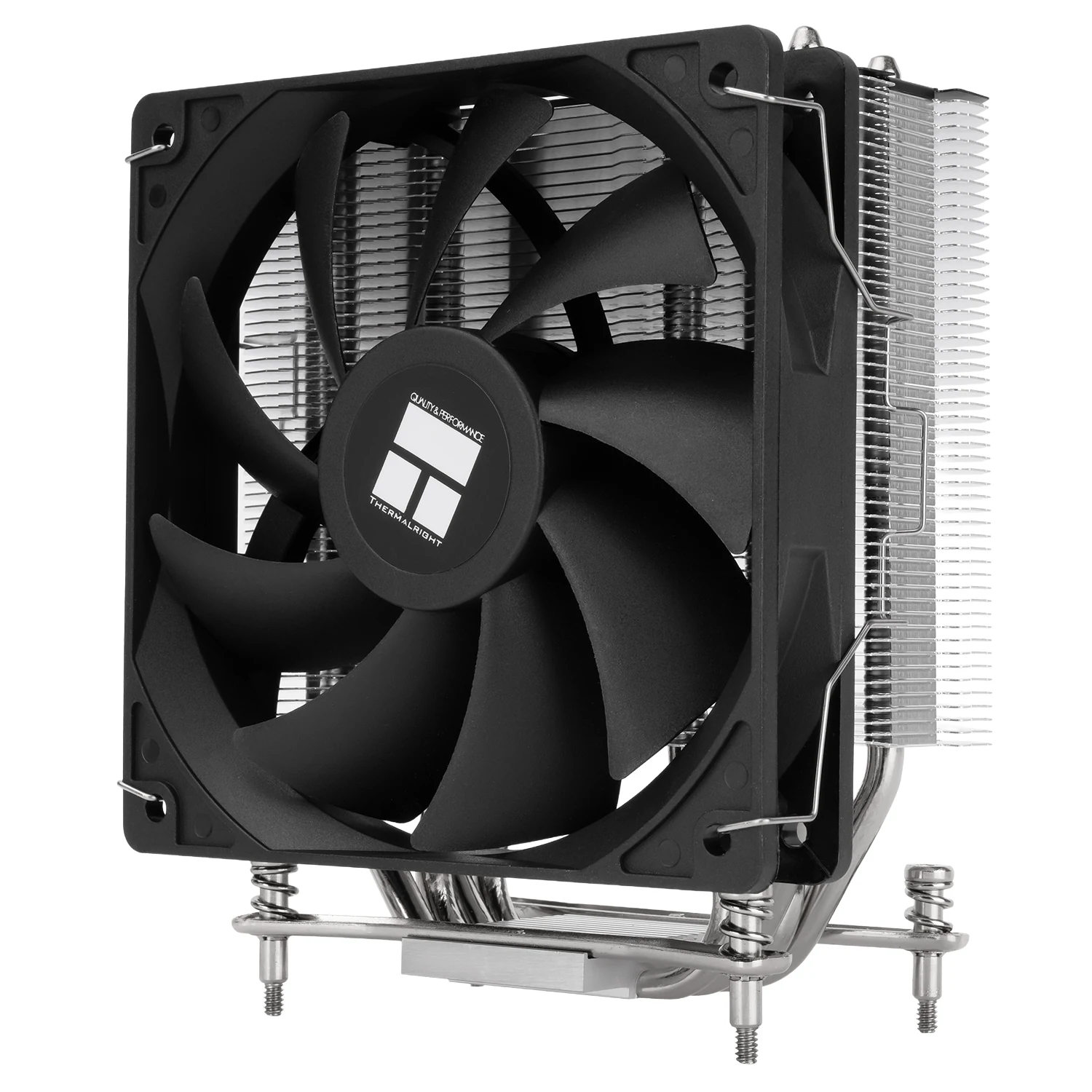
Up to 65W: get the box cooler out and move on
If you run a Ryzen 5 or a non-K Core i5 and you are still on the included cooler, the upgrade is not about temperature, it is about noise. Those stock coolers work — they are designed to work — but they do it by spinning fast and being heard.
A single tower that costs under $25 settles it permanently.
65 to 125W: this is where the sweet spot lives
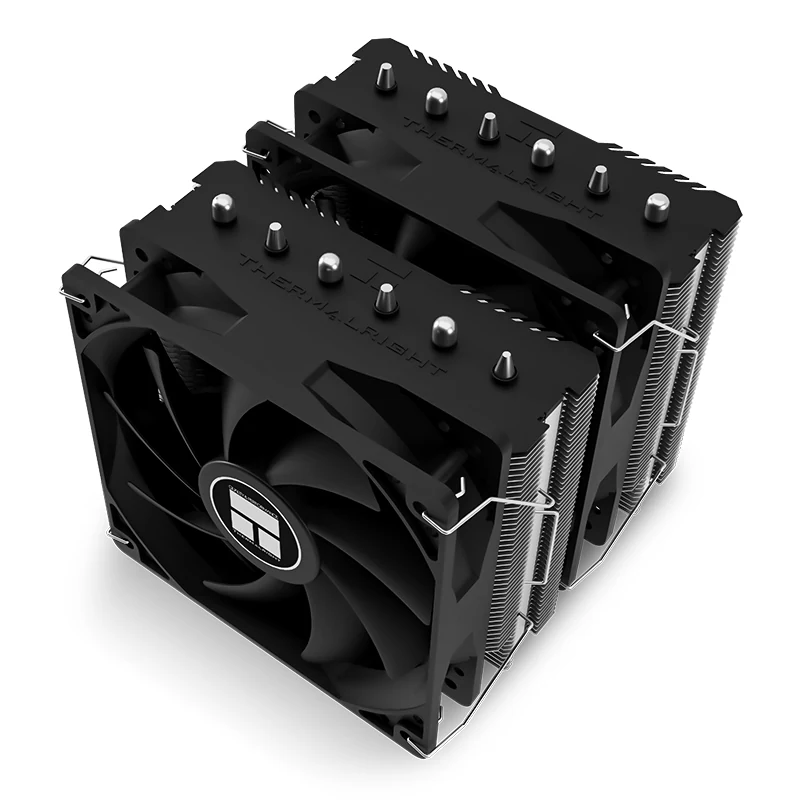
This is the band where most people who game seriously actually sit, and where a cheap dual tower makes everything above it unnecessary. Six heat pipes, two fans, and any chip up to 125W is covered — X3D included.
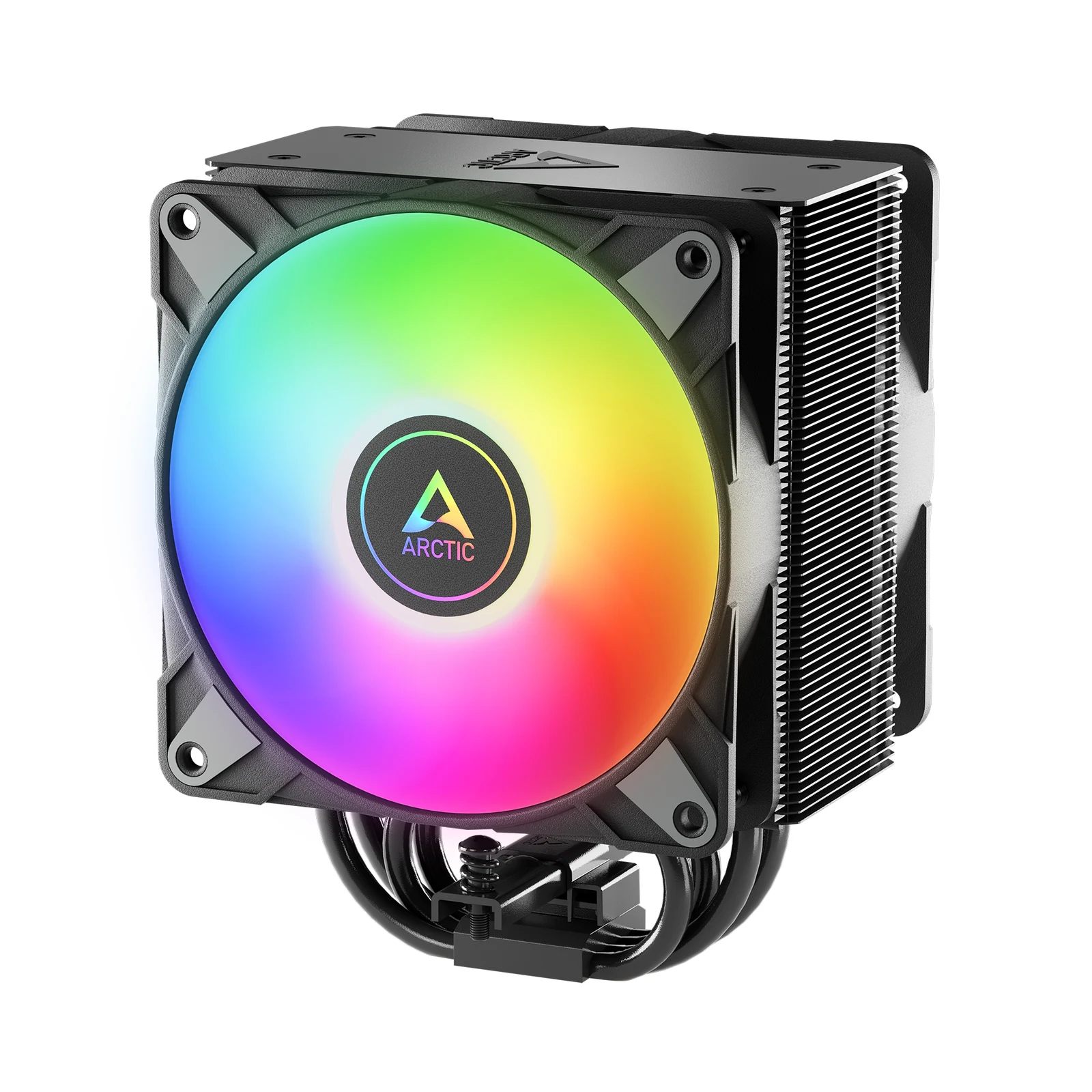
The alternative is a single tower with two fans, which takes up less room and comes with lights if that matters to you. It performs slightly below the dual tower and costs about the same, so the call here is honestly aesthetic. What does add real value is the six-year warranty, which almost nobody offers in this category.
125W and up: big dual tower or liquid
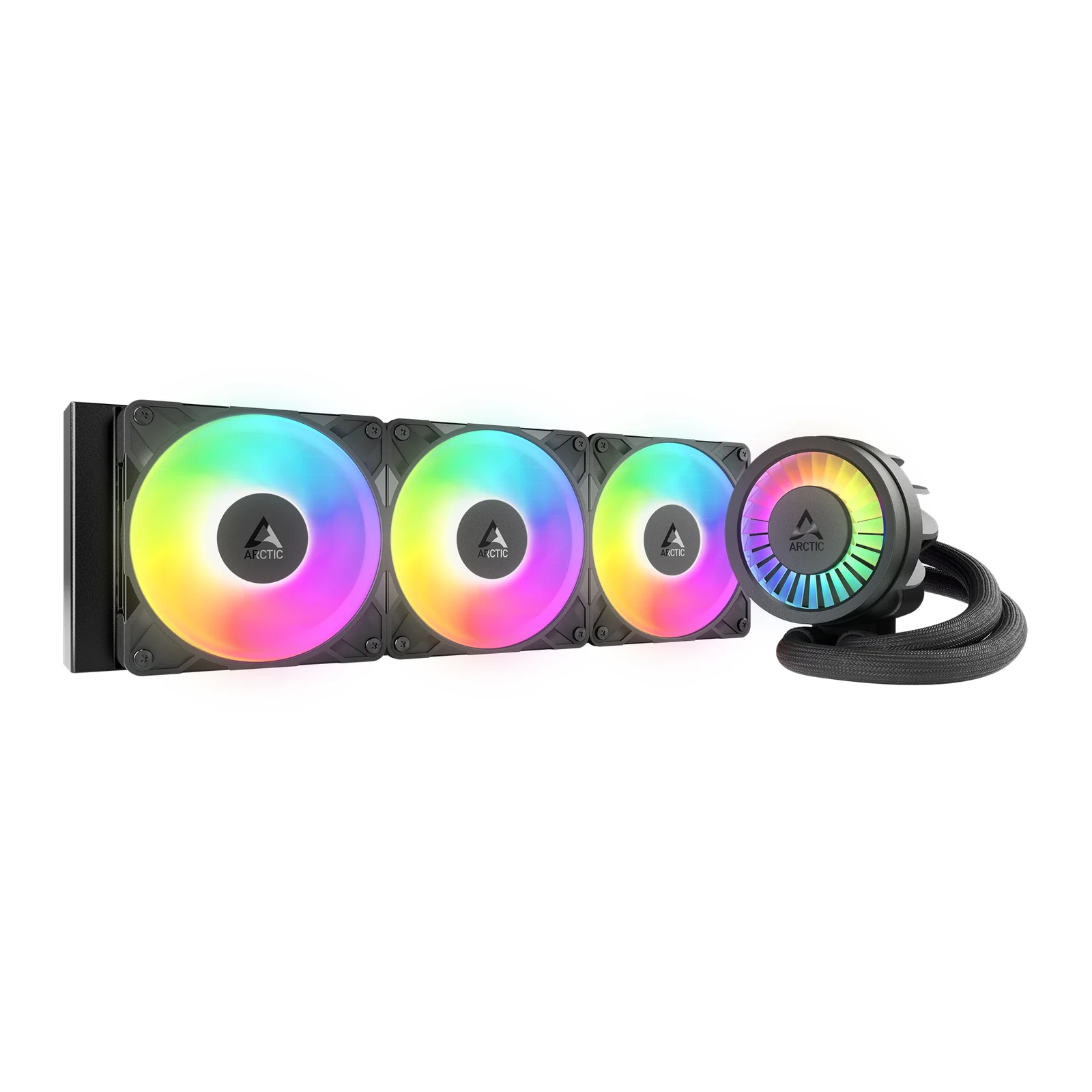
This is where water starts to make sense, especially if your processor is a Ryzen 9 or a K-series Intel that climbs to 180W in turbo. And AIO pricing has moved: today a 360 costs what a 240 cost two years ago.
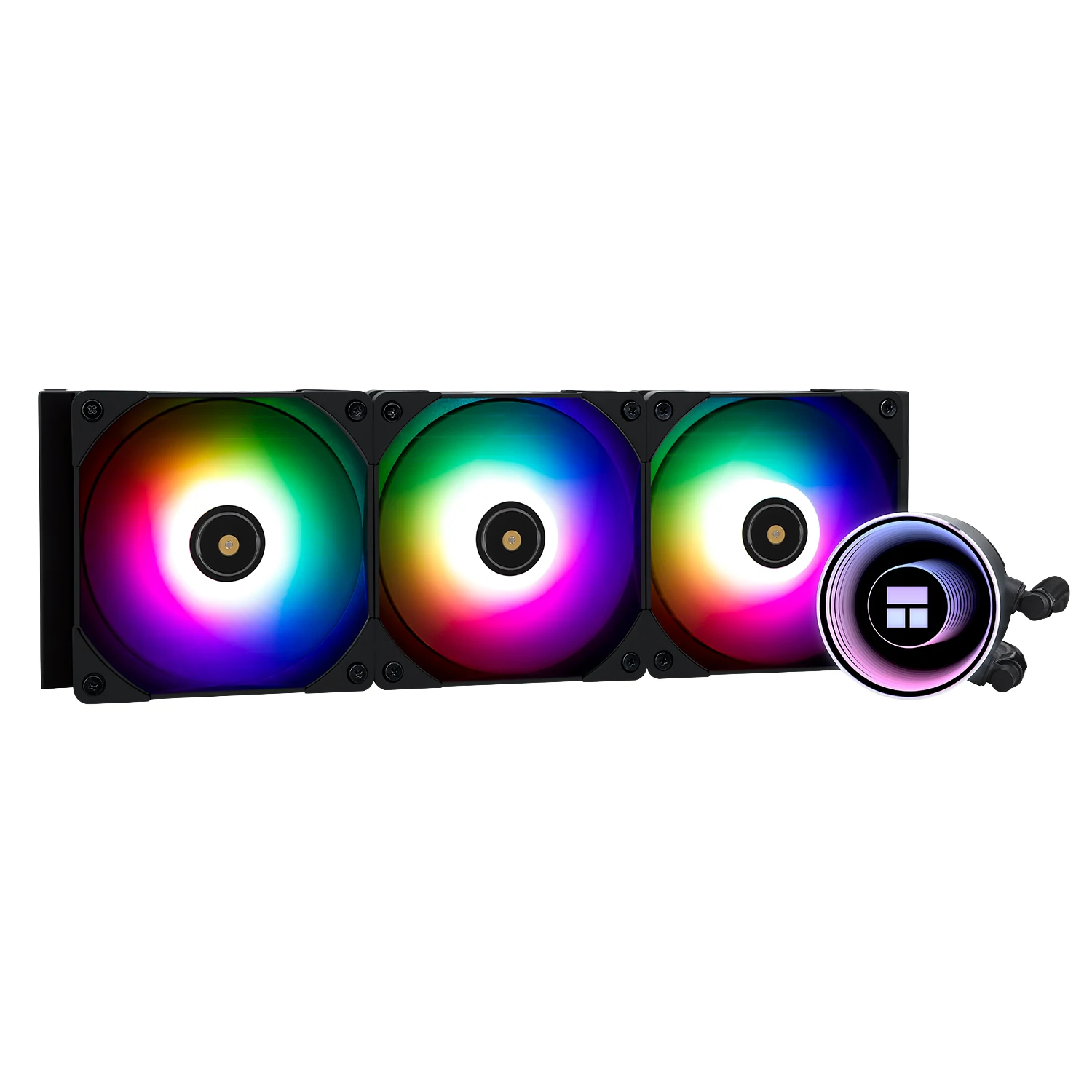
The step above is for an i9 owner or someone overclocking for real. What separates it from the cheap 360s is not the radiator but the VRM fan built into the pump block, which cools the motherboard power delivery and not only the chip. Below 150 watts that is headroom you will not use.
What I would put on, based on your chip
With a Ryzen 5 or a non-K i5: the Assassin X120 Refined SE and move on. There is nothing else to decide there.
With an X3D or anything at 120W: the $25 to $40 dual tower, no hesitation, after checking that 155mm clears your case. It is the cooler that makes a mid-range liquid cooler hard to justify.
With a Ryzen 9 or a K-series i7/i9: a 360 AIO, and if your case only takes 240 up top, go big dual tower instead of a cramped radiator. A small radiator on a hot chip is the worst of both worlds.
One thing that applies to everyone: if you bought the processor this year, confirm the cooler ships the bracket for your socket before you start building. If you are building from scratch, the compatible parts list is in our build tool, and which processor you need for what you play is covered in CPU bottleneck: the 2-minute test.
The questions that always come with temperatures
Is the stock AMD cooler enough for a Ryzen 5 8600G?
For a 65 W chip like the 8600G, a box-class cooler is the normal pick, which is the "up to 65W" tier of this guide. AMD lists the 8600G at a 65 W default TDP and a 95 °C maximum operating temperature on its product page, but that page does not name a bundled cooler, so check what your box actually includes before you buy anything. If the one in the box turns out loud rather than hot, the upgrade is about noise, not temperature.
What temperature should my processor run at while gaming?
Between 60 and 80 under load is normal and means nothing is wrong. Modern chips start pulling their own clocks down somewhere between 89 and 105 degrees depending on the model (95 on most Ryzen, 100 to 105 on current Intel), so as long as you are not hitting that ceiling you are fine. A processor at 85 degrees is not damaging itself, it is working.
Is repasting worth it?
If your machine is three or four years old and temperatures crept up over time, yes, and it costs six dollars. If it is new, no: the paste that comes on decent coolers today is good, and the gap against expensive paste is two or three degrees you will never notice.
Can an AIO burst and soak everything?
Closed loops come sealed from the factory and leaks are very rare. What does happen over time is the pump degrading or getting noisy, usually past the five year mark. That is why a long warranty is worth more than two degrees.
Do case fans matter or is the cooler enough?
They matter, more than people think. A great cooler in a case with no airflow just recirculates hot air. Two intake fans in front and one exhaust in back solve the large majority of cases.
I have an X3D, do I need liquid?
No. It is rated at 120W, a little above a Ryzen 7 7700X (105W). The one quirk is that it concentrates heat in less area because of the stacked cache, and a decent dual tower handles that the same way.
Once the cooler is in, safe CPU and GPU temps tells you whether it is doing its job, and choosing a case by its airflow makes sure it gets fresh air.
How we choose
We do not have a lab and we are not going to pretend otherwise. We sorted coolers by the power figure AMD and Intel publish for each processor, then matched them to what ARCTIC and Thermalright publish: cooling class, height, socket support and fan size. The table runs from the box cooler for chips up to 65 W to liquid coolers for the hottest ones. Custom water loops stayed out because they are a hobby of their own, not a buying decision. No brand pays to appear here.
I write every guide with the help of AI tools for research and drafting; I decide which products make the cut, check every figure against the manufacturer’s spec sheet and the price on the day I verify it, and sign the text. — Samuel
The cooler is only one part of the air in a tower. For case fans, their current figures and the motherboard header limit, see how many case fans your PC needs.