Best CPU for Gaming in 2026: 5 Picks by Socket

By Samuel 76 · Founder & Editor
Some links are Amazon affiliate links: we earn a commission if you buy, at no extra cost to you, and it never changes what we recommend. How we make money
If you are building or upgrading a gaming PC in 2026, the processor question has a short answer and a long one. The short one: the Ryzen 7 9800X3D is within a few percent of the fastest gaming CPU you can buy (only its 9850X3D refresh edges it out), and most people should not buy it. The long one is this guide: five processors, one for each real situation, which socket each one locks you into, and where the extra money stops turning into extra frames. I will not lie to you: at 1440p with a mid-range card, the cheapest chip on this list and the most expensive one look almost identical in most games. The difference shows up in specific places, and I will tell you exactly which.
Every processor here is in our catalog with its features and price range; you can put two of them side by side in the comparator or start a full build from the CPU in the PC builder.
Five answers, no fluff
- Fastest gaming CPU on this list: AMD Ryzen 7 9800X3D — $400 - $600
- Best value on AM5 if you can still find it: AMD Ryzen 7 7800X3D — $280 - $400
- Best starting point for a new AM5 build: AMD Ryzen 5 9600X — $150 - $200
- Best upgrade for an AM4 board you already own, if it has a Ryzen 1000 to 3000: AMD Ryzen 5 5600 — $150 - $200
- Best upgrade for an LGA 1700 board you already own, if it has an i3 or an i5 up to the 12400F: Intel Core i5-14400F — $150 - $200
1. AMD Ryzen 7 9800X3D — almost the fastest, and the one you probably do not need
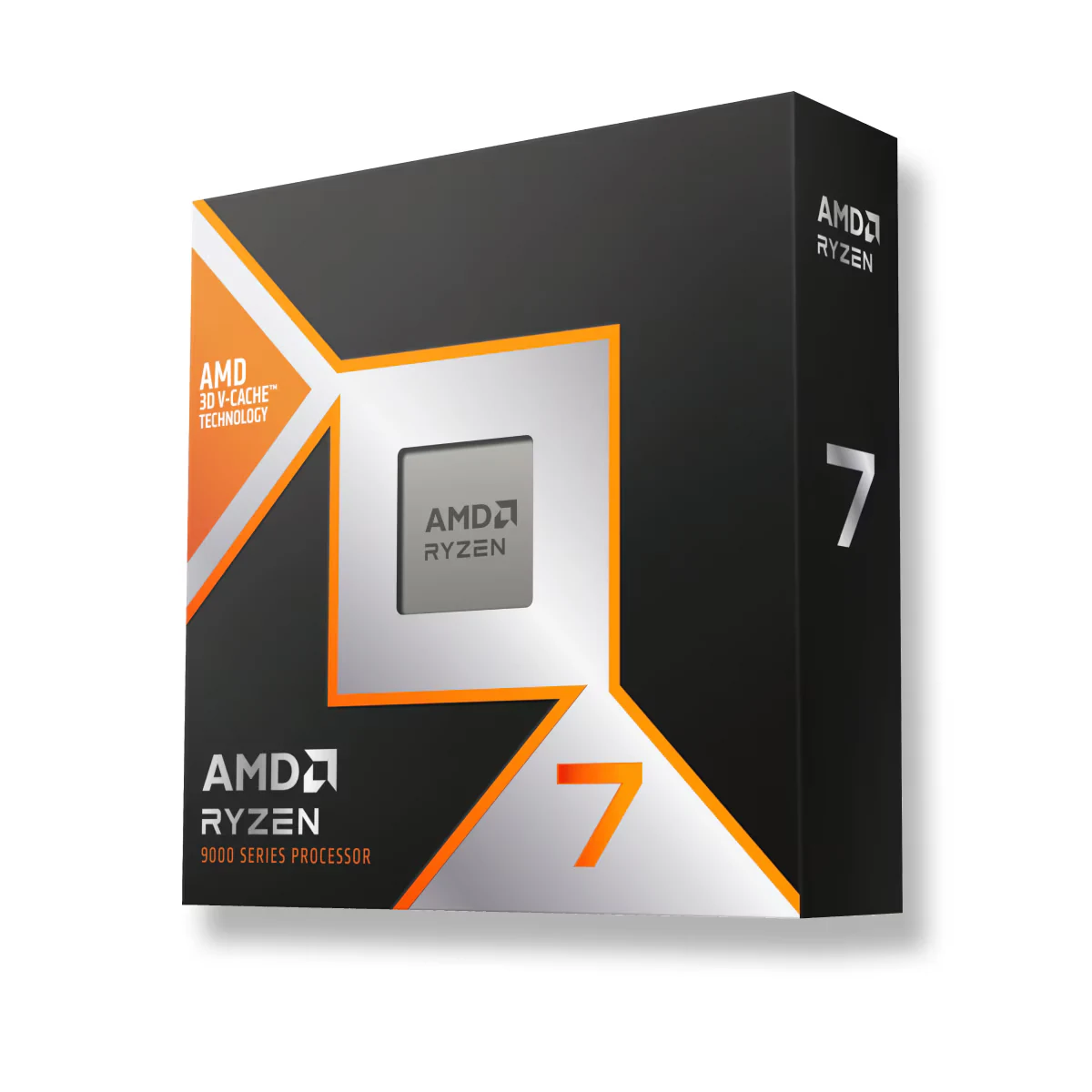
Eight Zen 5 cores, 16 threads, 5.2 GHz boost and 96 MB of L3 cache, with the 3D V-Cache stacked under the cores, which is the whole trick: games that live on the CPU, like simulators, strategy titles and huge open worlds, keep their data close and stop waiting on memory. According to AMD's spec sheet it is a 120 W chip with an unlocked multiplier, and unlike the previous generation the cache sits under the cores, so it runs cooler and can actually be overclocked. It does not ship with a cooler.
Who it is for: anyone chasing the highest frame rate at 1080p or 1440p with a high-end graphics card, or anyone who plays the CPU-heavy games where a normal chip stutters. Where it falls short: price and diminishing returns. TechSpot measured it about 8% ahead of the 7800X3D across 12 games at 1080p with an RTX 5090, and with a mid-range card at 1440p that gap mostly disappears. The numbers say it another way: with a mid-range card at 1440p, it is more processor than the graphics card can use.
2. AMD Ryzen 7 7800X3D — the smart buy, while stock lasts
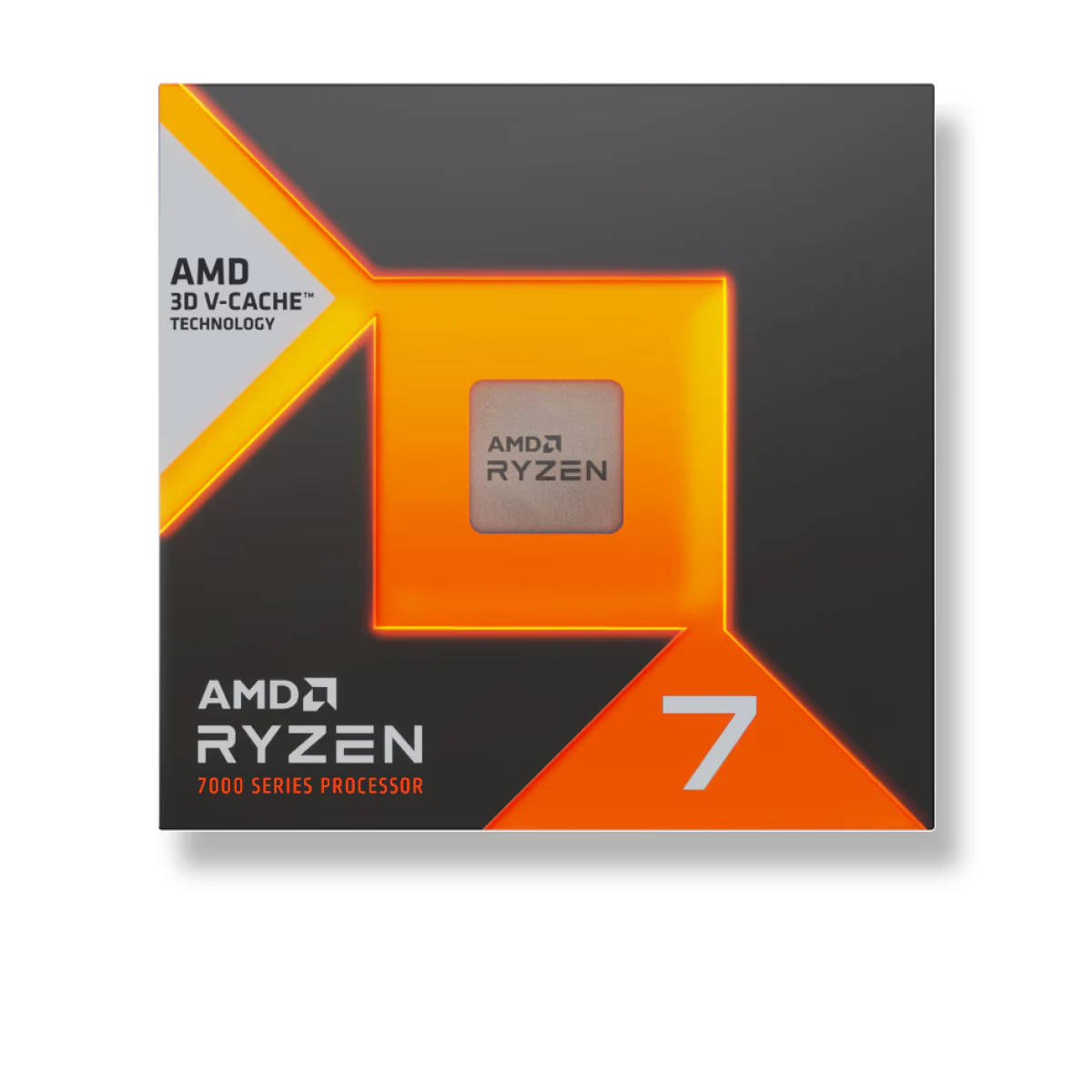
Same idea, one generation back: eight Zen 4 cores, 16 threads, 5.0 GHz boost, 96 MB of L3 with 3D V-Cache, 120 W, AM5. For two years this was the gaming processor everyone recommended, and the reason it is still here is simple: it delivers most of what the 9800X3D delivers and it sits in the band $280 to $400 instead of $400 to $600. No cooler in the box, and being AM5 it wants DDR5 memory.
Who it is for: someone building an AM5 PC around a strong GPU who wants the X3D advantage without paying the flagship premium. Where it falls short: it is being phased out, so availability comes and goes, and the older Zen 4 cores are a bit slower outside games, if you also render video or compile code. Fair warning though: if it is out of stock when you look, do not overpay a third-party seller for it; the 9600X below is the sane alternative.
3. AMD Ryzen 5 9600X — the right way to start on AM5
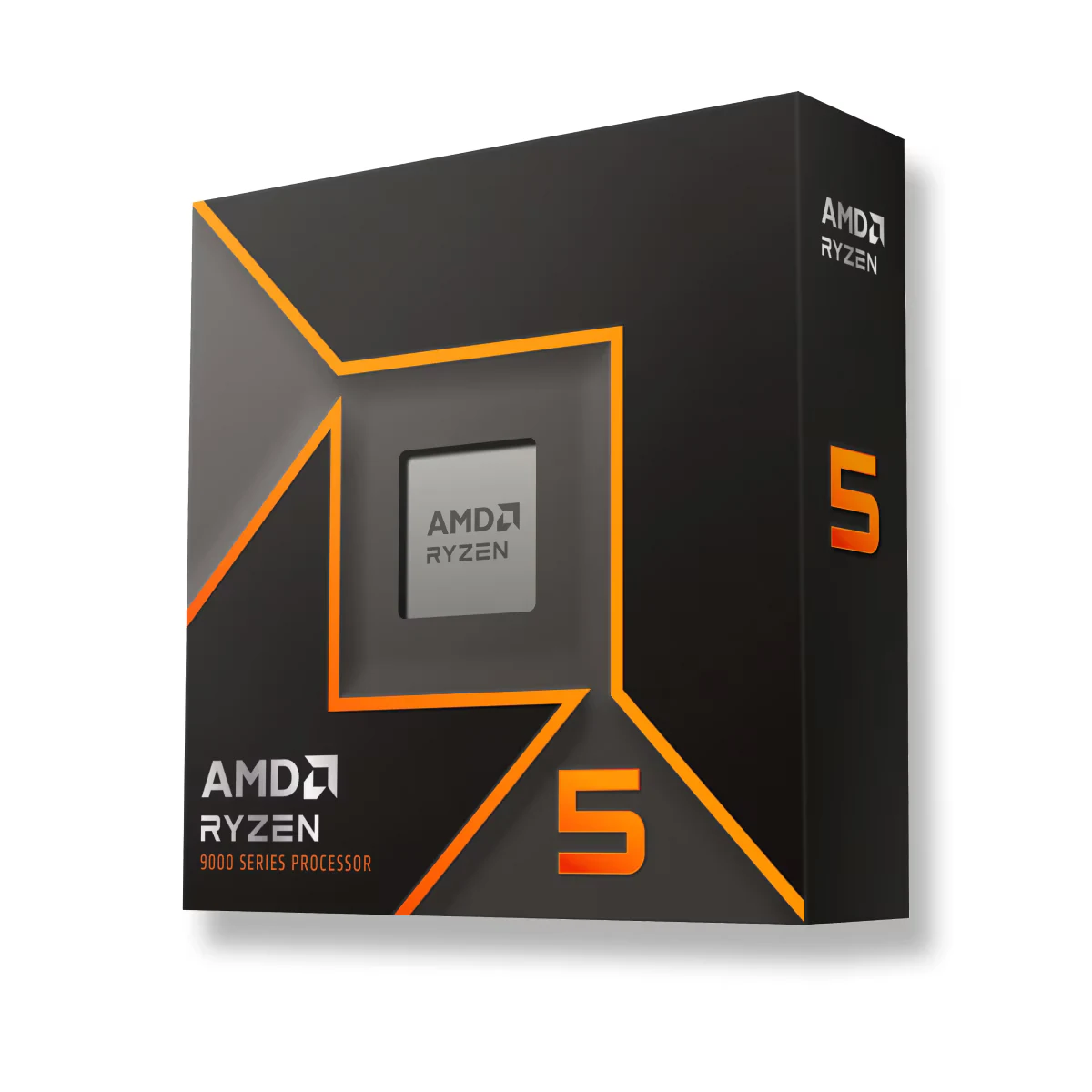
Six Zen 5 cores, 12 threads, 5.4 GHz boost, 32 MB of L3, 65 W, unlocked, AM5. It is the processor I would put in most new builds under a serious budget, because AM5 is the socket AMD has committed to through 2027 and beyond, which means you can start with this chip and drop an X3D into the same board in two years without touching anything else.
Who it is for: a new build with a mid-range card, an RTX 5060 or 5060 Ti, an RX 9060 XT, where the GPU is the limit anyway. Where it falls short: six cores is fine for gaming today but tighter if you stream and game on the same PC, and it also ships without a cooler.
If you are going AM5 from scratch, the board is the second decision and it has its own traps: how to choose a motherboard covers the five boxes worth checking before the chipset, starting with BIOS Flashback.
4. AMD Ryzen 5 5600 — the cheapest second life for an AM4 board
Six Zen 3 cores, 12 threads, 4.4 GHz boost, 32 MB of L3, 65 W, AM4, and, like the i5-14400F and unlike the three AM5 chips here, it comes with a cooler in the box, the Wraith Stealth. If you own a B450 or B550 board with DDR4, this is the upgrade that costs one part instead of three: no new board, no new memory, one BIOS update and done.
Who it is for: the person with an older Ryzen 3 or Ryzen 5 1000/2000-series PC who just bought a modern mid-range GPU and noticed the frames did not go up as much as expected. Where it falls short: it is the slowest chip here, and on AM4 there is no future path beyond the 5800X3D, which is getting hard to find. Heads up: do not buy this for a new build; spending the same money on a new AM4 board plus this chip is worse than starting on AM5.
5. Intel Core i5-14400F — if your board is LGA 1700, stop here
Ten cores, six performance and four efficiency, 16 threads, 4.7 GHz boost, 20 MB of L3, 65 W base, LGA 1700, and the F means no integrated graphics, which you do not need on a gaming PC. It is Intel's answer to the same question the 5600 answers for AMD: you already own a 600- or 700-series board, maybe with DDR4, and you want more without replacing the platform.
Who it is for: an existing 12th- or 13th-gen Intel PC with a weak i3 or an old i5. Where it falls short: LGA 1700 is a dead-end socket, so this is the last stop for that board, and in pure gaming it trails the 9600X clearly. What it has going for it is on Intel's spec sheet: 65 W of base power and a Laminar RM1 cooler in the box, so the upgrade is the chip alone.
The only question that matters: which socket do you own?
Basically, the whole decision collapses into one table. Find your row, ignore the rest.
| Your situation | Buy this | Why |
|---|---|---|
| New build, high-end GPU, want the best | Ryzen 7 9800X3D | Near-top frame rates and 1% lows in CPU-bound games |
| New build, high-end GPU, want value | Ryzen 7 7800X3D | Most of the X3D gain, lower band, if in stock |
| New build, mid-range GPU | Ryzen 5 9600X | GPU is the limit; AM5 leaves the door open |
| Already own AM4 with a Ryzen 1000 to 3000 (B450/B550, DDR4) | Ryzen 5 5600 | One part, cooler included, no new memory |
| Already own LGA 1700 with an i3 or an i5 up to the 12400F (B660/B760) | Core i5-14400F | Last upgrade for that board, cheap and cool |
If you are not sure whether your processor is even the problem, run the two-minute check in our CPU bottleneck guide before spending anything. And remember that three of these five chips need a cooler you buy separately; which one fits each wattage is in the TDP-based cooler guide.
How we choose
We do not have a lab and we are not going to pretend otherwise. We compared what AMD and Intel publish for each chip: socket, cores, cache, power and memory support, and picked by the socket a reader can own in 2026, from an AM4 drop-in to the AM5 X3D chips, plus one Intel option. Price bands are checked on Amazon the day we write. Workstation chips stayed out because this guide is about gaming. No brand pays to appear here.
I write every guide with the help of AI tools for research and drafting; I decide which products make the cut, check every figure against the manufacturer's spec sheet and the price on the day I verify it, and sign the text. — Samuel
Frequently asked questions about gaming CPUs
Is the 9800X3D worth it over the 7800X3D?
For most people, no. The gap TechSpot measured was about 8% across 12 games at 1080p with an RTX 5090, and it shrinks at 1440p. It is worth it if you play CPU-heavy games at very high refresh rates, or if the 7800X3D is simply not available at a sane price.
Do I need an X3D chip for 1440p gaming?
Not with a mid-range GPU. At 1440p the graphics card decides most of your frame rate; a 9600X leaves an RTX 5060 or 5060 Ti with nothing to complain about. X3D starts paying off with an RTX 5070 Ti or above, or in simulators and strategy games at any resolution.
Should I buy AM4 or AM5 in 2026?
New build: AM5, because the socket has a future; just budget for memory, because DDR5 has become much more expensive since late 2025 due to the shortage driven by AI demand. Existing AM4 PC with a Ryzen 1000, 2000 or 3000 (or a 5500): stay and drop in a Ryzen 5 5600; the money you save goes to the GPU, which moves the needle more. If it already has a 5600X or anything faster, the 5600 adds nothing: your next step is AM5.
Which of these come with a cooler?
The Ryzen 5 5600 (Wraith Stealth) and the i5-14400F (Intel Laminar RM1). The 9800X3D, 7800X3D and 9600X all ship without one, so budget for it before you check out.
My pick by socket
If you ask me: new PC with a real graphics card, the 9800X3D if money is not the constraint and the 7800X3D if it is and you can find it. New PC on a normal budget, the 9600X, and put the difference into the GPU. Old AM4 machine, the 5600 and stop thinking about it. Old LGA 1700 machine, the 14400F for the same reason. That said, the worst purchase on this page is not the most expensive one; it is buying any of these without knowing which socket is sitting in your case right now.