CPU Bottleneck: The 2-Minute Test to Know for Sure (2026)

By Samuel 76 · Founder & Editor

Some links are Amazon affiliate links: we earn a commission if you buy, at no extra cost to you, and it never changes what we recommend. How we make money
You bought a new graphics card, you installed it, and the frame rate went up way less than you expected. The question shows up on its own: is the processor holding it back? Short answer: watch your graphics card usage in the heaviest moment of the game; at 95-100% the processor is fine, and well under 85% with fewer frames than your monitor can show, something other than the graphics card is holding it back.
You can settle it in two minutes with what Windows already gives you, without downloading anything and without paying any attention to a website that hands you a made-up percentage. Here is the test, how to read it, and what to do with each result.
The two-minute test
A CPU bottleneck is not something you calculate. It is something you look at, and it lives in a single number: how hard your graphics card is working while you play.
- Open the game that actually matters to you, not a benchmark. And go to the spot where your performance really drops: the crowded city, the 20-player fight, the heavy map.
- Put a meter on top of it. Win+G opens the Windows Game Bar, which shows GPU usage, CPU usage and frame rate with nothing installed. If you prefer, Ctrl+Shift+Esc and the Performance tab in Task Manager does the same job on a second screen.
- Play two real minutes and watch GPU usage during the bad moments, not in the menu.
One detail that changes the answer and almost nobody mentions: turn off your frame cap and V-Sync before you test. With V-Sync on, your graphics card is idling on purpose, and you will read a bottleneck that is not there.
How to read the result
| GPU usage in the bad moment | What it means | What you do |
|---|---|---|
| 95-100% | Your processor is fine. The graphics card is the one maxed out. | Nothing on the CPU side. For more frames, drop settings or change the GPU. |
| 85-95% | Healthy zone. A bit of both, which is what a balanced PC looks like. | Nothing. Really, nothing. |
| 60-85% with frames below what your monitor can show | Now we are talking: something other than the GPU is in charge. Usually the CPU or the memory. | Start with the three free fixes below. If nothing changes, processor. |
| Under 60% | Clear limit outside the graphics card. | Check memory and settings before buying anything: it is rarely just the CPU. |
And if GPU usage looks low but your frames are already higher than your monitor refresh rate, you have no problem at all: you are over-equipped and the game is capping itself. That one does not get fixed, it gets enjoyed. If you would rather not read the table yourself, our bottleneck test does it for you: type in your GPU usage, your frames and your monitor's refresh rate, and it tells you what to do, in order. And if your verdict is a new graphics card, check the power supply before you buy: our PSU calculator works out the wattage for your processor and the card you have in mind.
The bottleneck calculator trap
Search this topic and the first thing you get are sites that ask for your CPU, GPU and resolution and hand back something like 23.7% bottleneck. That number does not exist. There is no unit behind it, no measurement, no standard: it is a homemade formula comparing two score lists and dressing up a subtraction as a diagnosis.
The deeper problem is more interesting. A bottleneck is not a fixed property of your machine, it is a situation that changes per game and even per scene. The same PC can be CPU-limited walking through a city with 40 characters on screen and GPU-limited five minutes later in an empty hallway full of reflections. Which is why the only answer worth having is the one that comes out of your game, on your screen, in the part that bothers you.
Resolution changes the diagnosis
Raising the resolution piles work onto the graphics card and takes it off the processor. That is why the same machine can be CPU-limited at 1080p and perfectly balanced at 1440p without swapping a single part. At 4K, outside of odd cases, the processor is almost never the guilty one.
Shooters with full lobbies are the classic case: at 1080p they can run out of processor before they run out of graphics card.
Heads up on upscaling, because this is where a lot of people trip: if you play 1440p with DLSS or FSR on Quality, your card is rendering at about 960p (720p on Performance) even though the panel says 1440p. The GPU got the relief and the processor is back in charge. If you want that broken down by GPU generation with numbers, we did it in 1080p, 1440p or 4K in 2026: which one fits your GPU.
Three fixes that cost nothing
Before you spend 300 dollars, spend half an hour on settings. These three are free and they close a good share of the positive diagnoses:
1. Turn on EXPO or XMP in the BIOS. This is the big one. If you never touched it, your memory is running at base speed — 2133 MHz on DDR4, 4800 on DDR5 — instead of the 3600 or 6000 you paid for. In CPU-bound games those are free frames, and it is one option in the BIOS. How much memory you actually want is covered in How much RAM do you need for gaming in 2026.
2. Get the overlays off your back. Discord, a browser with 30 tabs, RGB software, a capture tool and an antivirus mid-scan all live on the processor, and on a 6-core chip you feel it. Close them and measure again before you blame the hardware.
3. Power plan on High performance, chipset drivers up to date. The two worst-spent minutes of your life if that was not it, and the best two if it was.
If the test came back positive: which CPU
The first question here is not the model, it is your motherboard socket, because that decides whether this costs you one chip or a whole platform. Check the board manual, or Task Manager.
If you are on AM4 (Ryzen 1000 through 5000)
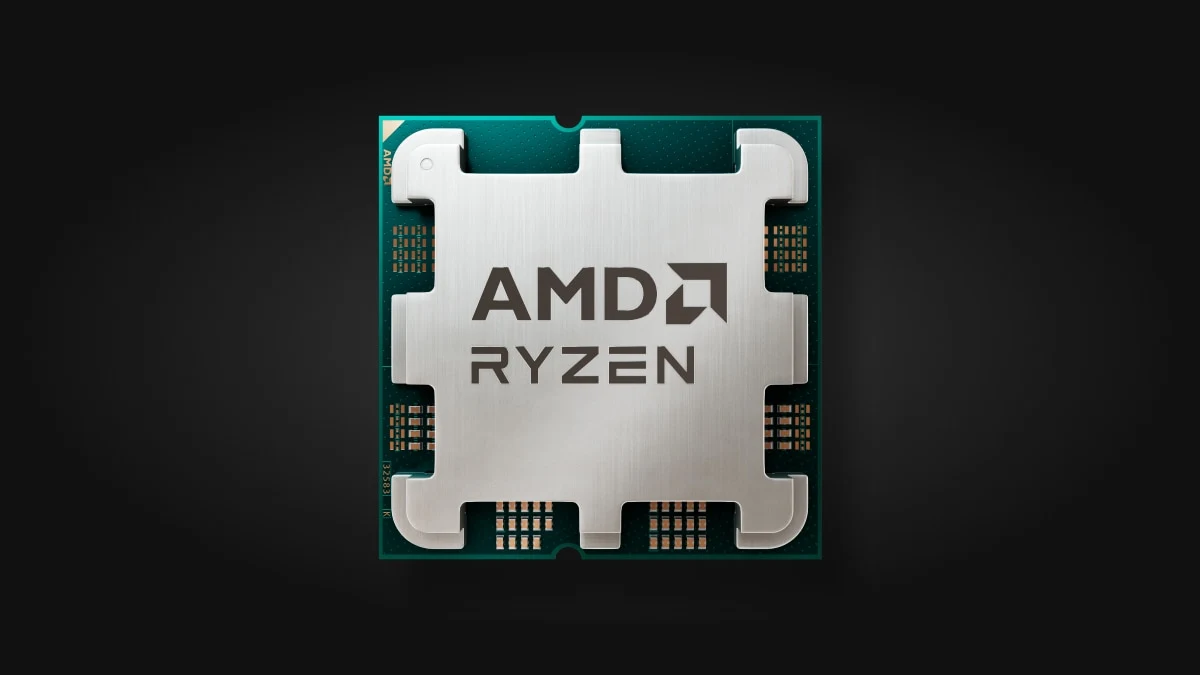
If your chip is a Ryzen 1000, 2000 or 3000 (or a 5500), good news: you swap the chip and you are done. A Ryzen 5 5600 drops into almost any AM4 board with an updated BIOS and gives that machine six Zen 3 cores. It feeds an RTX 5060 or an RX 9060 XT at 1440p without holding them back. If you already have a 5600X, 5700X, 5800X or an X3D, the 5600 is not an upgrade: your next step is AM5, a little further down.
One number worth facing though: when we checked in September 2026 it cost almost the same as a current-generation Ryzen 5 9600X. Which means this is worth it only if the AM4 board is already in your case. Buying the whole old platform today does not add up.
If you are on LGA 1700 (Intel 12th through 14th gen)
If you have an i3 or an i5 up to the 12400F, same story, different brand: swap the chip, keep the board. The Core i5-14400F brings ten cores and no integrated graphics, which is exactly why it costs less. For 1080p and 1440p it keeps pace with anything below an RTX 5070. If you already have a 13400F, a 12600K or anything above, the 14400F is not an upgrade: your next step is a new board, right below.
My take: it loses to a 9600X in most games, so I would buy it for one reason only, which is not throwing away a board I already paid for. If you are replacing everything, I would not start here.
If you are changing the board: the entry point
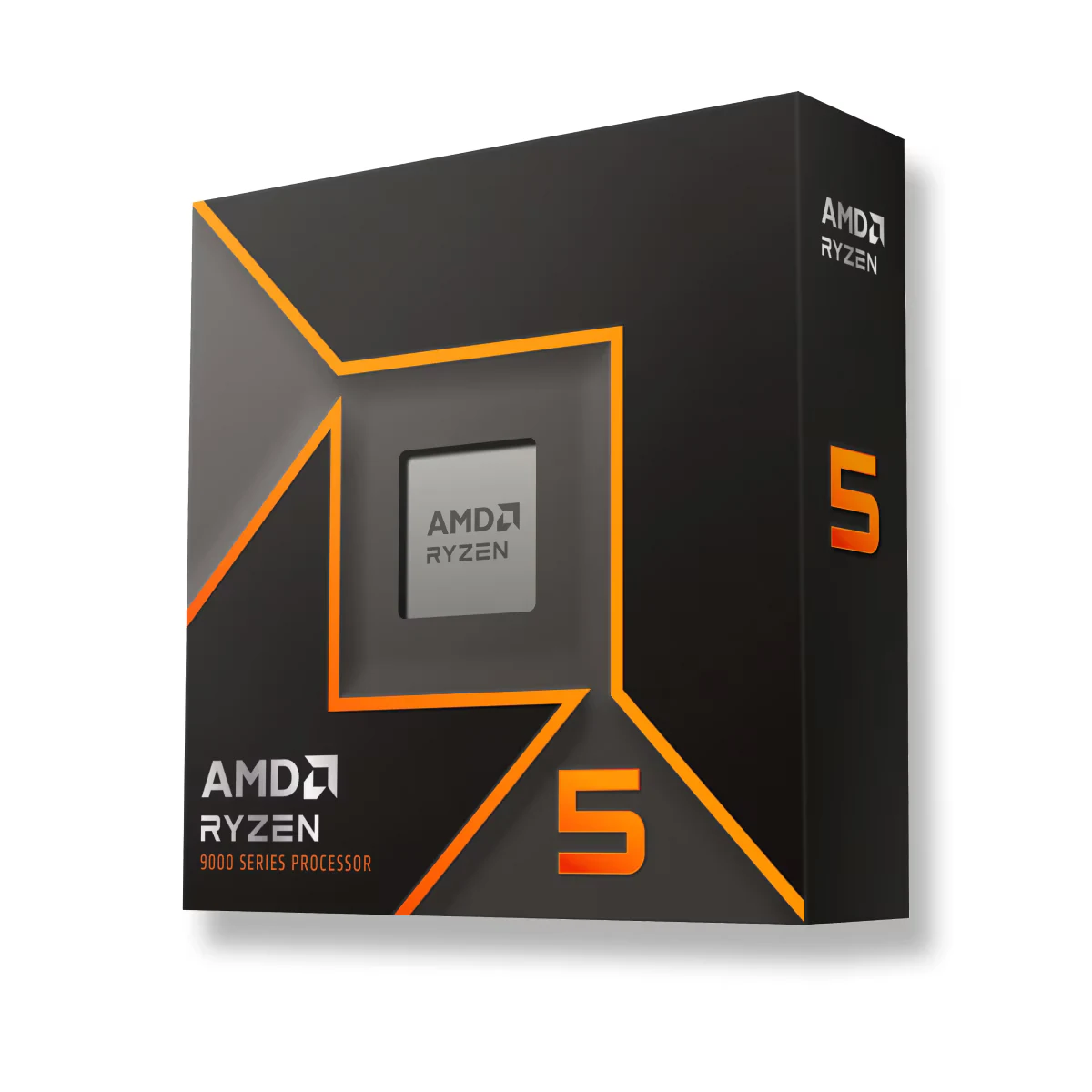
AM5 is the platform that is still alive, and that is the real argument: a Ryzen 5 9600X works today and in two years you can drop an X3D on top without touching the motherboard. Six Zen 5 cores, low power draw, and it does not run short with any GPU below an RTX 5070 at 1440p.
If you stutter and never want to do this again
This is where the X3D chips come in, and they genuinely change the conversation. That stacked cache is what puts them ahead exactly where the processor is in charge: simulators, strategy, crowded open worlds.
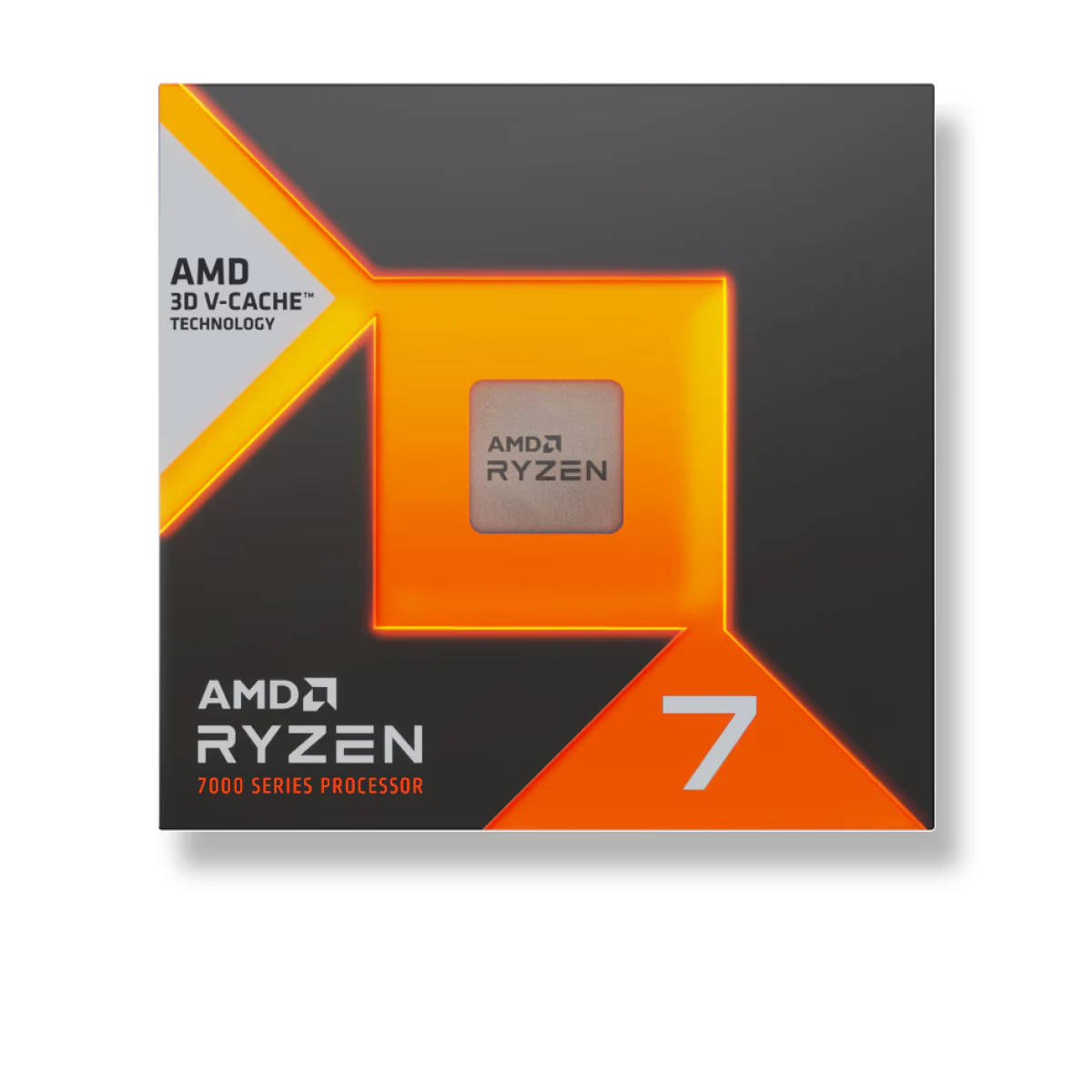
And here is the number nobody says out loud: the Ryzen 7 7800X3D, in the $280 to $400 price band, cost less in September 2026 than a four-year-old 5800X3D still listed on the same page. If you are building on AM5, this is where your money should go.
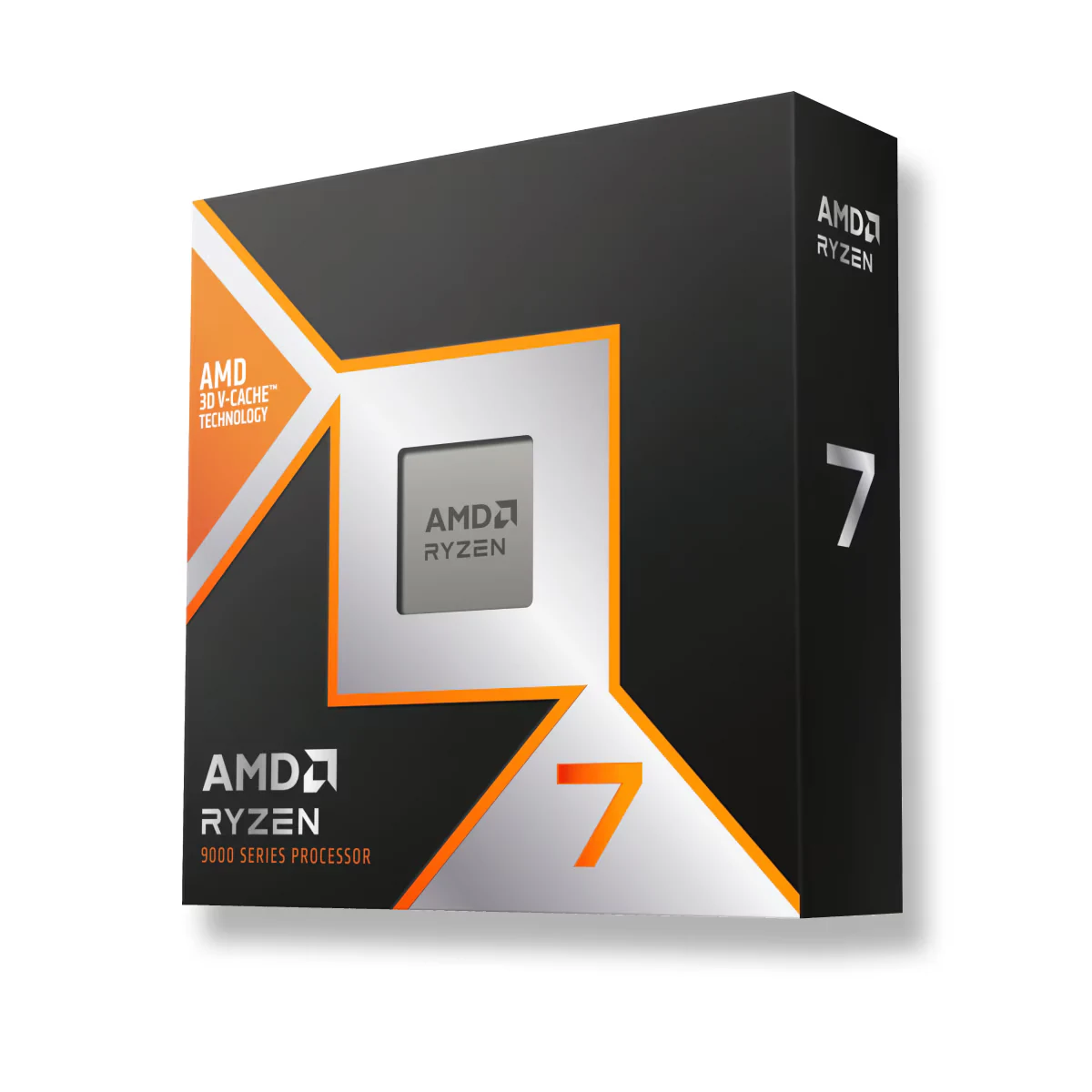
The 9800X3D is the step above and one of the fastest gaming processors you can buy right now (only the 9850X3D, a higher-clocked version, beats it, by a few percent): same cache trick but stacked underneath the compute die, so it clocks higher, runs cooler and comes unlocked on top. Truth is, though: if you play at 1440p or 4K on a mid-range card, you will not see the price gap against the 7800X3D on screen.
If you want the five picks side by side, one per socket, and the exact point where the extra money stops buying you frames, that is the whole job of our gaming CPU guide for 2026.
If it were my PC
In order, no skipping: the two-minute test first, because plenty of people who think they have a CPU bottleneck are sitting at 97% GPU usage and what they need is a different graphics card, not a different processor. Then EXPO or XMP, which is free and sometimes ends the whole conversation right there.
If GPU usage is still under 85% in the bad spots after that, then yes. If your board is AM4 or LGA 1700 and your chip is one of the older ones listed above (a Ryzen 1000 to 3000, or an i3 or i5 up to the 12400F), the cheap chip swap gets you back to playing. If you already have a 5600X, a 13400F or anything faster, skip that step: your move is a new board, and there I would stretch to the 7800X3D rather than buy twice, because the gap over the step below lasts years, not months.
And if your whole machine is falling behind and it is not only the processor, the full order of what to upgrade first is in 5 gaming PC upgrades with the biggest impact per dollar, and if you are starting from scratch our build tool lines up the parts without the compatibility headache.
Questions when it comes back positive
Are bottleneck calculators good for anything?
No. They return a percentage that matches no real measurement and they have no idea what game you play or at what resolution. The GPU usage test takes the same time and actually tells you the truth.
Does a bottleneck damage the hardware?
Not at all. It only means one part is waiting on another. Every machine on earth is limited by something; the useful question is not whether you have a bottleneck, but whether it is costing you frames you care about.
Should I change the CPU or the GPU?
High GPU usage and low frames means graphics card. Low GPU usage and low frames means processor or memory. That is literally the whole decision, and it comes from the same meter. If it turns out to be the GPU, the options by resolution are in the 6 best graphics cards for gaming in 2026.
I have 16GB of RAM, does that count as a bottleneck?
It counts once it fills up: what drops is not your average frame rate, it is smoothness, and you get stutters. You can watch it in the same Task Manager, under memory in use during a match.
Do I need an X3D chip to play well?
No. A 9600X or a 14400F handle 1440p fine with mid-range graphics. X3D earns its price when the processor is genuinely the one in charge: competitive 1080p, simulators, strategy and heavy open worlds.
One thing worth ruling out before you blame the processor: if the machine is genuinely running hot, clocks drop from heat and the symptom looks a lot like a bottleneck. The safe temperature table by generation and the fixes sorted by price are in what CPU and GPU temps are normal in 2026.
How we choose
We do not have a lab and we are not going to pretend otherwise. The test uses readings anyone can take while playing, processor and graphics card usage in Task Manager, so you see your own bottleneck instead of a guess. For the upgrade, we compared what AMD and Intel publish: cores, cache, socket and power, from an AM4 drop-in to current AM5 chips. Laptops stayed out because their processor cannot be swapped. No brand pays to appear here.
I write every guide with the help of AI tools for research and drafting; I decide which products make the cut, check every figure against the manufacturer’s spec sheet and the price on the day I verify it, and sign the text. — Samuel
And if you do end up swapping the processor, watch one detail: the X3D chips and the 9600X ship without a cooler. Which one your chip calls for is in which CPU cooler do you need: a TDP-based guide.