The 6 Best Graphics Cards for Gaming in 2026 (1080p to 4K)

By Samuel 76 · Founder & Editor

Some links are Amazon affiliate links: we earn a commission if you buy, at no extra cost to you, and it never changes what we recommend. How we make money
Choosing a graphics card for gaming in 2026 is more confusing than ever, and not because there are too few options. NVIDIA Blackwell and AMD RDNA 4 are both complete line-ups now, but real Amazon prices sit well above official launch pricing: an RTX 5070 announced at 549 dollars sold well above that price in September 2026. That is why this guide does not rank cards by raw power. It ranks them by the question we sort by: what resolution do you play at. If you are in a hurry, the value winner is the ASRock Radeon RX 9060 XT Steel Legend 16GB (paid link), because it carries 16GB of VRAM, twice the 8GB of the RTX 5060, on a 550W recommended power supply.
Declared bias: the card in my own PC is an RTX 3060 with 12GB, older than everything on this list, so I look at it the way someone planning an upgrade would.
We compared six cards covering everything from the cheapest sane 1080p build to genuine 4K. Each one shows its price band, and today's exact price is on Amazon.
Quick verdicts on the six cards
- PNY GeForce RTX 5050 8GB (paid link) — cheapest way into 1080p, $280 - $400.
- GIGABYTE GeForce RTX 5060 WINDFORCE OC 8GB (paid link) — 1080p on GDDR7, $400 - $600.
- ASRock Radeon RX 9060 XT Steel Legend 16GB (paid link) — our value pick, with 16GB, $400 - $600.
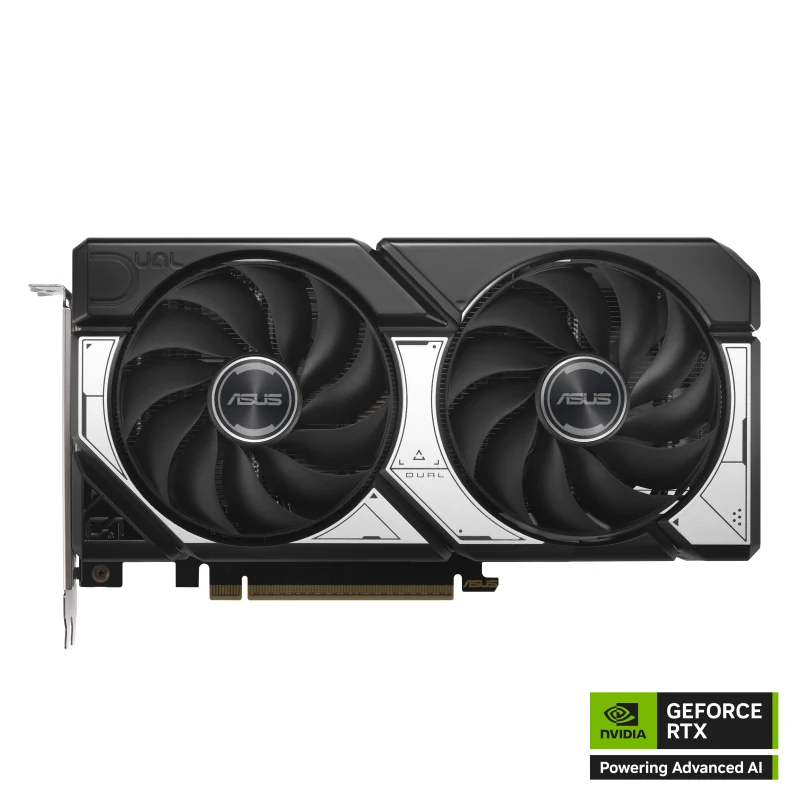
- ASUS Dual GeForce RTX 5060 Ti 16GB (paid link) — the balanced NVIDIA pick for 1440p, $600 - $900.
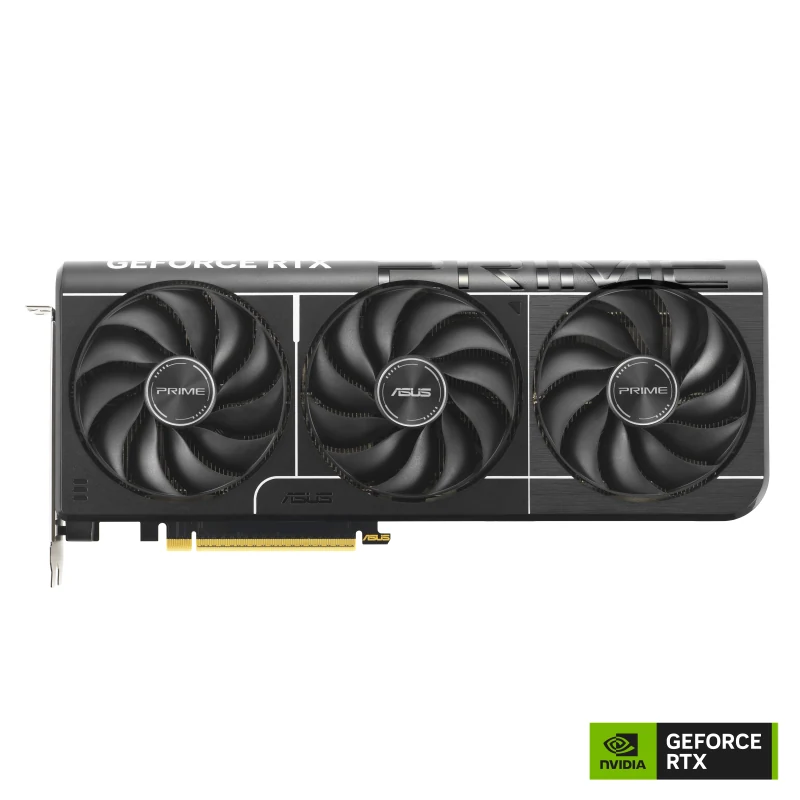
- ASUS Prime GeForce RTX 5070 12GB (paid link) — high refresh 1440p, $600 - $900.
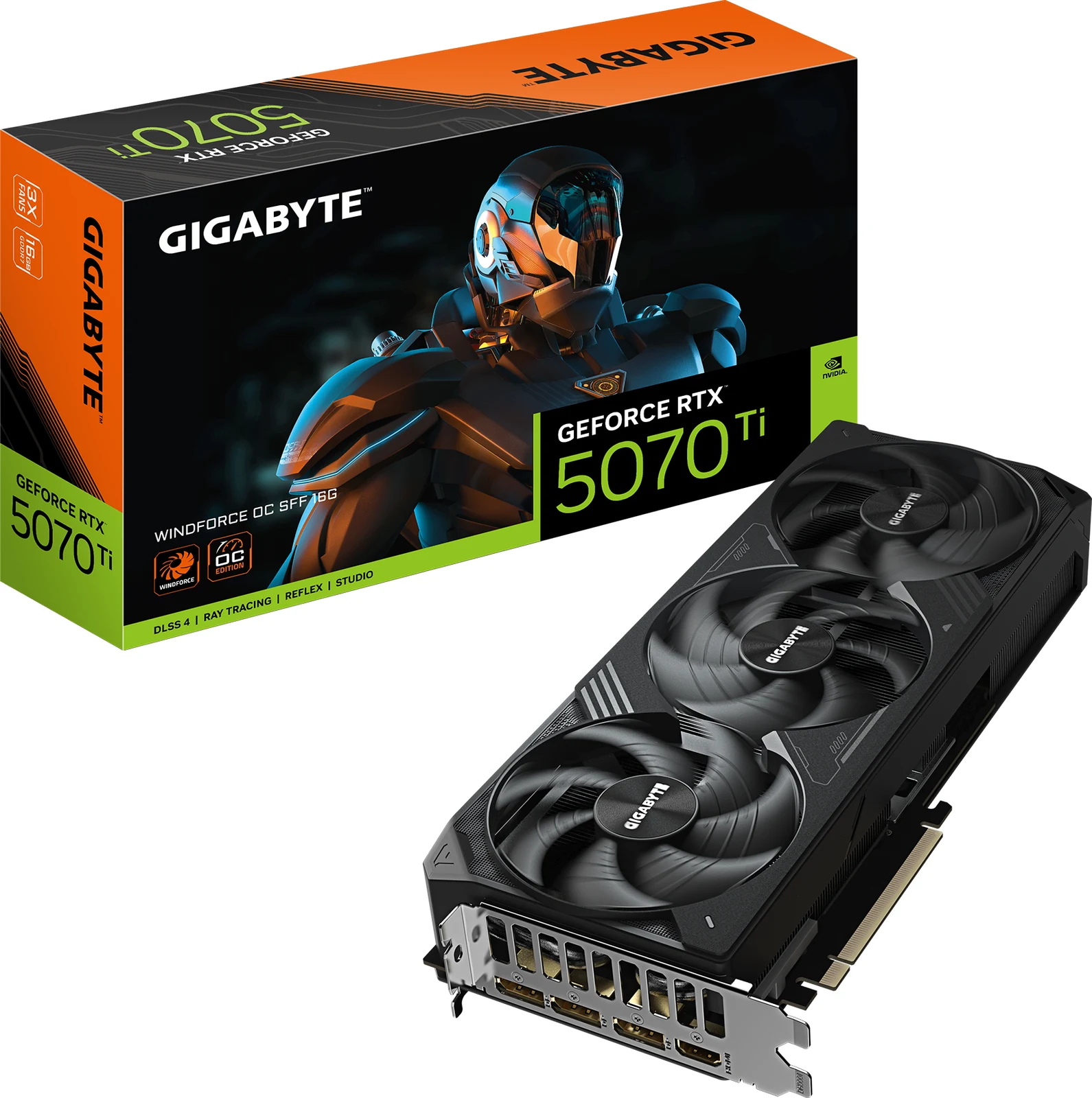
- GIGABYTE GeForce RTX 5070 Ti WINDFORCE OC 16GB (paid link) — for a 4K or ultrawide monitor, $900 - $1400.
The six cards, spec by spec
| Card | VRAM | Memory | Rated power | Power supply the brand recommends | Length | Source |
|---|---|---|---|---|---|---|
| PNY RTX 5050 Dual Fan 8GB | 8GB | GDDR6 | 130W | 550W | 200 mm | PNY |
| GIGABYTE RTX 5060 WINDFORCE OC 8G | 8GB | GDDR7 | 145W | 550W | 199 mm | GIGABYTE |
| ASRock RX 9060 XT Steel Legend 16GB | 16GB | GDDR6 | 160W | 550W | 298 mm | ASRock |
| ASUS Dual RTX 5060 Ti 16GB | 16GB | GDDR7 | 180W | 550W | 229 mm | ASUS |
| ASUS Prime RTX 5070 12GB | 12GB | GDDR7 | 250W | 750W | 304 mm | ASUS |
| GIGABYTE RTX 5070 Ti WINDFORCE OC SFF 16G | 16GB | GDDR7 | 300W | 750W | 304 mm | GIGABYTE |
Figures from each card maker's page and our product sheets, checked on October 13, 2026.
Before you buy: Amazon prices are not launch prices
Graphics cards sell on Amazon well above their official launch pricing, as the RTX 5070 example above shows. That does not make them bad purchases, it means you should check the price band of each card before you buy. Our general advice is to buy exactly the card your monitor needs and not one step more.
Thinking about waiting for a sale event? Before you do, read what to buy and what to skip during Prime Big Deal Days: with this premium in the background, graphics cards are exactly where a “deal” can leave you paying what you paid before, and that guide has five tests to tell whether a discount is real.
Before deciding, check two things: that your power supply has enough watts and that the rest of the system will not bottleneck the card. If you are building from scratch, our part by part build guide and the PC configurator show which components pair well with each GPU. And the full catalog has all of these cards, with its price band and a direct link to Amazon. And before you order, measure the space: our Will it fit? checker compares the length of the card with the official clearance of your case, in millimeters.
1. PNY GeForce RTX 5050 8GB — the cheapest way in
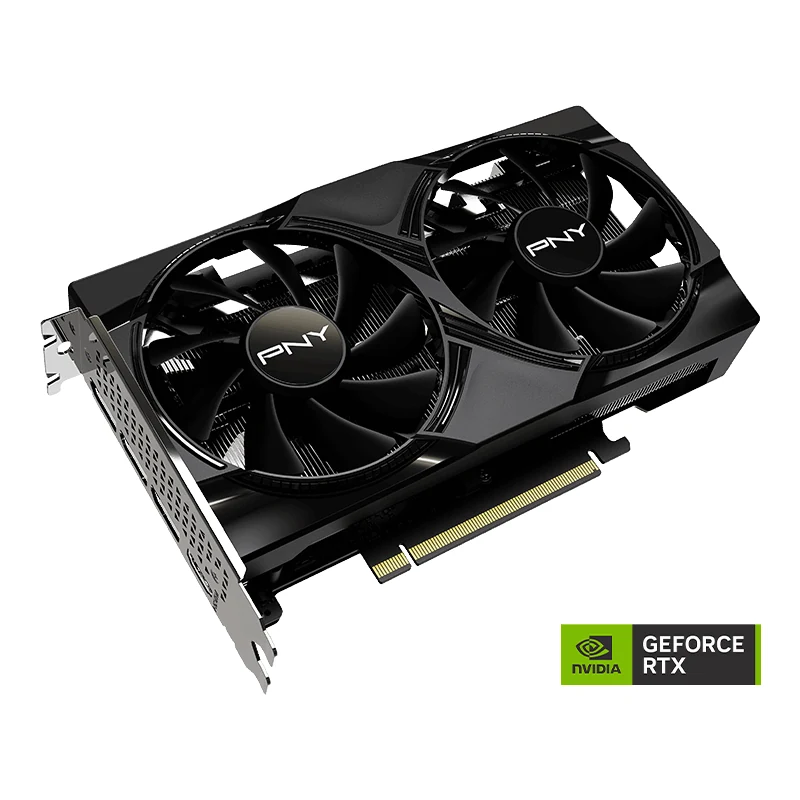
If your total budget is under 800 dollars, this is where you start. It brings 8GB of GDDR6, DLSS 4 with Multi Frame Generation and a compact dual-fan body 200 mm long, per PNY. For frame rates at 1080p in the specific games you play, look for a review with its own testing, such as TechPowerUp's. NVIDIA rates it at 130W and asks for at least a 550W power supply for the whole PC, so a good 550W unit is enough, which also saves money elsewhere in the build.
Its limits are clear and worth stating: 8GB of VRAM is the least on this list, and in games with heavy texture packs you will have to turn that setting down. Do not buy it planning to play at 1440p. Who it is for: anyone playing on a 1080p monitor who wants the lowest sensible entry price.
2. GIGABYTE GeForce RTX 5060 WINDFORCE OC 8GB — 1080p on GDDR7
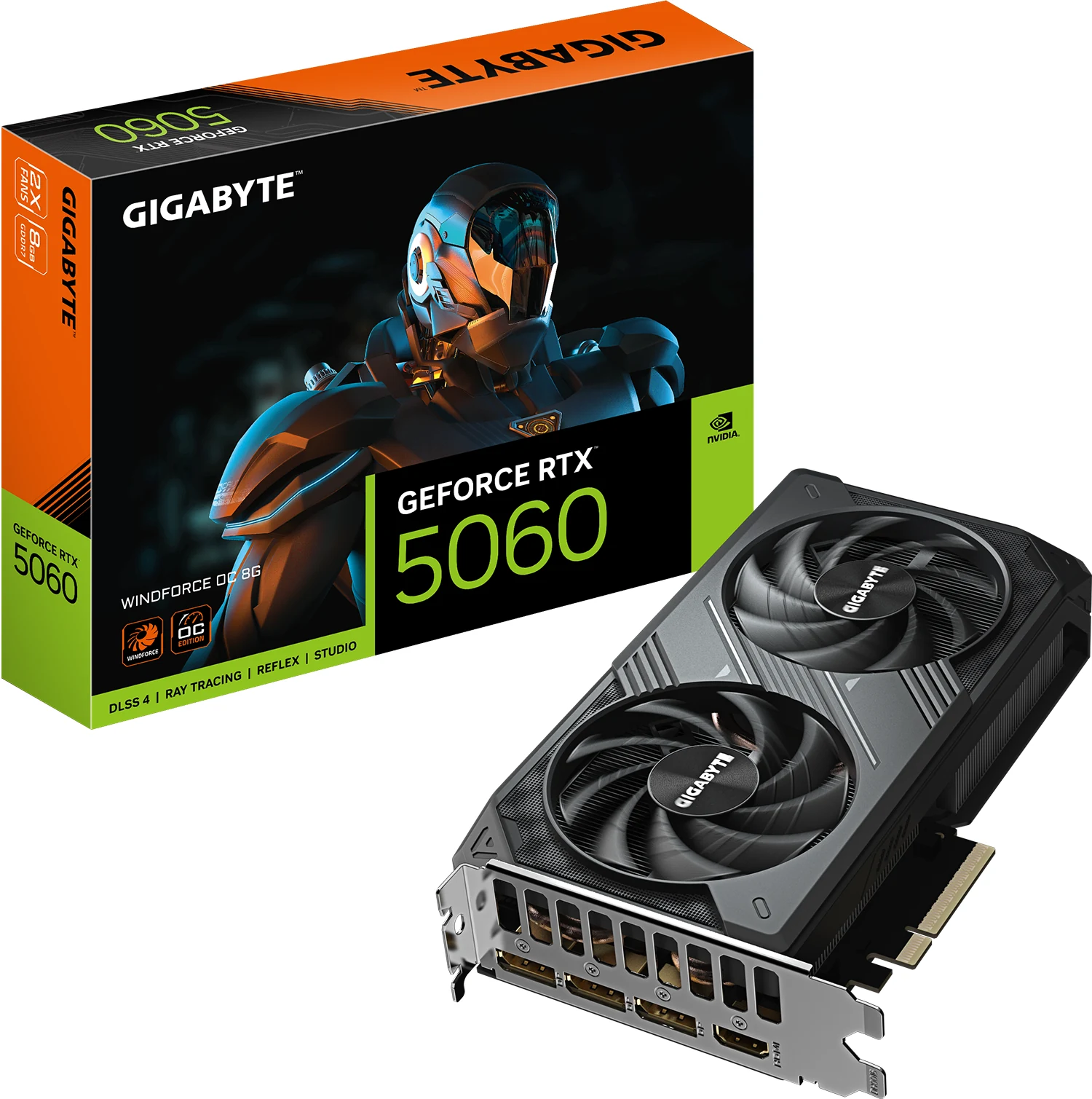
For a bit more than the 5050 you get GDDR7 memory. GIGABYTE lists a 145W rating and a 550W recommended power supply, the same supply as the 5050, in a dual-fan WINDFORCE cooler 199 mm long.
It still has 8GB of VRAM, so the texture ceiling is the same. But as a card for a 1080p monitor running at 144 or 180Hz, it is the one I would pick in the lower half of this list. Who it is for: a 1080p build on a 144 or 180Hz monitor. If Call of Duty: Modern Warfare 4 is the reason you are buying, Activision’s recommended tier asks for exactly 8 GB of video memory, and the Modern Warfare 4 PC requirements guide lays out the three tiers and the TPM 2.0 check that matters more than the card.
3. ASRock Radeon RX 9060 XT Steel Legend 16GB — our value pick
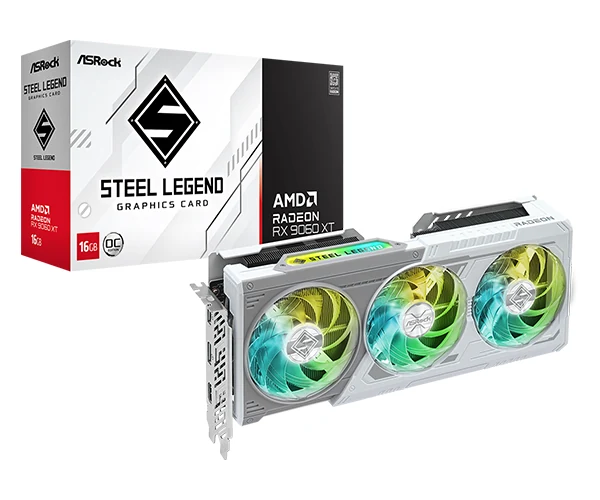
Here is the card we recommend to the most people. In the $400 to $600 price band it gives you 16GB of VRAM, twice the 8GB of the RTX 5060, which is the room that texture settings above 8GB ask for. Its upscaler is FSR 4, where the NVIDIA cards here use DLSS 4.
Its Steel Legend cooler has three fans that, per ASRock, stop spinning when the card runs cool. What do you give up by choosing AMD? NVIDIA's NVENC encoder and DLSS 4. If you stream on Twitch every day, think twice. If you only play, this is the smart purchase. Who it is for: 1080p at maximum quality and 1440p on high settings, without overspending.
4. ASUS Dual GeForce RTX 5060 Ti 16GB — the balanced NVIDIA pick
One warning first: the RTX 5060 Ti exists in 8GB and 16GB versions, they use the same GPU and they cost different amounts. Always buy the 16GB one. The 8GB model has half the video memory, so games whose texture settings ask for more than 8GB need them lowered.
It brings GDDR7 memory, PCIe 5.0 and DLSS 4 Multi Frame Generation at a 180W rating and a 550W recommended supply, per ASUS. The ASUS Dual cooler is 2.5 slots thick and only 229 mm long, so it fits compact cases that do not take a 298 mm card like the RX 9060 XT. Who it is for: anyone who already has or is buying a 1440p monitor and prefers the NVIDIA ecosystem for DLSS, NVENC and compatibility.
5. ASUS Prime GeForce RTX 5070 12GB — high refresh 1440p
If your monitor runs 1440p at 240Hz or more, this is the next tier up. It brings 12GB of GDDR7 and DLSS 4 with Multi Frame Generation at a 250W rating, and ASUS asks for a 750W supply. This Prime model is certified SFF-Ready, meaning it fits small cases that do not take longer cards.
Its weak point is the 12GB of VRAM. If you want more than 12GB for maximum textures, the 5070 Ti below carries 16GB. Who it is for: the competitive 1440p player who wants high, stable frame rates without paying the 4K premium. If you are weighing it against the RX 9070 XT, which sits in the same price band today, I put the two side by side in RTX 5070 vs RX 9070 XT: which one to buy.
6. GIGABYTE GeForce RTX 5070 Ti WINDFORCE OC 16GB — for 4K and ultrawide
It carries 16GB of GDDR7, 4GB more than the RTX 5070, with DLSS 4 Multi Frame Generation in the games that support it.
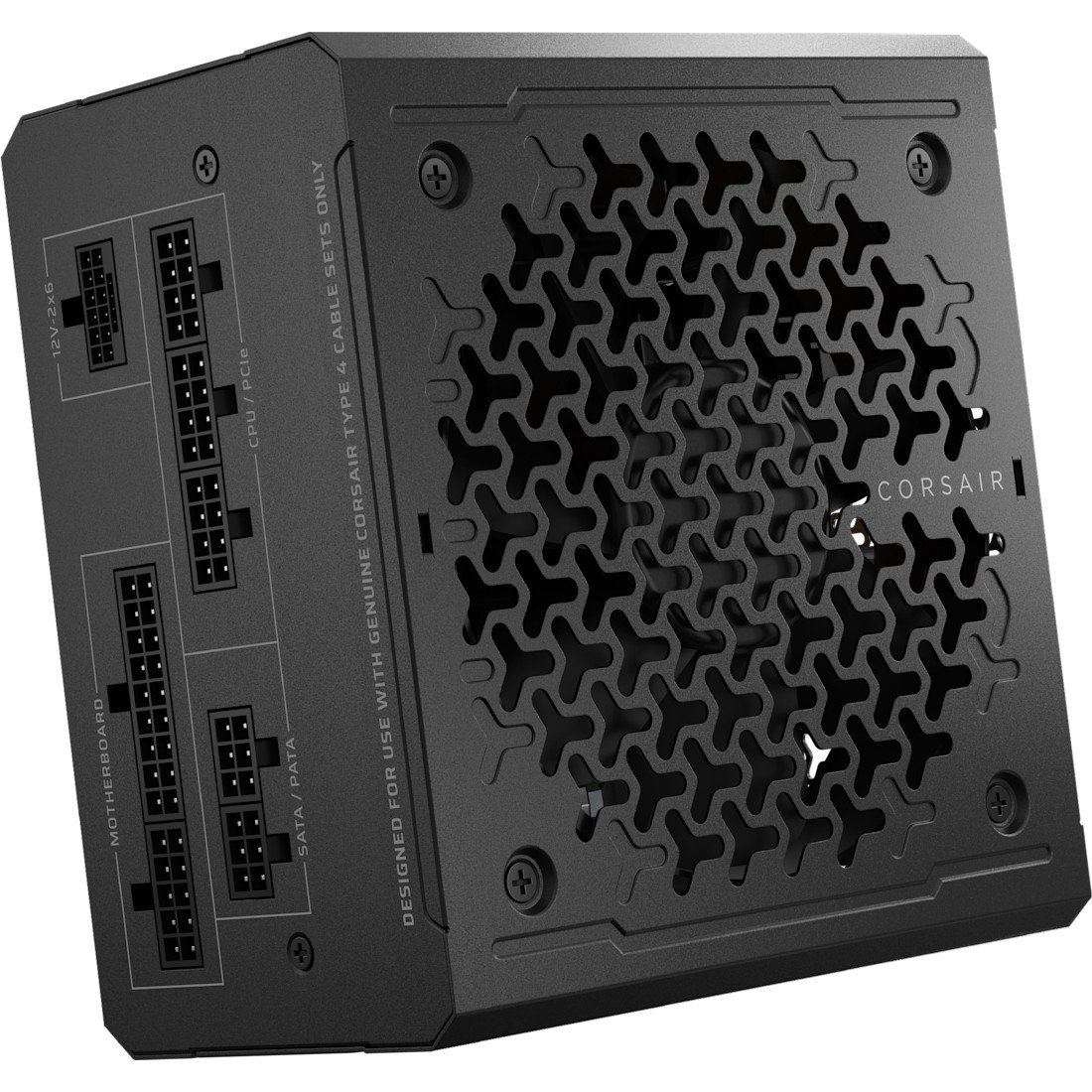
The WINDFORCE SFF version measures 304 mm and is built for small cases, and it asks for a 750W power supply, the same minimum NVIDIA sets for the RTX 5070 Ti. If you want room to upgrade later, the Corsair RM850e ($110 to $150) is the next step up in our catalog. It costs more than three times what the 5050 does, so it only makes sense if your monitor genuinely is 4K or ultrawide. Who it is for: anyone who already plays on a 4K or ultrawide monitor.
Where I would put the money
The rule is simple: buy the card your monitor asks for, not the one your ego asks for. If you play at 1080p, the RTX 5050 (paid link) or the RTX 5060 (paid link) are more than enough, and the money you save goes much further in an SSD or in memory. If you are about to move to 1440p, the RX 9060 XT 16GB (paid link) is our value pick and the RTX 5060 Ti 16GB (paid link) is its NVIDIA alternative. If your panel runs 1440p at 240Hz, step up to the RTX 5070 (paid link). And if you truly play at 4K, the RTX 5070 Ti (paid link) is the card on this list aimed at it.
GPU questions
How much VRAM do I need in 2026?
For 1080p, 8GB still works if you accept lowering textures in some games. For 1440p, we recommend at least 12GB, and 16GB if your budget allows. For 4K, we recommend 16GB, which on this list means the RTX 5070 Ti.
AMD or NVIDIA in 2026?
If you only play games, the RX 9060 XT gives you 16GB of VRAM on a 160W rating. If you stream, record or use video creation software, the NVIDIA ecosystem (NVENC, DLSS, CUDA) is the reason to pick NVIDIA.
Is it worth waiting for prices to drop?
We cannot predict prices, and neither can a guide. If you need the card now, buy it. If you can wait, the Prime Big Deal Days in October and Black Friday are the two sale windows to watch.
What power supply do these cards need?
According to NVIDIA and AMD, the minimum for the whole PC is 550W for the RTX 5050 and RTX 5060, 600W for the RTX 5060 Ti, 650W for the RTX 5070, 750W for the RTX 5070 Ti and 450W for the RX 9060 XT. Some partner cards ask for more, and then the card maker's figure wins. For your exact processor and card, work out your wattage with our PSU calculator, which uses those same official figures. Always from a recognized brand with 80 Plus certification. If the card you are weighing is the Radeon RX 9060 XT, we worked out its power supply with a Ryzen 5 9600X.
Match the card to your screen first: 1080p, 1440p or 4K tells you which tier each resolution needs.
How we choose: no lab here, and we will not pretend otherwise. We placed the six cards by what NVIDIA and AMD publish: VRAM, memory type, power draw and recommended power supply, plus each card maker's length, all in the table above. The list runs from the cheapest way into current cards to the 4K end of the title. Nothing above the RTX 5070 Ti made it, since the list stops at its 4K pick, and the RX 9070 XT has its own head-to-head guide. No brand pays to appear here.
I write every guide with the help of AI tools for research and drafting; I decide which products make the cut, check every figure against the manufacturer’s spec sheet and the price on the day I verify it, and sign the text. — Samuel