5 Gaming PC Upgrades With the Biggest Impact per Dollar (2026)

By Samuel 76 · Founder & Editor

Some links are Amazon affiliate links: we earn a commission if you buy, at no extra cost to you, and it never changes what we recommend. How we make money
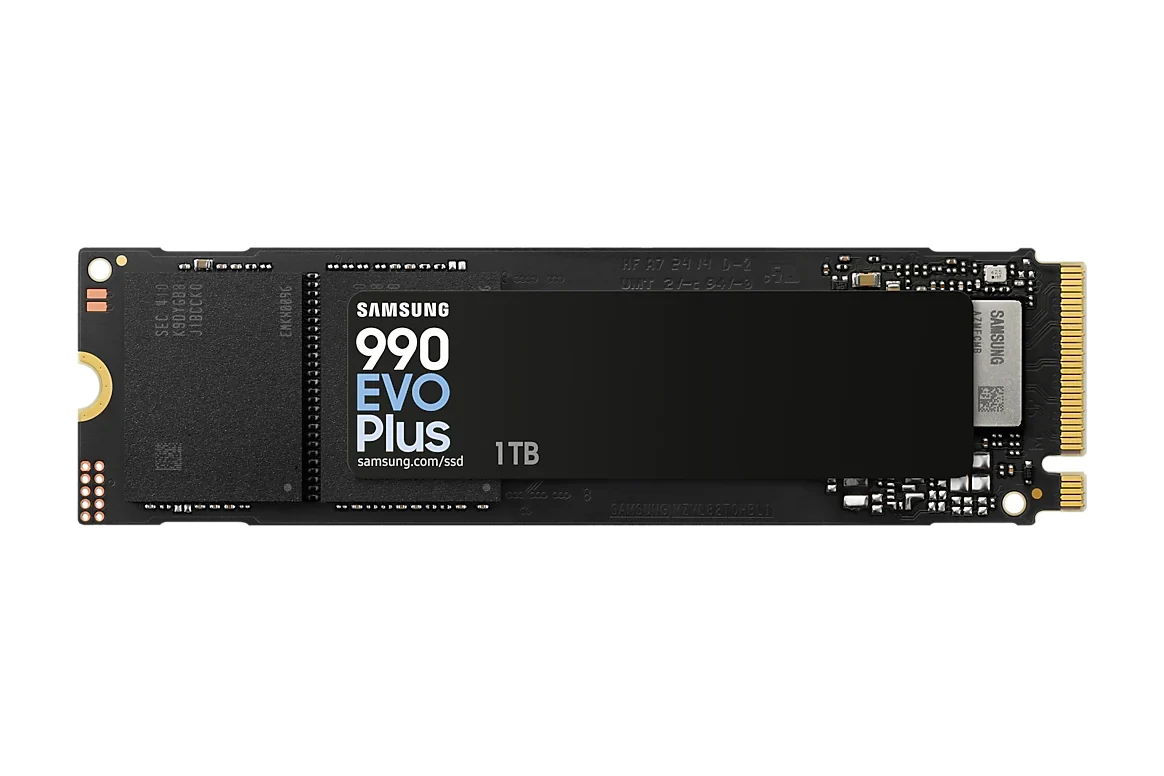
Short answer: if your PC still boots from a SATA drive, the first upgrade is an NVMe SSD like the Samsung 990 EVO Plus, rated by Samsung at 7150 MB/s of sequential read against 560 MB/s for its own SATA 870 EVO. After that, in order: 32GB of RAM if you have 16GB, a better CPU cooler, a quality power supply and a case with real airflow. Each of the five parts below comes from our 2026 value gaming PC, and each one carries over if you build a new PC later.
The order below is the one I would follow, and each step says who can skip it.
The 5 upgrades, ranked by impact
- 1. NVMe SSD: Samsung 990 EVO Plus 1TB
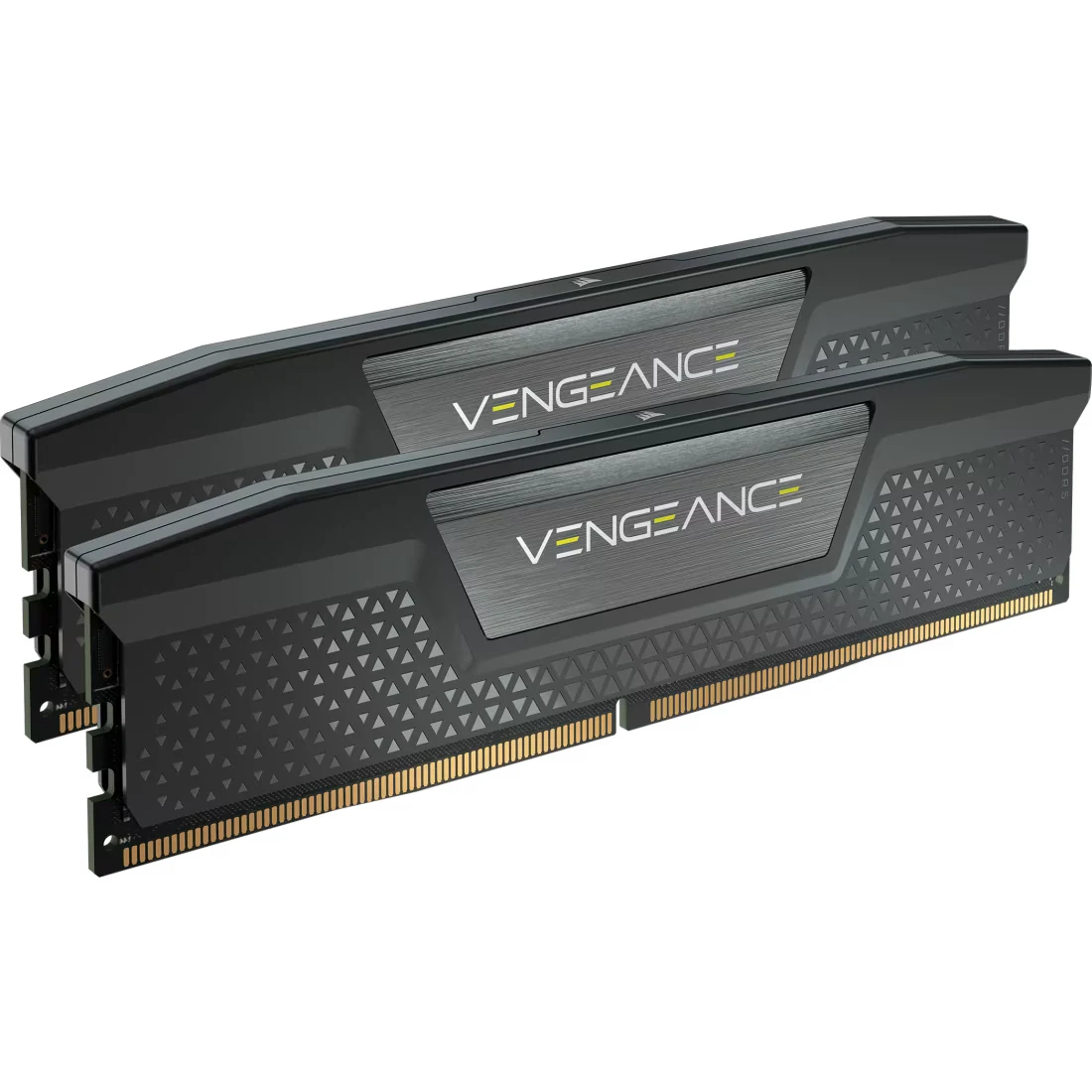
- 2. RAM: Corsair Vengeance DDR5 32GB
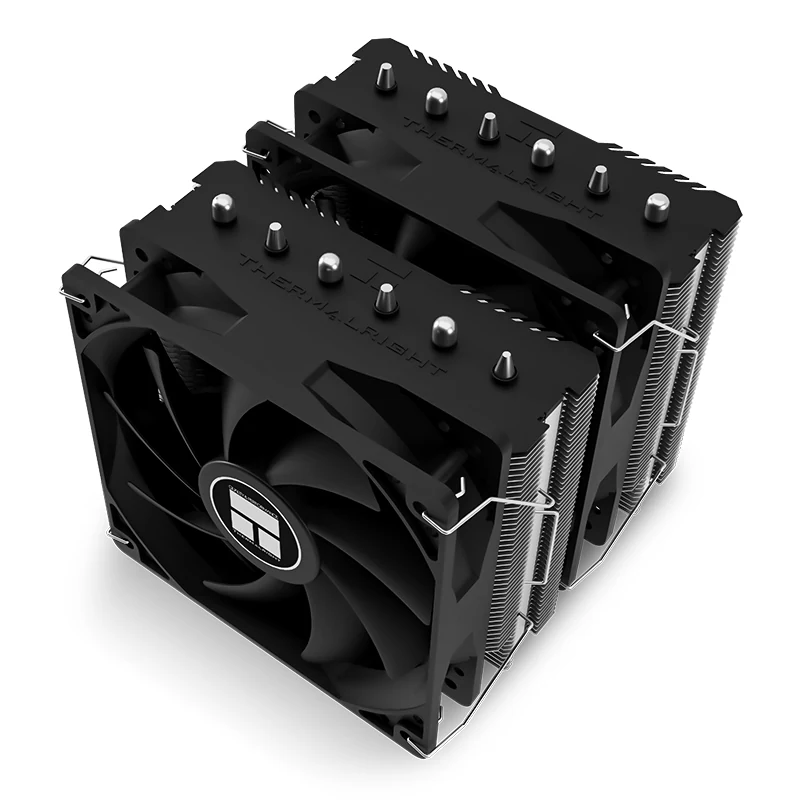
- 3. Cooling: Thermalright Peerless Assassin — $25 - $40
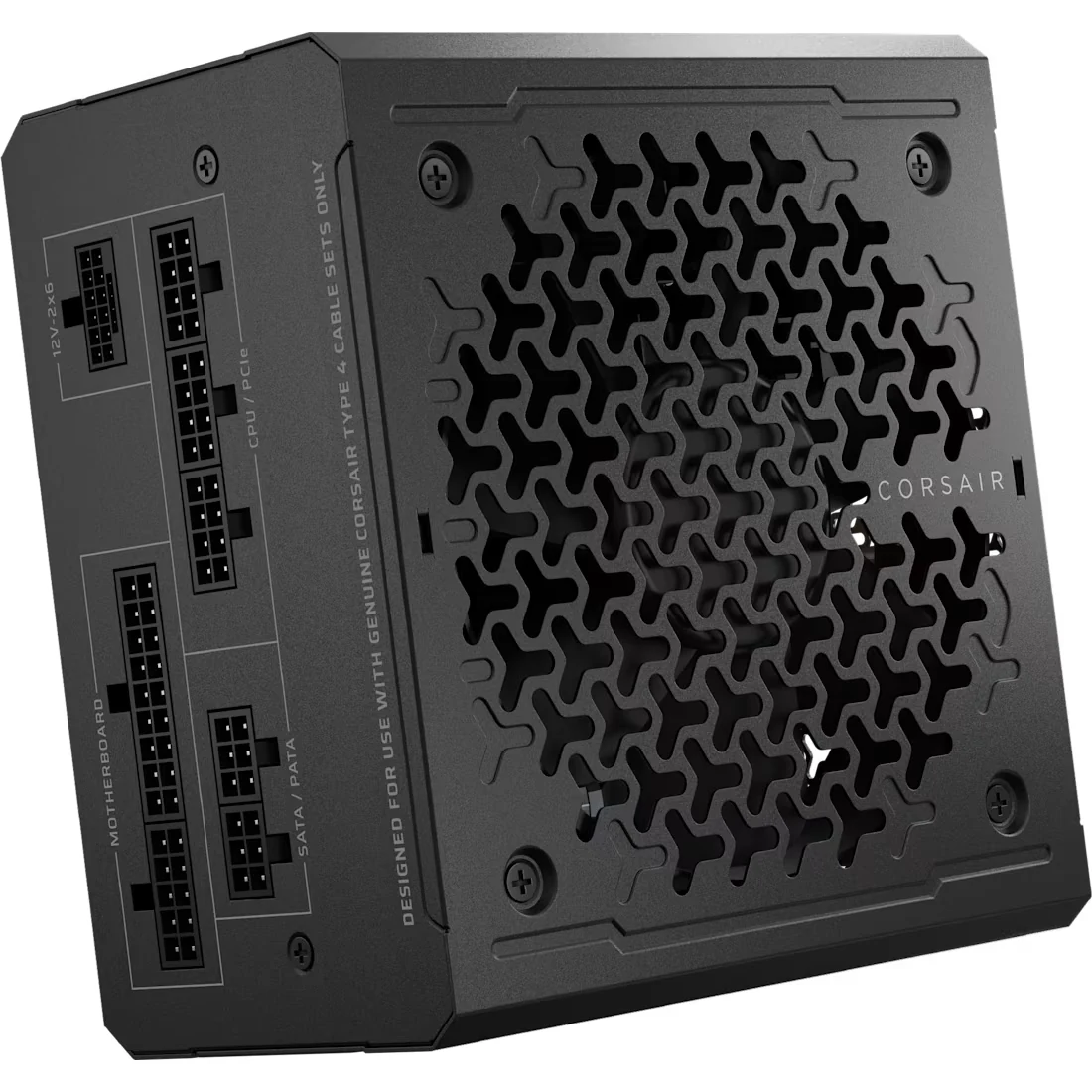
- 4. PSU: Corsair RM750e — $80 - $110
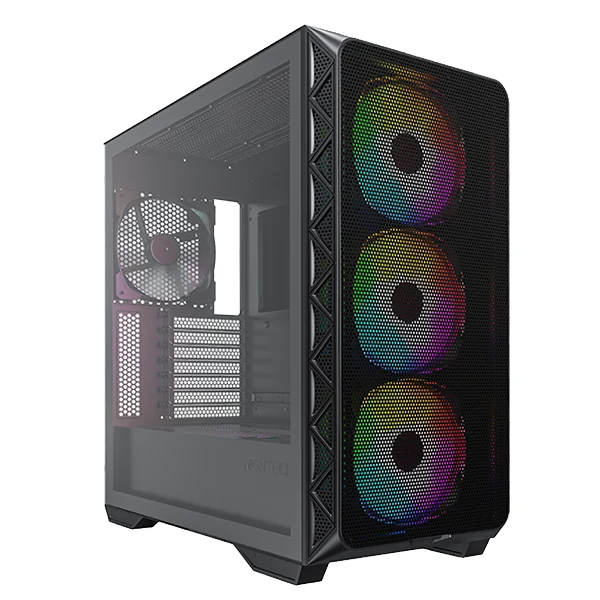
- 5. Case: Montech AIR 903 MAX — $110 - $150
The five parts, spec by spec
| Upgrade | Part | Headline spec | What your PC needs | Source |
|---|---|---|---|---|
| 1. SSD | Samsung 990 EVO Plus 1TB | 7150 MB/s read, 6300 MB/s write | A free M.2 2280 slot (PCIe 4.0 x4 or 5.0 x2) | Samsung |
| 2. RAM | Corsair Vengeance DDR5 32GB (2 x 16GB) | 6000 MT/s, CL36, XMP and EXPO profiles | A DDR5 motherboard | Corsair |
| 3. Cooler | Thermalright Peerless Assassin 120 SE | Two 120 mm fans, six heat pipes, 25.6 dBA per fan | 155 mm of cooler clearance in your case | Thermalright |
| 4. PSU | Corsair RM750e | 750 W, Cybenetics Gold, 12V-2x6 GPU cable, 7-year warranty | A standard ATX power supply bay | Corsair |
| 5. Case | Montech AIR 903 MAX | Four 140 mm fans included (three front, one rear) | Room on the desk for a big tower; fits coolers up to 180 mm and GPUs up to 400 mm | Montech |
Figures from each maker's product page, checked on October 12, 2026.
The number we worked out: 7150 divided by 560 is about 12.8, so on paper the 990 EVO Plus reads 12.8 times faster than a SATA SSD. That is sequential read, not loading time, which also depends on your CPU and on how each game loads its files, so expect shorter loads, not loads 12.8 times shorter. The second number: the Peerless Assassin is 155 mm tall and the AIR 903 MAX takes coolers up to 180 mm, so upgrades 3 and 5 fit together with 25 mm to spare.
1. The SSD, if you still boot from SATA
If Windows and your games still load from a SATA SSD or a hard drive, start here. The 990 EVO Plus (paid link) reads at up to 7150 MB/s and writes at up to 6300 MB/s in its 1TB version, per Samsung, on PCIe 4.0 x4 or 5.0 x2: that is the 12.8 times from the table above.
It needs a free M.2 2280 slot, though; if your motherboard only has SATA ports, it will not go in. And if you already boot from an NVMe Gen4 drive, going from one NVMe to another is a small step: with 16GB of RAM, upgrade 2 is the better use of that money.
2. 32GB: room to spare
Open Task Manager while you play and look at Memory under Performance. If memory in use on 16GB stays pinned near the total, doubling to 32GB is the fix. The Vengeance DDR5 6000 kit (paid link) is two 16GB modules at 6000 MT/s and CL36, with XMP and EXPO profiles, per Corsair; Corsair also notes that the 6000 MT/s speed needs that profile turned on in the BIOS, and out of the box it runs slower.
Heads up: this kit is DDR5 only, so it will not go into a DDR4 board (AM4, LGA1200 or an LGA1700 board made for DDR4). If that is your PC, the upgrade is a 32GB DDR4 kit like the G.SKILL Ripjaws V, in the $200 to $280 band, and our 16 or 32GB RAM guide covers both types. Not sure which one you have? The free CPU-Z tool shows it in its Memory tab.
3. A twin-tower cooler on a budget
155 mm: check that number against your case before anything else, with our Will it fit? checker, because that is how tall the Peerless Assassin 120 SE (paid link) stands. It puts two 120 mm fans and six heat pipes on the CPU, rated at 25.6 dBA per fan, per Thermalright. When a CPU gets too hot it lowers its own clocks to protect itself (throttling), so this is the upgrade for people still on a stock cooler, or a small single-fan one, whose CPU sits at its temperature limit in games.
At 730 grams it is also a big block of metal over your RAM slots; if your RAM has tall heat spreaders, check that clearance too.
4. The PSU that powers everything else
Not everyone needs this one. If your current power supply is a known brand, still under warranty and already has the cables your next graphics card needs, keep it. If it is an old or no-name unit, or you plan a card that uses the 12V-2x6 connector, the RM750e Gold (paid link) is a fully modular 750 W unit with Cybenetics Gold efficiency, ATX 3.1, that 12V-2x6 cable and a 7-year warranty, per Corsair.
Whether 750 W is the right size is a question for our PSU calculator: it adds the official power of your processor and graphics card, plus the rest of the PC and a safety margin. One rule when you install it: modular cables are not universal, so never reuse the ones from your old power supply; use only the ones in the box.
5. The case that brings its own fans
Four 140 mm fans in the box, three in a mesh front and one in the back: the AIR 903 MAX (paid link) also takes CPU coolers up to 180 mm and graphics cards up to 400 mm, per Montech. It is the upgrade for a closed-front case with few fans, where the parts above would sit in their own hot air.
A case with room for a 400 mm card is a big tower, so measure your desk first. And if your current case already has a mesh front and at least three fans, the gain from another one is small; that money does more in upgrades 1 to 3.
The smart order
SSD if you come from SATA, RAM if you have 16GB (DDR5 or DDR4, whichever your board takes), cooler if your CPU hits its temperature limit in games, PSU if yours is a no-name unit or past its warranty, case if your current one has a closed front. Check the price of each one on Amazon before you buy; prices move every week.
What about upgrading the GPU?
It is the most expensive upgrade and it only pays off if the rest keeps up. Do these five first, or at least run the bottleneck test linked below, so you know whether the card is really the part holding you back.
Do these parts carry over to a new build?
Yes: the SSD, DDR5 RAM (DDR4 does not carry over), cooler, PSU and case move straight into a new AM5 build like the one in our value gaming PC guide.
How do I check my RAM usage while gaming?
Open Task Manager, go to Performance, then Memory, and keep it open while you play. If memory in use stays pinned near the total, 32GB is the upgrade that addresses it.
Before you swap graphics cards, make sure your PSU can handle it: our power draw table for every graphics card lists the official TGP and minimum PSU for each 2026 model.
Each upgrade has its own guide if you want the details: how much SSD you need, 16 or 32 GB of RAM and the graphics cards from 1080p to 4K. Not sure which part is holding you back? The 2-minute bottleneck test tells you before you spend. And if the PC is too old to upgrade, laptop or desktop helps with the bigger decision.
How we choose: no lab here, and we will not pretend otherwise. We ranked the five upgrades by how much of the PC each one improves, using what the makers publish: drive interface and speeds, memory capacity and speed, cooler size and fan specs, power supply rating and connectors, and case airflow layout, from the Samsung, Corsair, Thermalright and Montech pages, checked on October 12, 2026. A new graphics card stayed out because it is a separate decision with its own guide; these five are the upgrades around it. No brand pays to appear here.
I write every guide with the help of AI tools for research and drafting; I decide which products make the cut, check every figure against the manufacturer’s spec sheet and the price on the day I verify it, and sign the text. — Samuel