How Many Watts Does Your Gaming PC Need? 2026 PSU Guide

By Samuel 76 · Founder & Editor

Some links are Amazon affiliate links: we earn a commission if you buy, at no extra cost to you, and it never changes what we recommend. How we make money
How many watts does your gaming PC need? It is the question that causes the most doubt when building or upgrading, and the short answer for most people in 2026 is: 650 to 750W with an 80 Plus Gold certification. This guide shows you how to calculate it in one minute from your actual components, without overbuying or falling short.
The quick rule
- Mid-range GPU (RTX 5060, RX 9060): 550-650W is enough; 750W gives you headroom to spare.
- High-end GPU (RTX 5070 Ti/5080): 750-850W.
- Flagship (RTX 5090): 1000W or more.
- Golden rule: your estimated total draw should sit around 50-60% of PSU capacity — that is where efficiency and silence peak.
How much power does a gaming PC actually use?
Before talking PSUs, one thing clears up half the confusion: what your PC draws and what your power supply can deliver are two different numbers. A 750W PSU does not burn 750W; it delivers whatever the PC asks for at any moment, and the number on the box is the ceiling. So if your PC reads 360W while gaming, that is not "too high": that is a mid-range PC doing its job, and a 650-750W unit handles it with room to spare.
Power draw depends mostly on the graphics card and, second, on the CPU. These ranges come from adding up the official figures for each part (the method is right below the table); they are our estimates, not measurements, and they shift with the game, the resolution and whether you cap your FPS:
- Entry-level PC (RTX 5050 or RTX 5060 with a 65W Ryzen 5): around 50-70W at the desktop and around 250-300W in a demanding game.
- Mid-range PC (RTX 5070 or RX 9070 with a Ryzen 7): around 60-90W idle and around 350-420W gaming.
- High-end PC (RTX 5080 or RX 9070 XT with a Ryzen 7 X3D): around 70-100W idle and around 450-550W gaming.
One official figure shows the gap between idle and gaming: NVIDIA lists the RTX 4070 at 10W at the desktop, 16W during video playback and 186W on average while gaming (measured across 22 games), with a 200W ceiling. Add a CPU and the rest of the system and a PC with that card sits around 300-350W while gaming: nowhere near what a 650W unit can deliver.
What about the motherboard? It uses little next to the graphics card: usually 20 to 50W depending on the chipset, the power stages and the lighting, and an AM5 board is no exception. Board makers do not publish a single figure, so treat that as an estimate.
How to calculate it in one minute
Add your GPU maximum draw (the TGP figure), your CPU maximum TDP, and about 100-150W for the board, RAM, drives and fans. Example with our recommended build: an RTX 5060 (paid link) (~145W) plus a Ryzen 5 9600X (paid link) (65W stock, per AMD) plus the rest of the system lands around 350W of peak draw, rounding up. On a 750W unit you sit near 47%: right in the efficient zone.
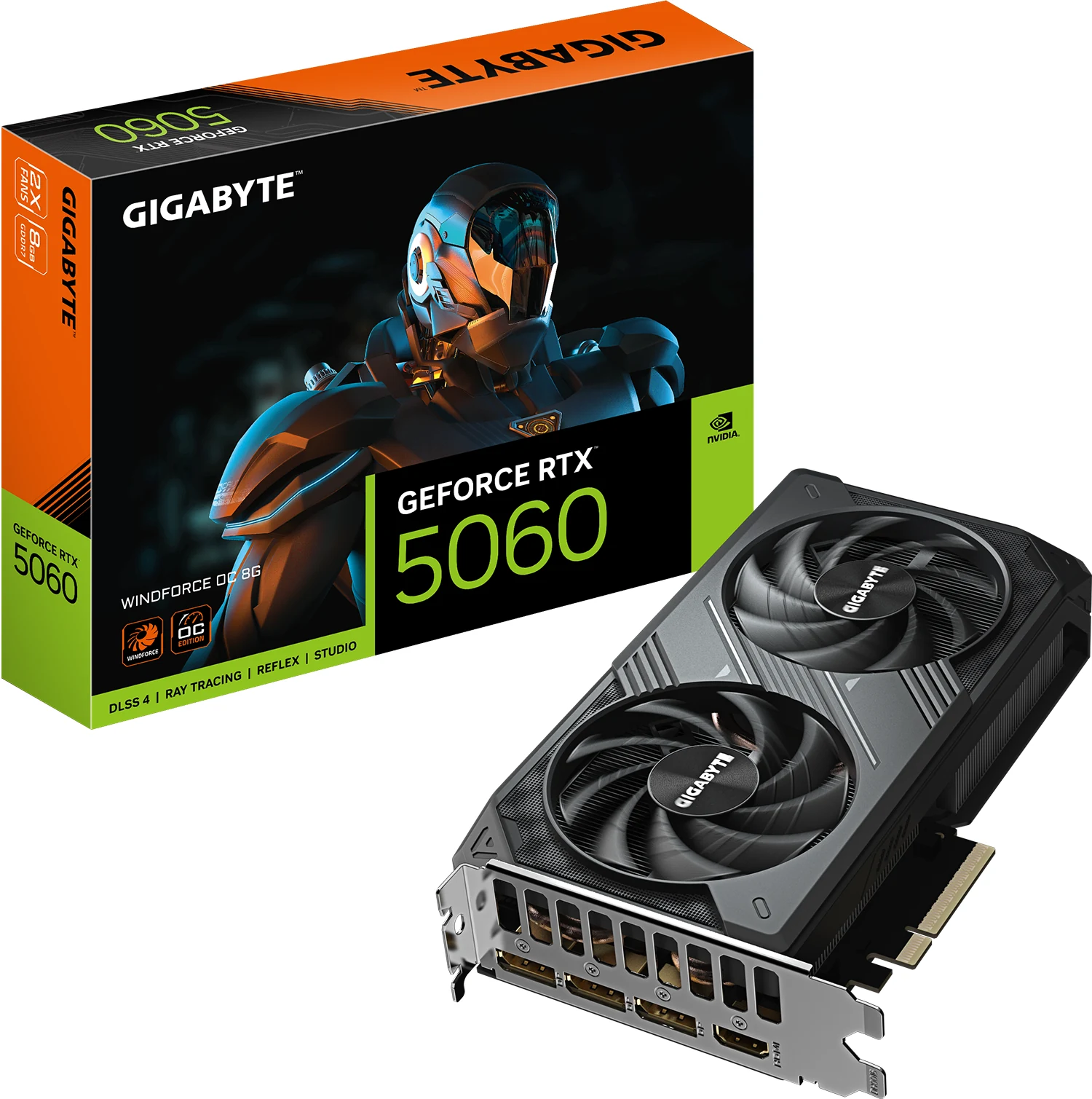
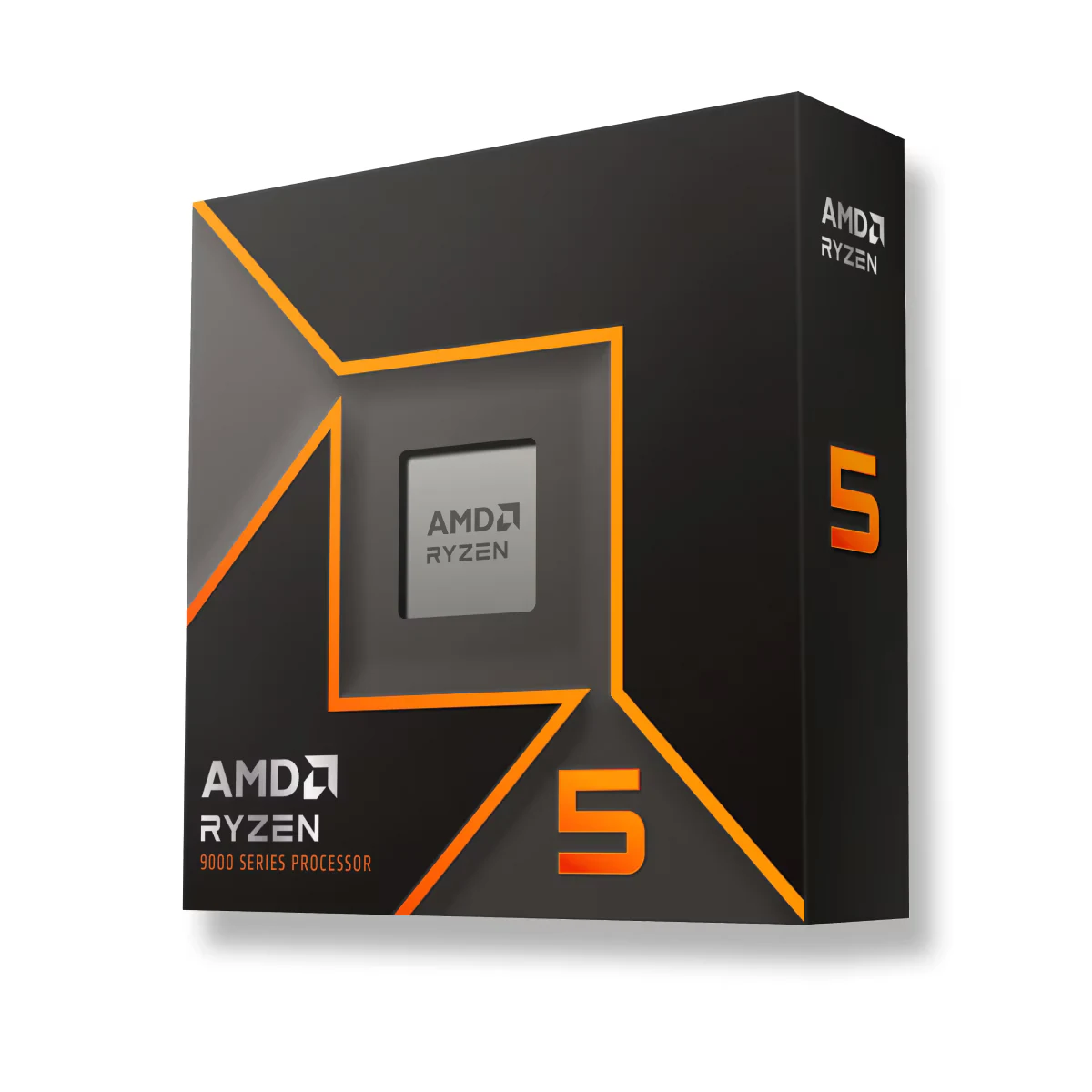
Table: power draw of every graphics card in 2026
How to read this table. TGP is the card's maximum power draw according to its maker (NVIDIA calls it Total Graphics Power; AMD, Typical Board Power). The minimum PSU is what the maker asks for in a complete PC with that card. The "Our recommendation" column is our own call: a Gold unit with headroom for spikes, quiet operation and your next card.
| Graphics card | Official TGP | Maker's minimum PSU | Our recommendation | Source |
|---|---|---|---|---|
| GeForce RTX 5050 | 130W | 550W | 550W Gold | NVIDIA |
| GeForce RTX 5060 | 145W | 550W | 550-650W Gold | NVIDIA |
| GeForce RTX 5060 Ti | 180W | 600W | 650W Gold | NVIDIA |
| GeForce RTX 5070 | 250W | 650W | 750W Gold | NVIDIA |
| GeForce RTX 5070 Ti | 300W | 750W | 750-850W Gold | NVIDIA |
| GeForce RTX 5080 | 360W | 850W | 850W Gold | NVIDIA |
| GeForce RTX 5090 | 575W | 1000W | 1000-1200W Gold or better | NVIDIA |
| Radeon RX 9060 XT (16 GB) | 160W | 450W | 550-650W Gold | AMD |
| Radeon RX 9070 | 220W | 650W | 750W Gold | AMD |
| Radeon RX 9070 XT | 304W | 750W | 850W Gold | AMD |
| GeForce RTX 4070 (previous generation) | 200W | 650W | 650-750W Gold | NVIDIA |
Updated September 26, 2026. We review it every three months.
Methodology: where the data comes from. TGP and minimum PSU are taken from each card's official spec sheet on nvidia.com and amd.com, read on September 26, 2026 (link in every row). NVIDIA notes its minimum is calculated for a PC with a Ryzen 9 9950X: with a more modest CPU you have room to spare, and with a hungrier one or an overclock you need more. Partner cards with a factory overclock can draw more than the reference model, so if yours is one of them, check its own spec sheet. The power ranges in the previous section come from adding these TGPs, the CPU's official TDP and 50 to 100W for the rest of the system; they are not our own measurements.
My pick: 750W Gold modular
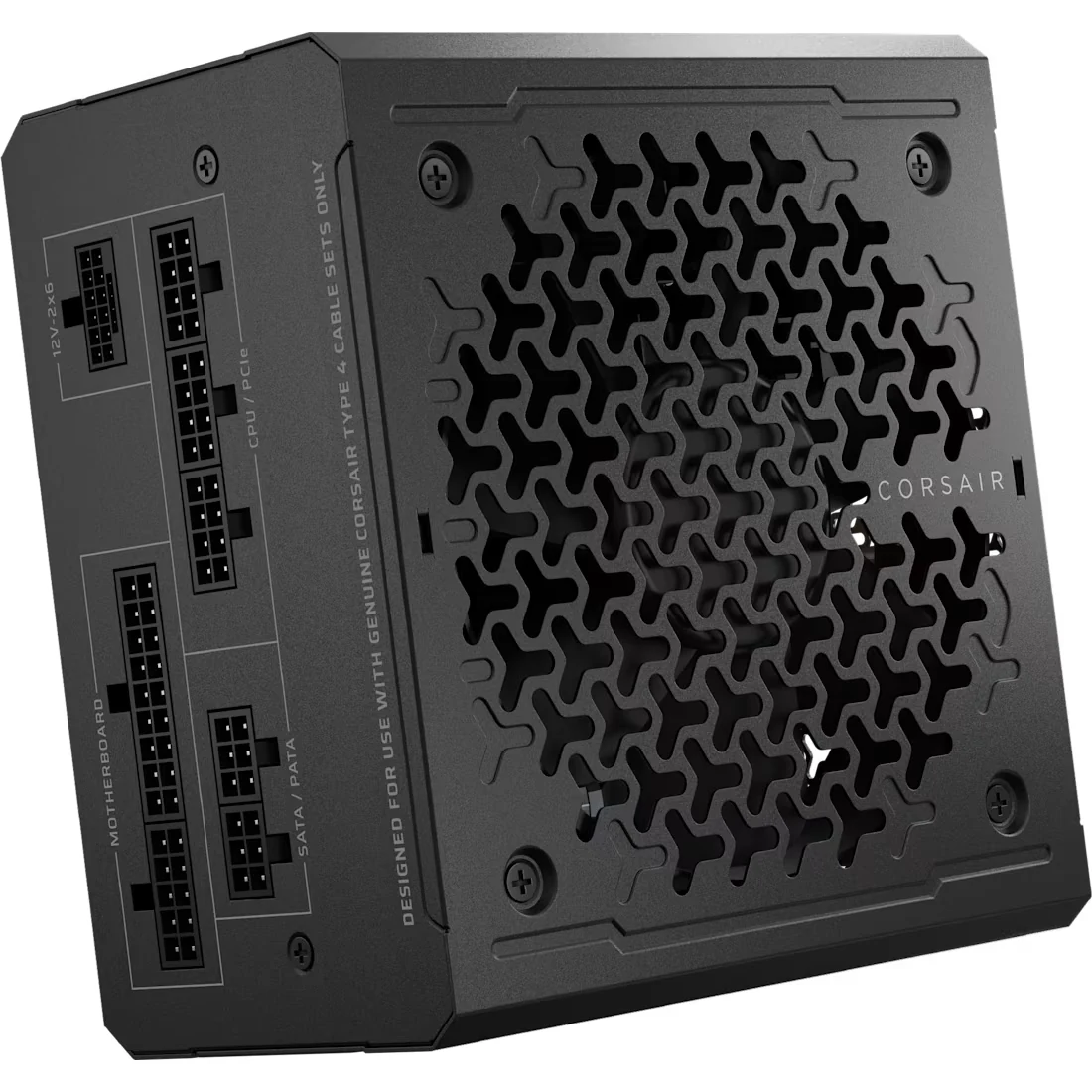
The Corsair RM750e (paid link) is the PSU I recommend in almost every build for a simple reason: 750W covers any current mid-to-high configuration, the Gold certification saves electricity and heat, it is fully modular (connect only the cables you use) and its native 12V-2x6 cable leaves the door open for your next graphics card. Buying a PSU twice costs more than buying it right once.
Common wattage mistakes
Overbuying "just in case": a 1200W unit feeding a 400W PC runs outside its efficient zone and wastes money. Buying generic uncertified units: the advertised watts are not real and you risk every component. Ignoring transient spikes: modern GPUs have brief spikes far above average draw; that is why ATX 3.1 and that 40-50% margin matter so much.
What if my budget is different?
Calculate your watts with the method above and buy the best Gold unit you can afford in that range. If you are building a full PC, our value gaming PC guide has the whole balanced build, and with the Build your PC configurator you can combine parts from our catalog and see the result piece by piece.
Frequently asked questions about power draw and PSUs
Is an 850W Gold PSU enough for an RX 9060 XT?
Yes, with a huge margin. AMD asks for at least 450W for a PC with that card, and its maximum draw is 160W. An 850W Gold unit works perfectly and leaves the PC ready for a much stronger card later; if you are buying a PSU just for this card, a 550-650W Gold from a solid brand is enough.
How much power does a gaming PC use playing League of Legends or Rocket League?
A lot less than in a demanding game. Those are light games for the card, and if you cap your FPS to your monitor's refresh rate, the GPU runs far below its TGP. On a mid-range PC, think somewhere around 150-250W total (our estimate). Without an FPS cap it climbs a lot, because the card tries to push hundreds of frames your monitor cannot show: capping them is the setting that cuts power the most without you noticing.
How much power do the motherboard and the other parts use?
Little, compared with the GPU and CPU: the motherboard usually sits between 20 and 50W, and RAM, each SSD and each fan add a few watts apiece (estimates, since there is no single official figure). That is why the calculation above adds 100 to 150W for "the rest": the margin is already built in.
Does a bigger PSU make my PC faster?
No. The PSU delivers what the system asks for: extra watts are margin, not performance. Speed comes from GPU, CPU and RAM.
How long does a good PSU last?
A serious Gold unit lasts 7-10 years and usually survives two PC generations. That is why this is the place to invest well.
What happens if I fall short on watts?
Shutdowns under load, restarts mid-game and, with generic units, real risk to your components. If your PC restarts while gaming, the PSU is suspect number one. More signals in our 5 highest-impact upgrades.
How we choose: no lab here, and we will not pretend otherwise. The table takes each graphics card's official power and minimum supply from NVIDIA and AMD, and our own recommendation adds headroom for spikes and your next card. The pick was judged on wattage, Gold efficiency, modular cables and a native 12V-2x6 connector, from Corsair's spec sheet. Generic uncertified units stayed out because their advertised watts cannot be trusted, as the mistakes section explains. No brand pays to appear here.
I write every guide with the help of AI tools for research and drafting; I decide which products make the cut, check every figure against the manufacturer’s spec sheet and the price on the day I verify it, and sign the text. — Samuel
The power supply is settled. Next is where all of it lives: how to pick a case by following the airflow, I took that apart here.