Which Gaming Mouse to Buy for Your Favorite Game (2026 Guide)

By Samuel 76 · Founder & Editor
Some links are Amazon affiliate links: we earn a commission if you buy, at no extra cost to you, and it never changes what we recommend. How we make money
Short answer: for shooters, the Logitech G PRO X Superlight 2 (60 g, per Logitech); for esports at the top level, the Razer Viper V4 Pro (49 g and 8000 Hz, per Razer); for MMOs and MOBAs, the Logitech G502 X Plus (13 programmable controls, per Logitech); and on a tight budget, the Logitech G305. There is no "best mouse" in general, only the best one for the game you sink the most hours into, and this guide builds on our top 5 gaming mice to match each kind of player with one.
No detours
- Competitive shooters: Logitech G PRO X Superlight 2
- Esports at the highest level: Razer Viper V4 Pro
- MMOs, MOBAs and everything: Logitech G502 X Plus
- Tight budget: Logitech G305
The four mice, spec by spec
| Mouse | Weight | Programmable buttons | Max polling rate | Battery (maker's rating) | Source |
|---|---|---|---|---|---|
| Logitech G PRO X Superlight 2 | 60 g | 5 | 8000 Hz | 95 h | Logitech |
| Razer Viper V4 Pro | 49 g (black; 50 g in white) | 6 | 8000 Hz | 180 h at 1000 Hz; 45 h at 8000 Hz | Razer |
| Logitech G502 X Plus | 106 g | 13 | 1000 Hz | 130 h without lighting; 37 h with default lighting | Logitech |
| Logitech G305 | 99 g | 6 | 1000 Hz | 250 h on one AA battery | Logitech |
Figures from each maker's spec page, checked on October 12, 2026.
The number we worked out from that table: the two fastest settings cost battery. Running the Viper V4 Pro at 8000 Hz takes it from 180 to 45 hours, 75% less; turning on the G502 X Plus's default lighting takes it from 130 to 37 hours, about 72% less. If your mouse dies before the weekend, those are the two switches to check first.
If you live in shooters: Superlight 2
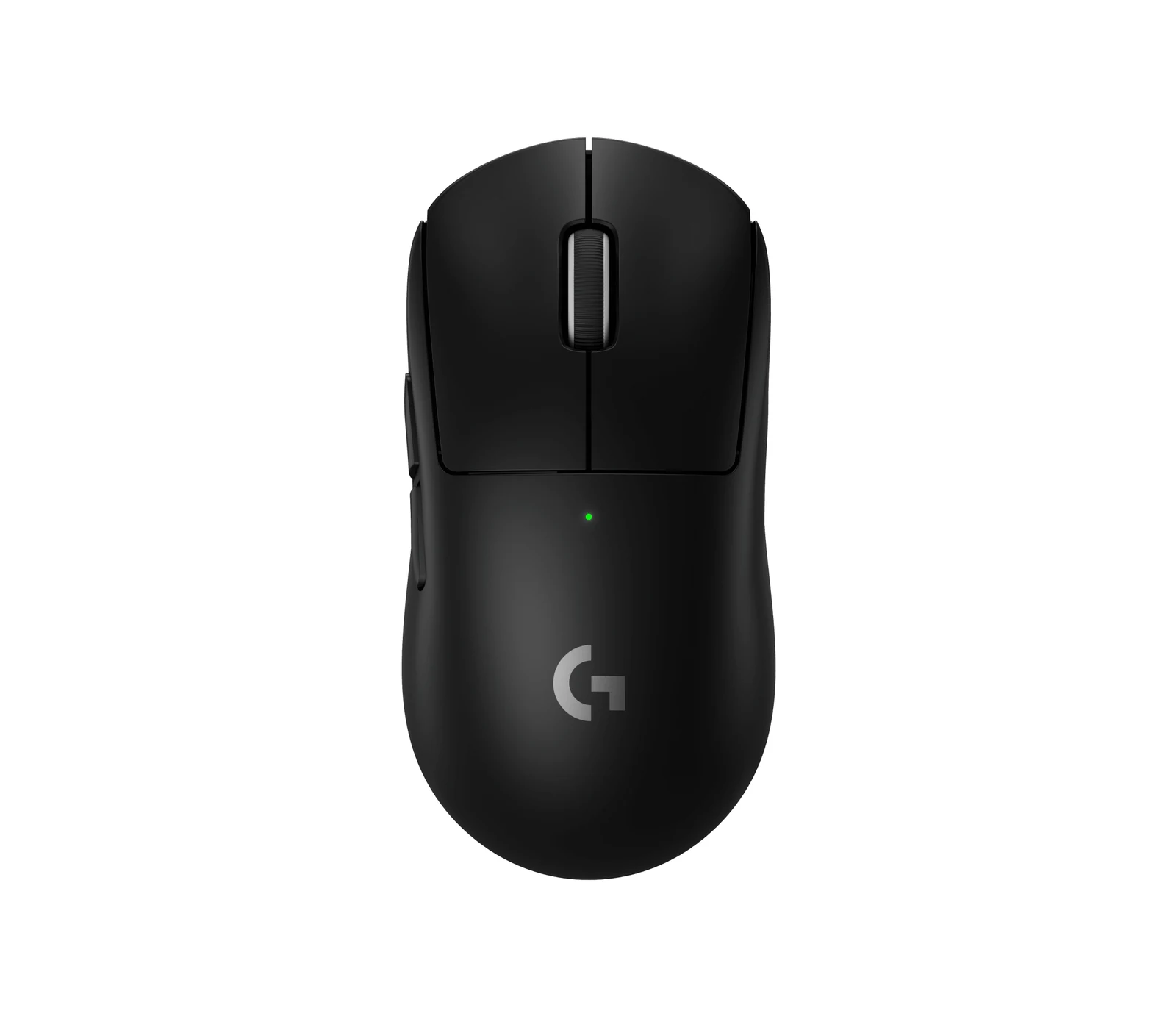
60 grams, the HERO 2 sensor and up to 8000 Hz polling, per Logitech: the Superlight 2 (paid link) is also the most used mouse among the pros ProSettings.net tracks (300 of 2431 when we checked on October 2, 2026). It is for anyone who spends most of their hours in Valorant, CS2 or Apex at low sensitivity, where you swing the mouse across the pad again and again every round.
Where it gives ground: Logitech rates it at 95 hours, about half of what the Viper gets at 1000 Hz, so you charge it more often. And if you want side buttons for abilities, the Viper V4 Pro gives you 6 at 49 g instead of 5 at 60. Those 11 grams only matter if you already use a very light mouse; coming from a 100 g mouse, either one cuts 40 to 51% of the weight, and the shape will decide more than the difference.
The esports rival: Viper V4 Pro
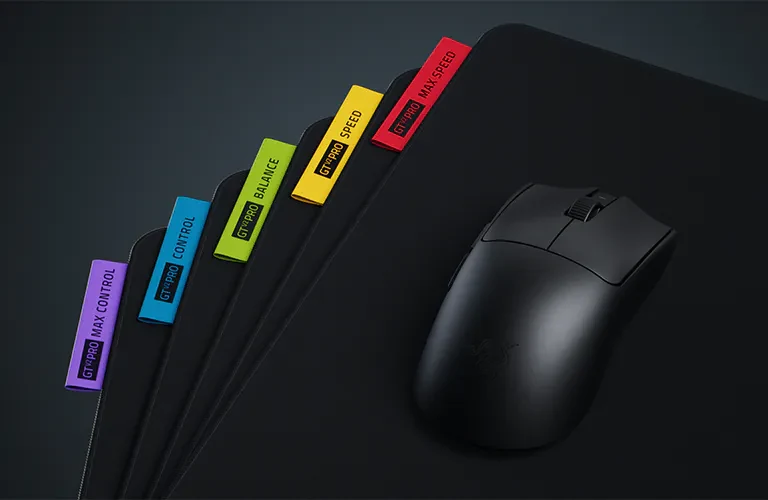
If you play competitively on a 240 Hz monitor or faster, this is the one built for you: the Viper V4 Pro (paid link) weighs 49 grams in black and polls at 8000 Hz over its wireless link, with the Focus Pro 50K sensor, per Razer's tech specs. It is the lightest mouse on this list, with a symmetrical shape.
Against the Superlight 2, battery at 1000 Hz settles it: 180 hours against 95, so it charges about half as often. On a 60 or 144 Hz monitor its headline number does little for you, though. At 144 Hz each frame lasts 6.9 ms and a 1000 Hz mouse already reports about 7 times inside it, so the G305 covers that for much less money. What it does not have: more than 6 buttons, so a bar full of MMO hotkeys needs another mouse.
For MMOs, MOBAs and multitasking: G502 X Plus
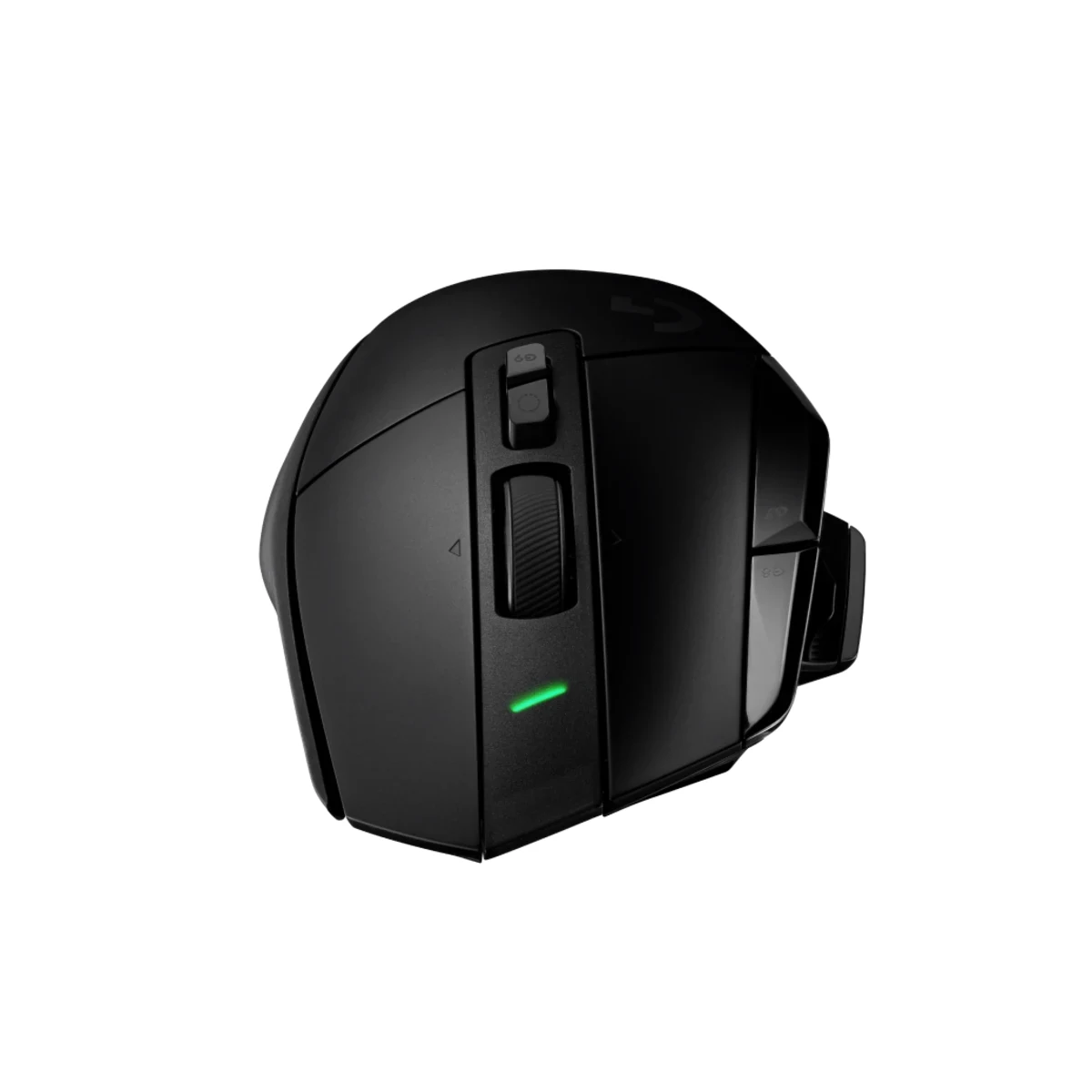
This one is not for shooters, and it is not for left-handed players: it is a long right-handed shape that weighs 106 grams. Where it earns its place is MMOs and MOBAs. The G502 X Plus (paid link) puts 13 programmable controls, a dual-mode scroll wheel and LIGHTFORCE hybrid switches under your hand, per Logitech, so potions, macros and build swaps go under the thumb instead of on the keyboard.
13 controls against 5 on the Superlight 2 is the trade, and it costs 46 grams. In an MMO you press more than you move, so that trade goes its way; in a shooter, the Superlight 2 fits better. One thing to know before you buy: with the default lighting on, Logitech rates the battery at 37 hours, not 130.
Budget: the G305 and its AA battery
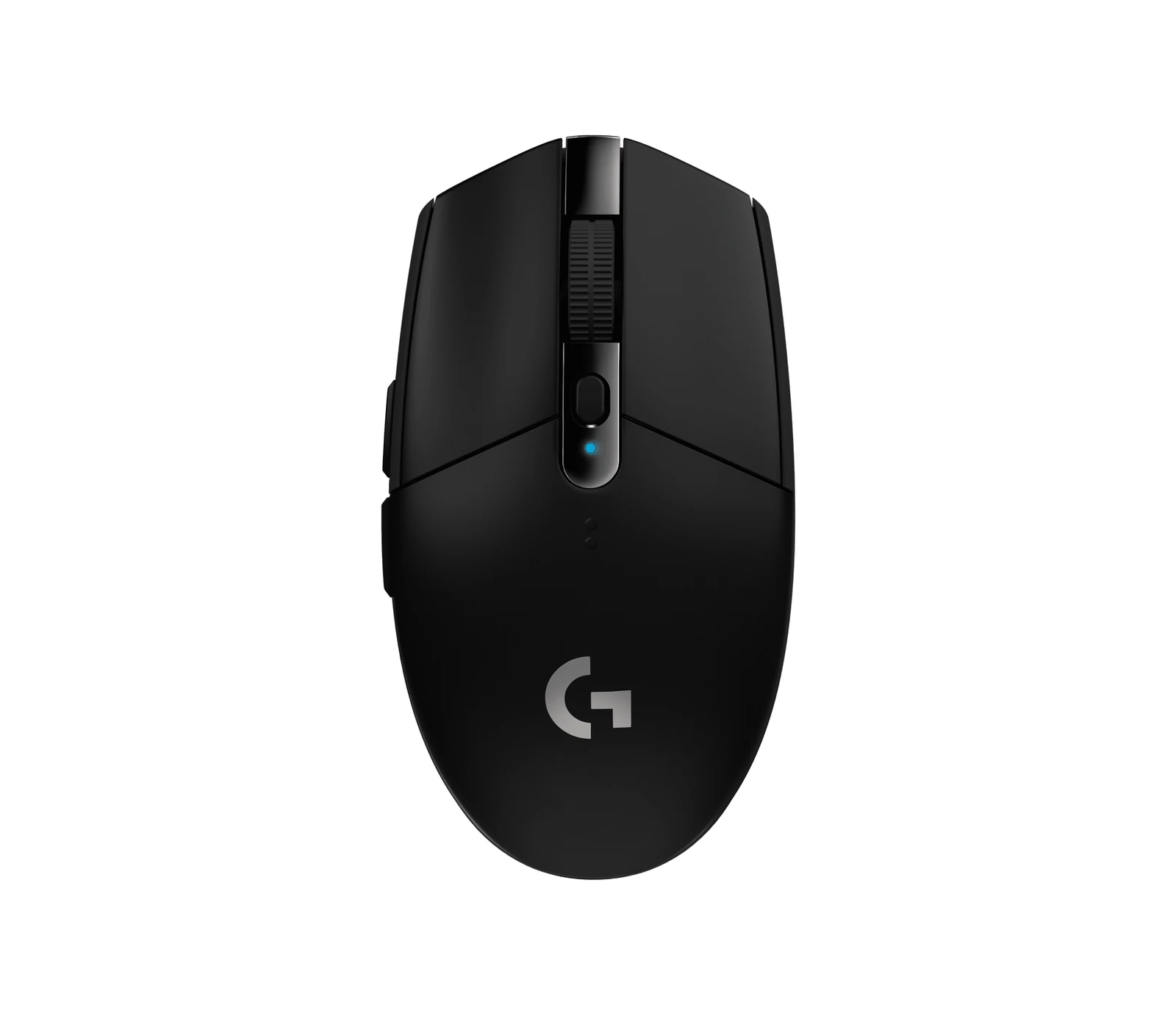
250 hours on one AA battery, per Logitech: at 4 hours a day, that is about two months per battery. In the $25 to $40 price band, the G305 (paid link) adds the HERO sensor (up to 12000 DPI) and LIGHTSPEED wireless at 1000 Hz. It is the mouse we picked for our complete setup for under 500 dollars, and it suits a first serious mouse or someone who splits time between genres.
The battery is also its weak side: you buy AAs instead of plugging in a cable. At 99 grams it weighs 39 more than the Superlight 2, and if you play shooters at low sensitivity and can stretch the budget, that gap is the reason to go up. 1000 Hz is as fast as it gets.
The golden rule
Buy for the game you sink the most hours into, not the one you open once a month. 80% shooters: the lightest mouse you can afford (Superlight 2 or Viper V4 Pro). 80% MMO or strategy: buttons (G502 X Plus). Half and half, or a first mouse: the G305, and upgrade once your profile is clear. If you can hold the mouse before buying, the shape in your hand tells you more than any table.
Who shouldn't bother buying a new mouse
A new mouse fixes less than the box promises. Before you spend, check whether you fit one of these three cases, because for them the money goes further somewhere else.
- Your aim problem is really a settings problem. If you change your sensitivity every week, no sensor will save you. Pick one DPI (400, 800 and 1600 are the usual ones), keep your in-game sensitivity fixed for a month, and only then judge your mouse.
- You play almost everything on a controller. If the mouse only moves the cursor through menus and the browser, a basic office mouse does the job. Put that budget into the controller or the monitor instead; our controller guide covers that side.
- Your current mouse is under two years old and still tracks clean. Going from a good mouse to a slightly lighter good mouse is a small jump. If the clicks do not double-click and the sensor does not skip, keep it and upgrade the mousepad first.
Picking a mouse by game: common questions
Does weight really matter?
In shooters it is the number we sort by: a 60 g mouse is 40% less mass than a 100 g one, and you move it on every flick. In MMOs it matters much less, because you press more than you move; buttons rule there.
Is 8000Hz polling noticeable?
Do the math with your monitor. At 144 Hz each frame lasts 6.9 ms and a 1000 Hz mouse reports every 1 ms, about 7 times per frame; at 240 Hz it is about 4. Meanwhile 8000 Hz takes the Viper V4 Pro from 180 to 45 hours of battery, per Razer. Pay for it only if you play at 240 Hz or more and do not mind charging more often.
Which mousepad should I get?
If you aim with your arm at low sensitivity, a large cloth pad of 45 x 40 cm or more leaves room for full swipes; if you play at high sensitivity and aim with your wrist, a smaller pad is enough.
What DPI should I use for gaming?
Start at 400, 800 or 1600 DPI and fine-tune with in-game sensitivity. The number that matters is eDPI, DPI multiplied by in-game sensitivity: 800 DPI at 0.5 is 400 eDPI, the same as 400 DPI at 1.0. A higher DPI ceiling on the box does not change that.
Does my grip style change which mouse I should buy?
Yes, often more than the brand does. The G502 X Plus is a long right-handed shape, usually the easier match for a palm grip; the Superlight 2 and the Viper V4 Pro are symmetrical, which leaves room for claw and fingertip grips. If you can, hold one in a store before buying.
The mouse is only half of aim: at low sensitivity you need space, so check our XL mouse pads and whether a smaller keyboard would give you more room. For fast shooters, 60 Hz to 144 or 240 Hz shows how much the monitor adds to what your hand is doing.
How we choose: no lab here, and we will not pretend otherwise. We matched each mouse to a kind of game using what Logitech and Razer publish: weight, shape, sensor, number of buttons, polling rate and battery life, checked on each maker's page on October 12, 2026. Light symmetric mice go to shooters, a mouse with extra buttons goes to MMOs and MOBAs, and a budget wireless pick closes the list. Mice built for one hand size or grip only stayed out because the guide sorts by game, not by hand. No brand pays to appear here.
I write every guide with the help of AI tools for research and drafting; I decide which products make the cut, check every figure against the manufacturer’s spec sheet and the price on the day I verify it, and sign the text. — Samuel