The 5 Best XL Gaming Mouse Pads of 2026 (Compared in Depth)

By Samuel 76 · Founder & Editor
Some links are Amazon affiliate links: we earn a commission if you buy, at no extra cost to you, and it never changes what we recommend. How we make money
The best XL gaming mouse pad of 2026 is the SteelSeries QcK XXL: 900 x 400 mm of evenly woven cloth, 2 mm thick. For a thicker, flatter-reading pad, the Logitech G840 XL; for the lowest price on a branded XXL, the Razer Gigantus V2 XXL.
An XL gaming mouse pad is not a cosmetic upgrade. It is the difference between dropping your DPI and swinging with your whole arm, or running out of surface halfway through a flick. After comparing the large pads that actually sell on Amazon in 2026, the one I recommend to almost everyone is the SteelSeries QcK XXL (paid link), because it nails the only thing that truly matters in a pad: an even glide from edge to edge.
Two notes on sizing before the verdicts, because manufacturers use the labels however they like. In practice "XL" usually means around 31 x 12 inches and "XXL" sits near 35 x 16 inches. The 35 x 16 size became the default because a full-size keyboard and the entire sweep of a mouse at 400 or 800 DPI both fit on it. Measure your desk first: a 35-inch pad will not fit a 31-inch desk, and returning a 15-dollar pad is not worth the trip.
The other thing nobody mentions: thickness changes the feel more than the brand does. A 3 mm pad keeps your wrist near desk height and feels firm. A 4 to 5 mm pad cushions more and forgives an uneven desk, but the mouse sinks in slightly. Neither is better, they are different preferences, which is why both are on this list.
Quick verdicts
- Best overall: SteelSeries QcK XXL (paid link) ($25 - $40) — the most predictable glide, and the pad most esports players land on.
- Most consistent for modern sensors: Logitech G840 XL (paid link) ($25 - $40) — 3 mm thin, no dead zones near the edges.
- Best value: Razer Gigantus V2 XXL (paid link) (under $25) — a branded XXL pad at the cheapest tier.
- Cheapest branded pick: Lenovo Legion Gaming XL (paid link) (under $25) — stitched edges and water repellent.
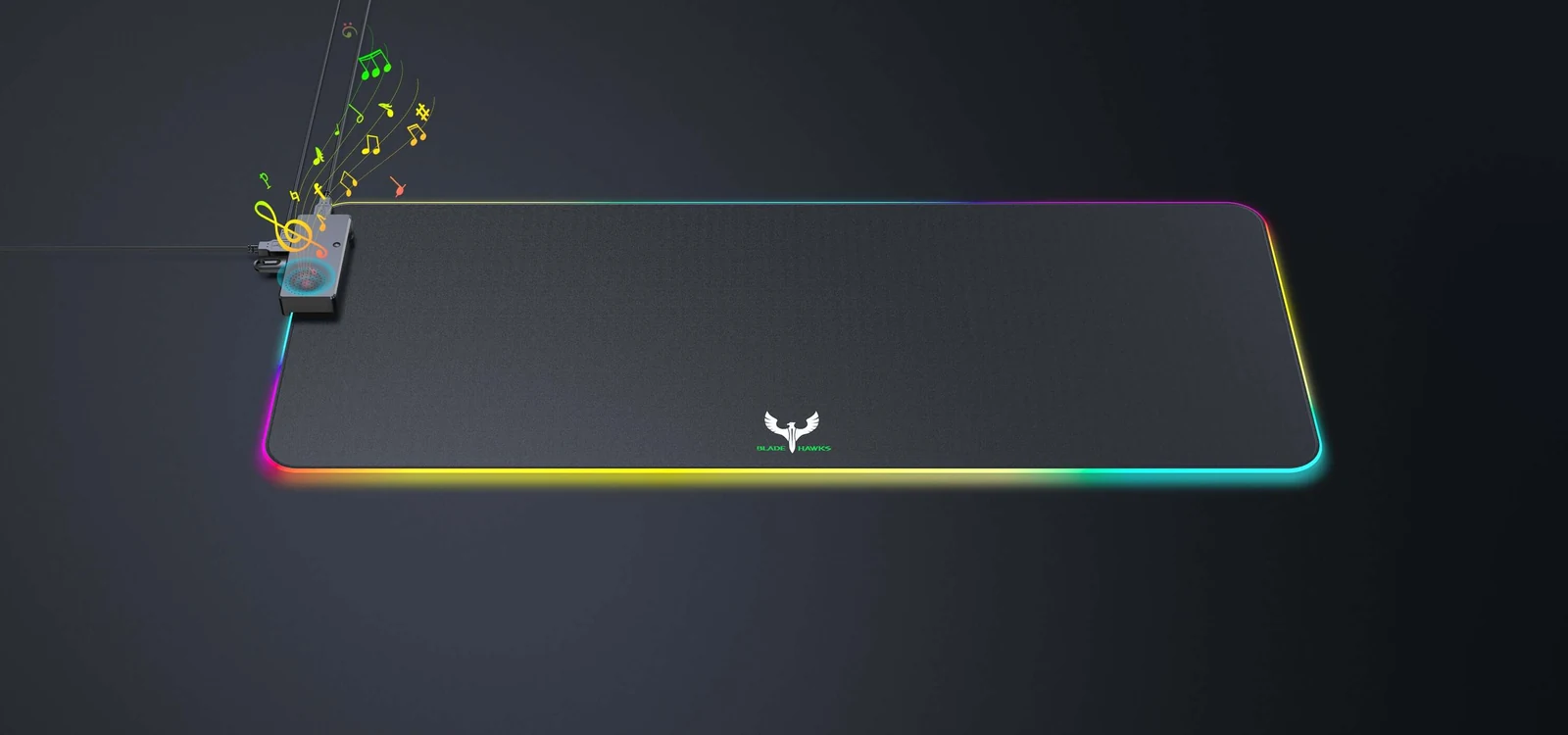
- If you want RGB: BladeHawks RGB XL (paid link) (under $25) — 14 modes off a single USB port.
The five pads side by side, with the specs from each maker:
| Mouse pad | Pick | Size | Thickness | Surface | Base | RGB |
|---|---|---|---|---|---|---|
| SteelSeries QcK XXL | Best overall | 900 x 400 mm | 2 mm | Micro-woven cloth | Non-slip rubber | No |
| Logitech G840 XL | Most consistent | 900 x 400 mm | 3 mm | Cloth | Non-slip rubber | No |
| Razer Gigantus V2 XXL | Best value | 940 x 410 mm | 4 mm | Micro-weave cloth | High-density rubber foam | No |
| Lenovo Legion Gaming XL | Cheapest branded | 900 x 300 mm | Not published | Water-repellent microfiber cloth | Non-slip rubber | No |
| BladeHawks RGB XL | RGB | 800 x 300 mm | Not published | Water-resistant micro-textured cloth | Natural rubber | Yes, 14 modes (USB) |
1. SteelSeries QcK XXL — the standard everything else is measured against
The QcK has been the default pad on the competitive circuit for over a decade, and the 35 x 16 inch XXL version is the one that makes sense today. What makes it good is not some exotic material, it is uniformity: the micro-weave is packed just as tightly in the center as it is an inch from the edge, so the sensor reads the same on a long swing as it does on a small aim correction. That consistency is exactly what builds muscle memory.
The glide leans toward control. There is enough friction to stop where you want without ever feeling sticky. Coming from a hard pad it will feel slow for a few days; coming from a cheap cloth pad it will feel like the mouse finally does what you asked. The 2 mm rubber base will not budge, even on glass. In the $25 to $40 price band, this is what I recommend to anyone who plays shooters seriously.
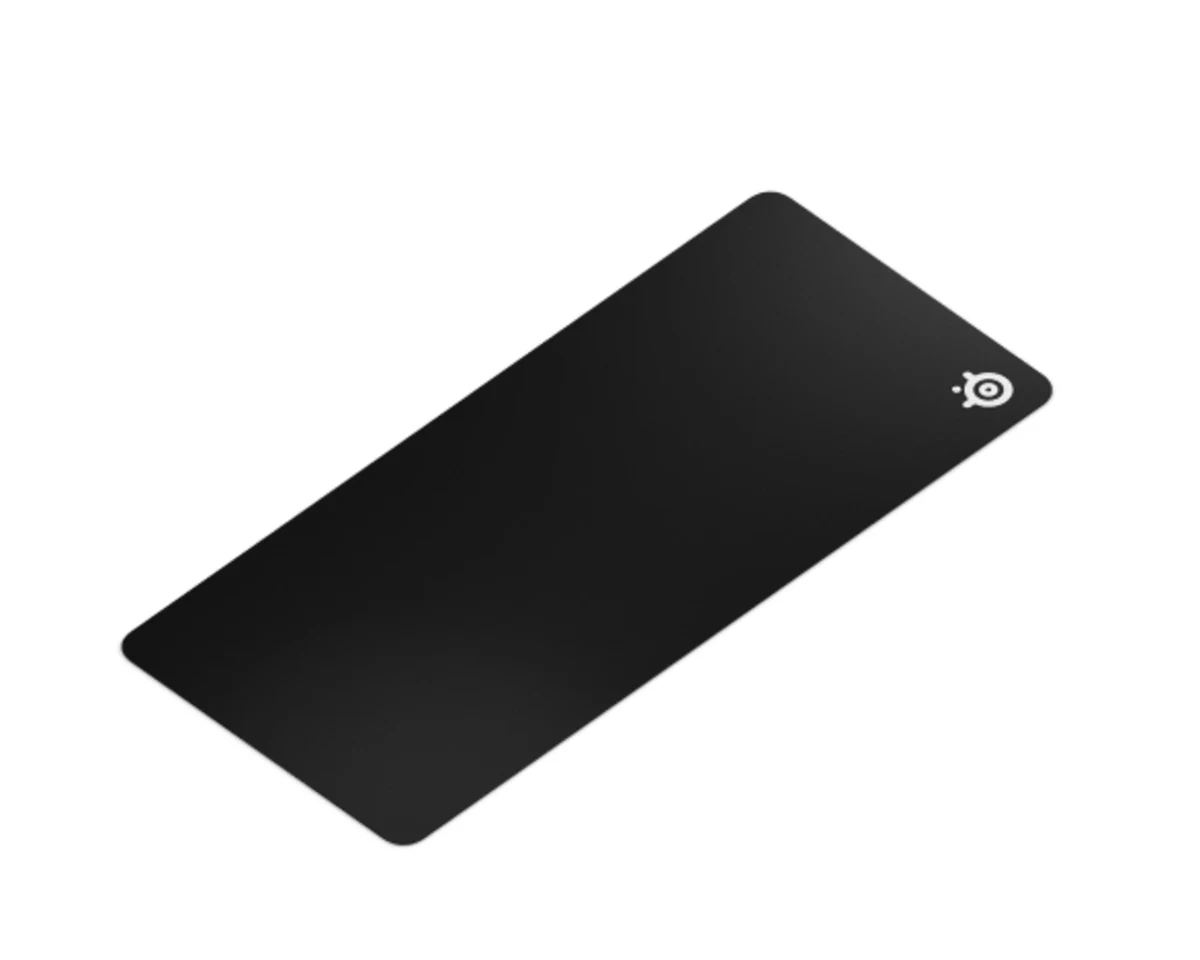
2. Logitech G840 XL — the flattest and the most predictable
Logitech tuned the G840 so its HERO sensors would read identically across the entire surface, and that work shows with other brands' sensors too. In practice it means there is no band near the edge where tracking gets strange, which does happen on budget pads when the cloth stretches as it is bonded to the base.
At 3 mm it sits between the 2 mm QcK and the 4 mm foam pads. That has two consequences: your wrist sits closer to actual desk height, which is better over long sessions, and you feel the surface underneath more, so an uneven desk will show through. The rubber grips hard and the pad does not bunch up when you push it. In the $25 to $40 price band it is the most expensive here, and I would take it over the QcK only if you want a little more cushion than its 2 mm without going to foam.
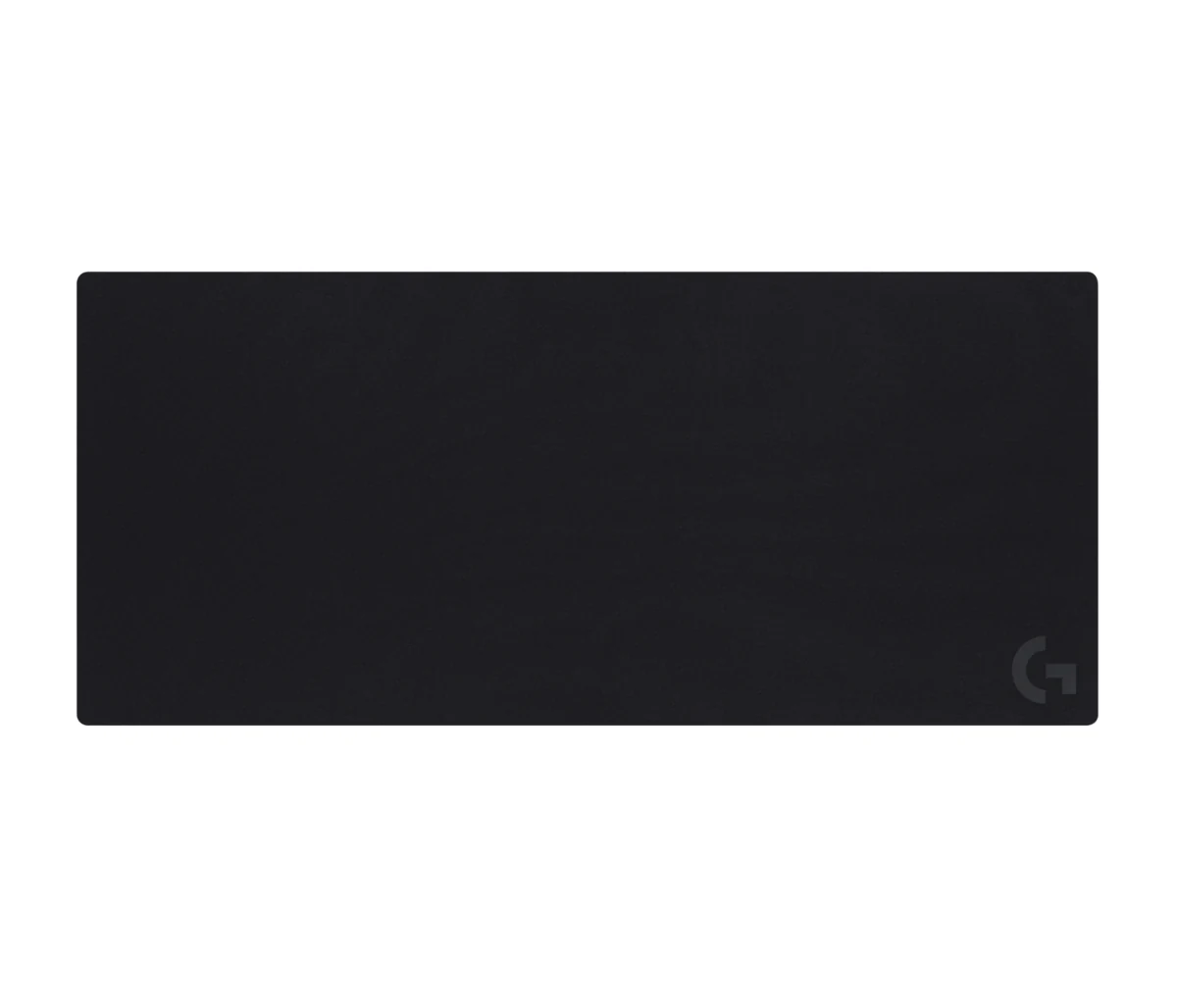
3. Razer Gigantus V2 XXL — the price sweet spot
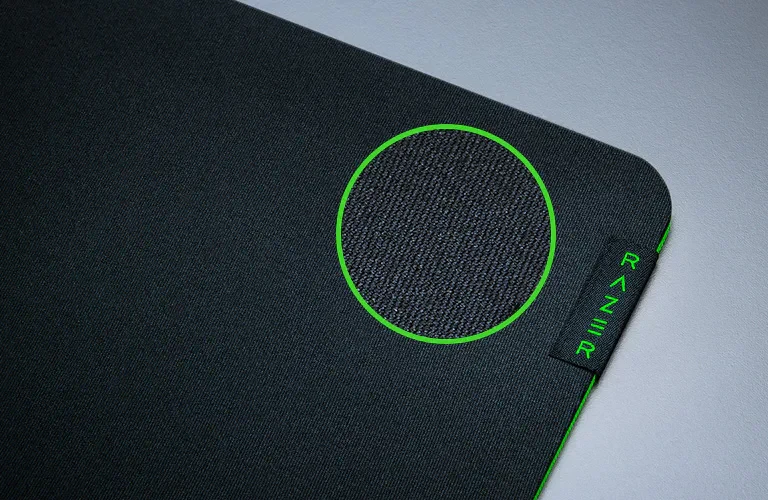
A branded XXL pad in the under $25 price band is the best buy on this list. Razer uses a textured micro-weave over high-density rubber foam, which gives a plusher feel than the QcK and copes better with a desk that has seams or ridges.
The glide lands right between speed and control, and that neutrality is the point: if you play a bit of everything, shooters at night and a MOBA on the weekend, the pad will not push you toward one style. The honest downside is that the cloth marks up a little faster with use than the SteelSeries weave. At this price I take that trade every time.
4. Lenovo Legion Gaming XL — the cheapest one actually worth buying
This is what I would buy for someone putting together a first setup. In the under $25 price band you get an XL pad from a real brand, with braided, stitched edges, so nothing frays where the keyboard rubs. The coating repels liquid long enough for you to move the glass before it soaks through, which is more than most generic pads manage.
The glide leans fast, closer to a speed pad than a control pad. If you play at high DPI with wrist movement you will love it; if you drop to 400 DPI and swing from the elbow, the QcK will give you more precision. It is smaller than the XXL pads above, so check that it still fits keyboard and mouse.
5. BladeHawks RGB XL — when the pad also lights the desk
RGB pads are usually a bad deal: you pay for lights and get a cloth that is useless for playing. This is the cheap exception. The 14 modes run off a single USB port with a button on the cable, no software to install, and the LEDs sit under a diffused edge so the glow spreads instead of showing a row of dots.
The cloth surface holds up: it is no QcK, but it glides evenly and does not feel like plastic. What you should know going in is that a USB cable now runs from the pad to your tower, which complicates cable management a little. If how your desk looks lit up is the priority, this is the cheapest way to get there without giving up playability.
The one I would put on my desk
If you play shooters and want the safe answer, the SteelSeries QcK XXL (paid link) is it and there is not much more to think about. If you want a slightly thicker pad and maximum consistency, pay the difference for the Logitech G840 XL (paid link). If budget rules but you still want a brand, the Razer Gigantus V2 XXL (paid link) gives you most of the experience for less money.
For a first setup, the Lenovo Legion Gaming XL (paid link) is enough and leaves budget for where it matters more, which is the mouse. And if you want the desk to look good at night, the BladeHawks RGB XL (paid link) does that job in the under $25 price band.
The pad is half the equation; the mouse on top of it is the other half. If you are still deciding, read our guide to which gaming mouse to buy for your game, and if you are working out how much room to give the keyboard, the 60%, TKL and full-size comparison will save you inches. If the desk is small to begin with, the small room setup guide starts from that constraint. And if the pad is sorted but the mouse is not, our best gaming mice of 2026 guide picks one for every grip and budget. Every model here lives in our product catalog, with its price band and a direct link to Amazon.
Mousepad doubts
What size mouse pad do I need for gaming?
If you play at 800 DPI or lower, you want at least 18 inches of width so you can turn 180 degrees without lifting the mouse. XXL pads at 35 x 16 inches cover that easily and leave room for the keyboard, which is the real reason they became the standard. At high DPI with wrist movement, an XL at 31 x 12 inches is plenty.
Cloth or hard surface?
Cloth gives more control and forgives mistakes; a hard surface gives more speed and lasts longer, but it wears mouse feet down faster and is noisier. For most people, cloth. Hard pads make sense if you already know you want speed and are willing to replace skates periodically.
How long does a mouse pad last and how do I wash it?
A well-kept cloth pad lasts two to three years before the used area flattens out. Wash it by hand in lukewarm water with mild soap, scrubbing gently, and air dry it completely flat. Never use a dryer or hot water, because the rubber warps and the pad stops sitting flush.
Is an RGB mouse pad worth it?
For playing better, no: the lighting does not change the glide. It is worth it if the goal is how your desk looks and the pad costs about the same as a normal one, like the one on this list. What I would not do is pay 40 or 50 dollars for RGB while giving up surface quality.
A big pad also changes how you sit: the ergonomics guide explains why a level wrist matters over long sessions.
How we choose: no lab here, and we will not pretend otherwise. We compared the five XL pads on what SteelSeries, Logitech, Razer, Lenovo and BladeHawks publish: exact size, thickness, surface texture, base material, stitched edges and lighting. The list runs from a classic cloth pad to one with RGB, and each one covers keyboard and mouse together. Hard and glass pads stayed out because every pick here is cloth. No brand pays to appear here.
I write every guide with the help of AI tools for research and drafting; I decide which products make the cut, check every figure against the manufacturer’s spec sheet and the price on the day I verify it, and sign the text. — Samuel