A Complete Gaming Setup for Under $500 in 2026 (Part by Part)

By Samuel 76 · Founder & Editor

Some links are Amazon affiliate links: we earn a commission if you buy, at no extra cost to you, and it never changes what we recommend. How we make money
A complete gaming setup under $500 in 2026 has five pieces: the AOC 24G51F2 monitor (180 Hz), the Redragon K617 Fizz keyboard, the Logitech G305 wireless mouse, the GTPLAYER chair with footrest and the Govee Flow Plus lights. At their current price bands the five add up to well under $500, as long as you already own the PC.
You do not need $2,000 for a setup to be proud of. Using what we learned comparing products this year, we built a complete gaming setup for under $500: fast monitor, mechanical keyboard, wireless mouse, comfortable chair and even lighting. Every piece is our value pick in its category.
What do you need for a complete gaming setup under $500?
You need a monitor, a keyboard, a mouse, a chair and, if the budget allows, lights: here they are the AOC 24G51F2, the Redragon K617 Fizz, the Logitech G305, the GTPLAYER with footrest and the Govee Flow Plus. The PC is not included; if you want to swap any piece for another, put them side by side in our comparison tool.
- Monitor: AOC 24G51F2 180Hz — $80 - $110
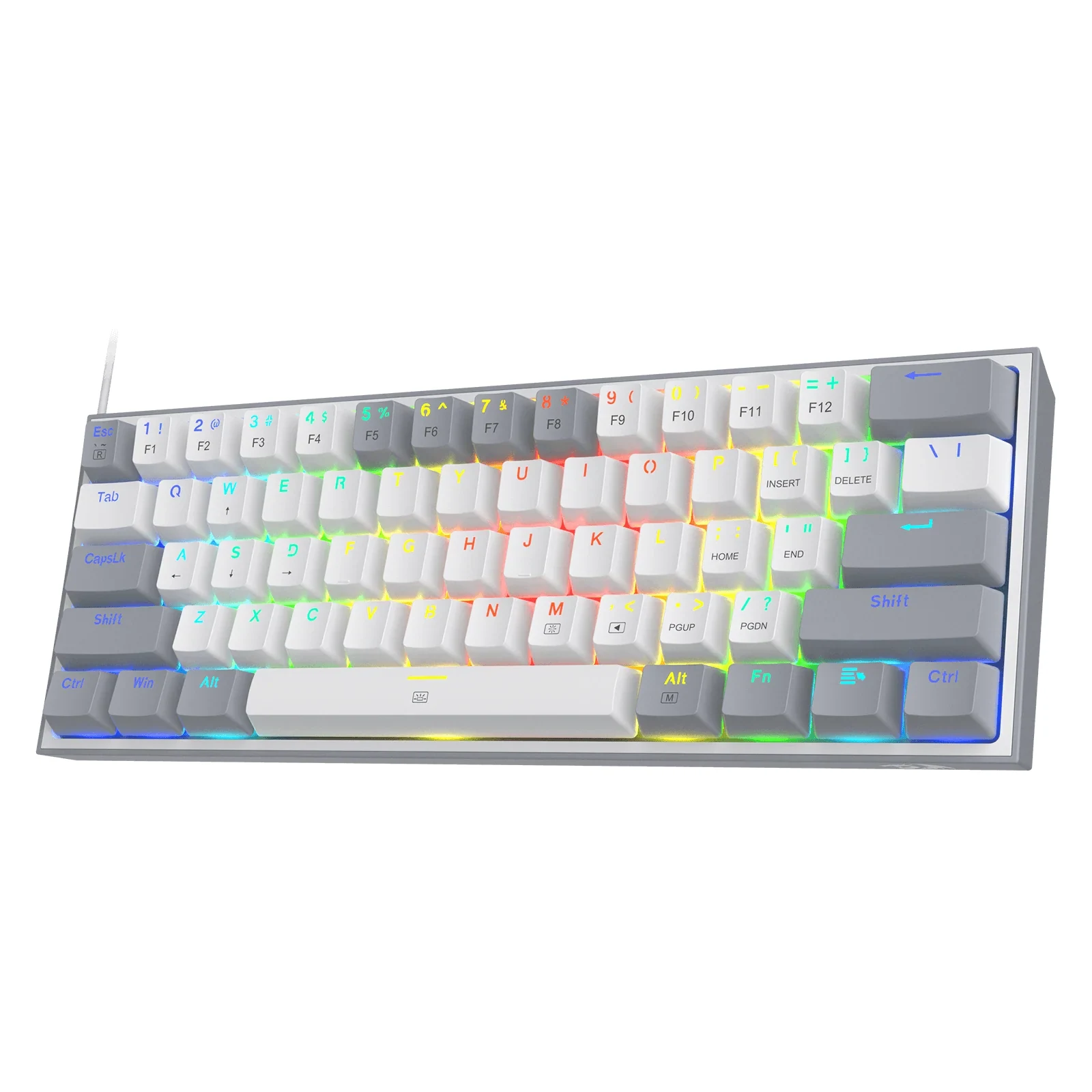
- Keyboard: Redragon K617 Fizz — $25 - $40
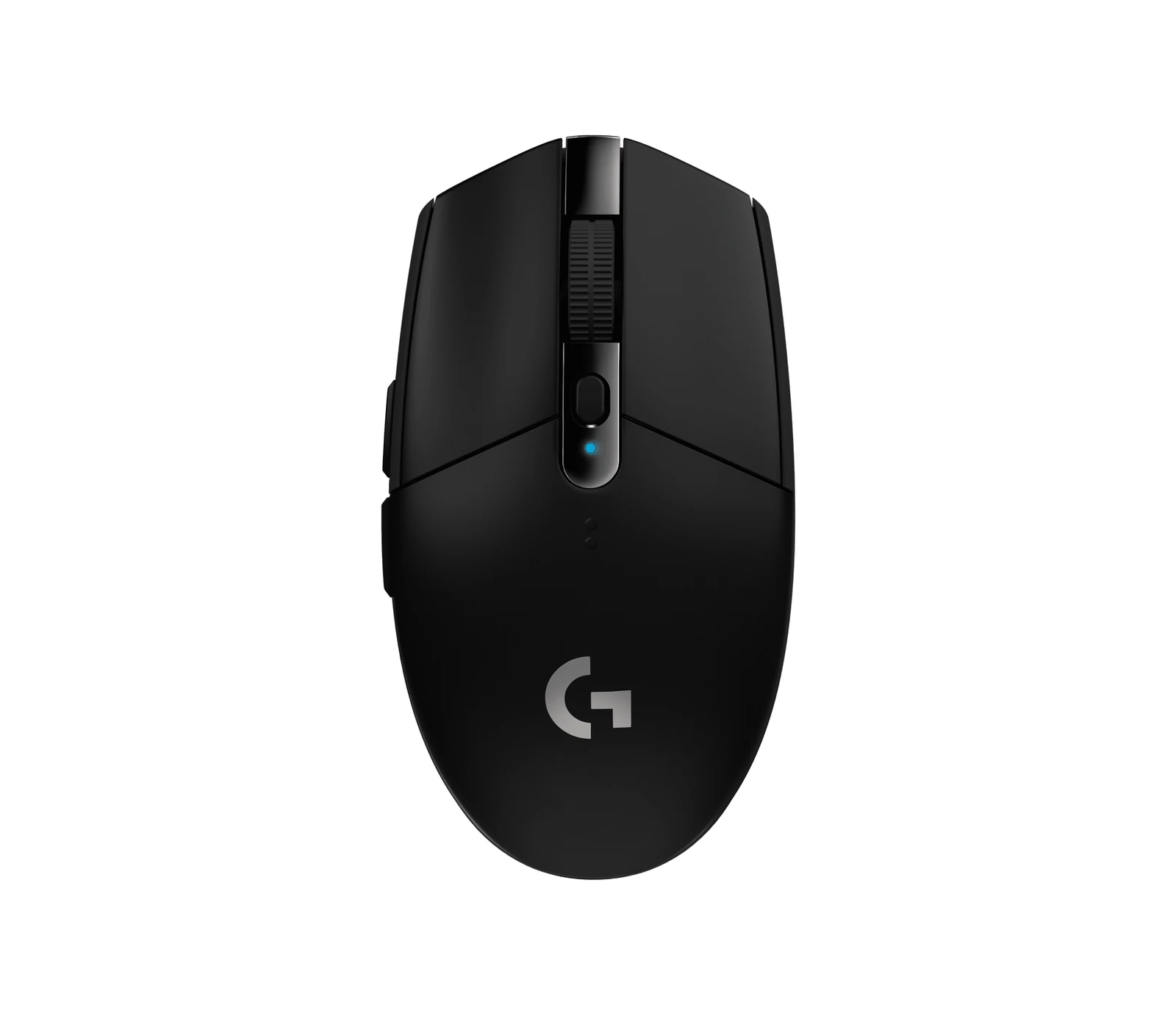
- Mouse: Logitech G305 — $25 - $40
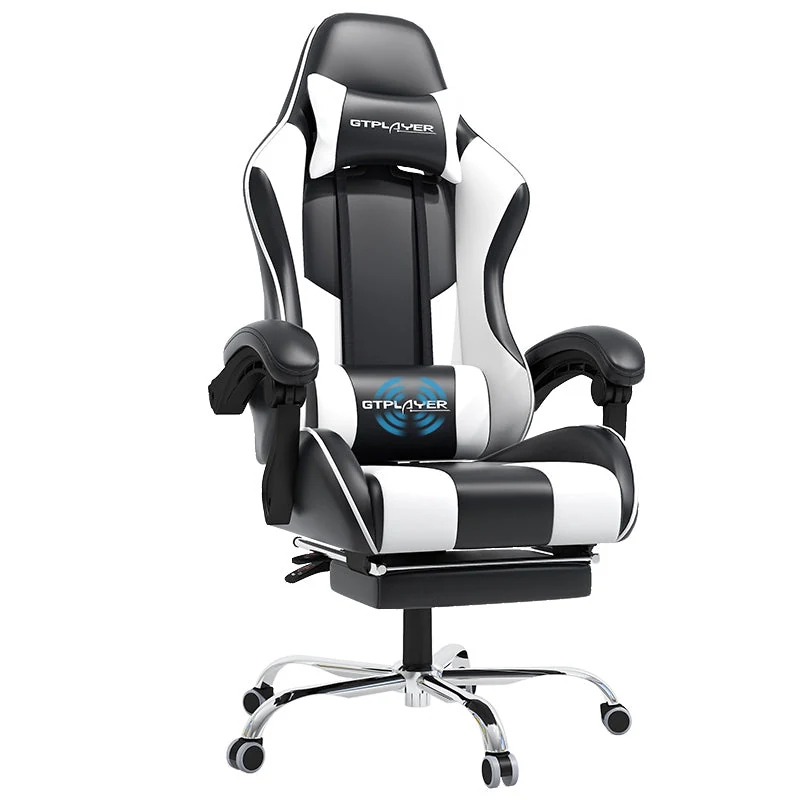
- Chair: GTPLAYER with footrest — $110 - $150
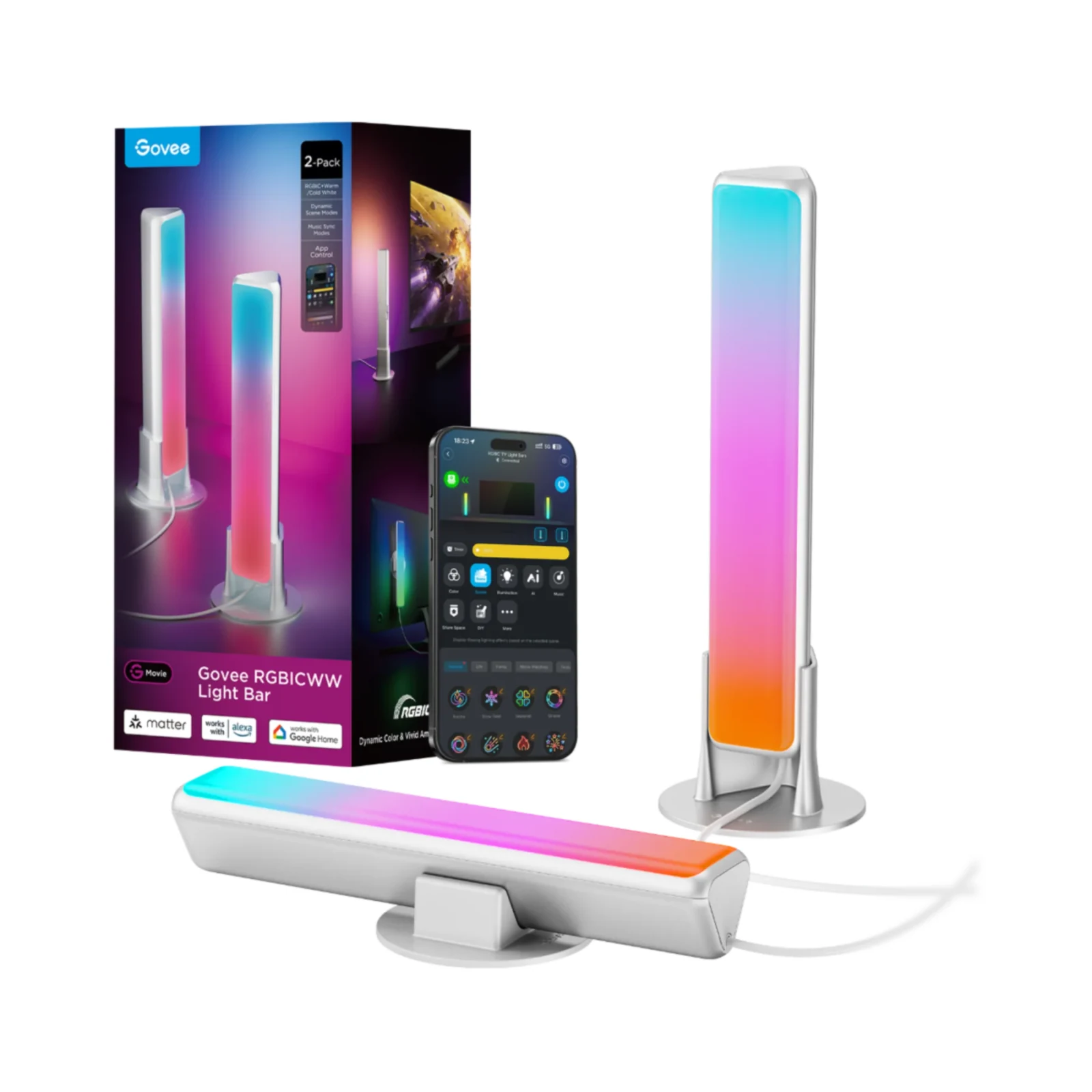
- Lights: Govee Flow Plus — $25 - $40
- Total: the five bands above add up to well under $500, depending on deals
Table: the 5 pieces of this setup. Updated October 6, 2026. Source: each brand’s spec sheet, through our product pages.
| Piece | Model | Why this one |
|---|---|---|
| Monitor | AOC 24G51F2 | 23.8", 1920 × 1080 IPS, 180 Hz, 0.5 ms (MPRT), Adaptive-Sync |
| Keyboard | Redragon K617 Fizz | 60%, 61 keys, red linear switches, hot-swap (3- and 5-pin), RGB |
| Mouse | Logitech G305 Lightspeed | Wireless, HERO sensor, 99 g, 250 hours on one AA battery |
| Chair | GTPLAYER with footrest | 135° recline, lumbar pillow, up to 136 kg, faux leather |
| Lights | Govee Flow Plus | 2 RGBICWW light bars, music sync, Govee Home app, Alexa, Google Home, Matter |
1. Monitor: AOC 24G51F2, 180Hz in the $80 to $110 band
The 24G51F2 (paid link) is our budget monitor pick: a 23.8-inch Full HD IPS panel at 180Hz, with 0.5 ms (MPRT) and Adaptive-Sync. Coming from 60Hz, that is three times the refresh rate.
2. Keyboard: Redragon K617 Fizz
Our budget keyboard pick: the K617 Fizz (paid link) packs hot-swap switches, RGB and a 60% layout that leaves more room on the desk for the mouse. It is our pick for a first mechanical keyboard, as we covered in our budget keyboards top.
3. Mouse: Logitech G305 Lightspeed
Wireless with a HERO sensor, up to 250 hours on one AA battery, 99 g and a symmetrical shape. The G305 (paid link) has been a budget pick for years, and it is still ours.
4. Chair: GTPLAYER with footrest
A GTPLAYER chair (paid link) with lumbar support, recline and a pull-out footrest, in the $110 to $150 price band. It is no Secretlab: it reclines to 135°, takes up to 136 kg and comes in faux leather, and in long sessions your back will notice a chair more than any RGB.
5. The finishing touch: Govee Flow Plus
Two RGBICWW bars behind the monitor, in the $25 to $40 price band: depth and ambiance behind the screen, with music sync and control from the Govee Home app, Alexa, Google Home or Matter. It is the piece that changes how the whole setup looks.
What I would build with 500 dollars
Adding up the bands of the five pieces you get a setup that plays smooth at 180Hz, has a mechanical keyboard and a chair with lumbar support. When you want to level up, every piece has a clear upgrade path: QHD monitor, premium hot-swap board, Superlight 2. But to start seriously, this is all you need.
Can you build a full gaming setup for $500 in 2026?
Yes, if you already own the PC: the five pieces in the table fit in that budget at their current price bands. If you also need the PC, $500 is not enough; our value build is a separate budget.
What should I upgrade first with more budget?
The monitor to QHD 240Hz or the mouse to a high-end pick like the Superlight 2: those are the two upgrades you notice right away.
What about the PC?
This setup assumes you already own a tower or laptop. If not, our value PC build guide puts one together for about $1,700.
Is it worth waiting for deals?
It can be: prices on these five change through the year, and October and November bring Prime Big Deal Days and Black Friday. Check the price on the day you buy.
Five hundred dollars spent with a plan beats a thousand spent blindly; this setup is how we would do it.
Each piece here has its own full comparison if you want to spend a bit more in one place: gaming monitors, gaming headsets and the keyboards and mice linked above. If the room is small, the small-room setup solves the same budget in less space.
How we choose: no lab here, and we will not pretend otherwise. The five pieces had to fit the title budget together, so we compared the basics each maker publishes: refresh rate and size for the monitor, layout and switches for the keyboard, weight and battery for the mouse, weight limit for the chair. Lighting goes last as a finishing touch. A headset stayed out of the five to keep the total under budget, and it has its own guide. No brand pays to appear here.
I write every guide with the help of AI tools for research and drafting; I decide which products make the cut, check every figure against the manufacturer’s spec sheet and the price on the day I verify it, and sign the text. — Samuel