Speakers or Headset for Gaming in 2026: Which One Fits Your Case

By Samuel 76 · Founder & Editor
Some links are Amazon affiliate links: we earn a commission if you buy, at no extra cost to you, and it never changes what we recommend. How we make money
The speakers or headset for gaming question is almost never settled by sound quality. It is settled by three much more boring things: whether you live alone, whether you play competitively, and whether you talk on a microphone. This article takes that route, because buying the wrong 100-dollar gear hurts more than buying the right cheap gear.
The short version, if you are in a hurry: if you play competitive shooters or share a room, buy a headset and stop thinking about it. If you play alone in your own space, especially open-world games, story games or simulators, decent speakers will give you a more comfortable and more enjoyable experience over long sessions. And if you can, the real answer is to own both, because the good cheap pair costs less than people expect.
Your case, and what to buy:
| Your case | Buy | Why |
|---|---|---|
| You play competitive shooters | Headset: HyperX Cloud Alpha Wireless, or Razer BlackShark V2 Pro if positional audio is everything | Each channel goes straight to each ear, so you know where a footstep comes from. |
| You share a room or have thin walls | Headset | Nobody else has to hear your game. |
| You talk on a microphone | Headset, or speakers plus a dynamic mic (FIFINE AM8) | With speakers, a condenser mic picks up the game and sends it back as echo. |
| You live alone and play story or open-world games | Speakers: Creative Pebble V3, or Edifier G2000 to match the setup | A bigger soundstage and nothing squeezing your head. |
| One purchase that covers everything | Edifier R1280DBs plus a cheap headset for late nights | The combination most people end up owning after a year. |
The four speakers side by side, with the specs from each maker:
| Speakers | Power | Setup | Connections | Subwoofer |
|---|---|---|---|---|
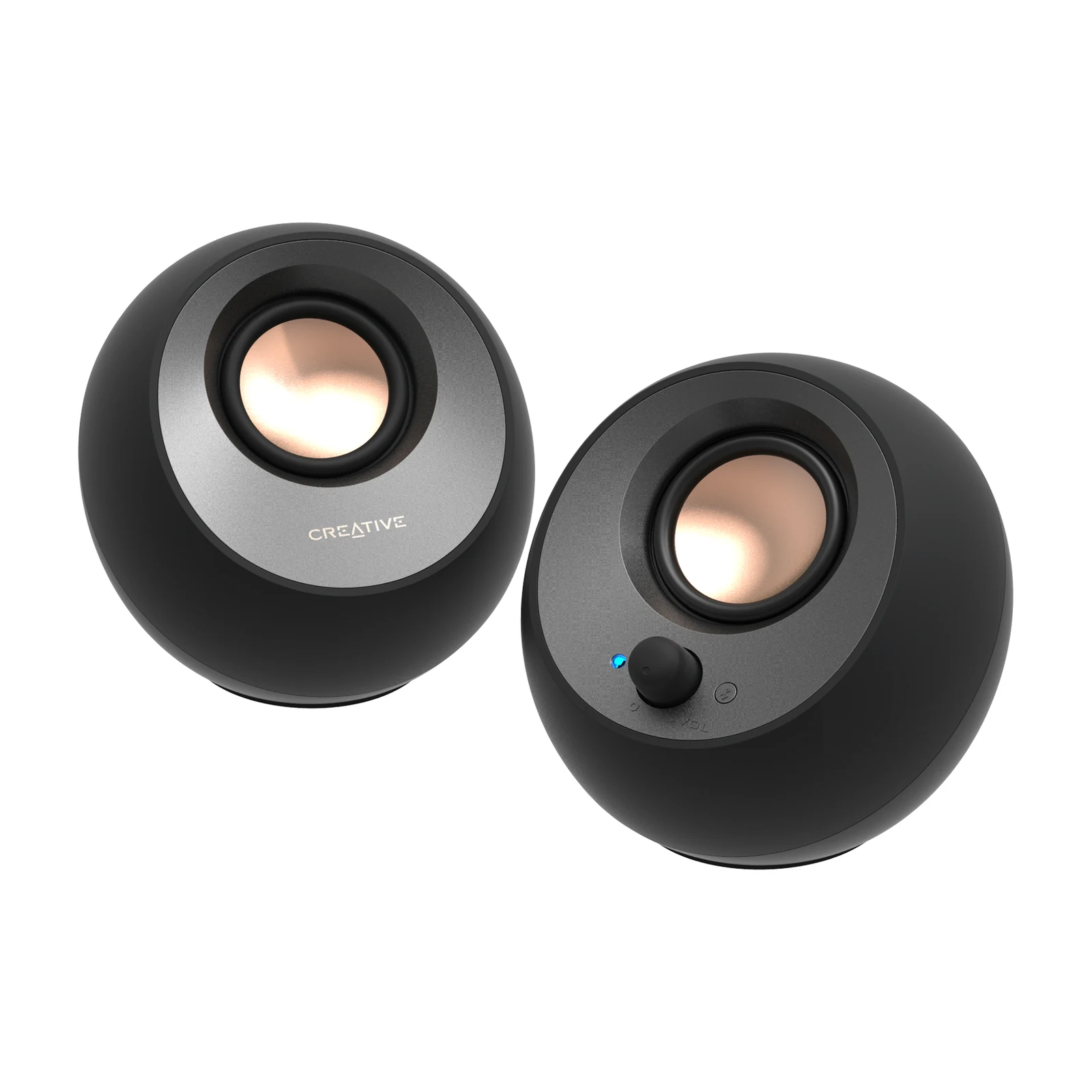
| Creative Pebble V3 | 8 W RMS | 2.0 | USB-C, Bluetooth 5.0, 3.5 mm AUX | No |
| Creative Pebble Plus 2.1 | 8 W RMS | 2.1 | USB power, 3.5 mm AUX | Yes, 4-inch down-firing |
| Edifier G2000 | 32 W peak | 2.0 | Bluetooth 5.1, USB, 3.5 mm AUX | No (subwoofer output) |
| Edifier R1280DBs | 42 W RMS | 2.0 bookshelf | Bluetooth 5.0, optical, coaxial, RCA | No (subwoofer output) |
When a headset wins with no argument
There are three scenarios where there is not even a debate. The first is competitive positional audio. In a shooter, knowing whether a footstep came from above-left or from behind is information, not atmosphere. Headphones put each channel directly into one ear, with no room mixing the reflections, and that separation is impossible to replicate with two speakers sitting two feet apart. This is not marketing, it is geometry.
The second is sharing space. If you have a partner, kids, a roommate or thin walls, speakers are a daily negotiation. A headset is not. The third is the microphone: nearly every gaming headset has a decent one built in, while with speakers you need a separate mic and you also have to deal with the mic picking up whatever the speakers are playing, so your teammates hear echo.
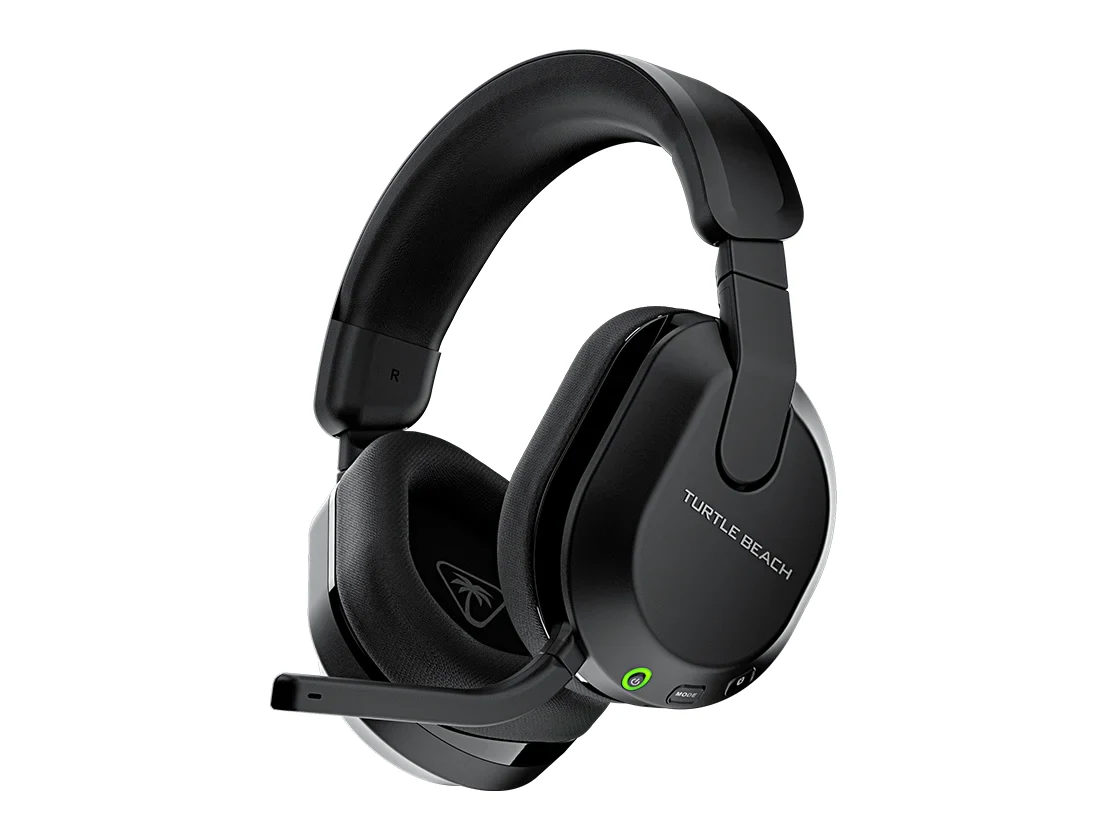
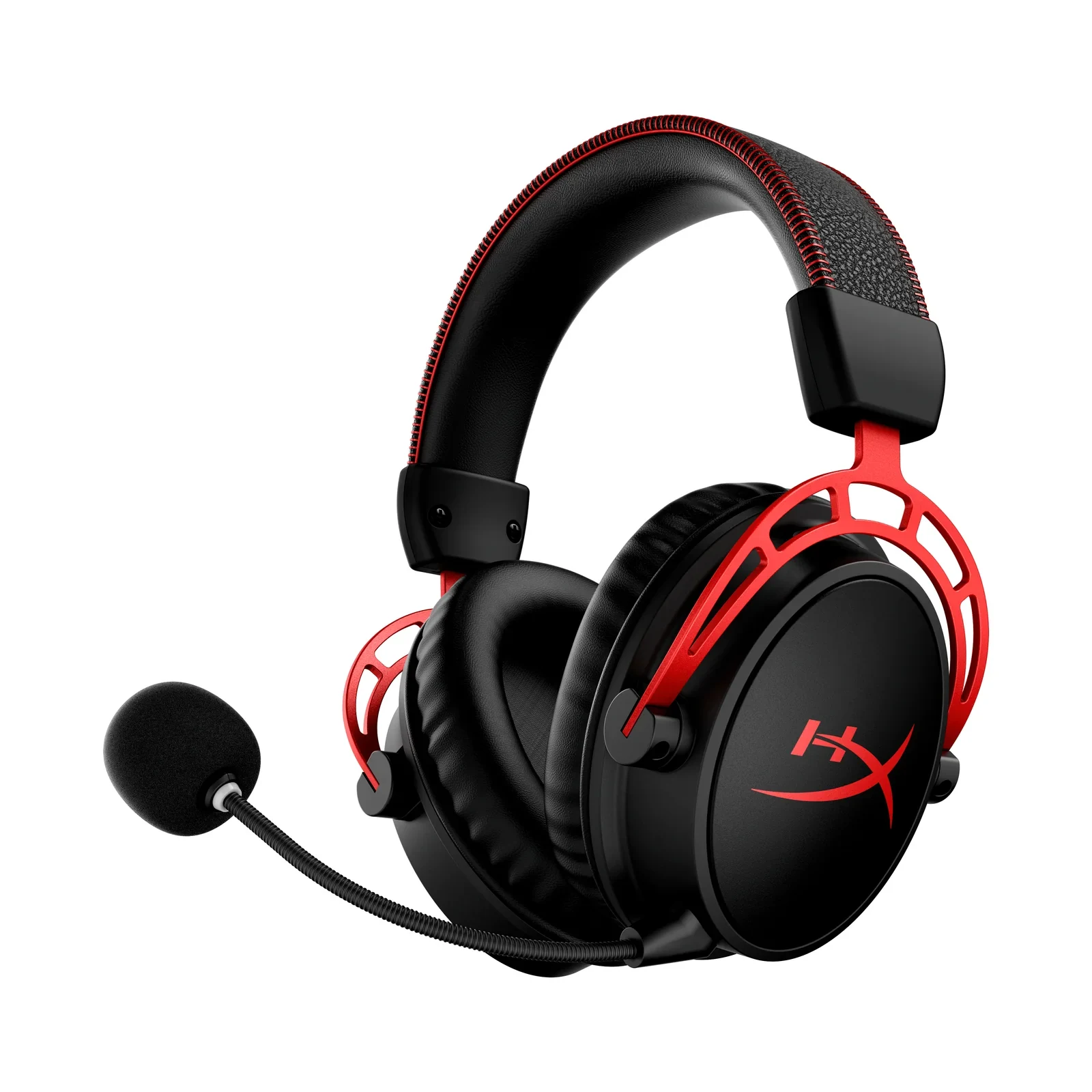
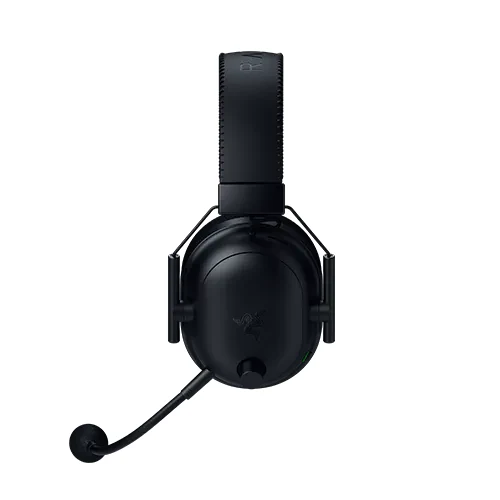
If you fall into any of those three, my baseline pick is the HyperX Cloud Alpha Wireless (paid link), in the $80 to $110 price band, still the best balance of comfort, battery and sound at that price. If positional audio is your absolute priority, the Razer BlackShark V2 Pro (paid link), in the $110 to $150 price band, is what esports uses for a reason. And if you play on PC and console, the Turtle Beach Stealth 600 (paid link), in the $80 to $110 price band, connects to both without drama.
When speakers are the better buy
The case for speakers is physical comfort. Four hours of headphones squeeze your ears, get hot, and if you wear glasses, they eventually hurt. Speakers do not sit on your head and let you hear the doorbell, someone walking in, or your own voice without feeling like you are inside a box.
They also win on soundstage. An open-world game, a racing sim or a soundtrack sounds bigger on speakers because the sound uses the room. And there is a practical factor almost nobody mentions: speakers are useful for everything else. Background music while you work, a show, a video call. The headset you game in is rarely the one you put on to listen to music at the desk.
The real entry point is cheaper than it looks. The Creative Pebble V3 (paid link) sits in the $40 to $60 price band and is a huge jump over laptop or monitor speakers.
If you want actual bass for explosions and films, the Creative Pebble Plus 2.1 (paid link) adds a small subwoofer, sits in the $40 to $60 price band and still runs on USB alone, with no wall adapter to find room for.
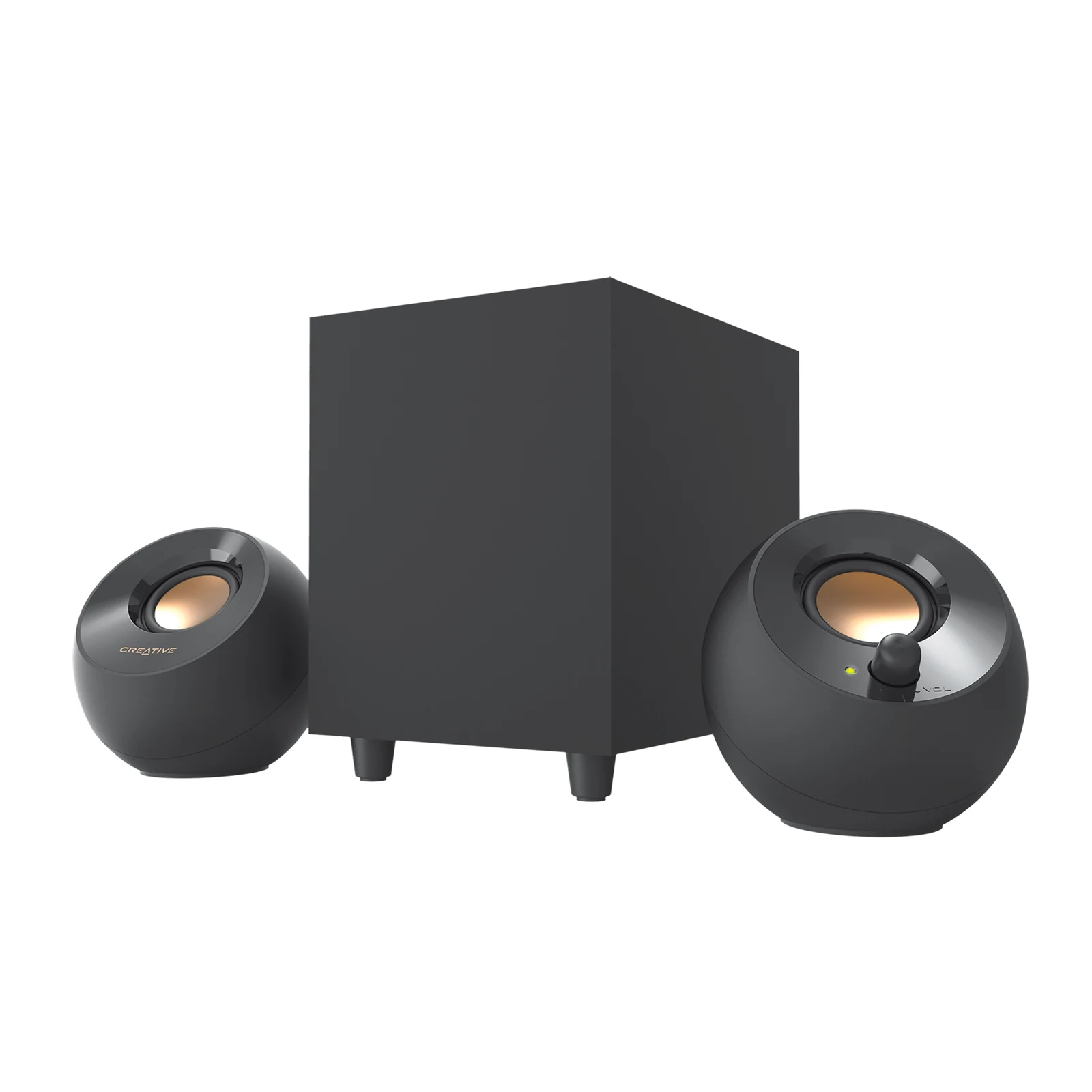
Creative Pebble Plus 2.1 - USB Desktop Speakers with Down-Firing Subwoofer
View on Amazon (paid link)
The middle step: gaming speakers with RGB
If your desk already has a visual identity and you want the speakers to match it, the Edifier G2000 (paid link), in the $80 to $110 price band, is where gaming design stops costing you sound quality. Thirty-two watts of peak power is genuinely loud for a desktop, the RGB ring is diffused rather than blinding, and the three EQ modes switch on the speaker itself with no software to open.
What matters here is that it has USB, AUX and Bluetooth 5.1, so a PC and a console can share them without unplugging cables. This is the pair I recommend to someone who games a lot but also plays music all day.
If sound is the priority and styling is not
The Edifier R1280DBs (paid link), in the $110 to $150 price band, are a different category of product. Real wooden cabinets, 4-inch drivers and an optical input so you can run them straight off a monitor or a TV with no receiver. No RGB, no aggressive shape, and that is exactly who they are for.
The honest downside is size: they take up real desk space, so measure before you buy. In exchange, nothing near this price gives you the same soundstage, and they work just as well for gaming, for listening to music properly and for editing video. If the desk is small, stay with the G2000.
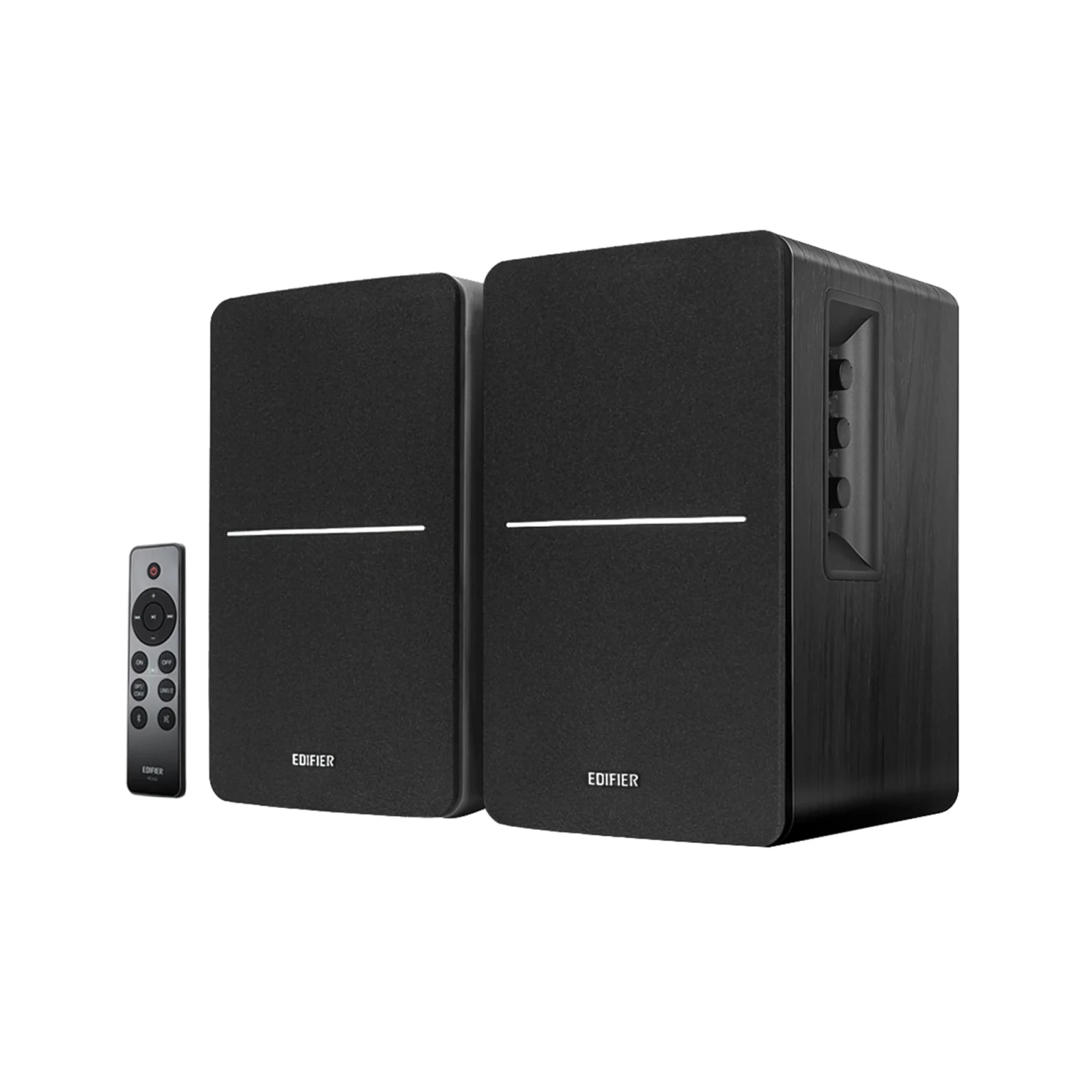
Edifier R1280DBs - Powered Bluetooth Bookshelf Speakers with Optical Input
View on Amazon (paid link)
The microphone is the detail that ruins the plan
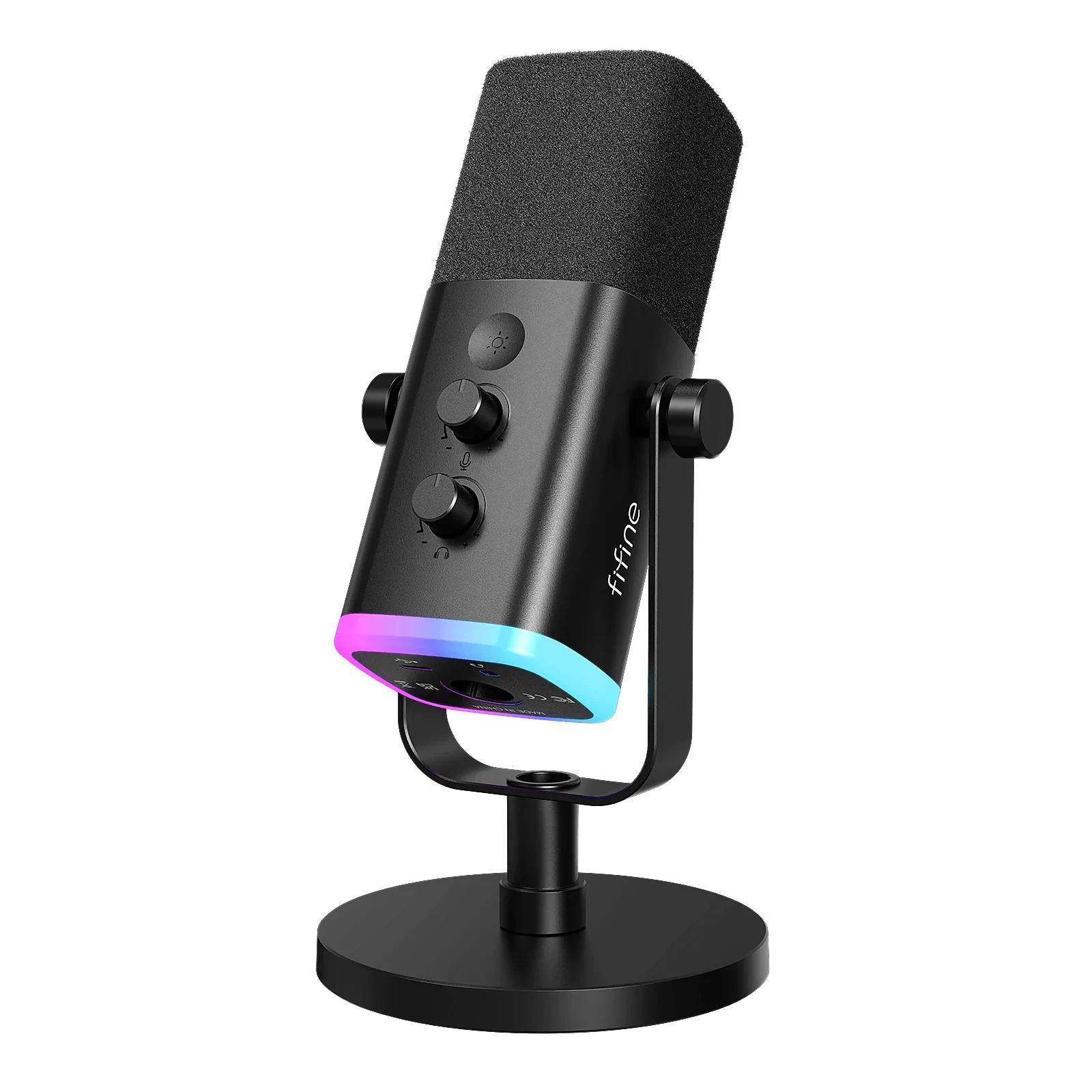
This is the mistake I see most often: someone buys speakers, gets excited, and discovers in the first group match that their teammates hear echo. It happens because the mic picks up what the speakers put out and sends it back. You can fix it by lowering the volume, using a directional mic or turning on echo cancellation, but it is daily friction.
If you go with speakers and talk on Discord, budget for a dynamic microphone too, since it picks up far less of the room than a condenser. The FIFINE AM8 (paid link), in the $40 to $60 price band, is the reasonable entry into that category and works over USB or XLR.
So which would I plug in
You share a room or play competitively: headset, no hesitation. The HyperX Cloud Alpha Wireless (paid link) if you want balance, the Razer BlackShark V2 Pro (paid link) if positional audio is everything.
You live alone and play story or open-world games: speakers. Start with the Creative Pebble V3 (paid link) if budget is tight, or the Edifier G2000 (paid link) if you want them to match the setup.
You want one purchase that covers everything: the Edifier R1280DBs (paid link) plus a cheap headset for late nights. That is the combination most people end up with after a year.
If you land on a headset, our wireless gaming headset comparison by budget goes model by model. If desk space is the real problem, the small room setup guide starts from that constraint, and every model in this article is in our product catalog, with its price band and a direct link to Amazon.
Before you decide
Are speakers usable for competitive shooters?
They are usable, but you lose positional precision. In a close firefight, two speakers two feet apart will not tell you whether the enemy is above or behind with the same clarity a headset does. For casual play it does not matter; for ranked, a headset is a real advantage.
How much should I spend on desktop speakers?
The jump you notice most is the first one: from monitor speakers to a dedicated 40 to 55 dollar pair. From there to 110 you gain power and styling, and at 150 you change sound category entirely. Under 30 dollars it is rarely worth it.
Do I need a sound card or a DAC?
For USB speakers, no: the DAC is already inside. It only makes sense if you buy bookshelf speakers with an analog input and hear background noise, or if you run high-impedance headphones. Start without one and see whether you miss it.
Can I have speakers and a headset connected at the same time?
Yes, and it is the most convenient setup. In Windows you switch from the volume icon, and several speakers have a headphone output on the panel itself. Many monitors also let you leave the speakers on the PC output and the headset on the monitor.
If headsets win for you, our gaming headsets compare the best of them; for streaming, headset mic or USB mic tells you whether you need a separate microphone. On console, the essential console accessories list what works with each one.
How we choose: no lab here, and we will not pretend otherwise. We set speakers and headsets against the same questions: who else hears your game, how much desk space you have, whether you need a microphone and how much positional sound matters. Specs come from the Creative, Edifier, HyperX, Razer, Turtle Beach and FIFINE pages, and the picks run from small desk speakers to wireless headsets. Surround home theater systems stayed out because this guide is about one desk. No brand pays to appear here.
I write every guide with the help of AI tools for research and drafting; I decide which products make the cut, check every figure against the manufacturer’s spec sheet and the price on the day I verify it, and sign the text. — Samuel
Gear recommended in this guide
Creative Pebble Plus 2.1 - USB Desktop Speakers with Down-Firing Subwoofer
View on Amazon (paid link)