Gaming Without Pain: The Ergonomics Guide for Long Sessions (2026)

By Samuel 76 · Founder & Editor
Some links are Amazon affiliate links: we earn a commission if you buy, at no extra cost to you, and it never changes what we recommend. How we make money
Short answer: set up your chair and desk to the neutral posture OSHA describes (elbows bent between 90 and 120 degrees, feet flat on the floor or on a footrest, back supported at the lumbar), put the screen at least 20 inches (51 cm) away with its top line at or below eye level, and follow the American Academy of Ophthalmology's 20-20-20 rule for your eyes. A good chair makes that posture easier to hold; it does not replace it, and no chair or setting can promise a session without pain. Below are the numbers with their source and the chairs from our chairs top that help you reach them.
The 4 pillars
- A chair that supports your lower back, sitting upright or leaning back slightly (OSHA)
- Screen directly in front of you, at least 20 inches away, top line at or below eye level (OSHA)
- Feet supported by the floor or a footrest, elbows close to the body and bent 90 to 120 degrees (OSHA)
- Screen brightness close to the light around you, plus regular breaks for your eyes (AAO)
The numbers, with their source
| Measure | What the source says | In metric | Source |
|---|---|---|---|
| Elbows | Close to the body, bent between 90 and 120 degrees | — | OSHA |
| Thighs and knees | Thighs roughly parallel to the floor, knees about the height of the hips | — | OSHA |
| Feet | Fully supported by the floor, or a footrest if the desk height cannot be adjusted | — | OSHA |
| Screen distance | At least 20 inches, preferred 20 to 40 (OSHA); about 25 inches, arm's length (AAO) | 51 cm, 51 to 102 cm; 64 cm | OSHA, AAO |
| Screen height | Top line of the screen at or below eye level | — | OSHA |
| Eye breaks | Every 20 minutes, look at something at least 20 feet away for at least 20 seconds | 6 m | AAO |
Checked on each page on October 12, 2026. Metric figures are our conversion.
The numbers we worked out: OSHA's minimum of 20 inches and the AAO's 25 inches both sit in the range OSHA prefers, 20 to 40 inches (51 to 102 cm): 20 is its near end, and 25 inches (64 cm), about the length of your arm, is a good starting point. And the 20-20-20 rule in a 3-hour session is 9 breaks of 20 seconds, 3 minutes in total.
The four chairs, spec by spec
| Chair | Max load | Recline | Armrests | Lumbar support | Source |
|---|---|---|---|---|---|
| Secretlab Titan Evo (Regular) | 130 kg (285 lb) | 165° | 4D | Built in, 4-way adjustable | Secretlab |
| Razer Iskur V2 X | 136 kg (299 lb) | Up to 152° | 2D (height, angle) | Built in, no adjustment listed | Razer |
| Corsair TC100 Relaxed | 120 kg (264 lb) | 90 to 160° | 2D | Adjustable pillow | Corsair |
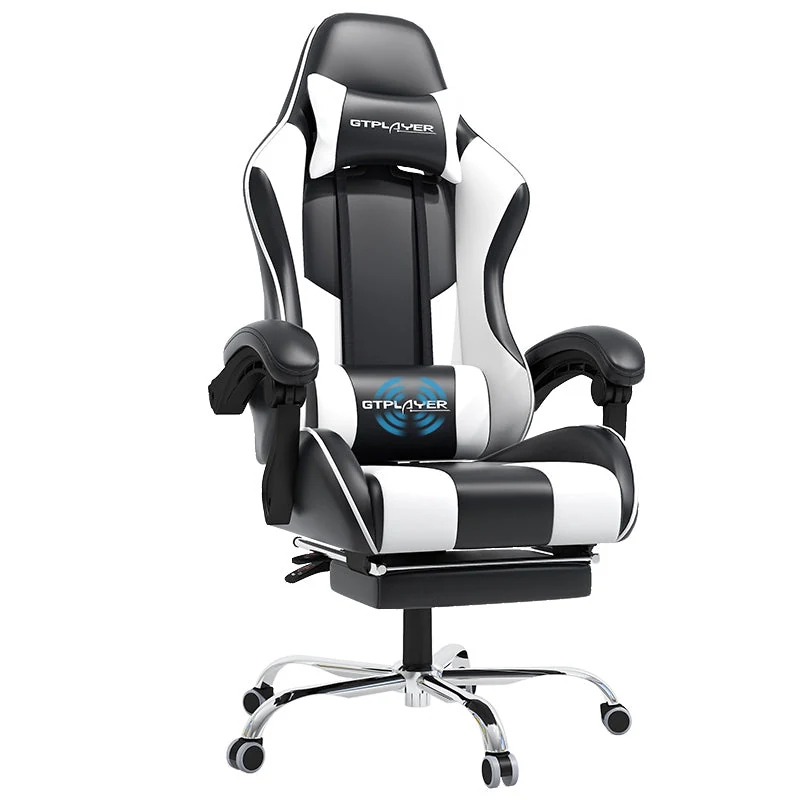
| GTPLAYER with footrest | 136 kg (300 lb), the lower figure in its listing | Up to 135°, per its listing | Linked to the backrest | Pillow | Our product sheet (from GTPLAYER's Amazon listing) |
Figures from each maker's page or listing, checked on October 12, 2026.
The chair: where not to over-save
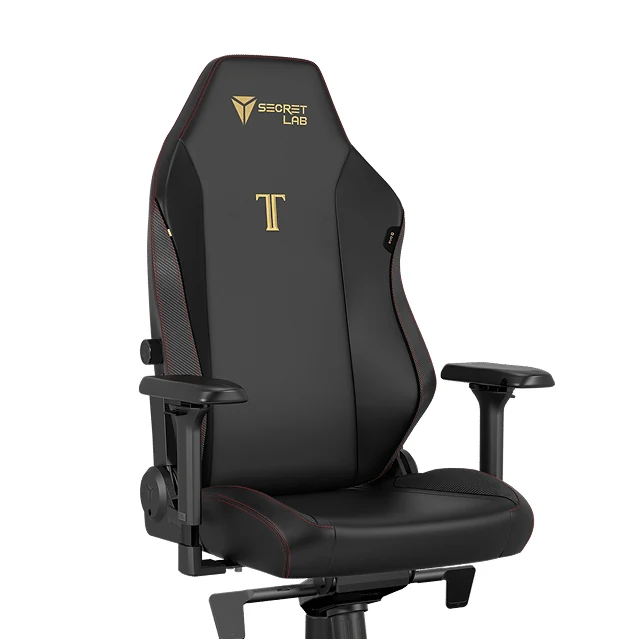
If you sit for long sessions every day and want to tune the chair to the OSHA numbers above instead of adapting to the chair, this is the one with the most to tune. The Secretlab Titan Evo (paid link) has built-in lumbar support you adjust in 4 ways, 4D armrests, a 165° recline and a 130 kg limit in its Regular size, per Secretlab. The armrests are what set it apart: they adjust in four ways (height, forward and back, side to side and angle), so you can put them under your elbows at the 90 to 120 degrees OSHA asks for, while the Iskur's 2D armrests only change height and angle.
Secretlab sizes the chair by height and weight, and this listing is the Regular size, so check its size chart before you buy. On a tight budget, the TC100 covers the basics.
The ergonomic alternative from Razer
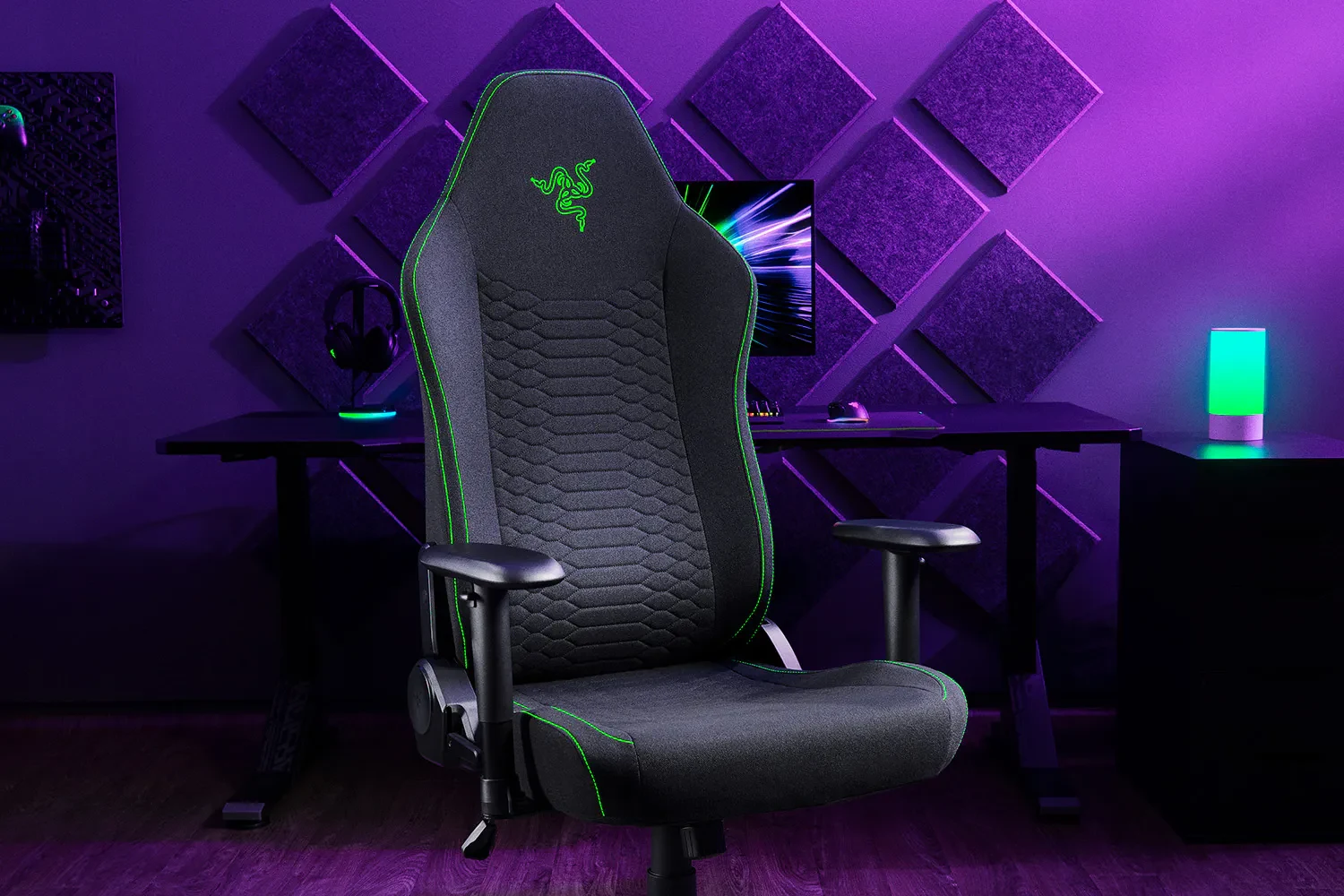
Lumbar support with nothing to adjust: that is the case for the Iskur V2 X (paid link). It builds a pronounced lumbar curve into the backrest and reclines to 152°, per Razer. Its maximum load is 136 kg, almost the same as the 130 kg of the Titan Evo Regular; if you are close to either limit, check the size chart of each brand before you buy.
That same curve is the trade-off. Razer lists no adjustment for it, so if it does not land where your lower back is, you cannot move it; the Titan Evo's moves 4 ways. The armrests also only change height and angle.
Ergonomics without going broke
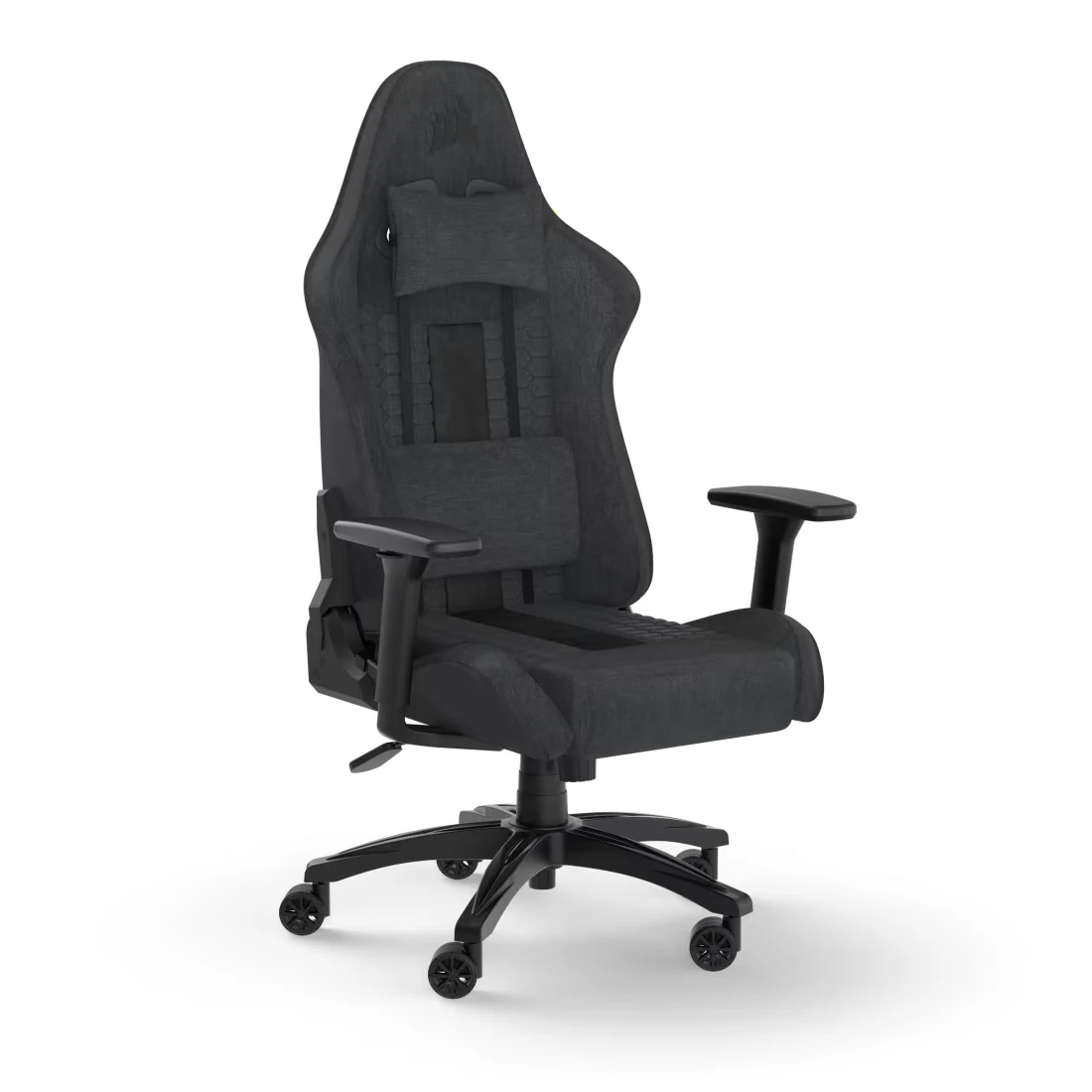
The Corsair TC100 Relaxed (paid link) is the wide one: its seat is 54 cm across, against 47 cm on the Titan Evo and 43 cm on the Iskur V2 X without their side bolsters, per each maker. It is a fabric chair with an adjustable lumbar pillow, 2D armrests and a 90 to 160° recline, per Corsair, for a mid budget and for people who prefer fabric to leatherette. Its 120 kg limit is the lowest of the four, and since the lumbar pillow is a separate piece, check that it stays at the height of your lower back each time you sit.
Now the case OSHA describes: your feet do not reach the floor at your desk height. That is what the GTPLAYER with footrest (paid link) is for, the only chair here with a built-in footrest, rated for 136 kg (300 lb), the lower of the two figures in its listing. If your feet already rest flat, you do not need it, and the TC100 gives you a wider seat. GTPLAYER does not publish the seat size, and the armrests move with the backrest instead of on their own.
Your eyes play too
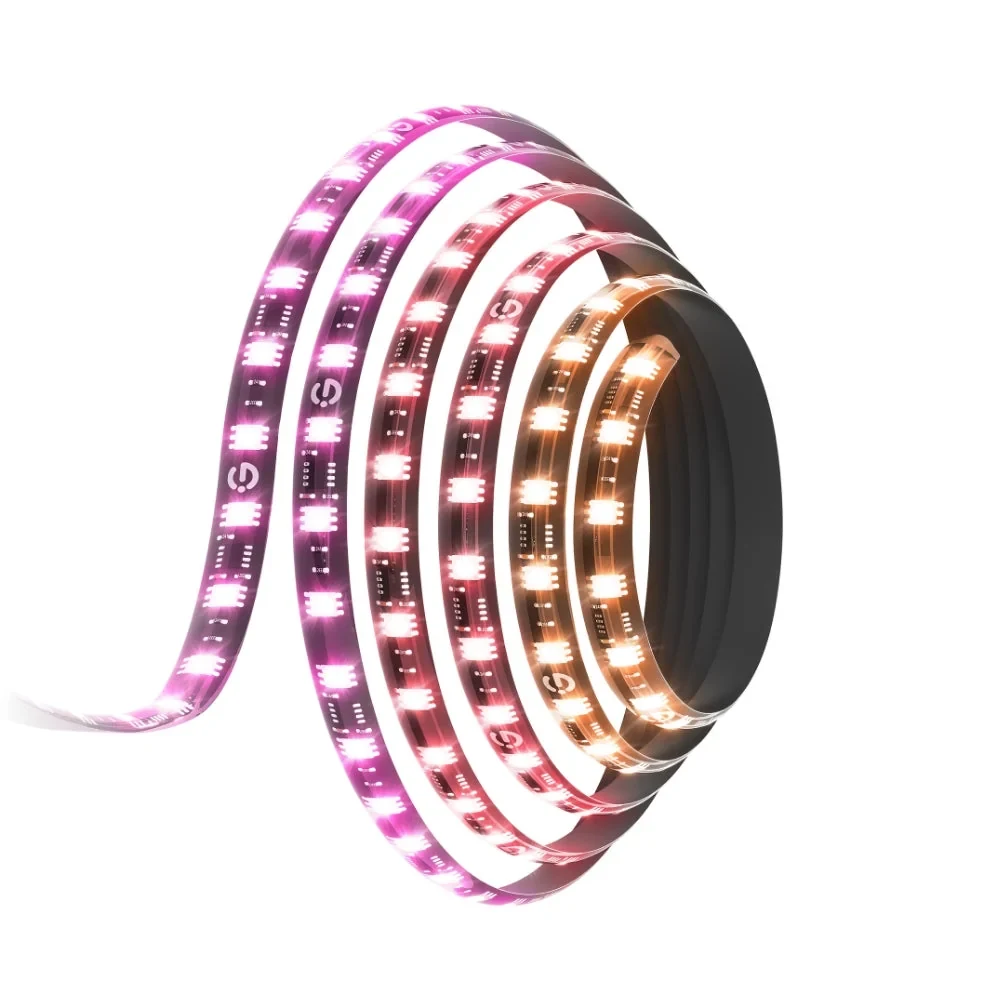
The AAO puts it simply: if your screen glows brighter than your surroundings, your eyes have to work harder, so match the screen's brightness to the light around you. At night in a dark room you have two ways to do that. The free one is to lower the screen brightness. The other is to add light around the screen, which is what the Govee G1 (paid link) does: a light strip for the back of 27 to 34 inch monitors, per Govee (there is a separate version for 24 to 26 inches).
It only makes sense if you play at night with the lights off; in a lit room it adds nothing for this purpose. Govee does not publish its brightness, so we cannot tell you how much light it adds. And add the 20-20-20 rule from the table above.
The 60-second routine
Before each session: back against the backrest with the lumbar support in place, top line of the screen at or below eye level, elbows bent 90 to 120 degrees, feet on the floor or on a footrest. During the session: the 20-20-20 rule, and what OSHA adds about not holding one posture for too long: stand up and walk around for a few minutes from time to time. If something still hurts after you set all this up, that is a question for a doctor or a physiotherapist, not for a new chair.
Gaming chair or ergonomic office chair?
Look at the specs, not the style. What OSHA's posture list needs from a chair is the same for both: support for the lower back, a seat height that lets your feet rest on the floor or a footrest, and armrests that let your elbows stay close to your body. The Titan Evo publishes all three. A cheap gaming chair that does not publish them is a gamble; an office chair that does is the safer buy. Buy support you can check, not shape.
Does a footrest actually help?
If your feet do not rest flat on the floor, OSHA lists a footrest as the fix when the desk height cannot be adjusted. If they already rest flat, you do not need one.
What about wrists?
OSHA asks for hands, wrists and forearms straight and in line, roughly parallel to the floor. If your keyboard's feet tilt your wrists up, fold them. A compact layout like those in our keyboard layout guide brings the mouse closer to your body, so your upper arm can hang closer to your side, as OSHA describes.
Most of this is about the desk around you: the small-room setup shows a layout that respects these distances, and our XL mouse pads and our monitor picks cover the rest of the desk. Light behind the screen is one way to follow the AAO advice on brightness at night; our LED lights include a bias light for that.
How we choose: no lab here, and we will not pretend otherwise. We built the guide around four pillars, chair, desk height, screen and eyes, and picked products on what Secretlab, Razer, Corsair, GTPLAYER and Govee publish: adjustable armrests, lumbar support, recline, maximum load, footrests and bias lighting behind the screen, checked on October 12, 2026. Every posture number comes from OSHA and the American Academy of Ophthalmology, linked in the table. The picks run from a budget chair with footrest to a premium chair. Standing desks stayed out because the guide works with the desk you already have. No brand pays to appear here.
I write every guide with the help of AI tools for research and drafting; I decide which products make the cut, check every figure against the manufacturer’s spec sheet and the price on the day I verify it, and sign the text. — Samuel